Characters count validation
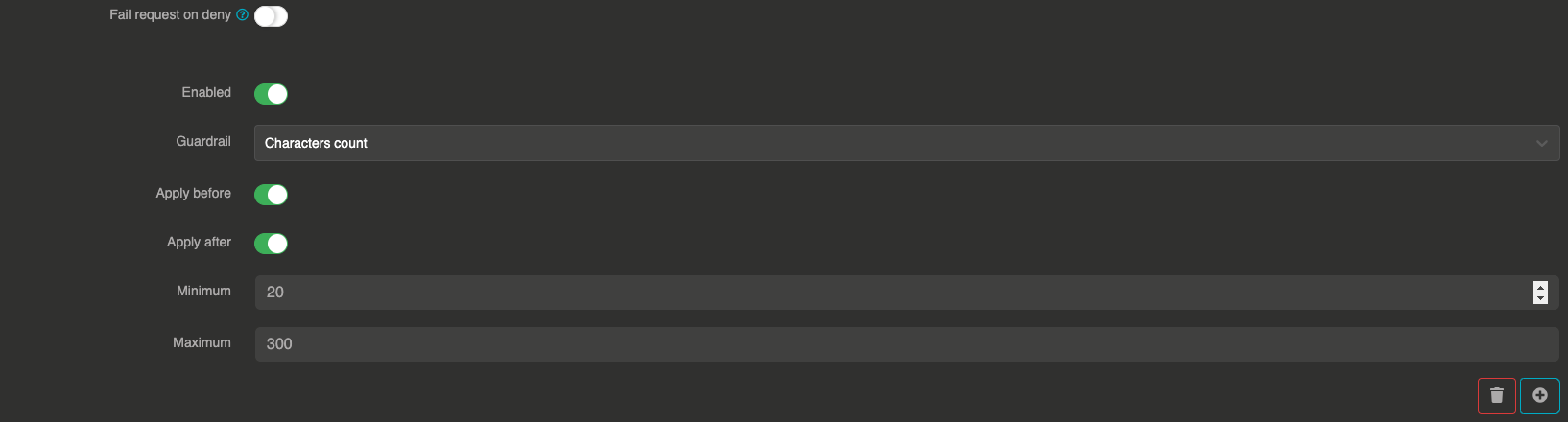
The Characters count guardrail validates that the message content falls within a specified character count range. This is useful to reject messages that are too short (potentially meaningless) or too long (potentially abusive or costly).
It can be applied before sending the prompt to the LLM and after to validate the LLM response length.
How it works
The guardrail counts the total number of characters in the message content and checks whether it falls within the configured min and max bounds (inclusive). If the count is outside the range, the message is blocked.
Configuration
"guardrails": [
  {
    "enabled": true,
    "before": true,
    "after": true,
    "id": "characters",
    "config": {
      "min": 10,
      "max": 5000
    }
  }
]
Field explanations
- enabled:
true— The guardrail is active - before:
true— The guardrail applies to user input before sending to the LLM - after:
true— The guardrail applies to the LLM response
Config section
| Parameter | Type | Required | Default | Description |
|---|---|---|---|---|
min | number | No | 0 | Minimum number of characters allowed in the message |
max | number | No | unlimited | Maximum number of characters allowed in the message |
Guardrail example
If a user sends a message with only 3 characters like "Hi" and the minimum is set to 10, the request will be blocked with:
This message has been blocked by the 'characters count' guardrail !