QuickJS
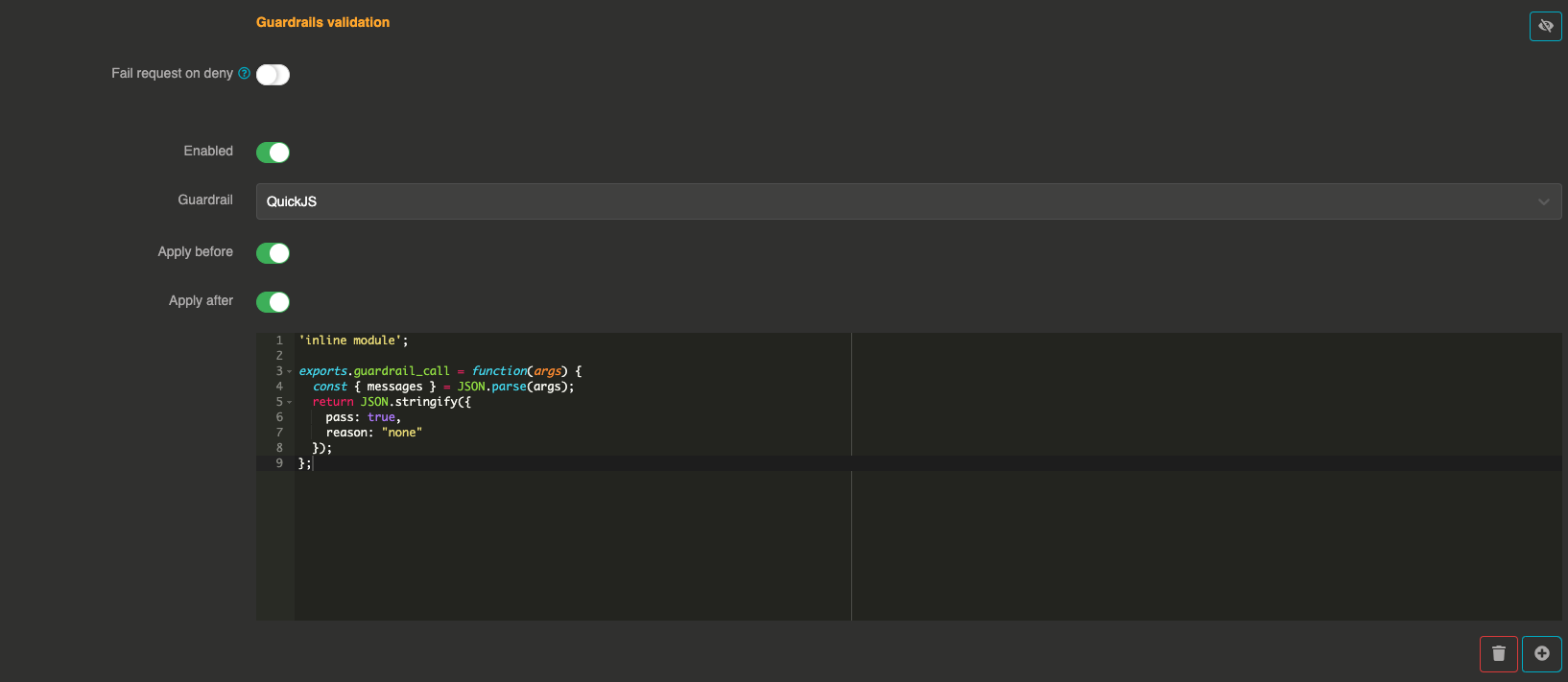
The QuickJS guardrail lets you write custom validation logic in JavaScript. The script is executed locally within Otoroshi using the QuickJS engine (via WASM), providing a lightweight way to implement custom guardrails without compiling a full WASM plugin.
It can be applied before sending the prompt to the LLM and after to validate the LLM response.
How it works
- The guardrail loads the JavaScript code from the configured path
- It executes the
guardrail_callfunction exported by the script, passing the messages and configuration as a JSON string argument - The function returns a result indicating whether the message should pass or be denied
Configuration
"guardrails": [
  {
    "enabled": true,
    "before": true,
    "after": true,
    "id": "quickjs",
    "config": {
      "jsPath": "https://my-server.example.com/guardrails/my-guardrail.js"
    }
  }
]
Field explanations
- enabled:
true— The guardrail is active - before:
true— The guardrail applies to user input before sending to the LLM - after:
true— The guardrail applies to the LLM response
Config section
| Parameter | Type | Required | Default | Description |
|---|---|---|---|---|
jsPath | string | Yes | — | Path or URL to the JavaScript file containing the guardrail logic. Can also be specified as quickjs_path. |
JavaScript function signature
The JavaScript file must export a guardrail_call function:
exports.guardrail_call = function(args) {
  const { messages, config, provider, attrs } = JSON.parse(args);

  // Your validation logic here

  return JSON.stringify({
    pass: true,
    reason: "none"
  });
};
Function input
The args parameter is a JSON string containing:
{
  "config": { /* guardrail config */ },
  "provider": { /* provider config or null */ },
  "attrs": { /* request attributes */ },
  "messages": [
    { "role": "user", "content": "the message" }
  ]
}
Expected output
The function must return a string. Accepted formats:
| Output | Result |
|---|---|
"pass" or "true" | Message passes |
"deny" or "false" | Message is denied |
{"pass": true} | Message passes |
{"pass": false, "reason": "explanation"} | Message is denied with a custom reason |
{"error": "message"} | Guardrail error |
Example
exports.guardrail_call = function(args) {
  const { messages } = JSON.parse(args);

  for (const msg of messages) {
    const content = msg.content || '';
    if (content.toLowerCase().includes('password')) {
      return JSON.stringify({
        pass: false,
        reason: "Message contains sensitive keyword 'password'"
      });
    }
  }

  return JSON.stringify({
    pass: true,
    reason: "none"
  });
};