Screens tour
Every screen of the console and of the developer portal, captured from a running installation with
demo data (the Books, Petstore, Weather and Geocoding apis, and the Weather Co workspace for the design
of a portal). Regenerate them with
bun run screenshots after a change of the interface.
Console
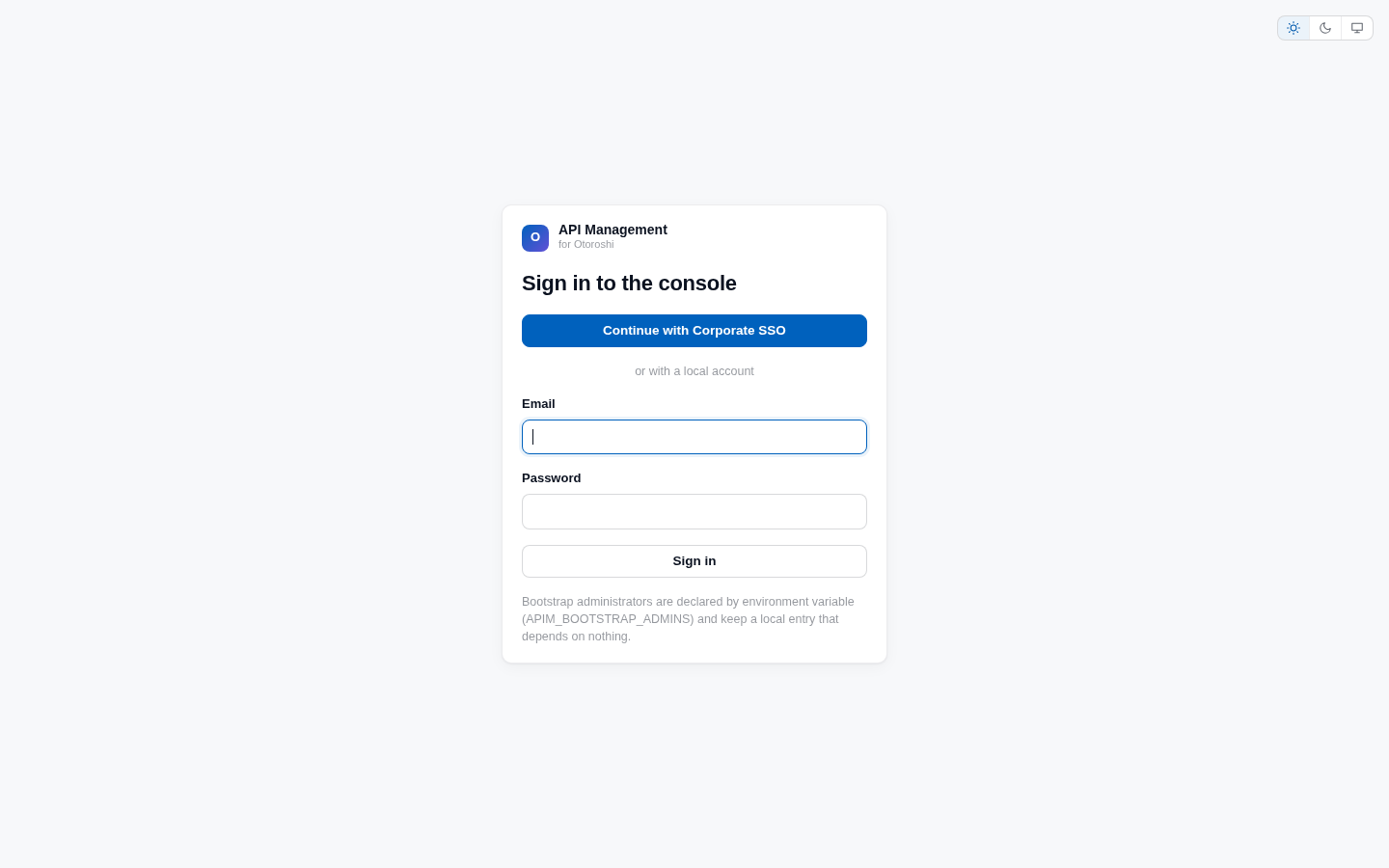
sign in (local accounts and the OIDC provider)
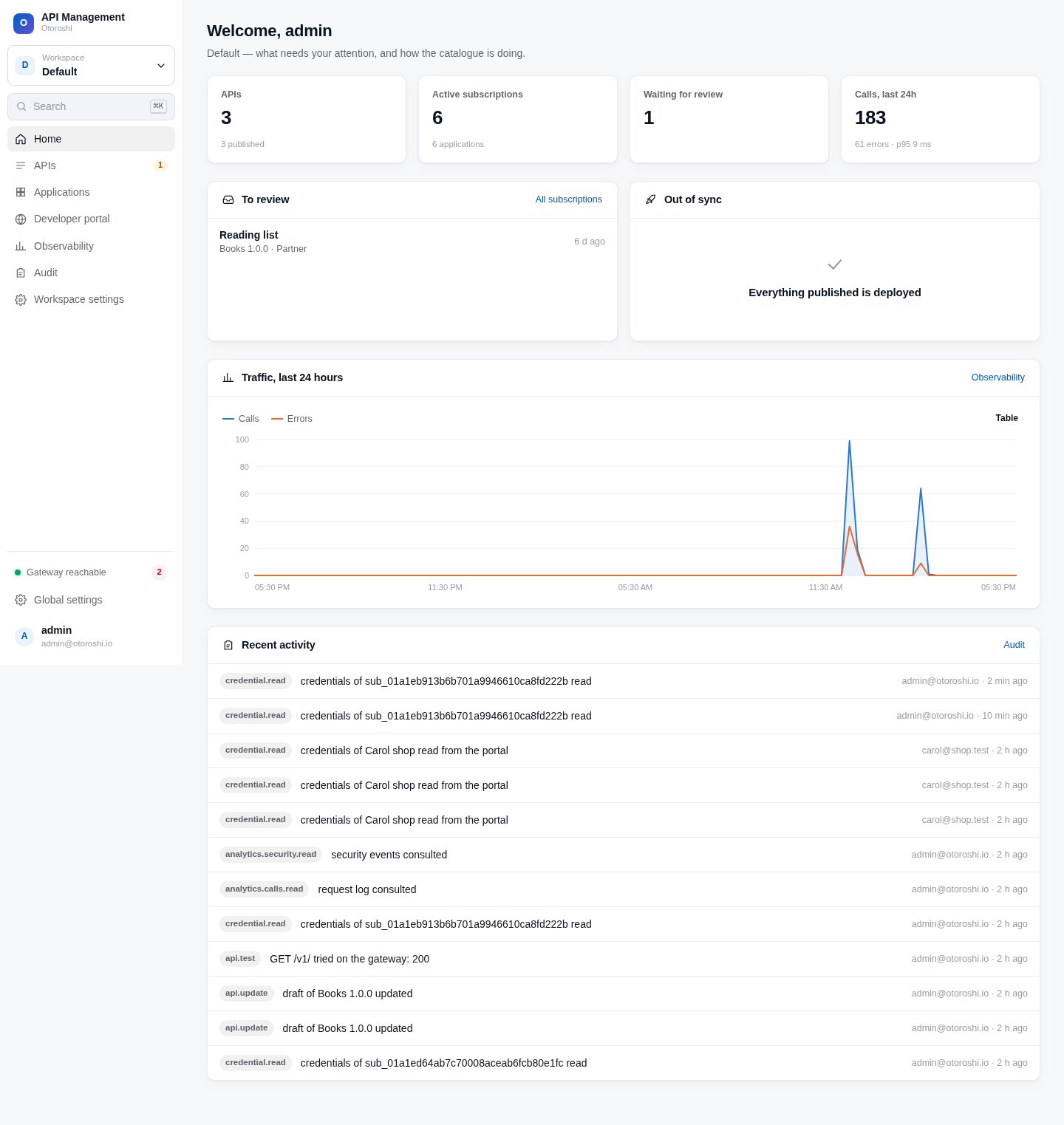
Home — what needs attention, traffic, recent activity
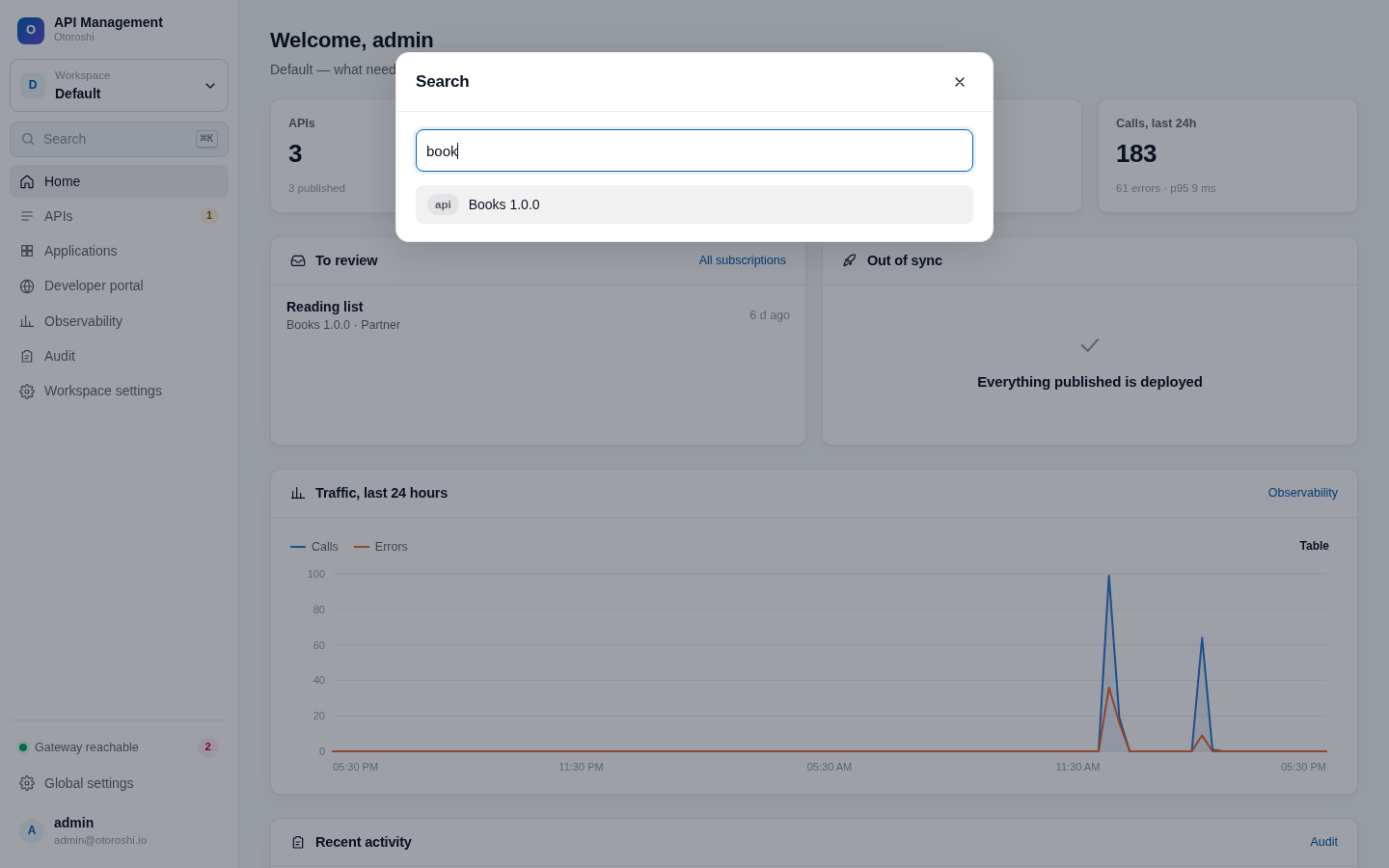
Search (⌘K) — workspaces, pages and objects
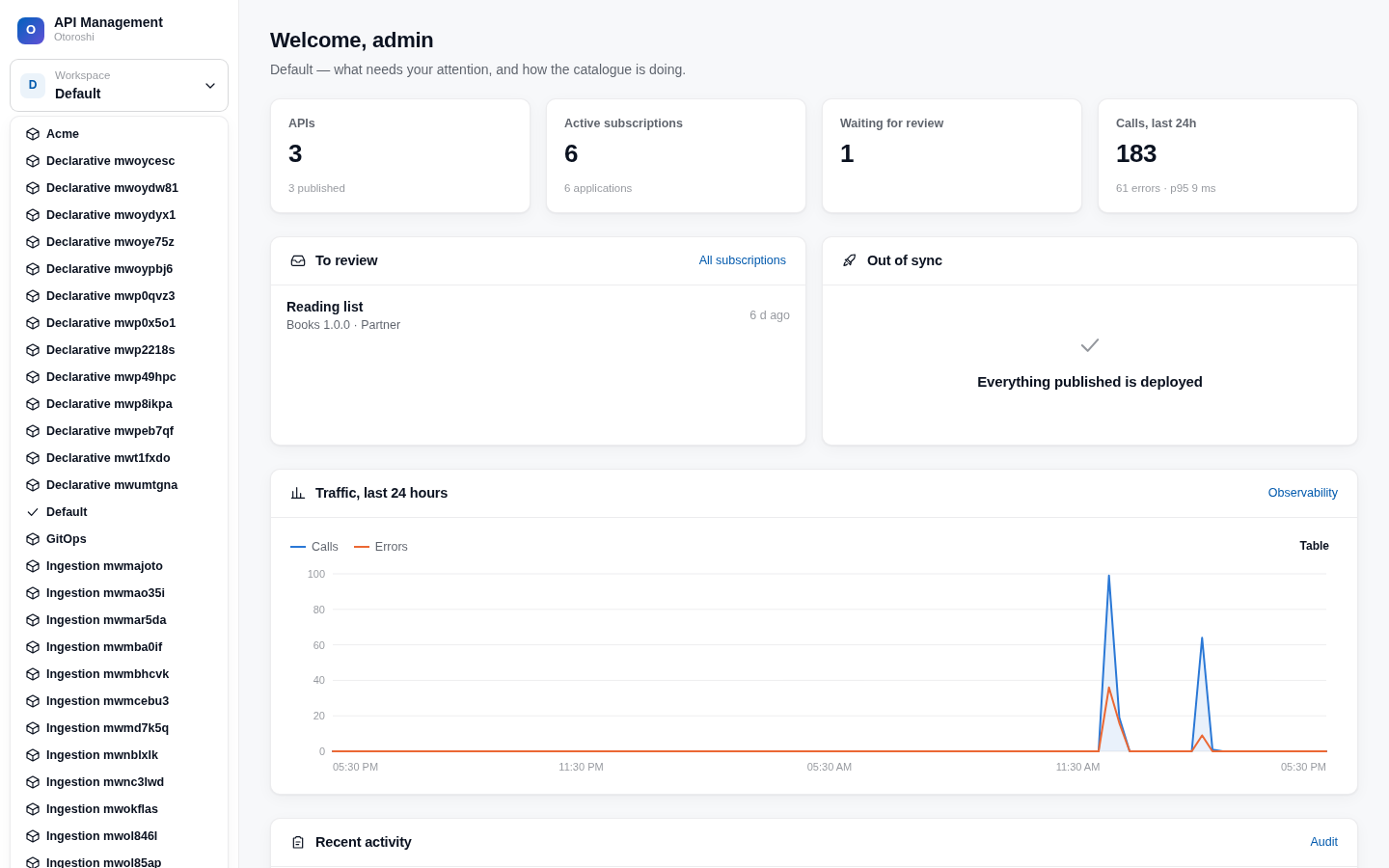
The workspace selector opens the sidebar
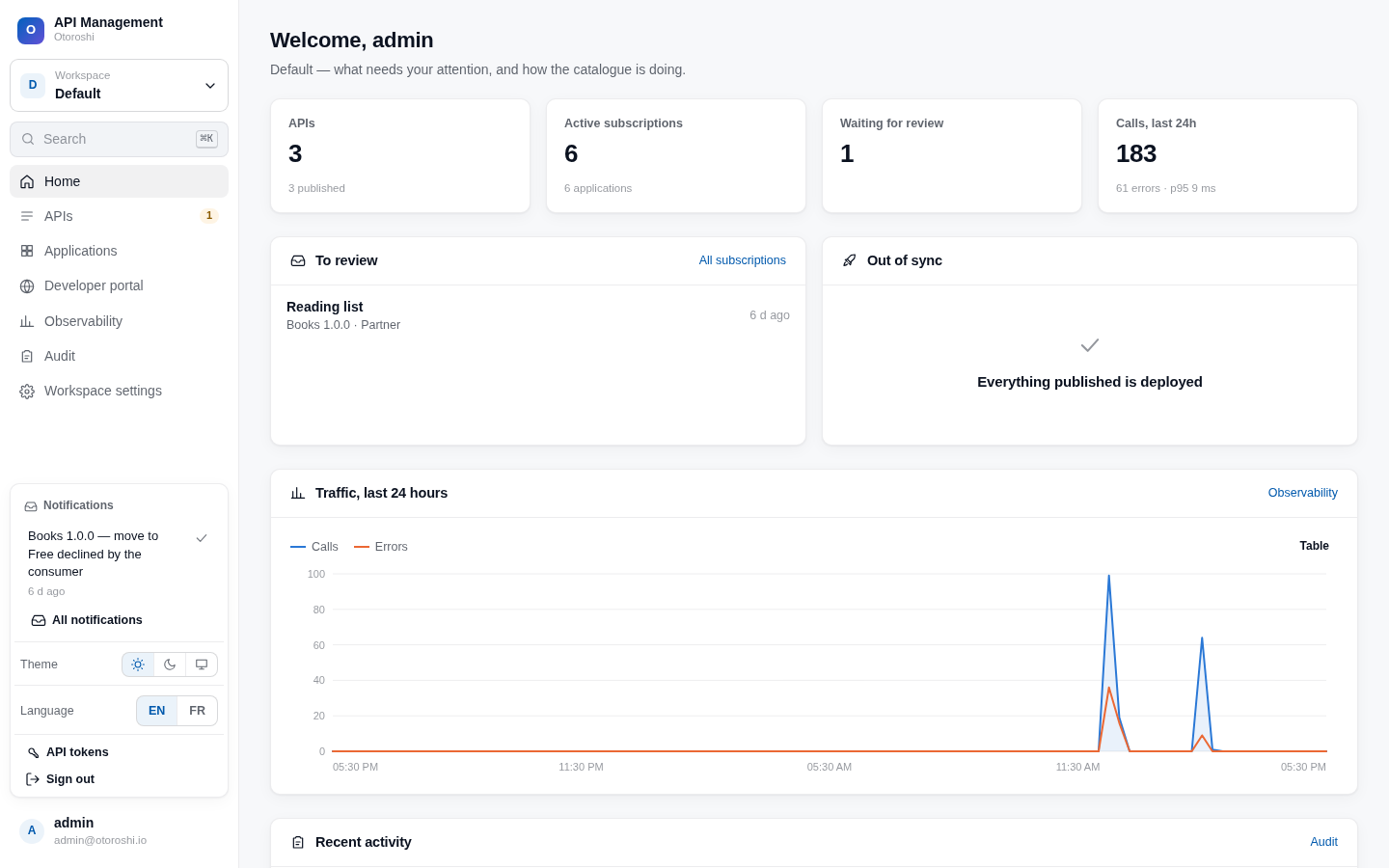
The menu of the person signed in — notifications (with their indicator), theme, tokens, sign out
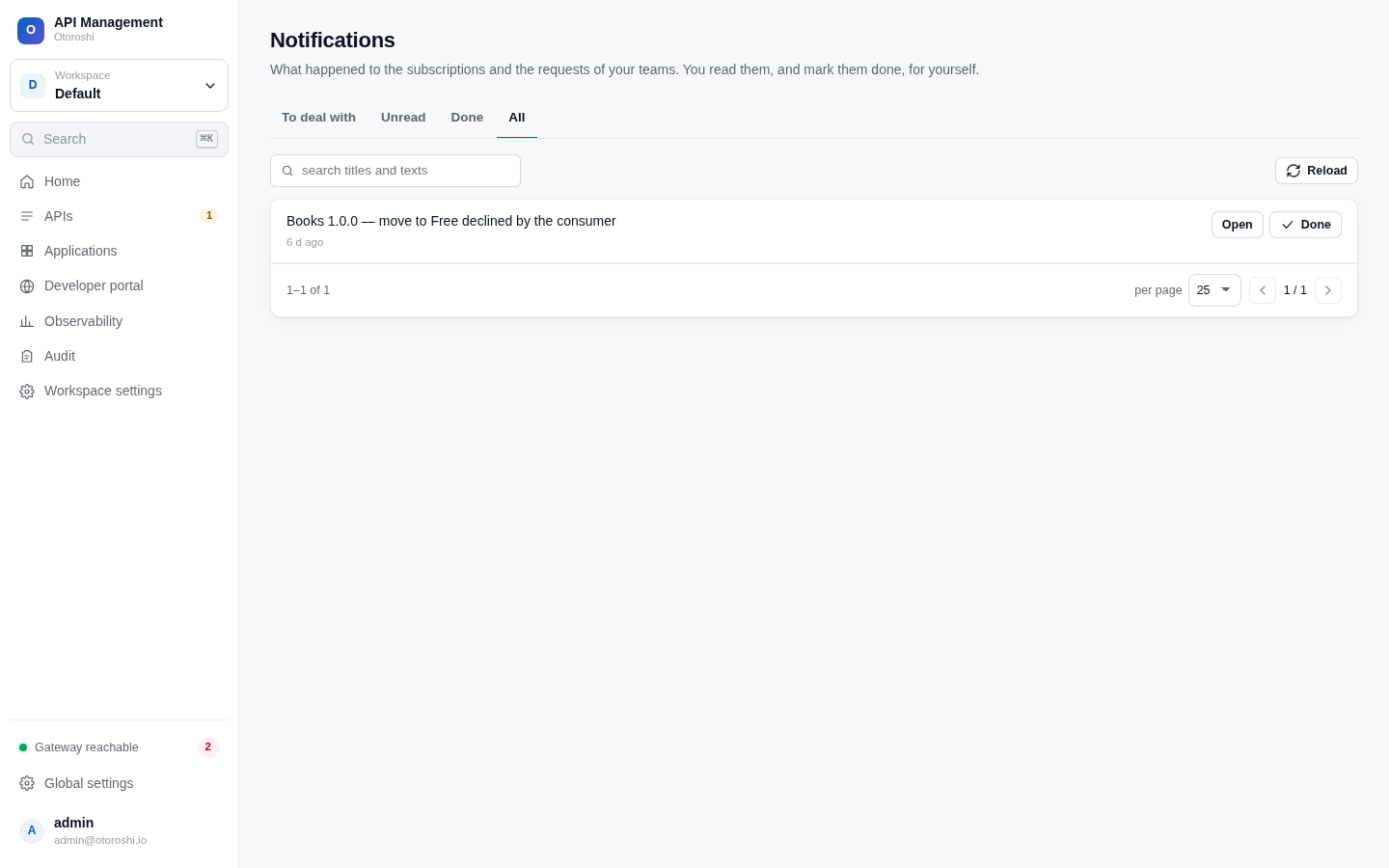
Notifications — read and marked done by each person, even those addressed to a team
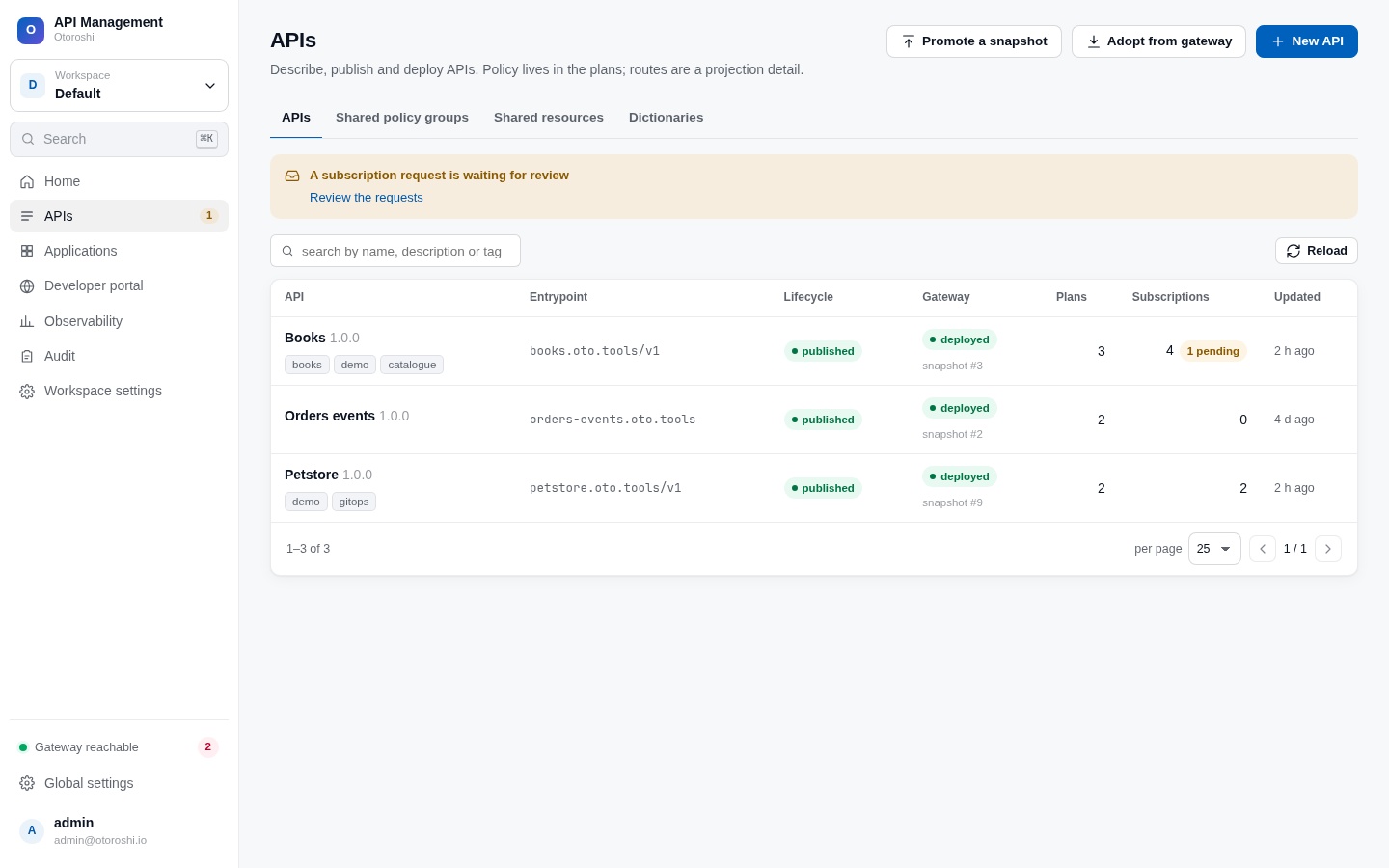
APIs — lifecycle, deployment state, plans and subscriptions
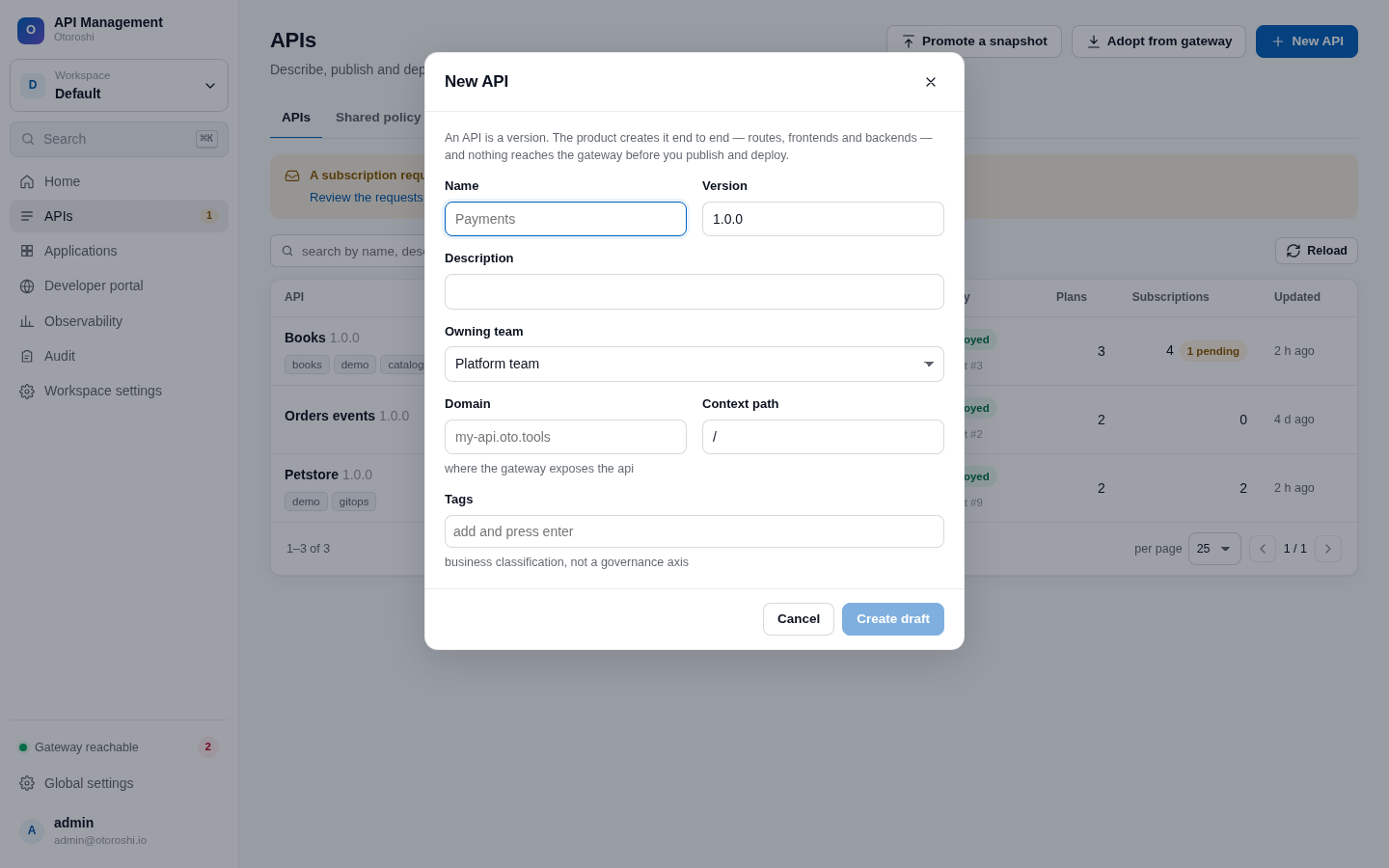
New API — created as a draft, end to end
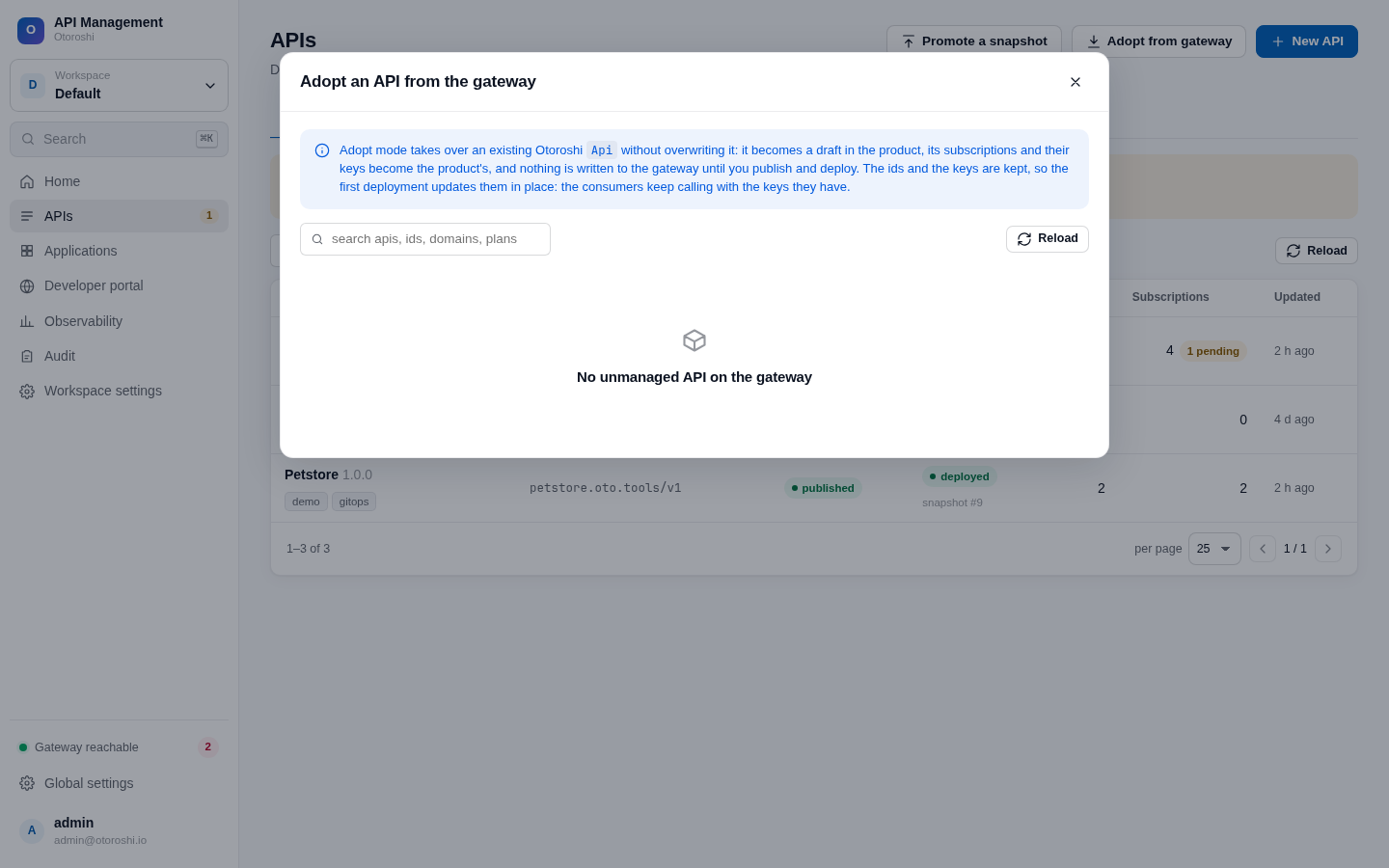
Adopt mode — take over an Api that already runs on the gateway
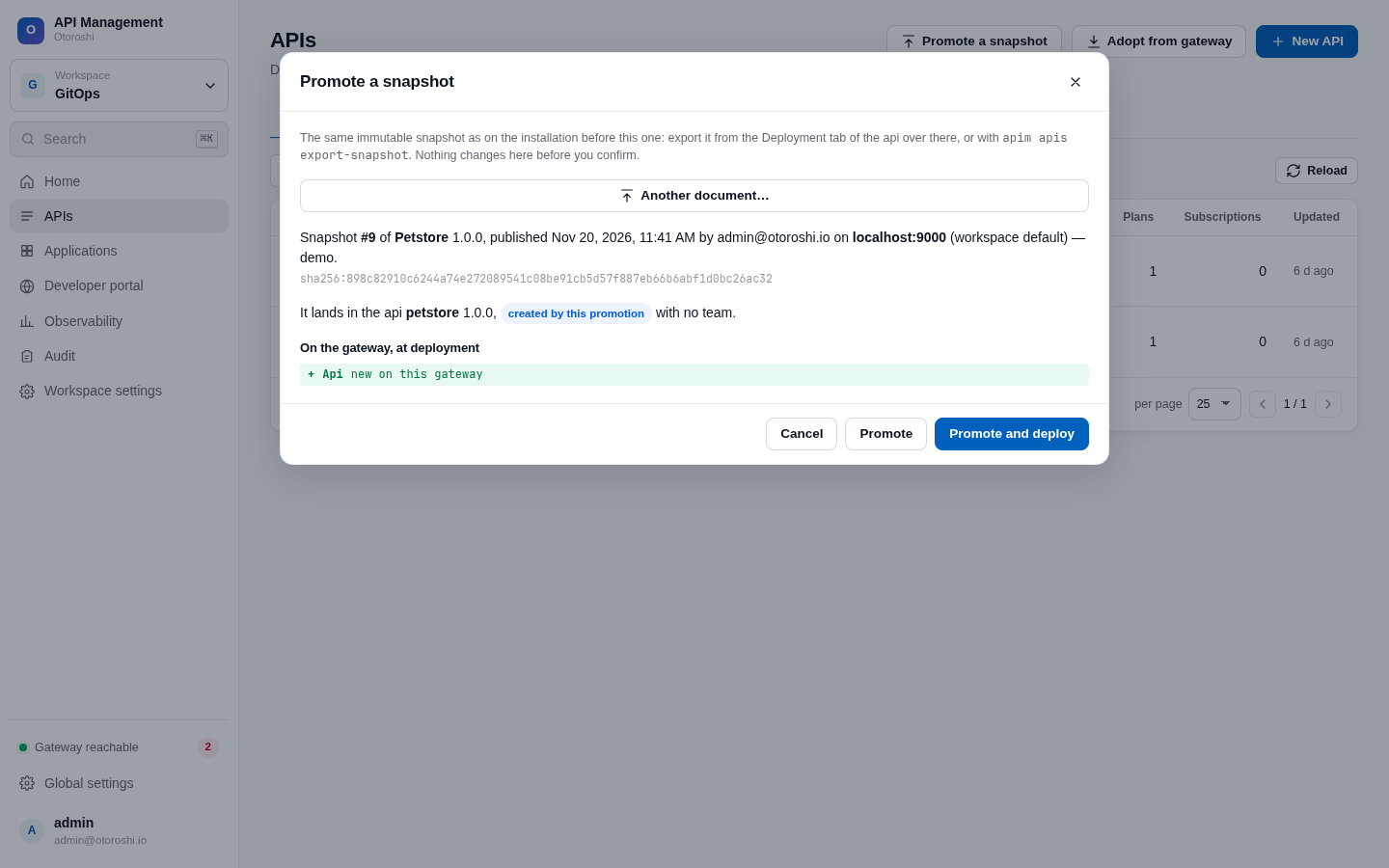
Promotion — the same snapshot on the next installation, after its dry run
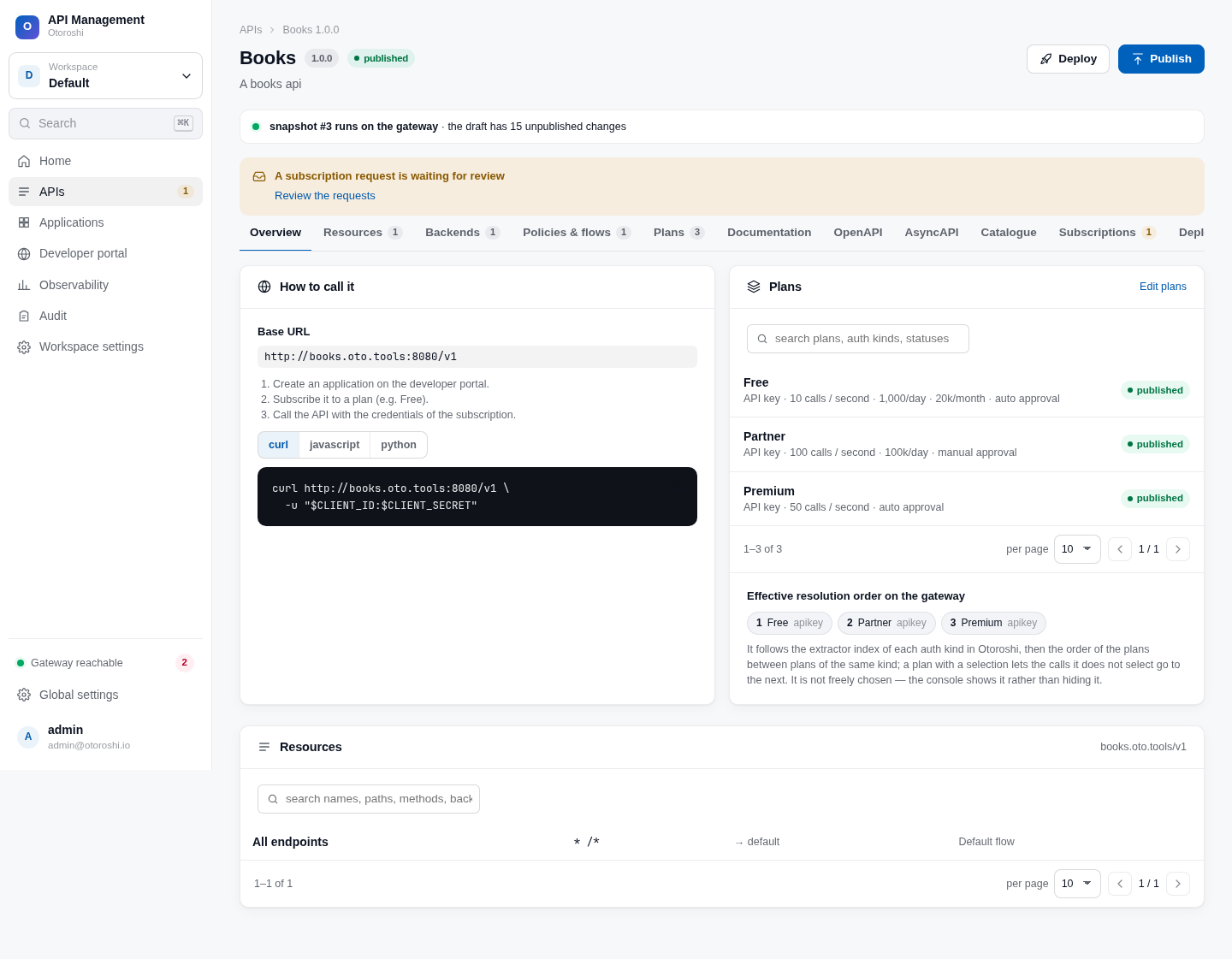
API — how to call it, plans, effective resolution order
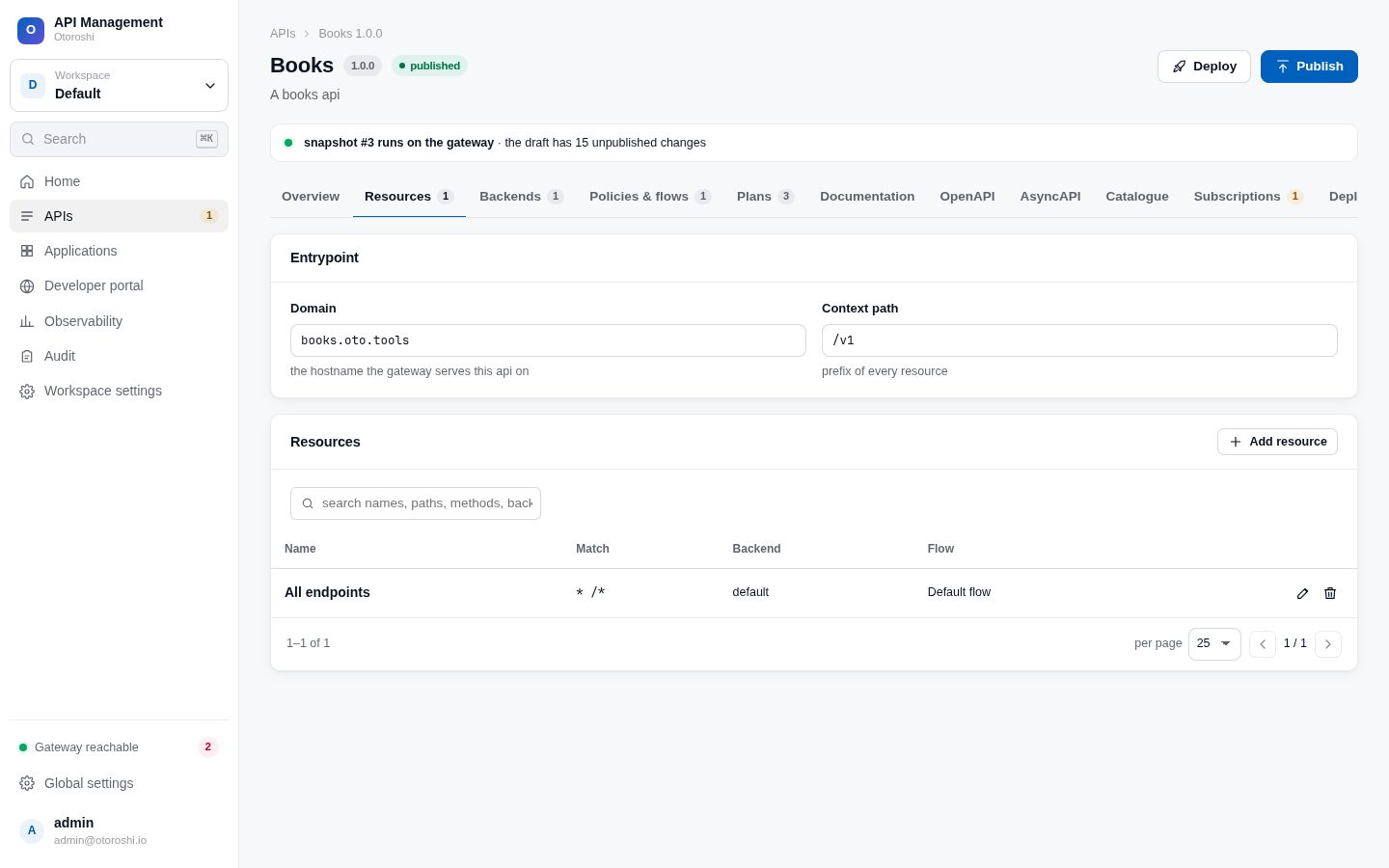
API — entrypoint and resources (projected as routes)
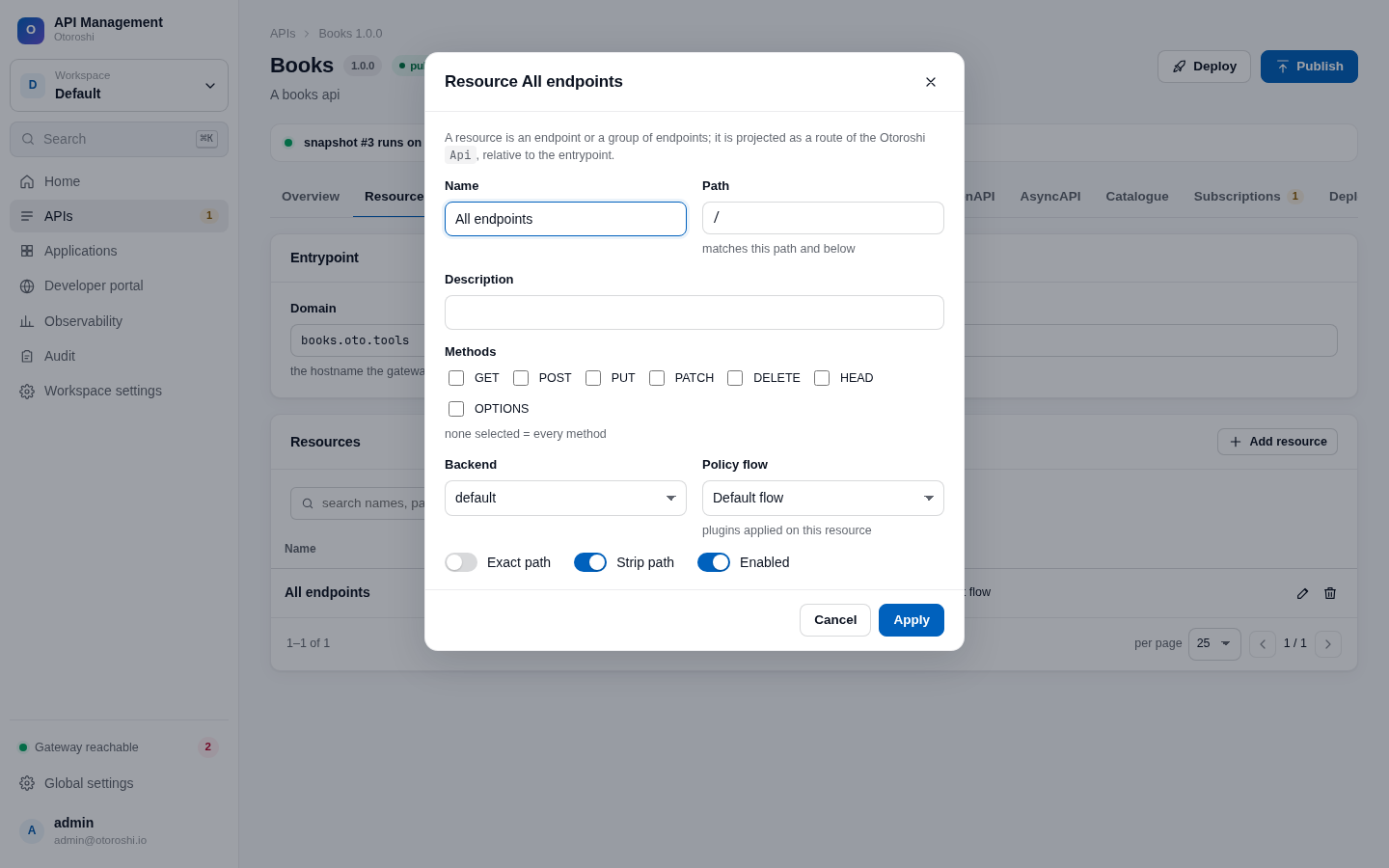
API — editing a resource
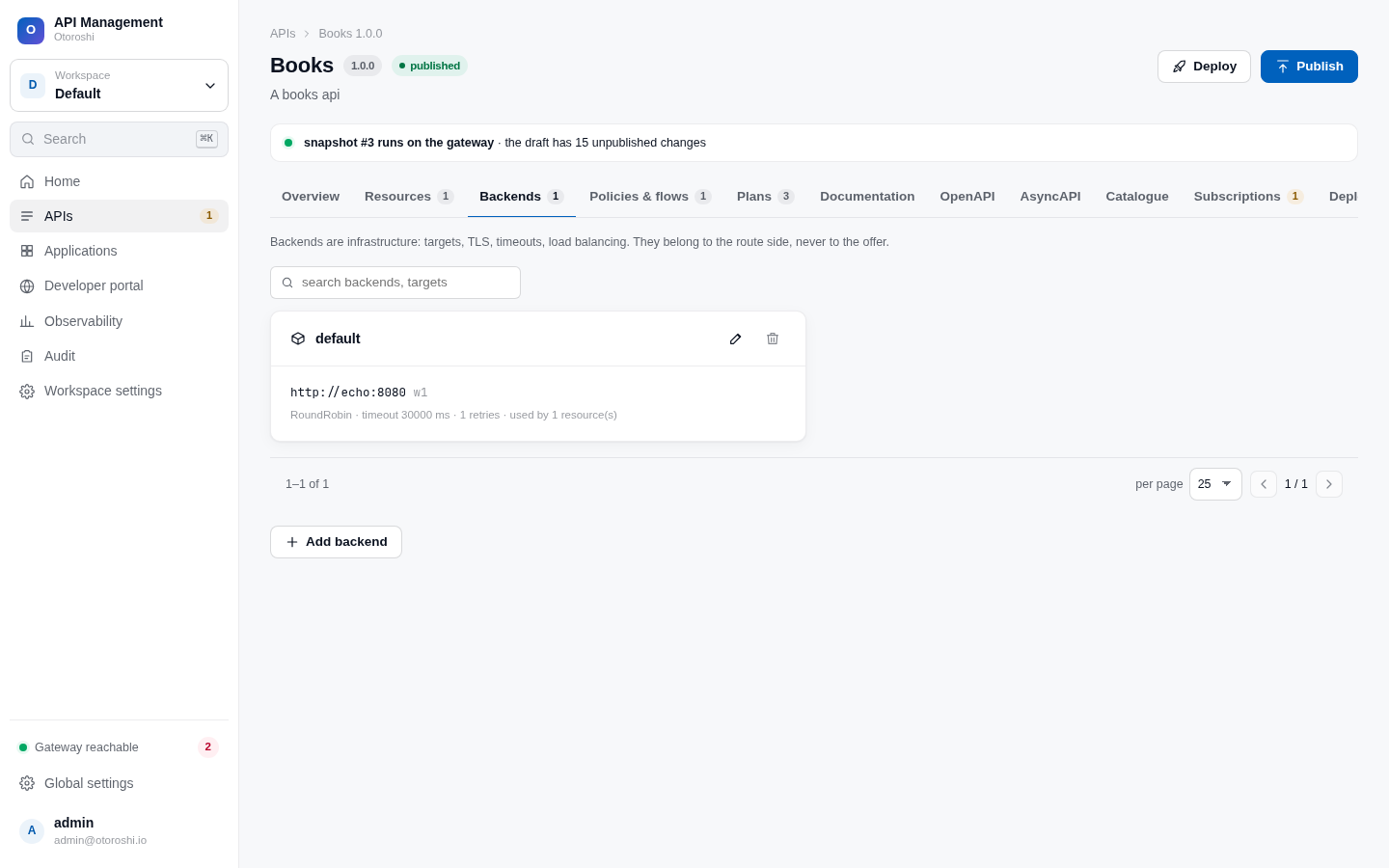
API — backends (infrastructure, never the offer)
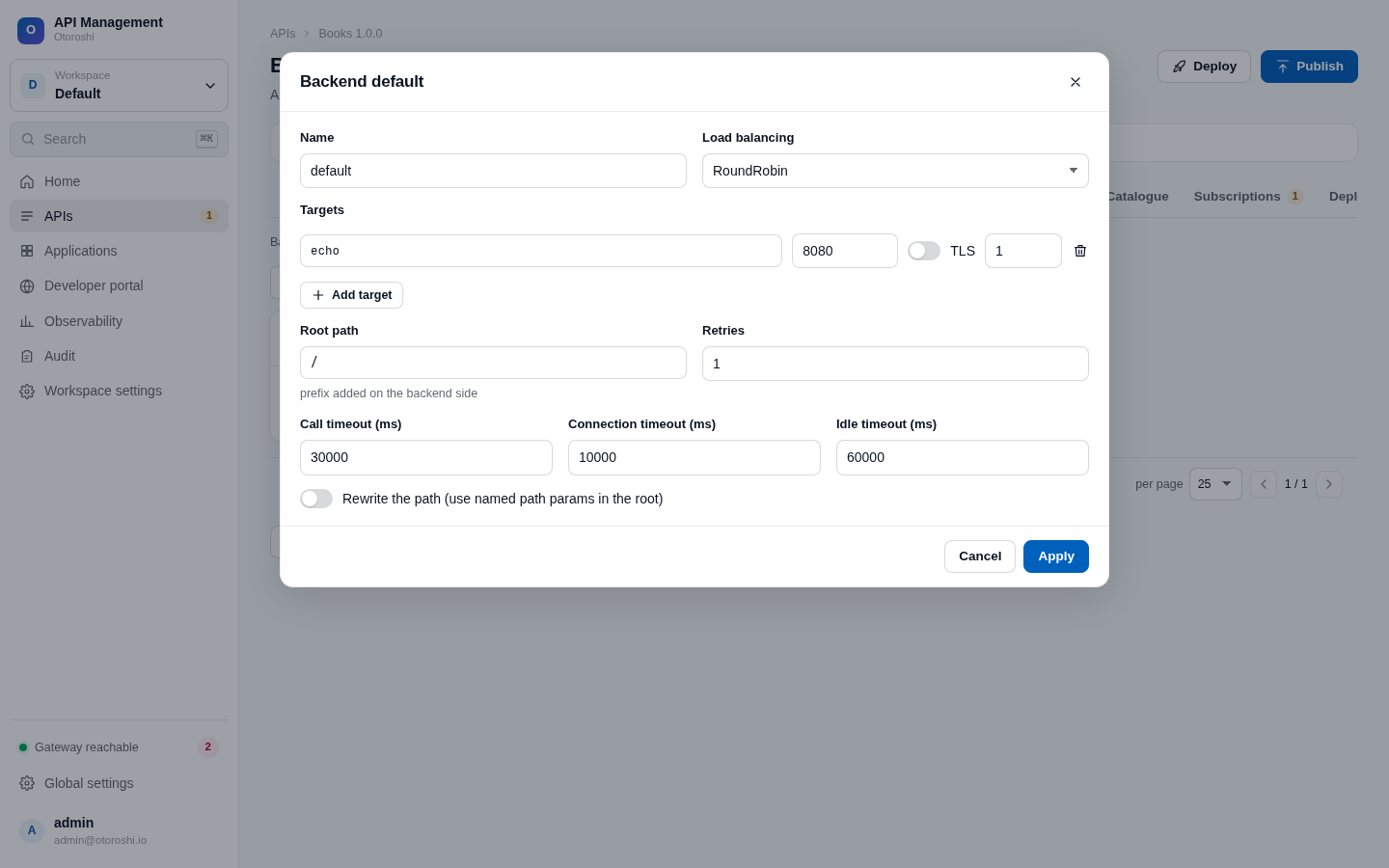
API — editing a backend
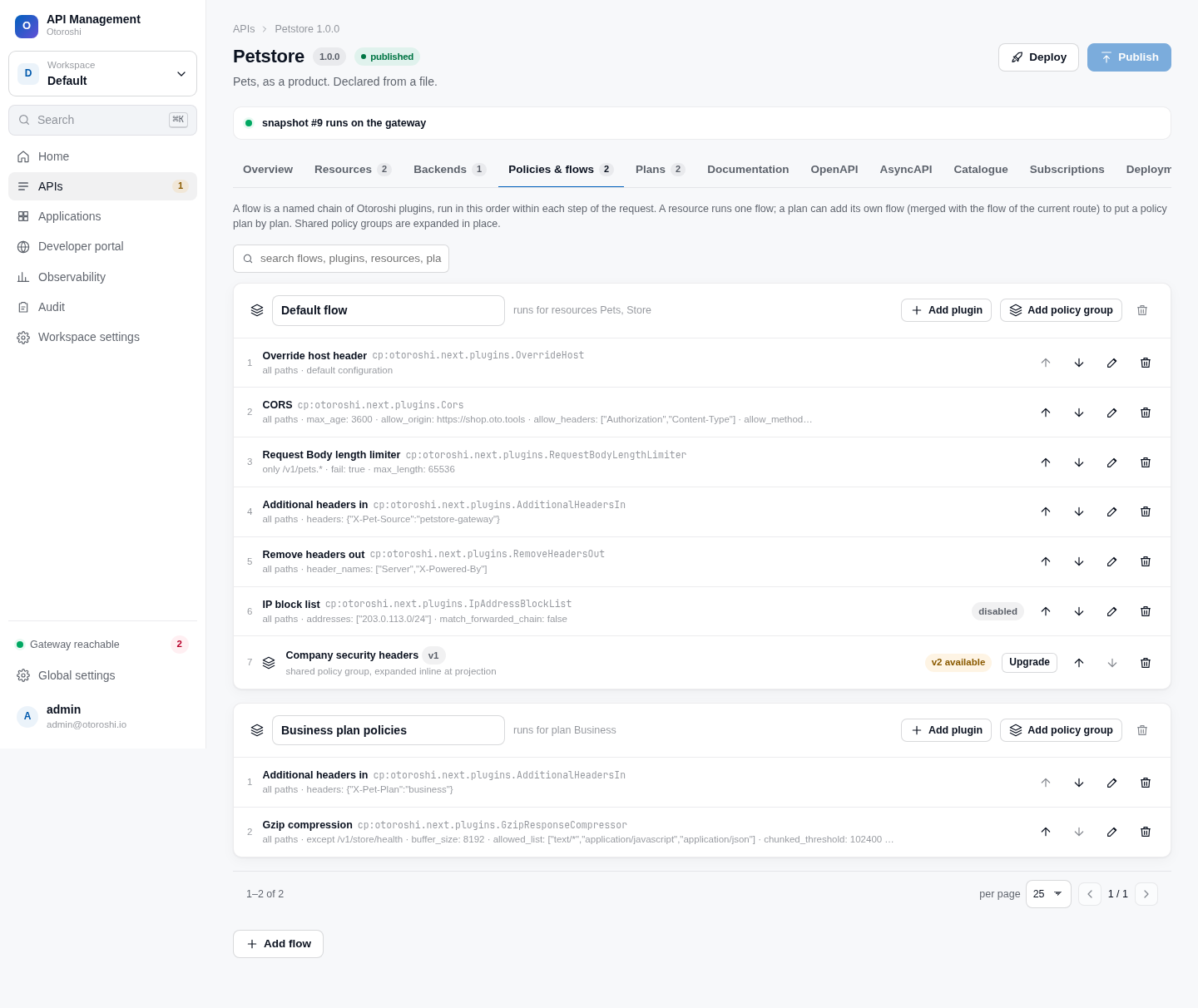
API — policy flows: Otoroshi plugins in order, a shared policy group pinned to a version, a flow for one plan
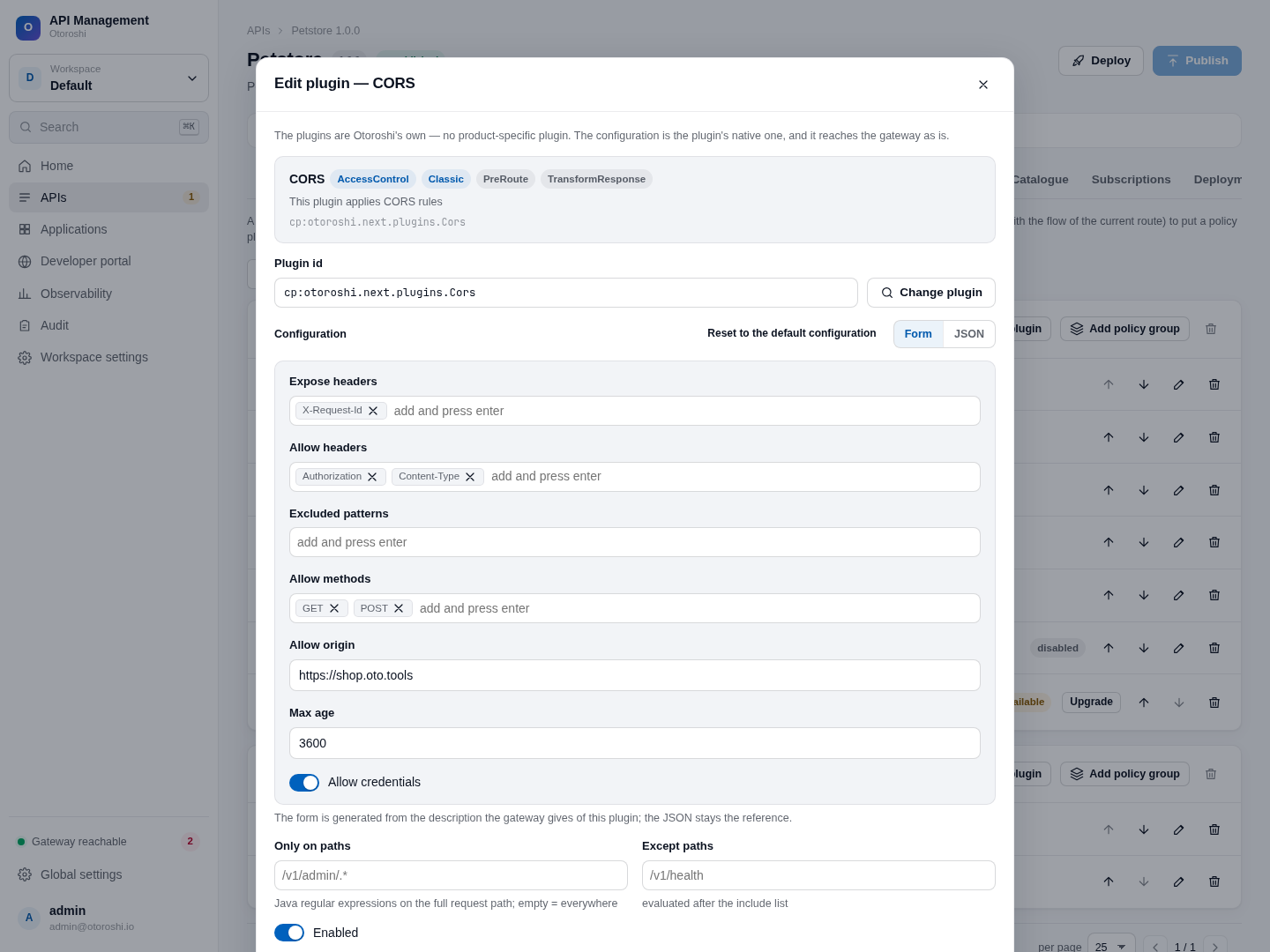
Editing a plugin of a flow — a form generated from the description the gateway gives of the plugin
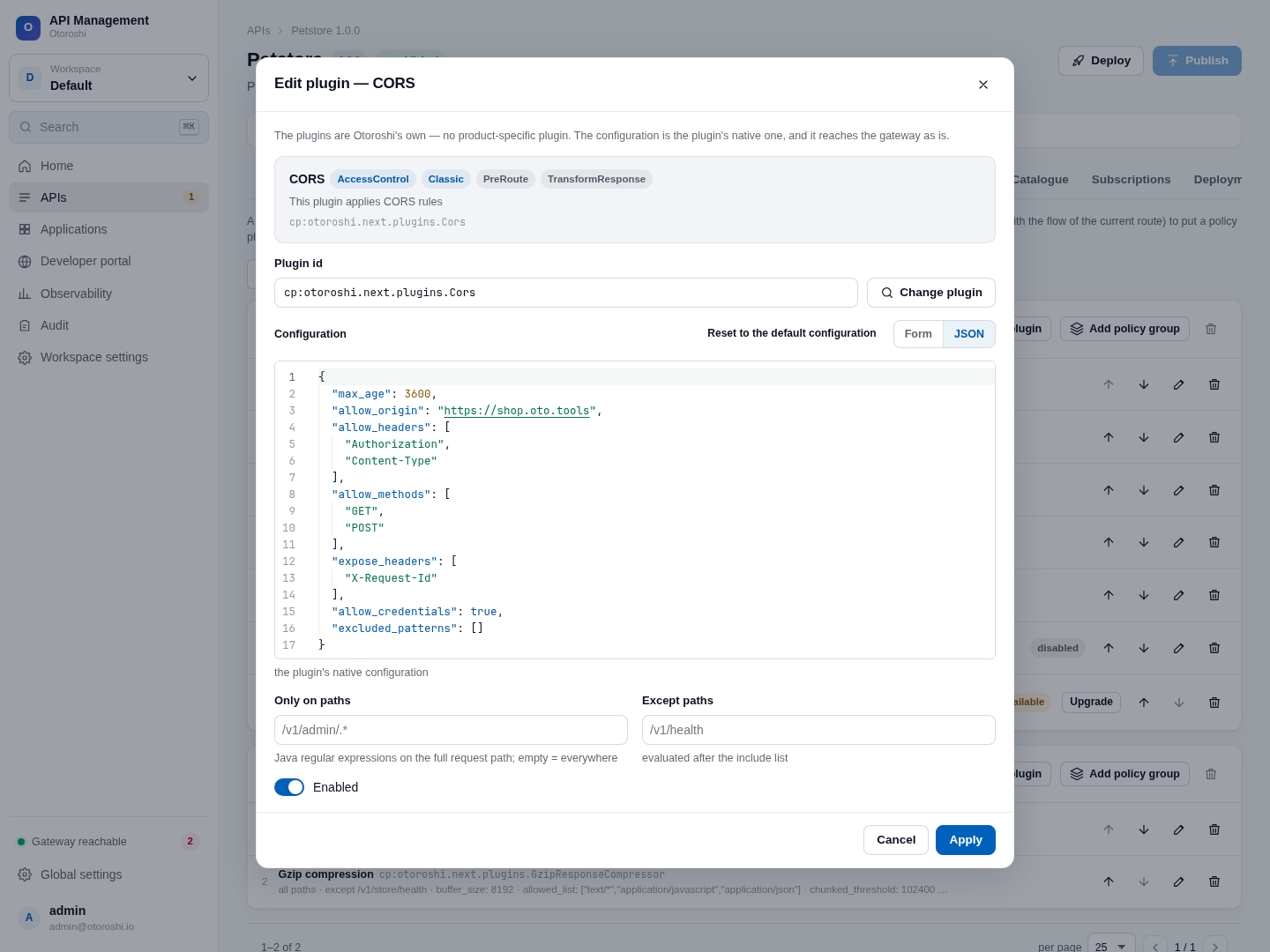
Editing a plugin — the same configuration as JSON, in a code editor
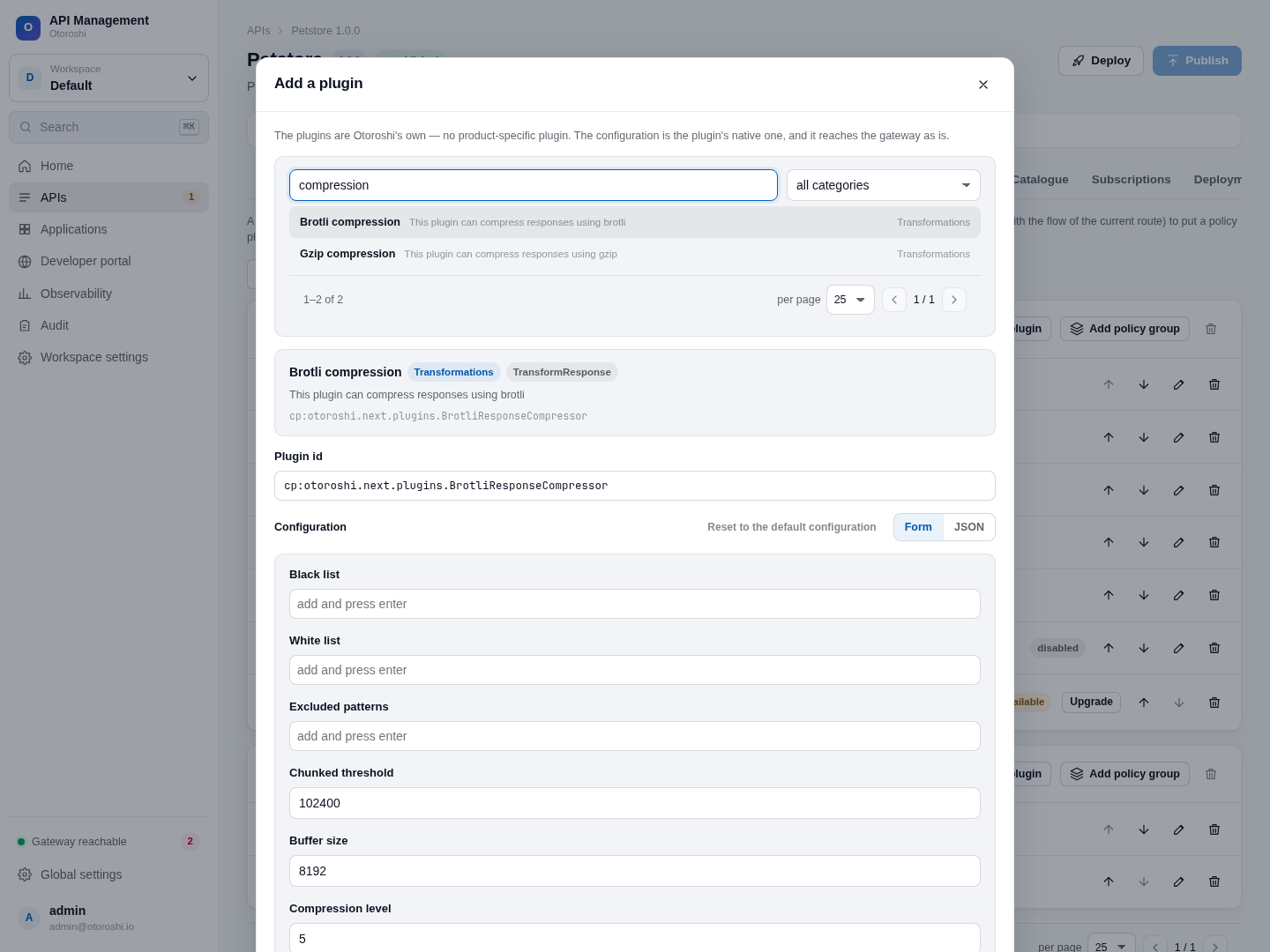
Adding a plugin — the gateway's catalog, and the plugin chosen with its default configuration
A generated form — nested groups, switches, lists, as the gateway describes the plugin
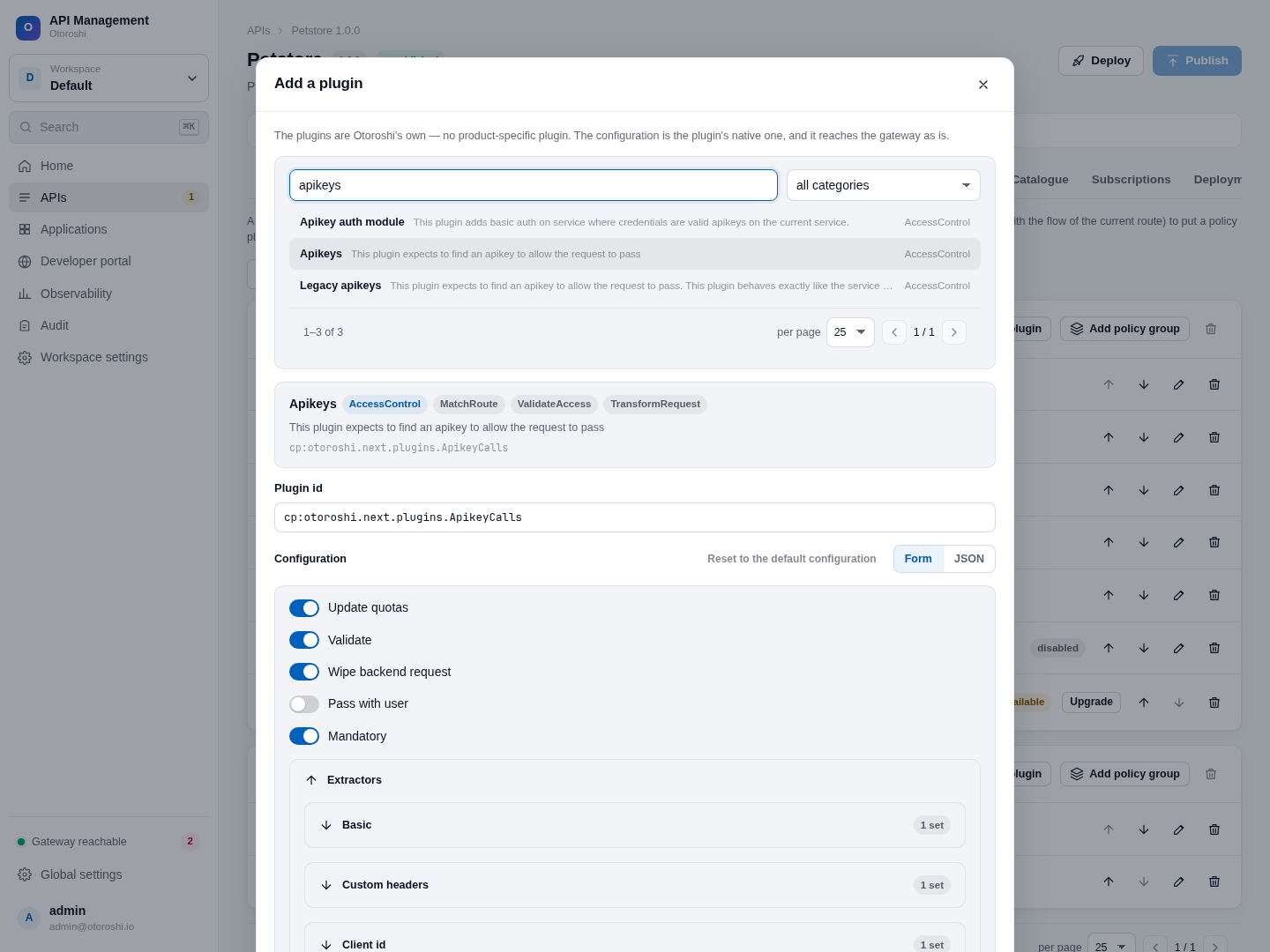
Plan editor — the flow a plan adds on top of the route, for its consumers only
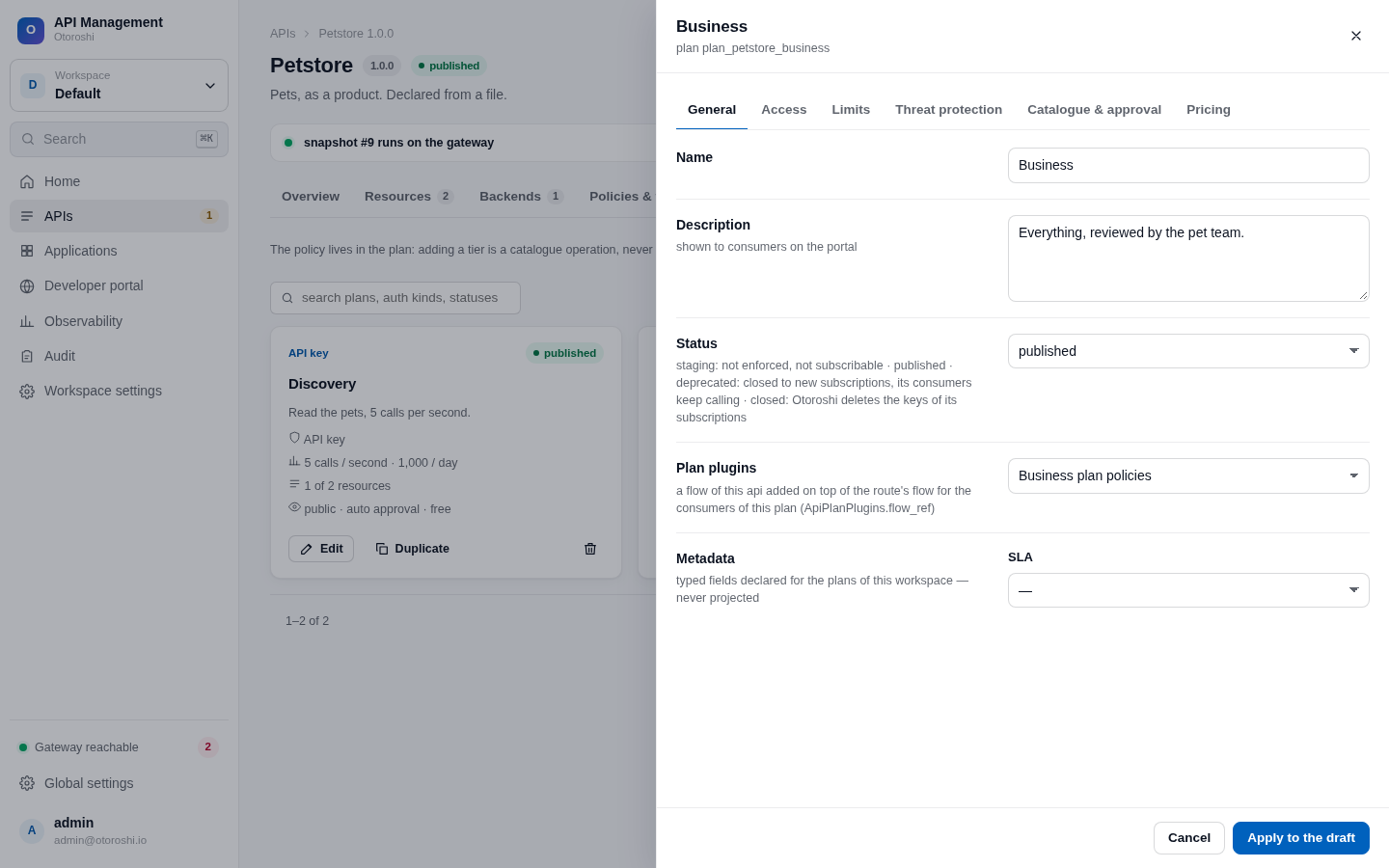
API — plans: the policy lives here
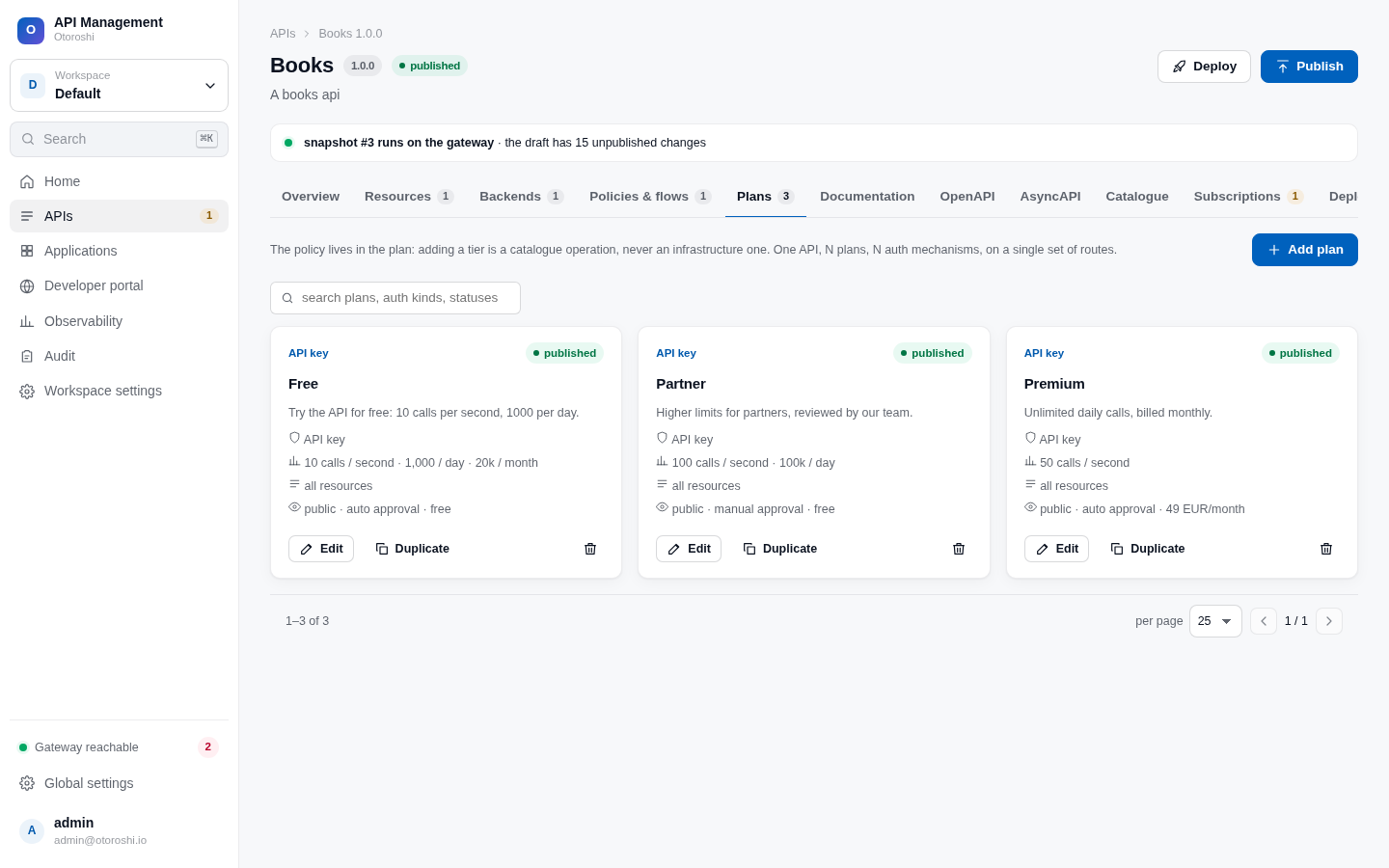
Plan editor — general
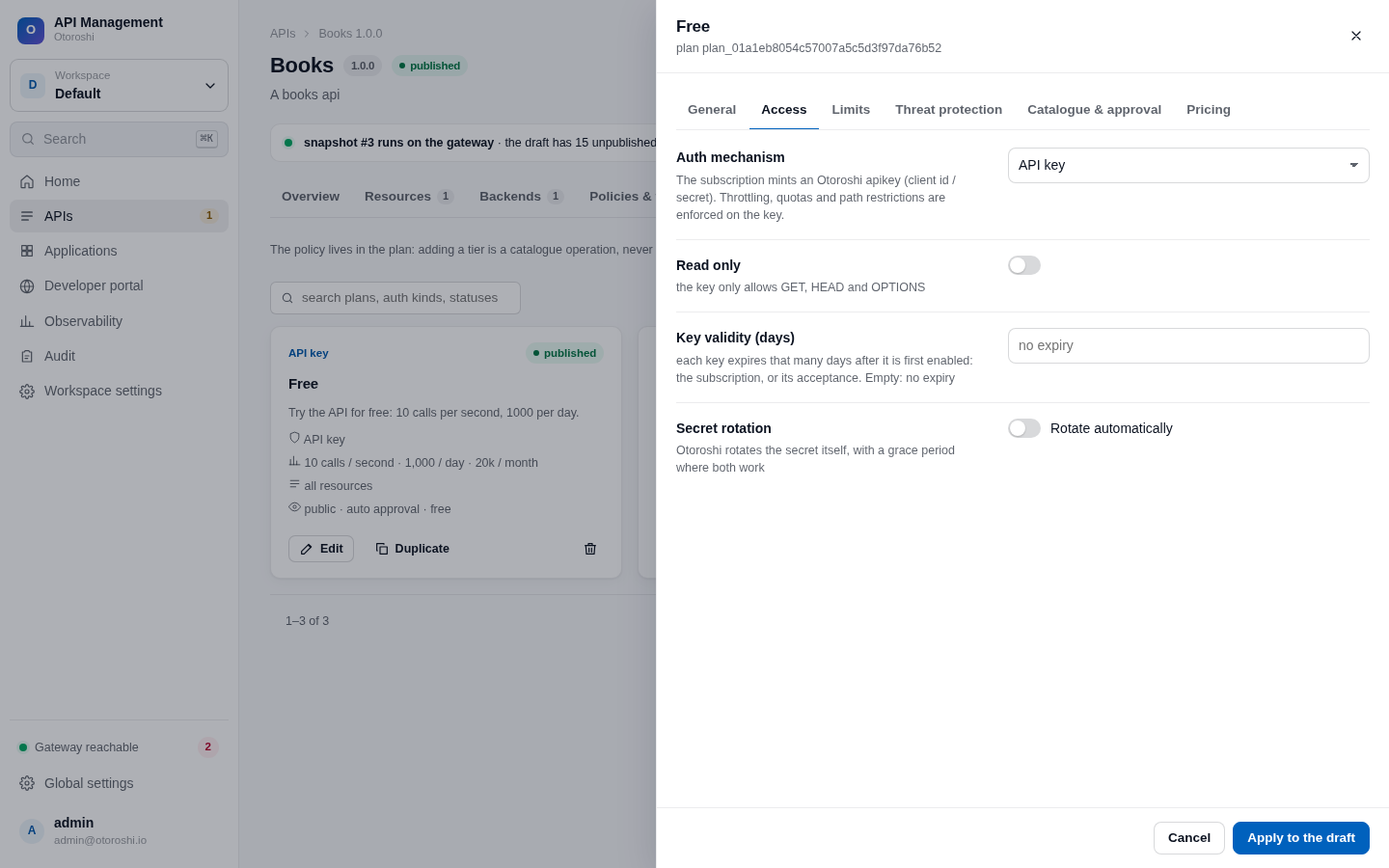
Plan editor — access: auth mechanism, selection
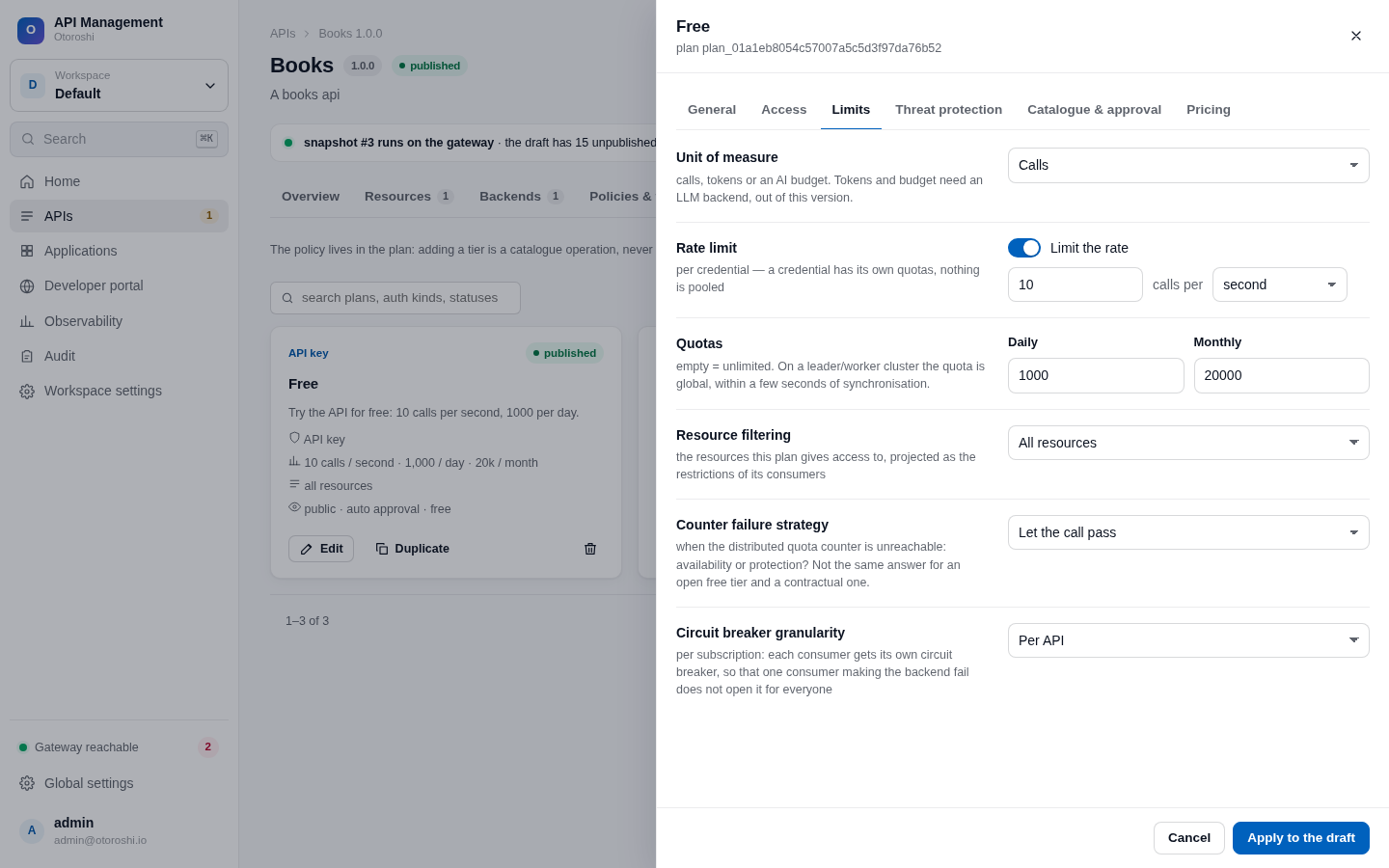
Plan editor — limits: rate, quotas, resources, failure strategies
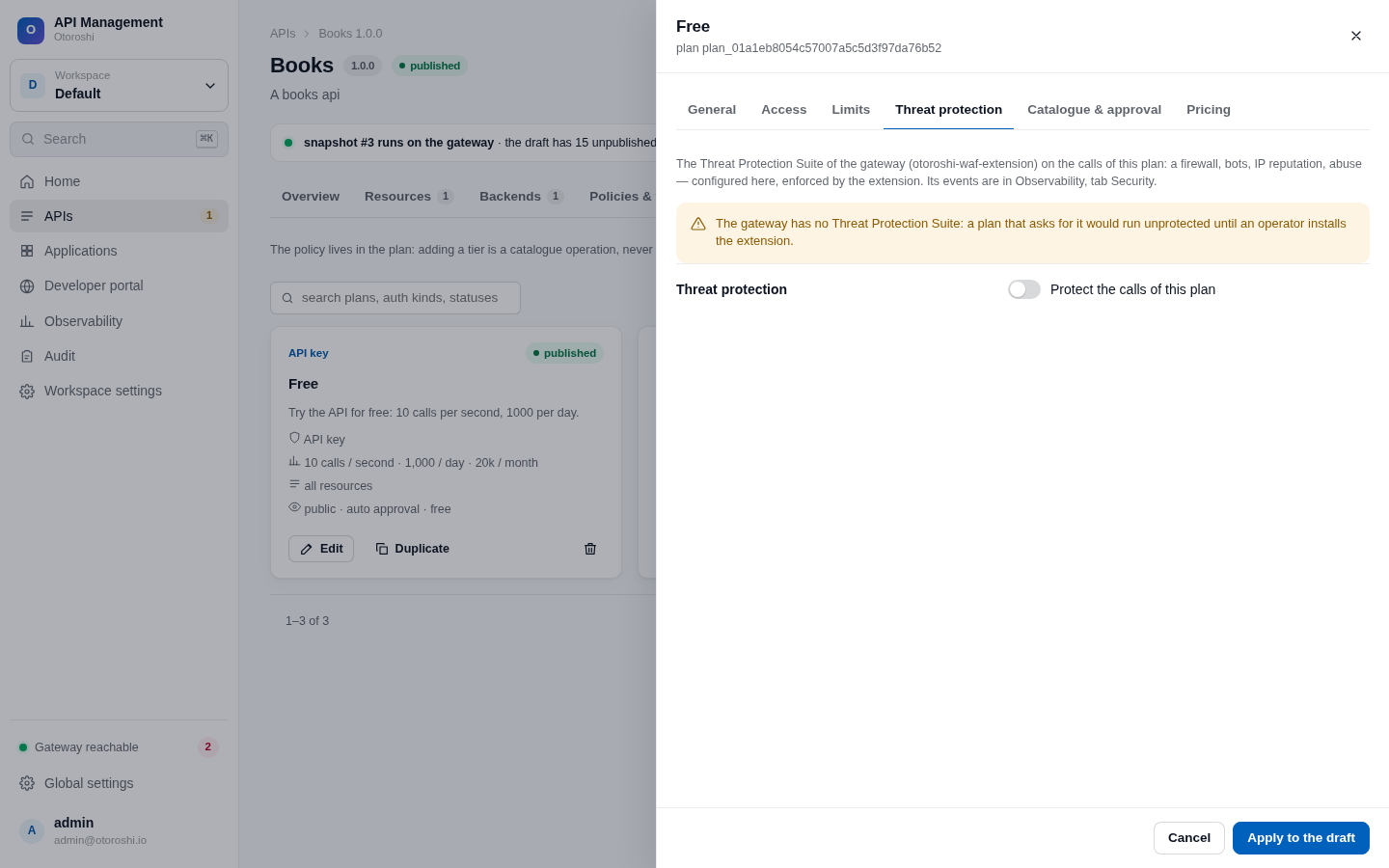
Plan editor — threat protection: the Threat Protection Suite on the calls of the plan, its policies referenced
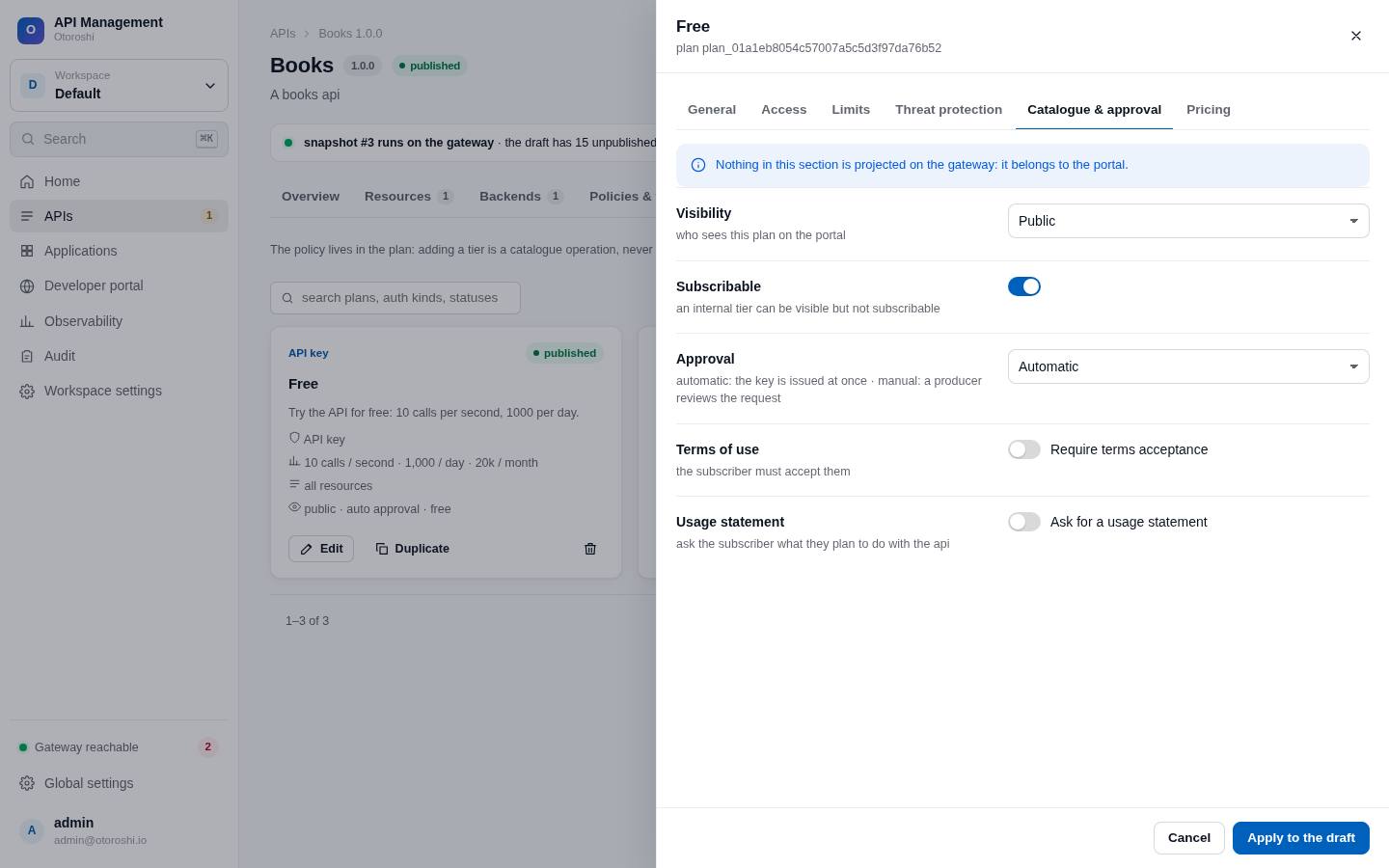
Plan editor — catalogue and approval: never projected
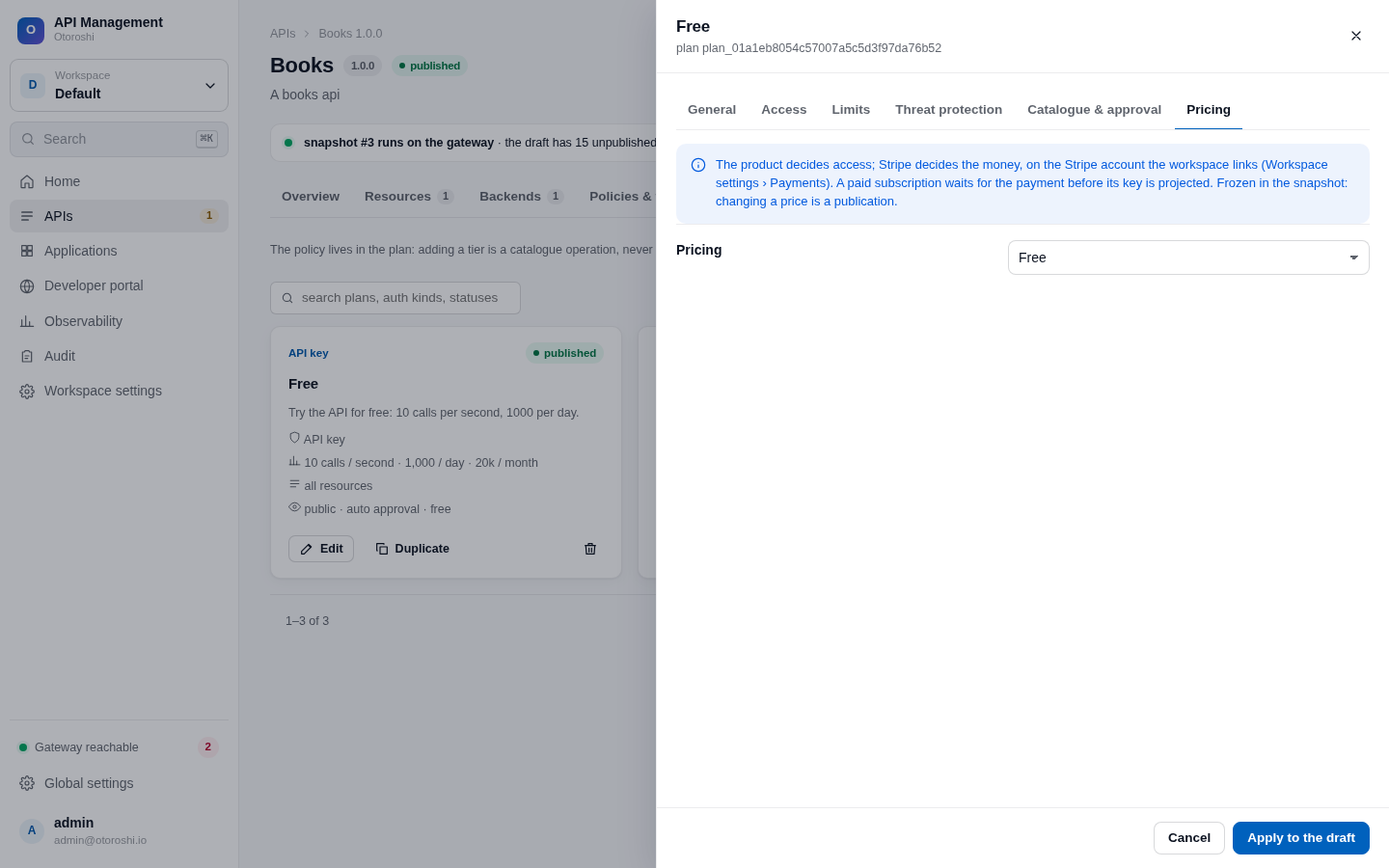
Plan editor — pricing
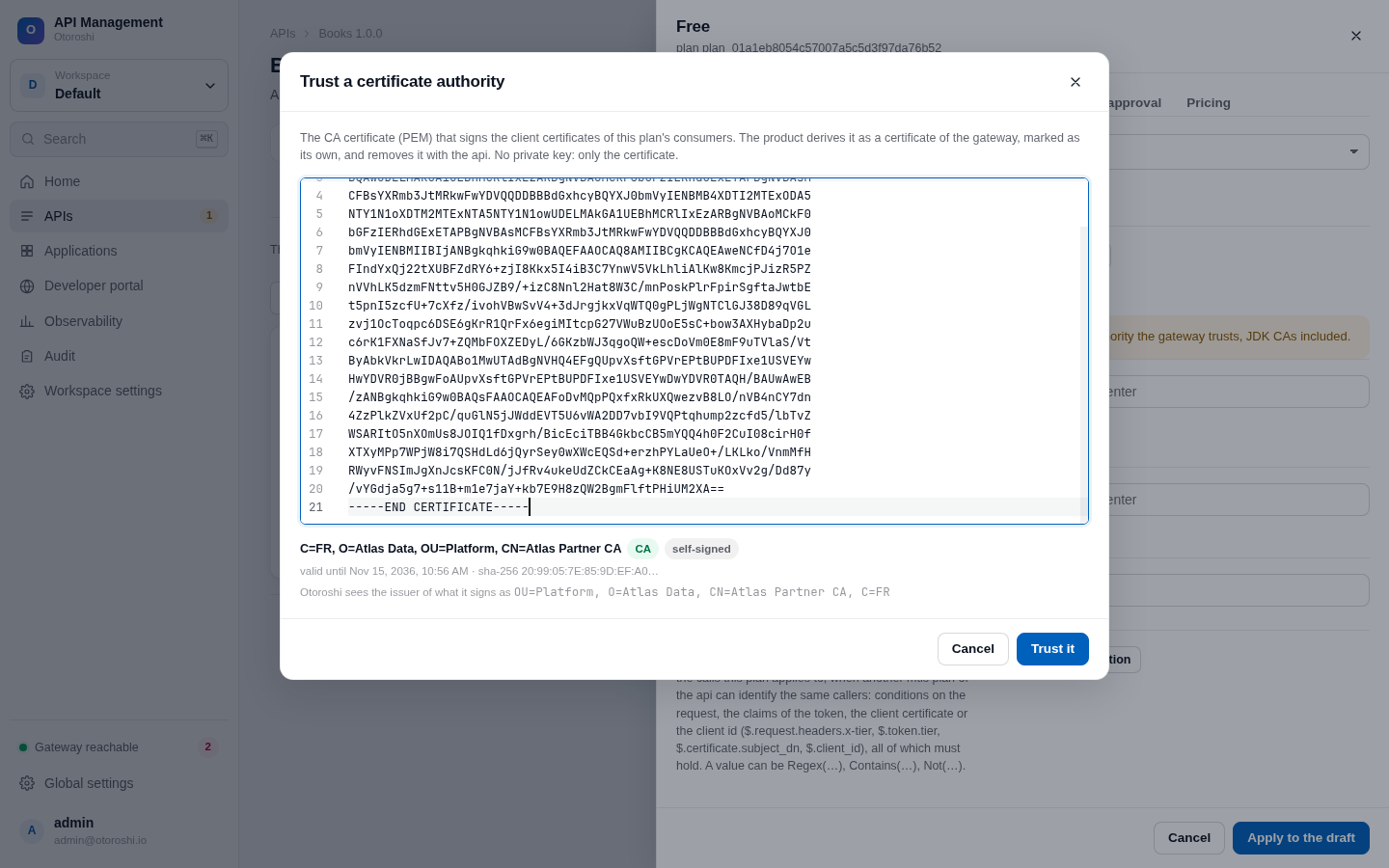
Trusting a CA in an mtls plan — read by the product, with the DN Otoroshi will compare
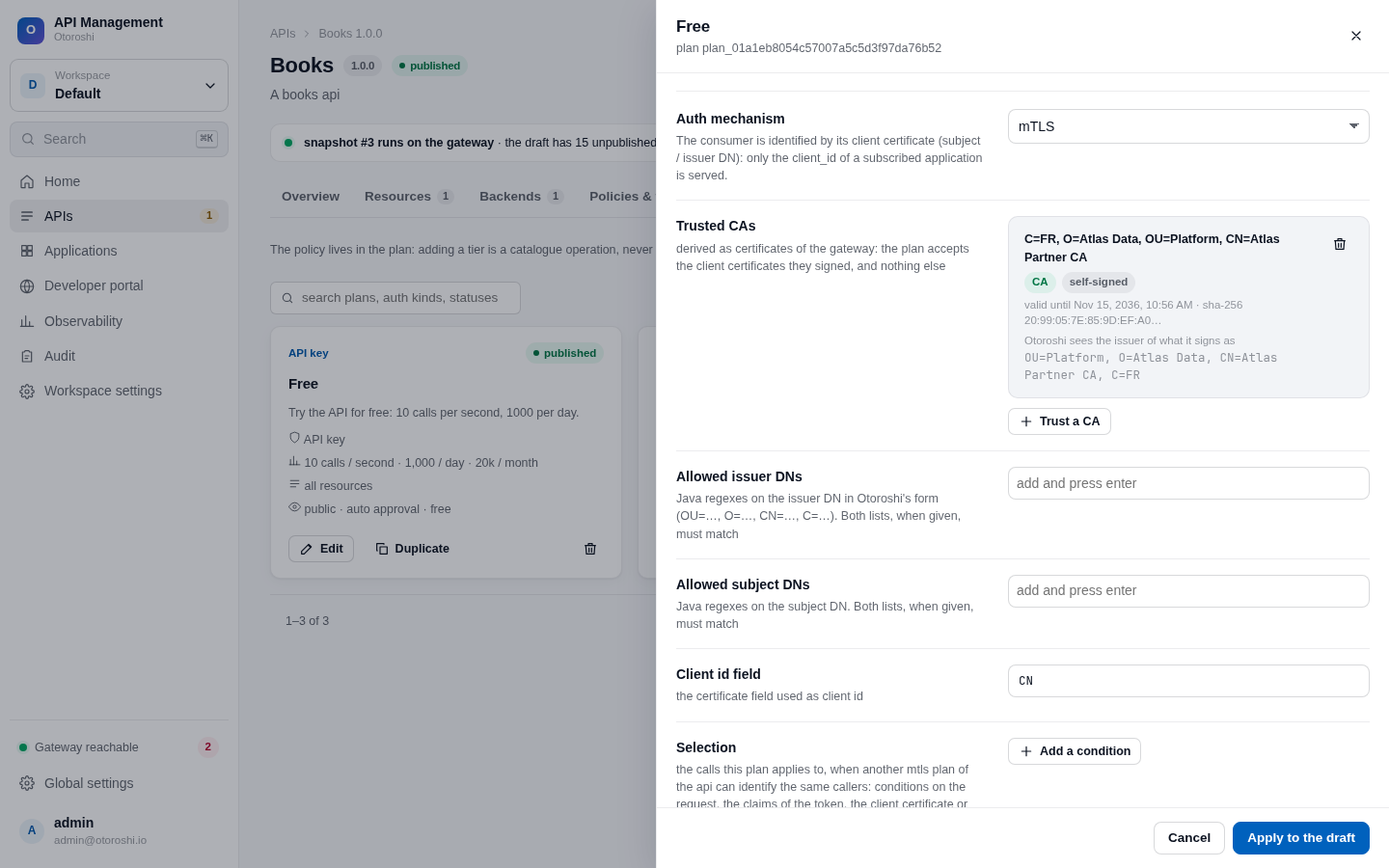
An mtls plan — its trusted CAs, derived as certificates of the gateway
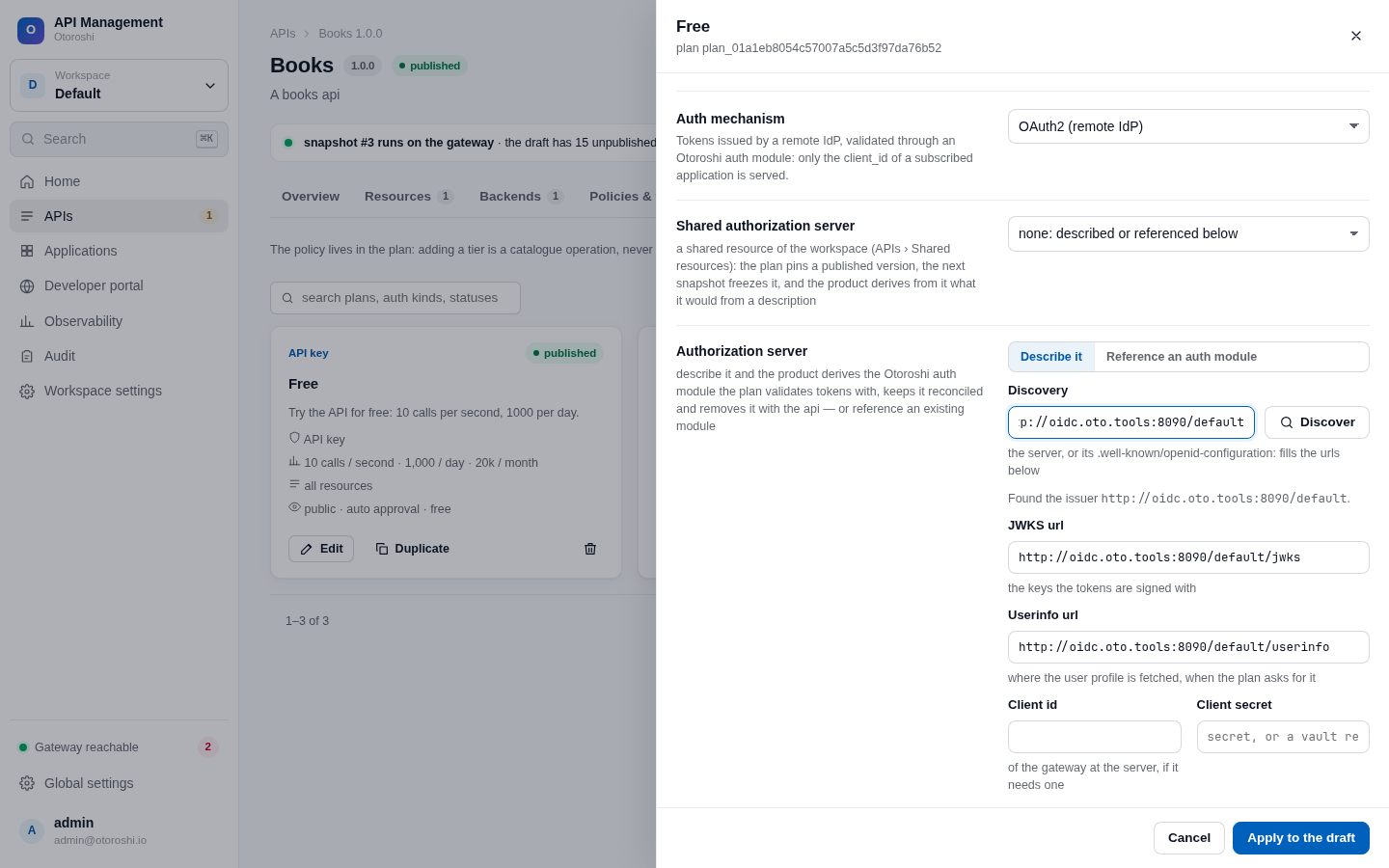
An oauth2-remote plan — the authorization server described, its auth module derived
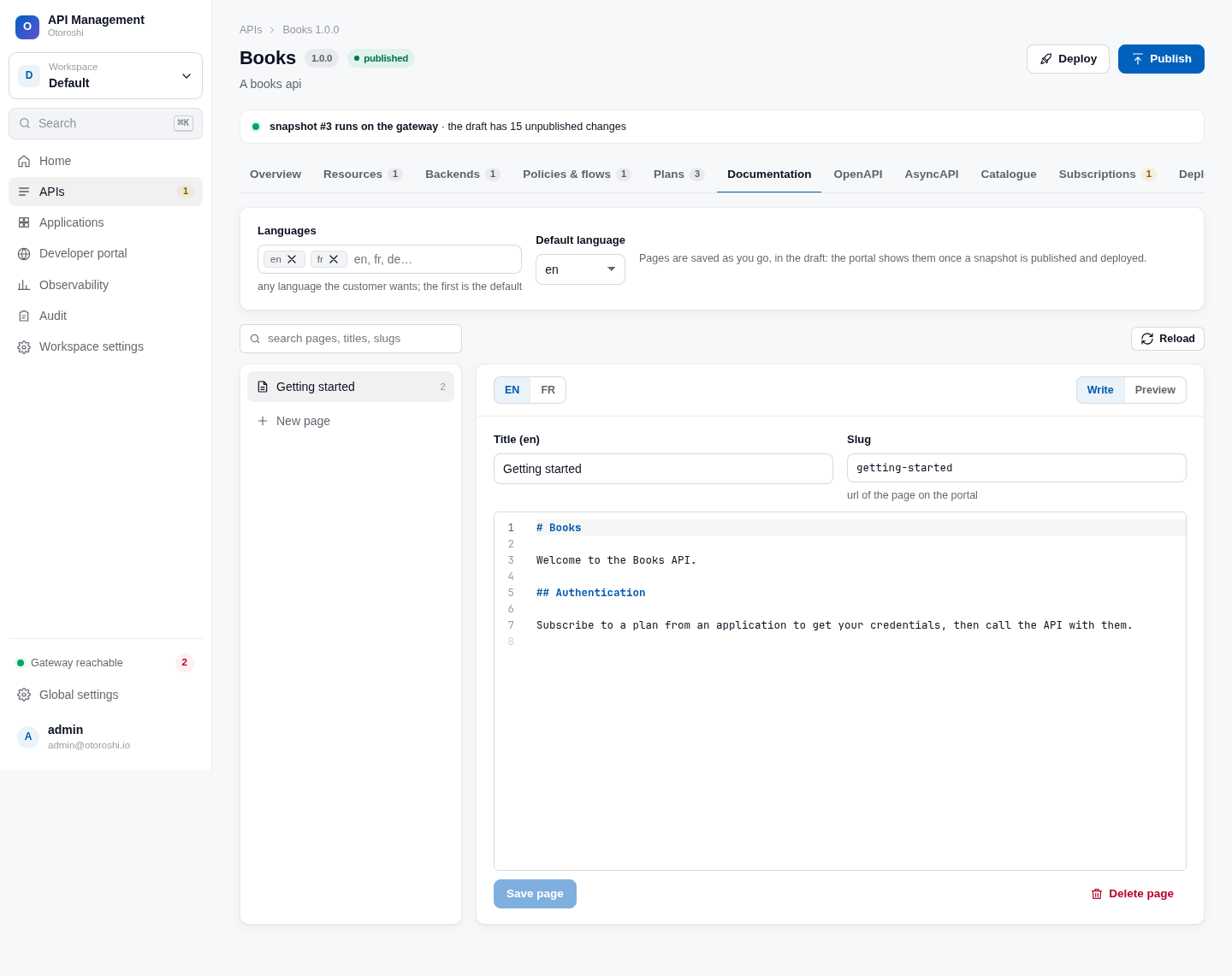
API — multilingual documentation pages, in Markdown in a code editor
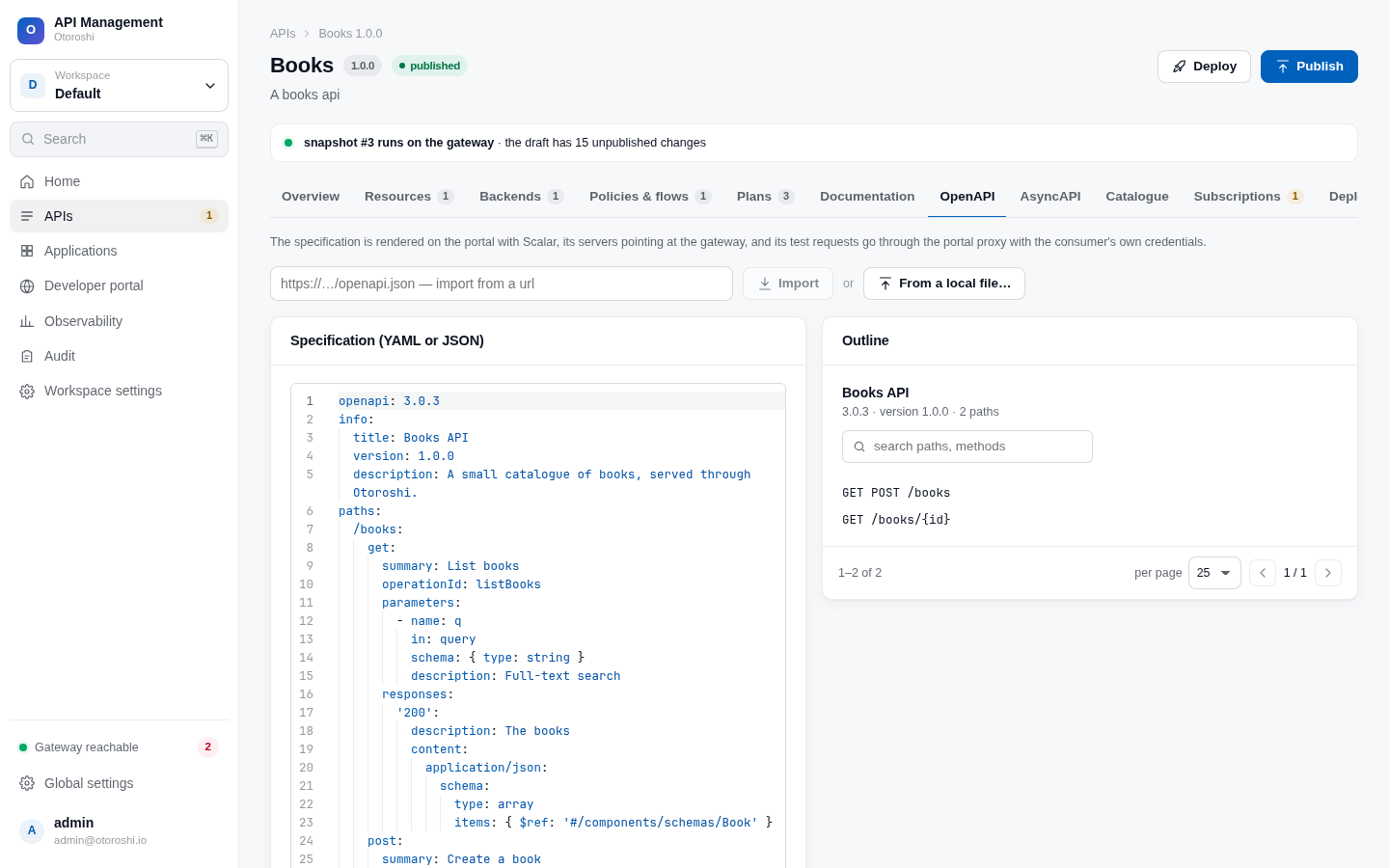
API — OpenAPI specification, in a code editor
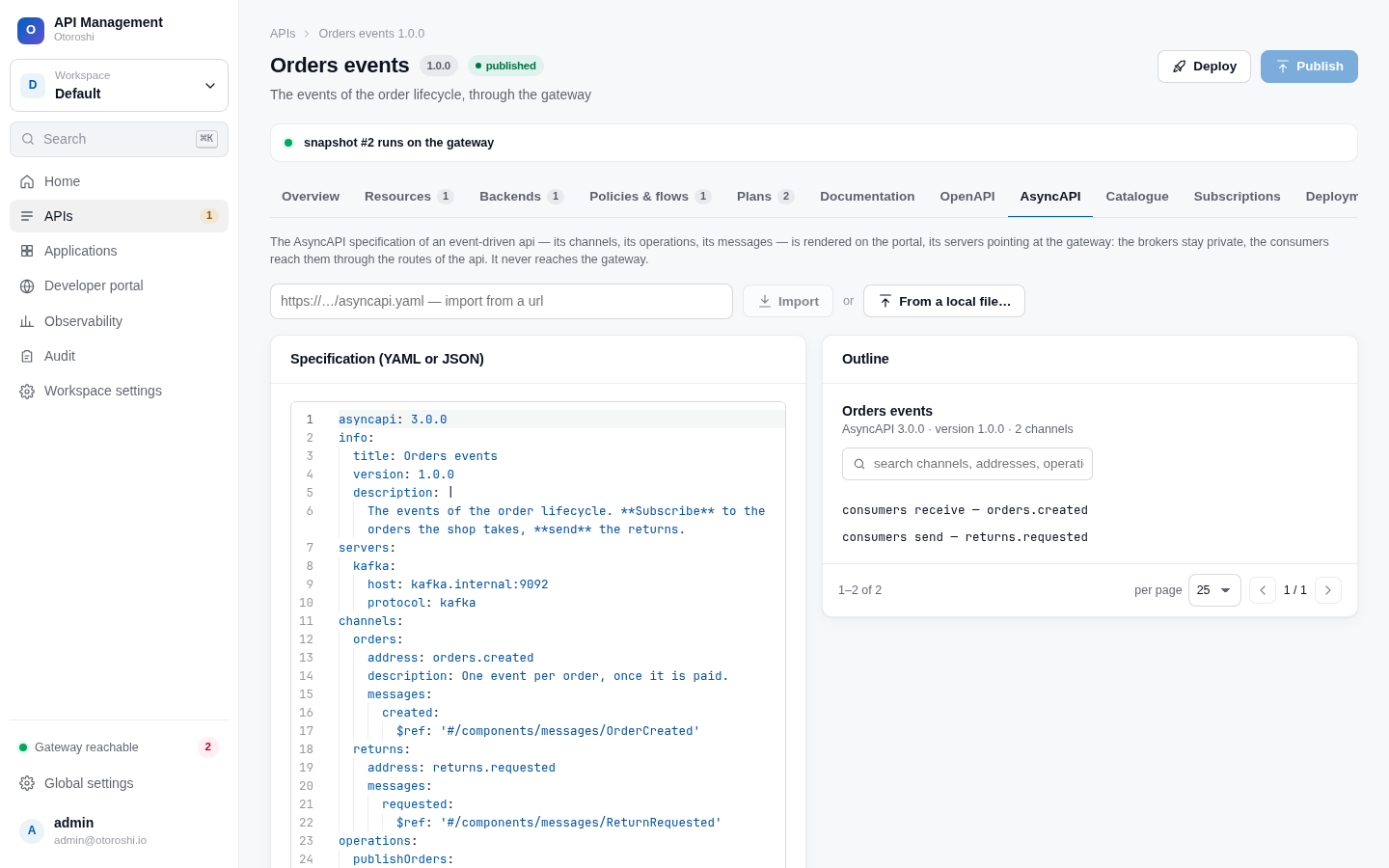
API — AsyncAPI specification of an event-driven api, and its channels
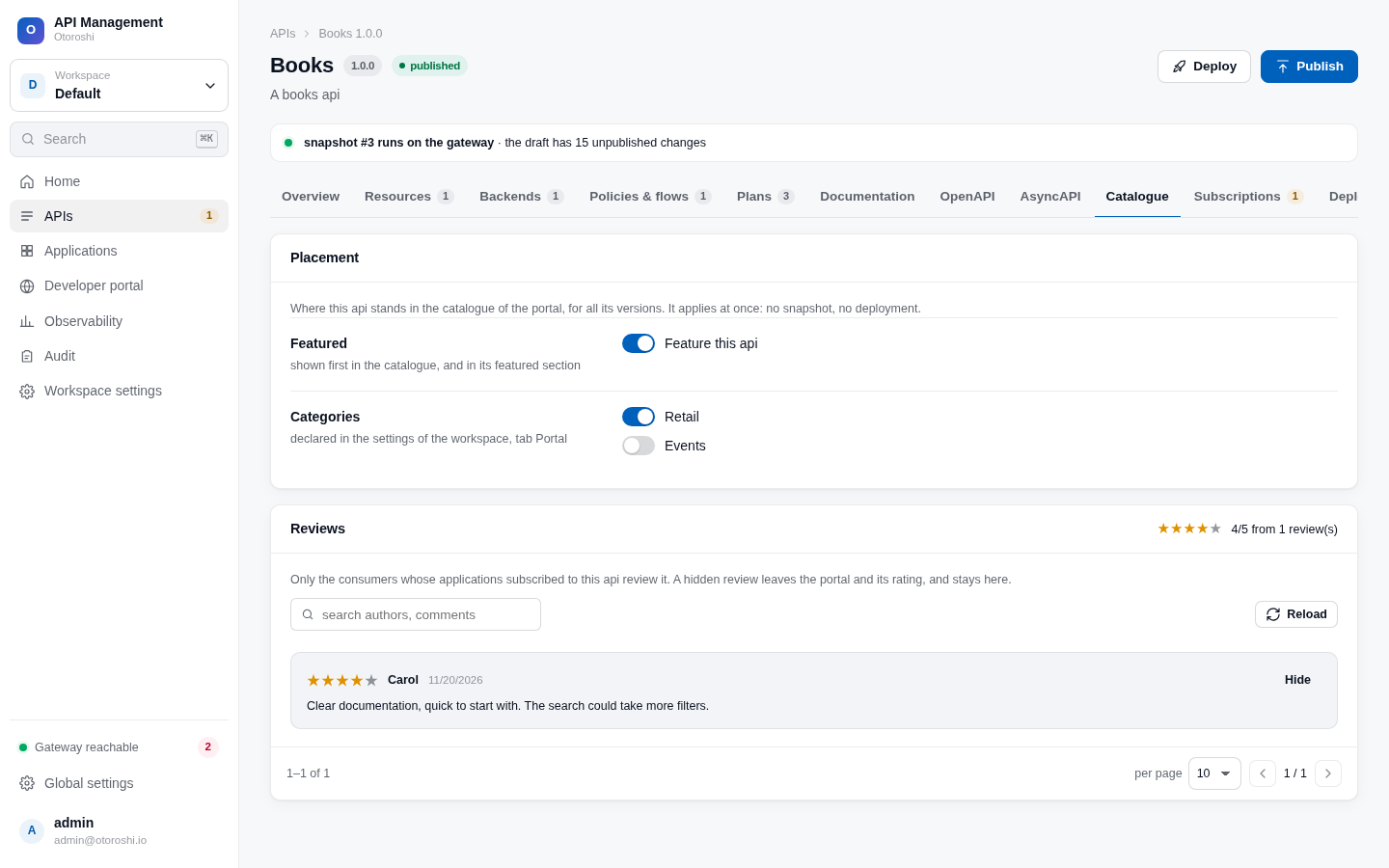
API — its place in the catalogue of the portal (categories, featured), and the reviews of its consumers
API — its subscriptions
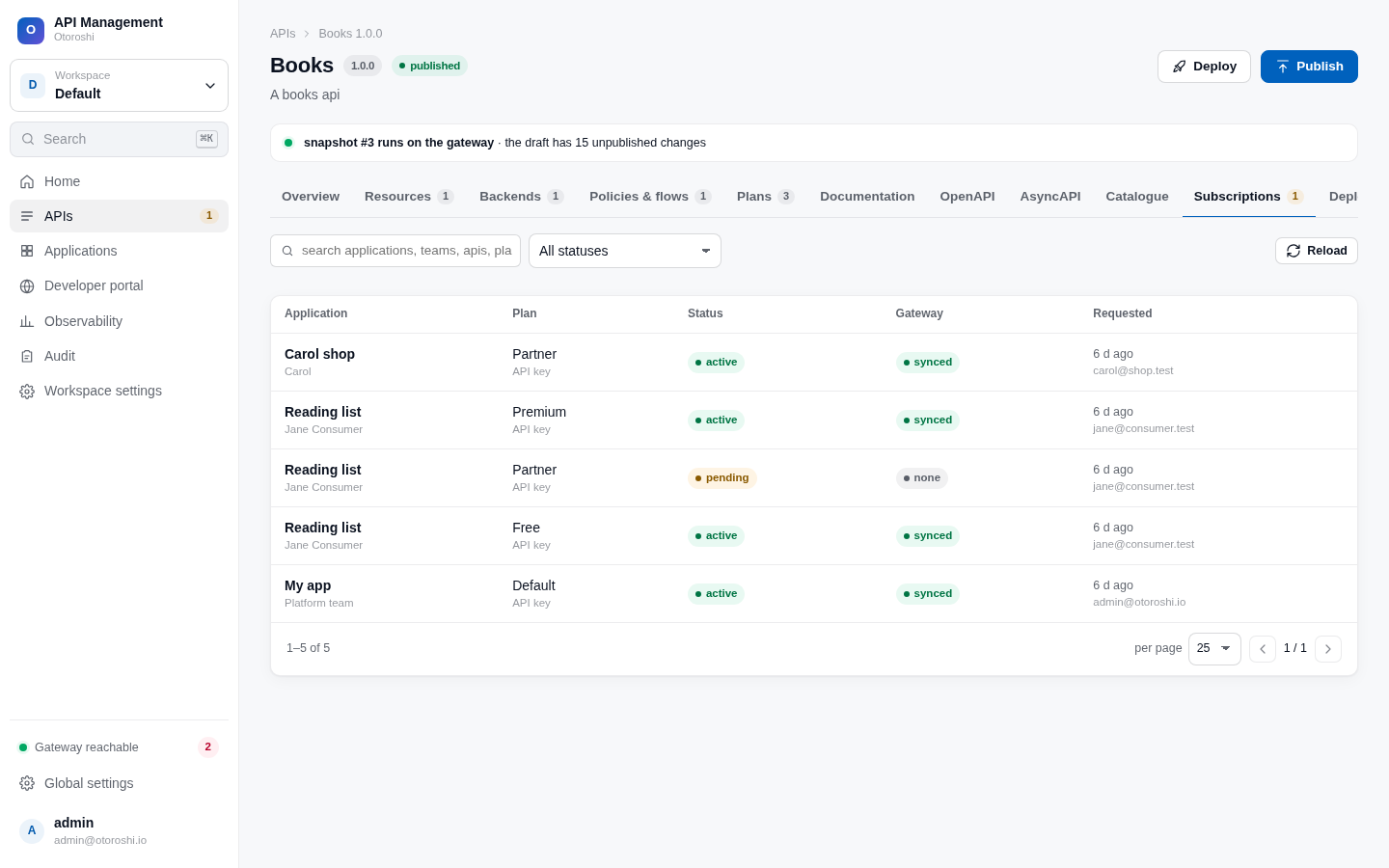
Subscription — request, credentials, lifecycle, transfer
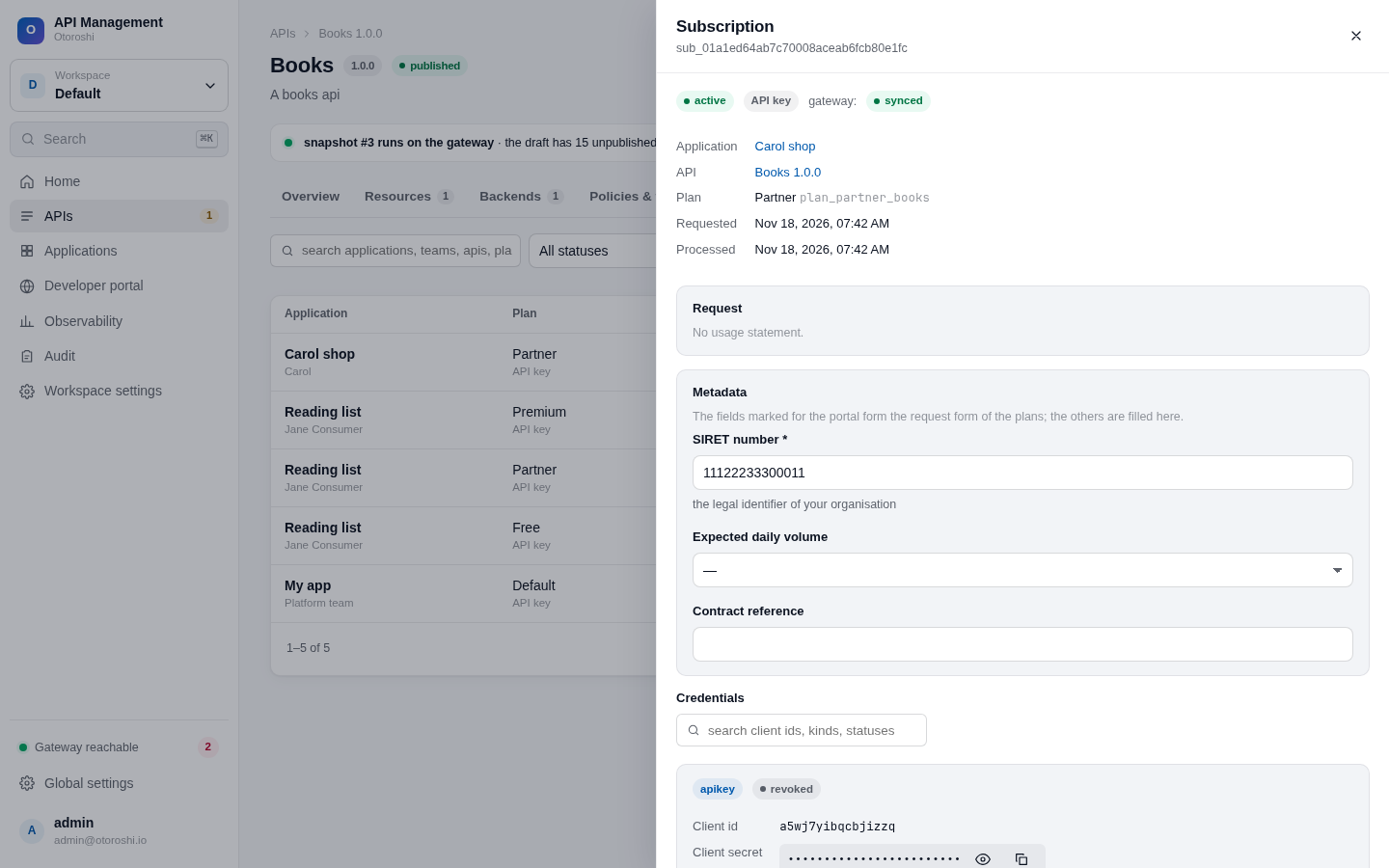
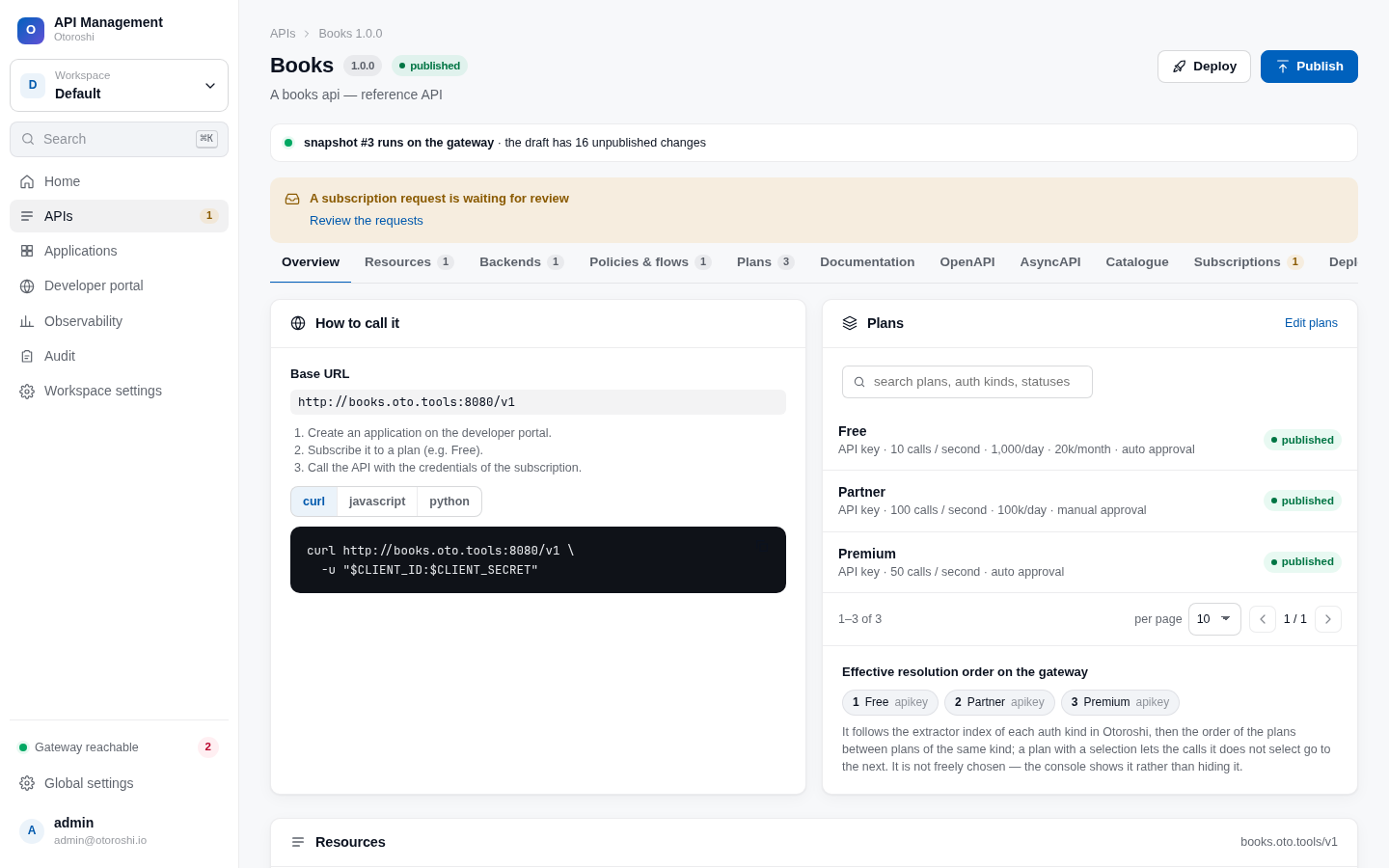
API — deployed state, gateway drift, snapshots (rollback), history
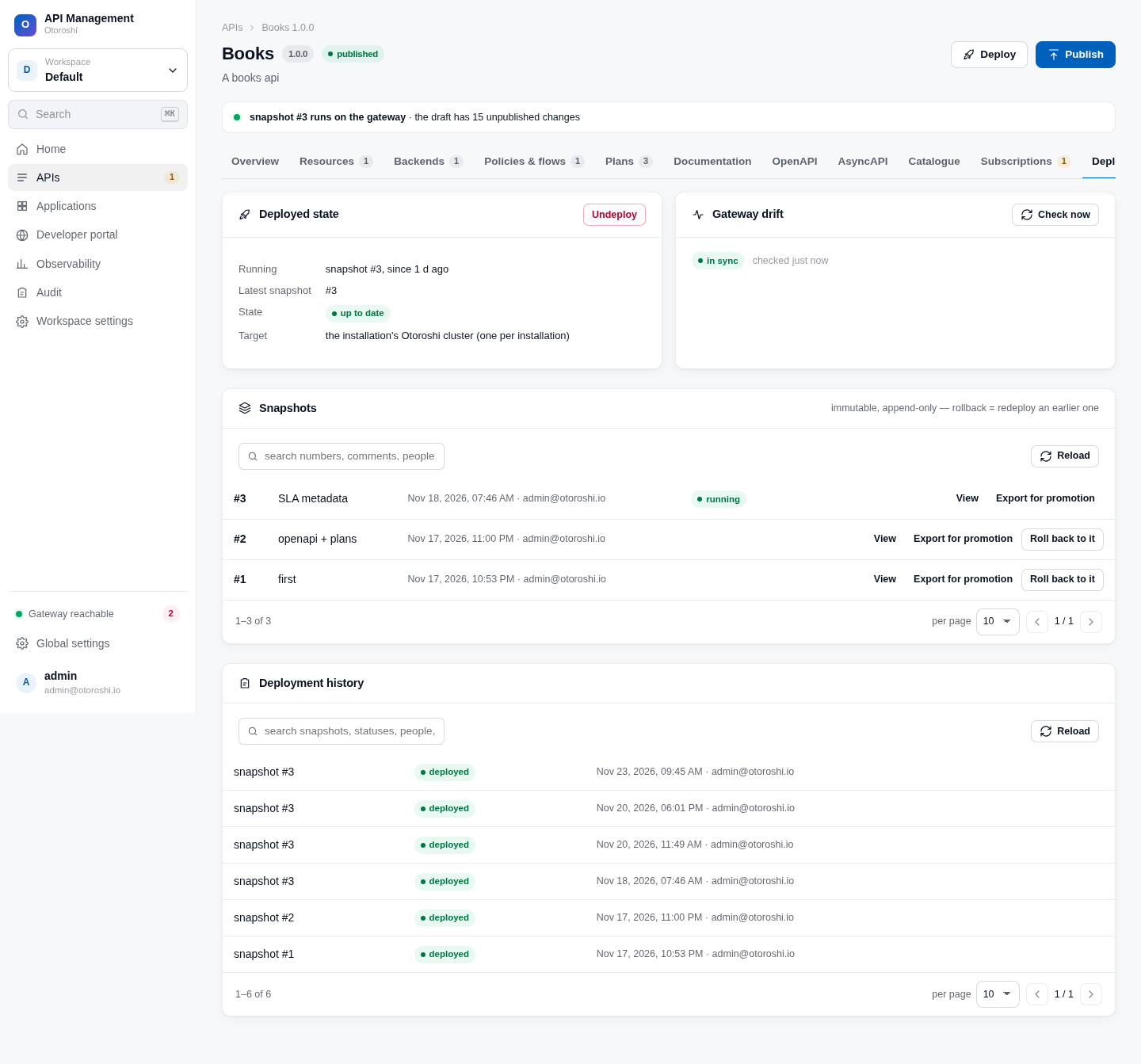
An immutable snapshot, read-only
Deploy — the diff is always shown first
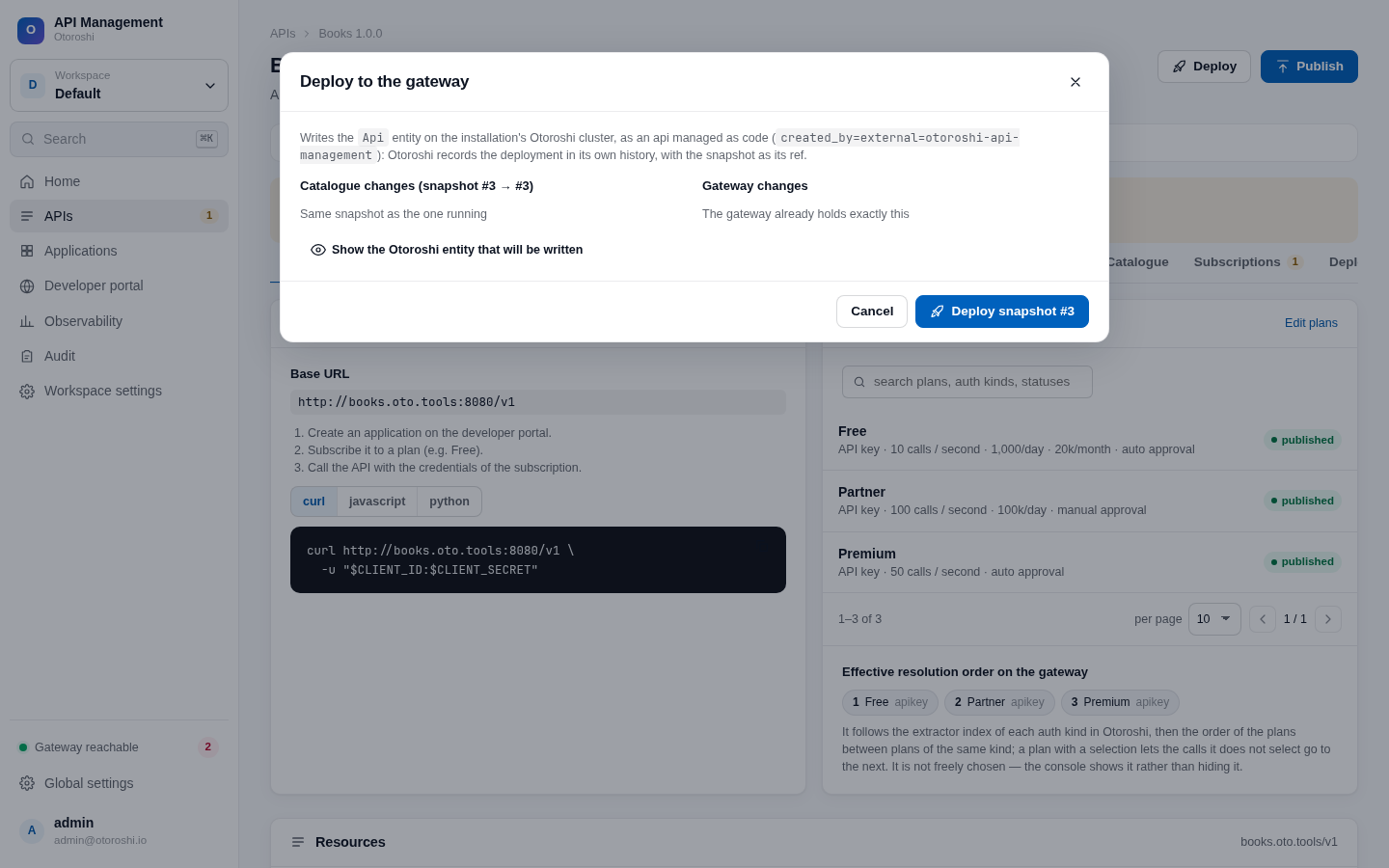
The gap between the draft and what runs is always shown
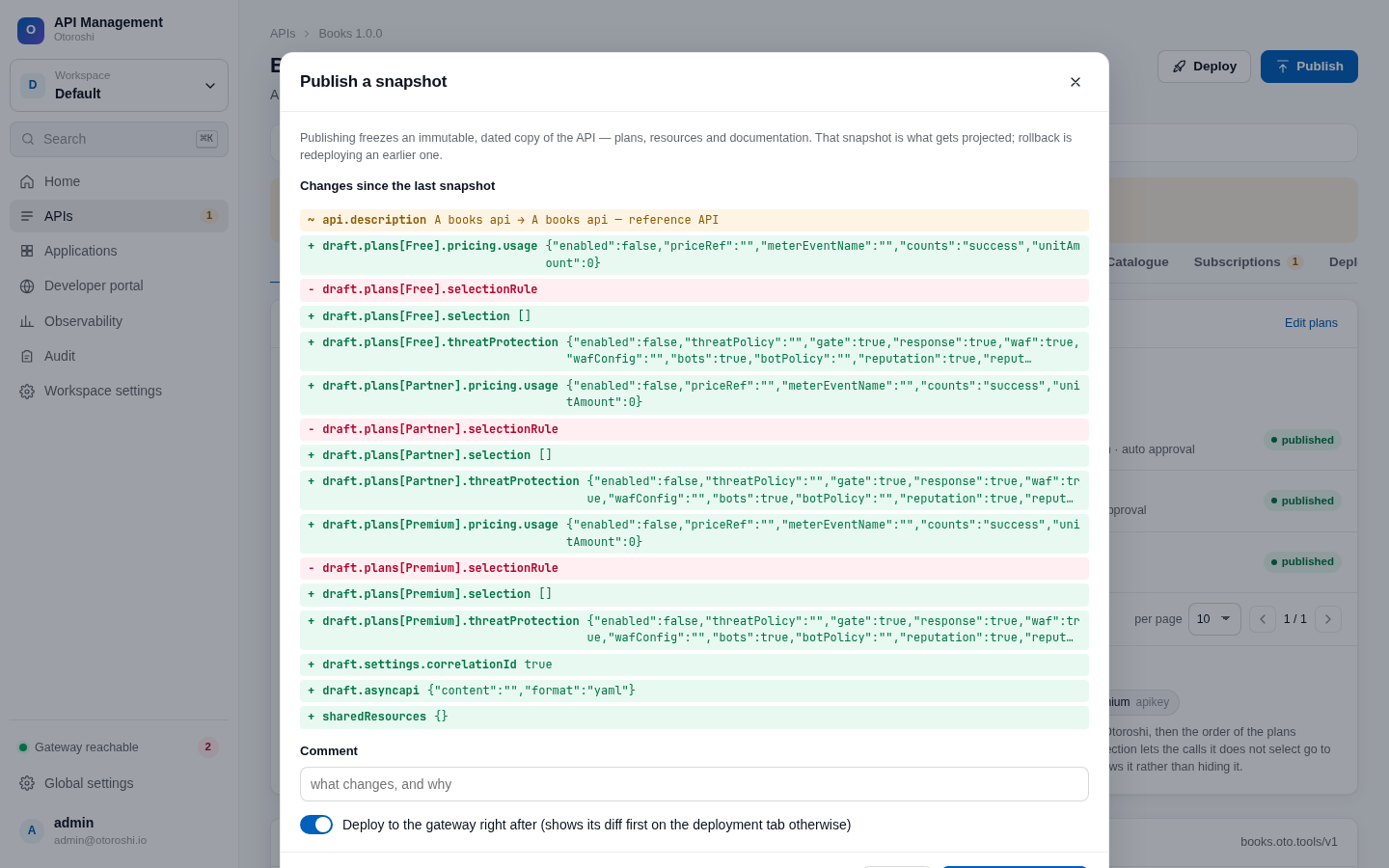
Publish — changes since the last snapshot, validation
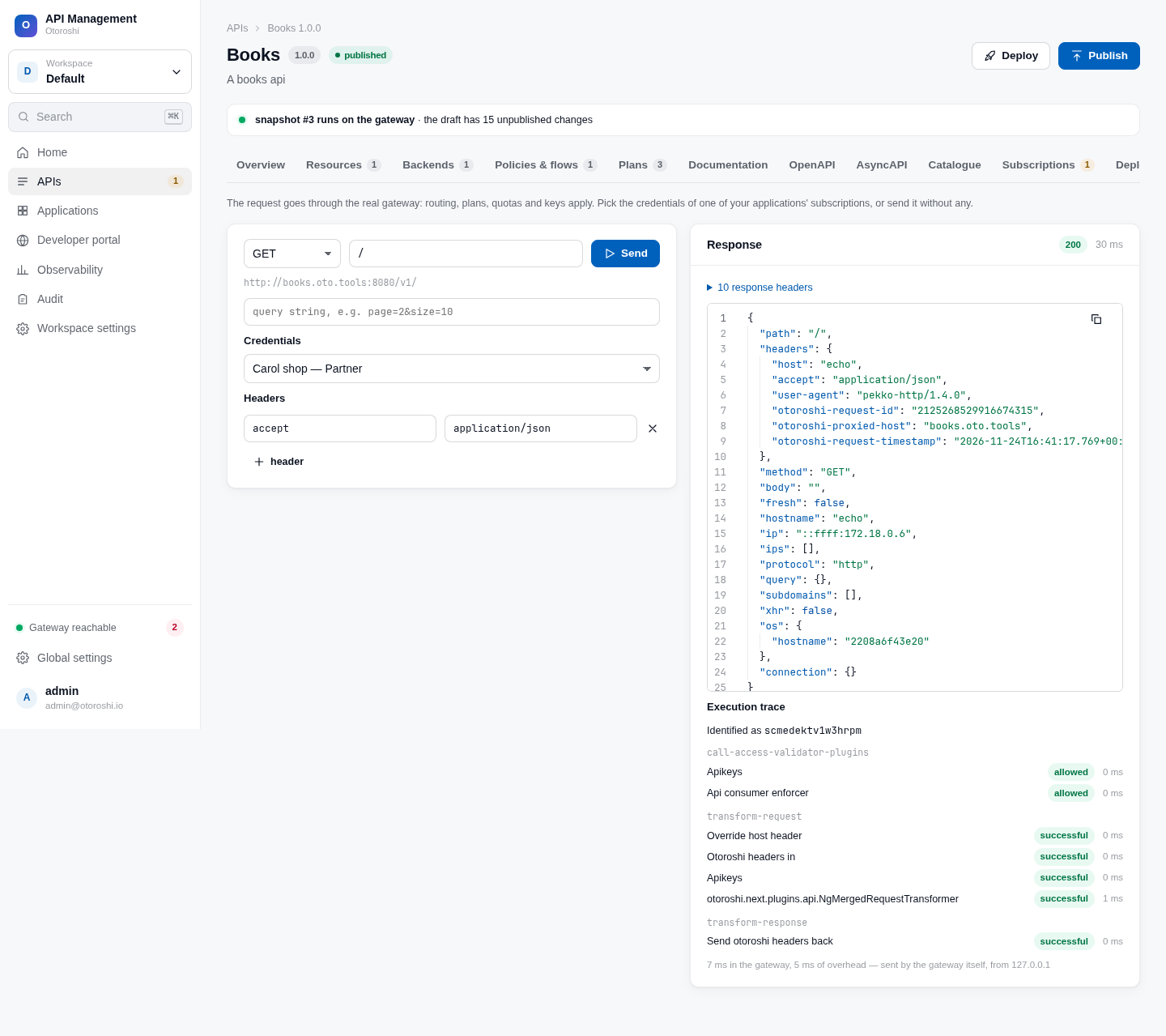
Test — a request tried through the gateway, with the credentials of a subscription and the trace of the policies
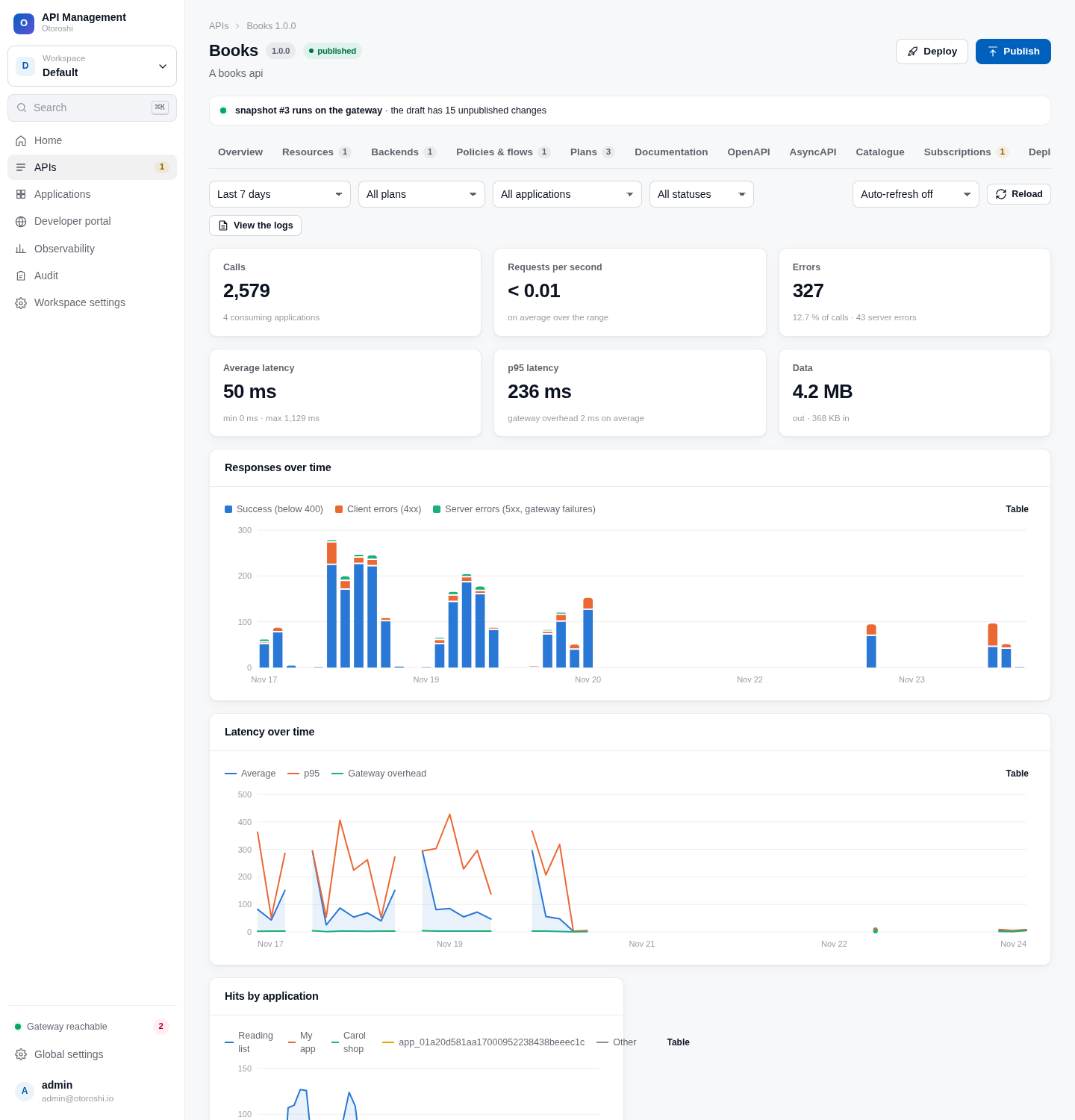
API — analytics, in the catalogue vocabulary
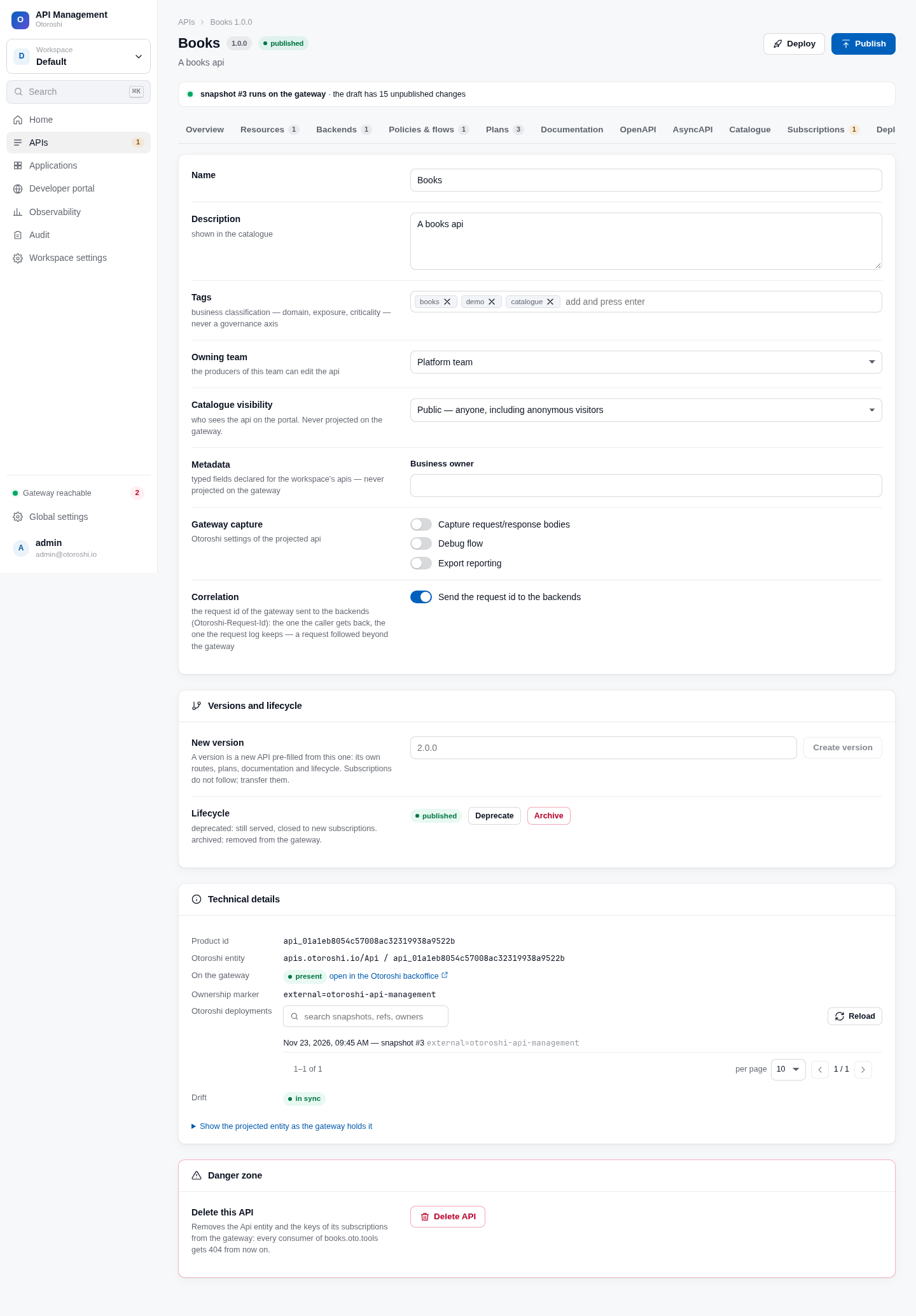
API — settings, versions, technical details (the escape hatch), danger zone
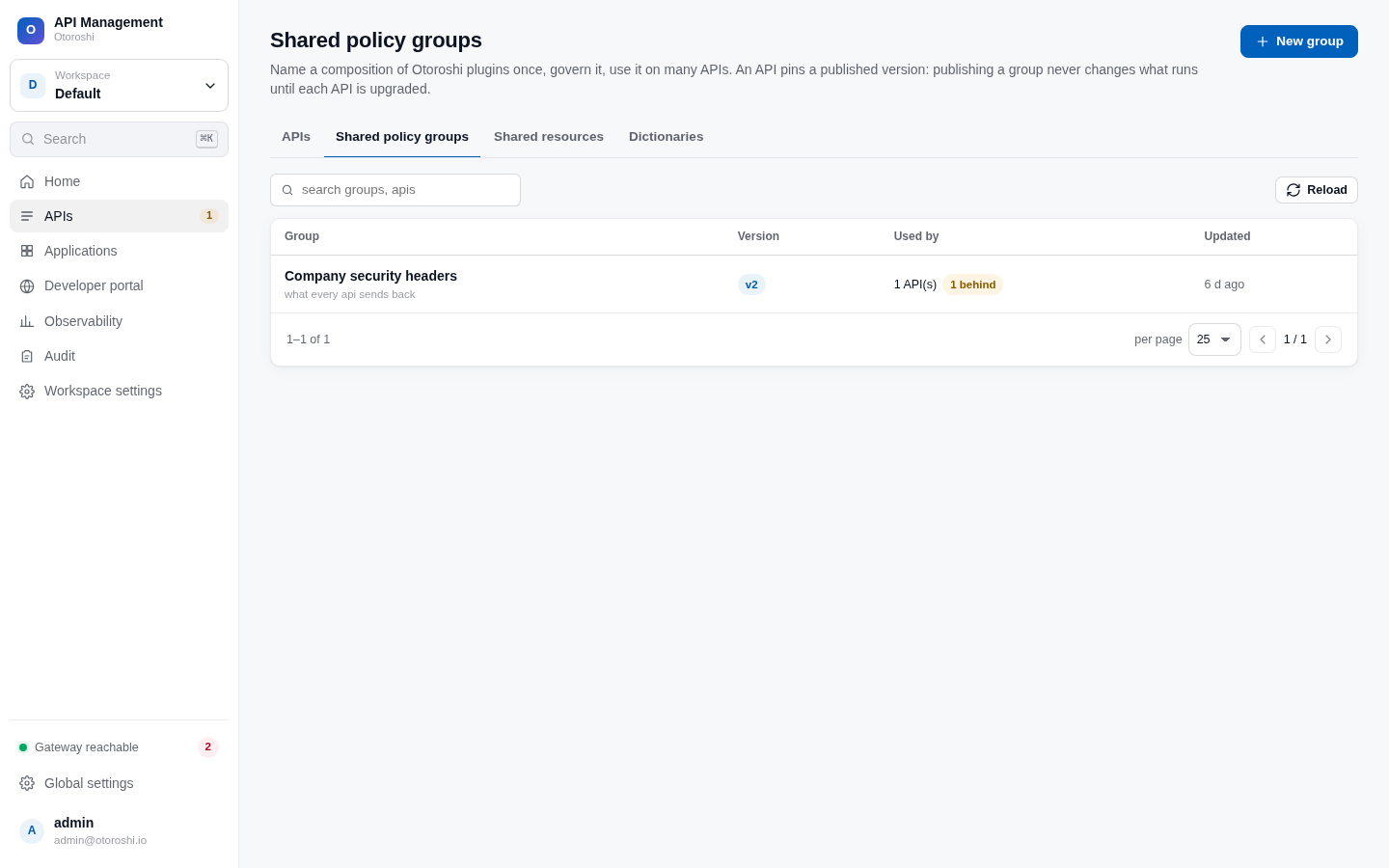
Shared policy groups
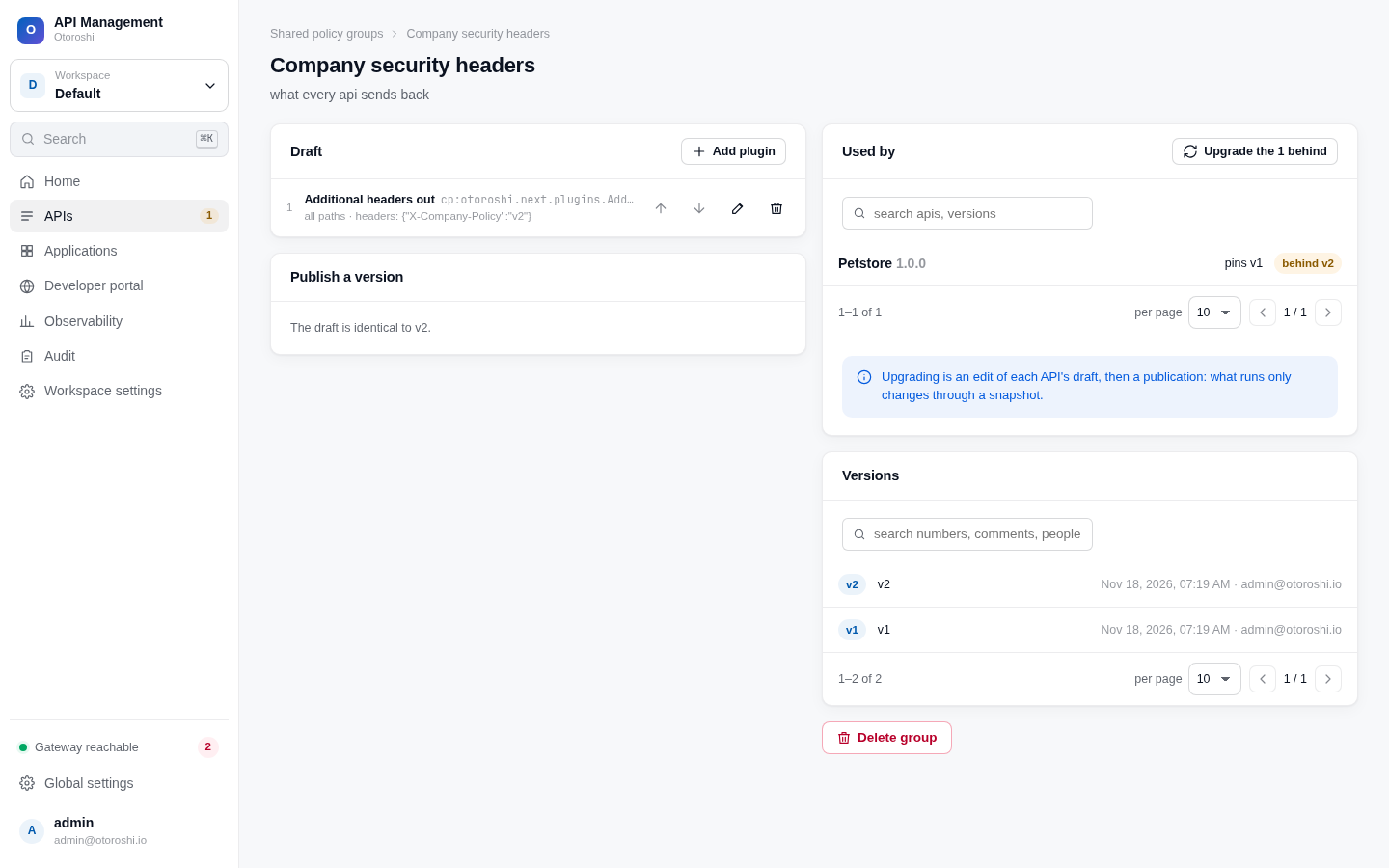
A policy group — draft, versions, the apis that use it and lag behind
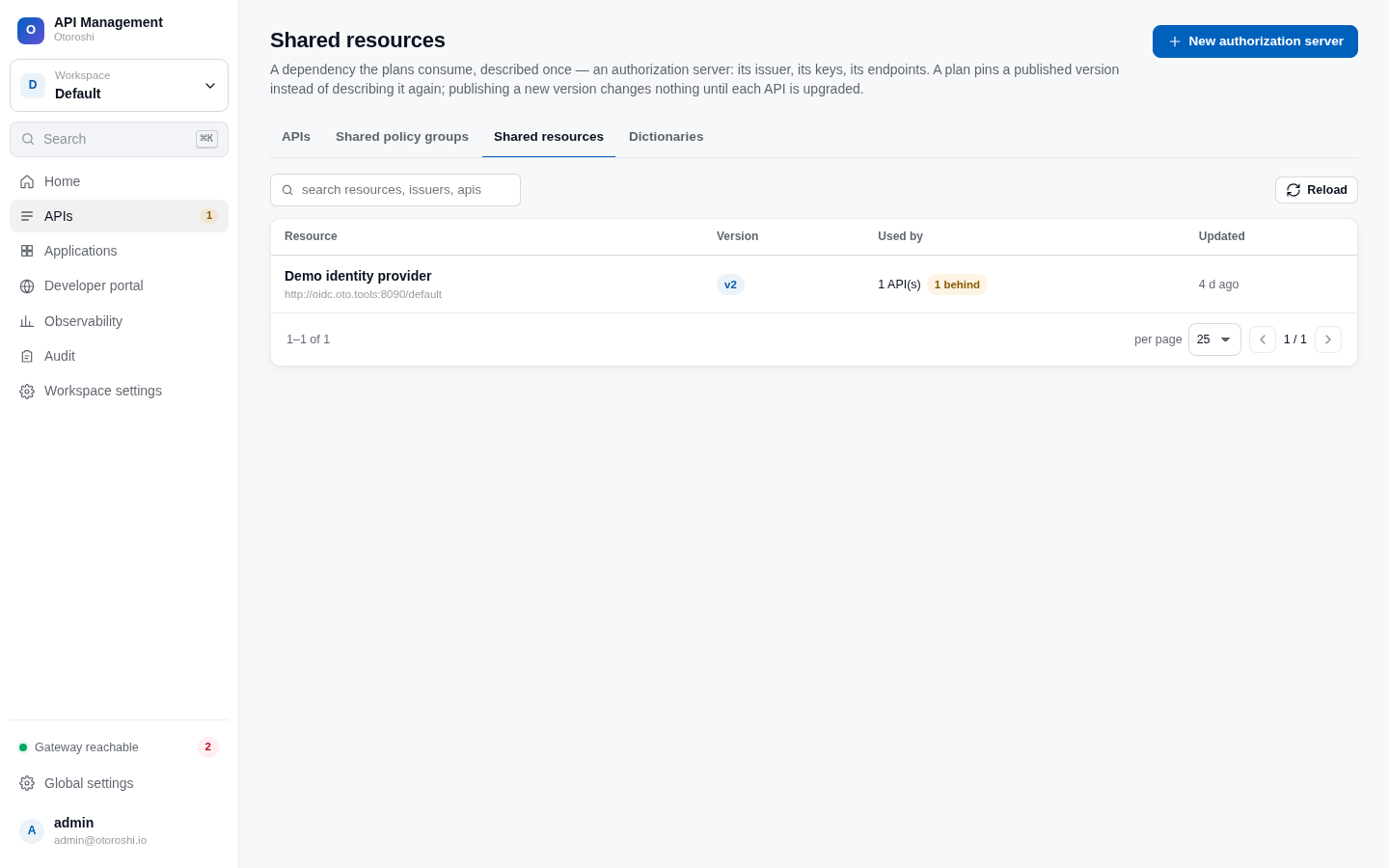
Shared resources — an authorization server described once, pinned by the plans
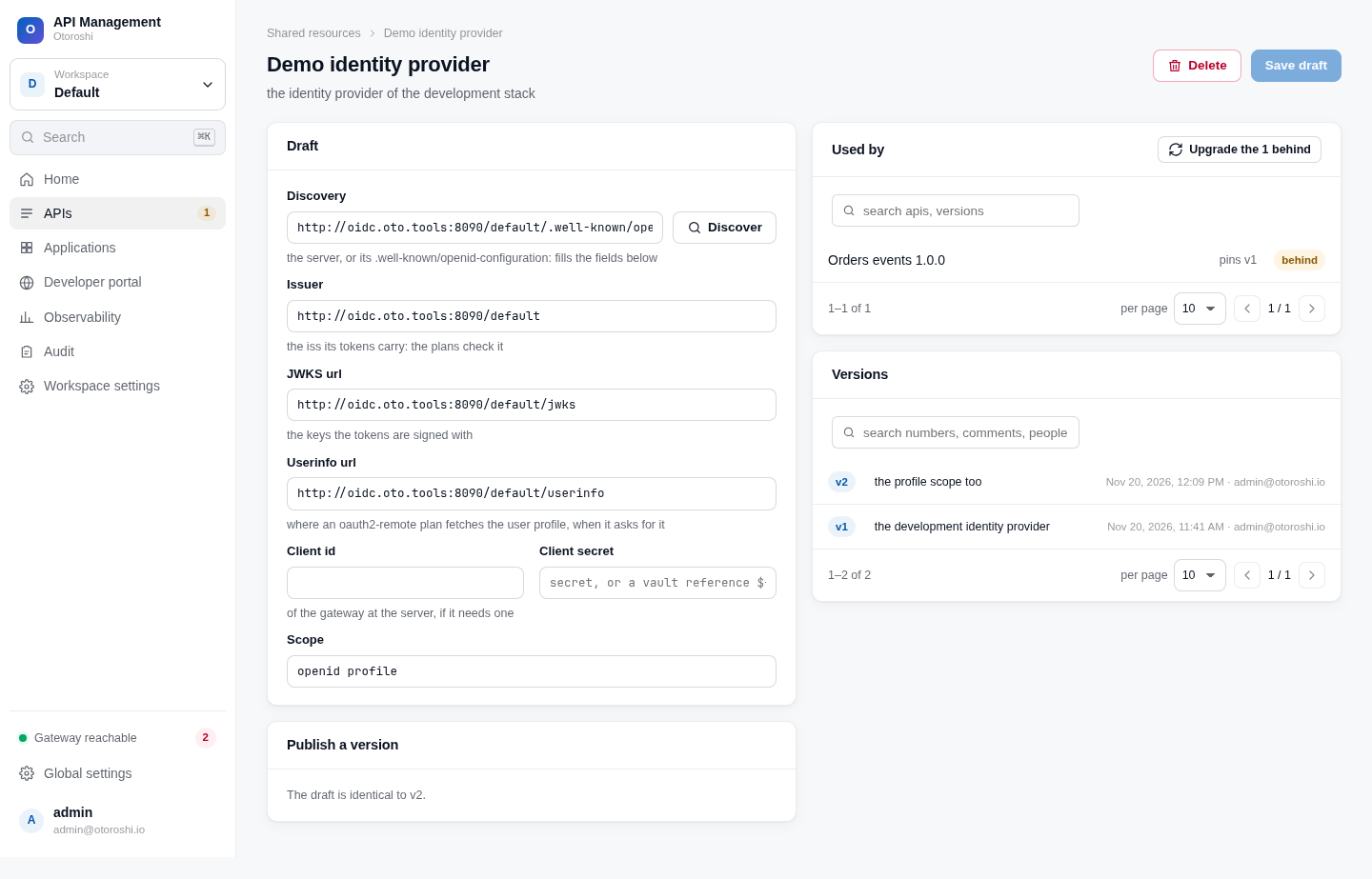
A shared resource — its draft, its versions, the plans that pin it
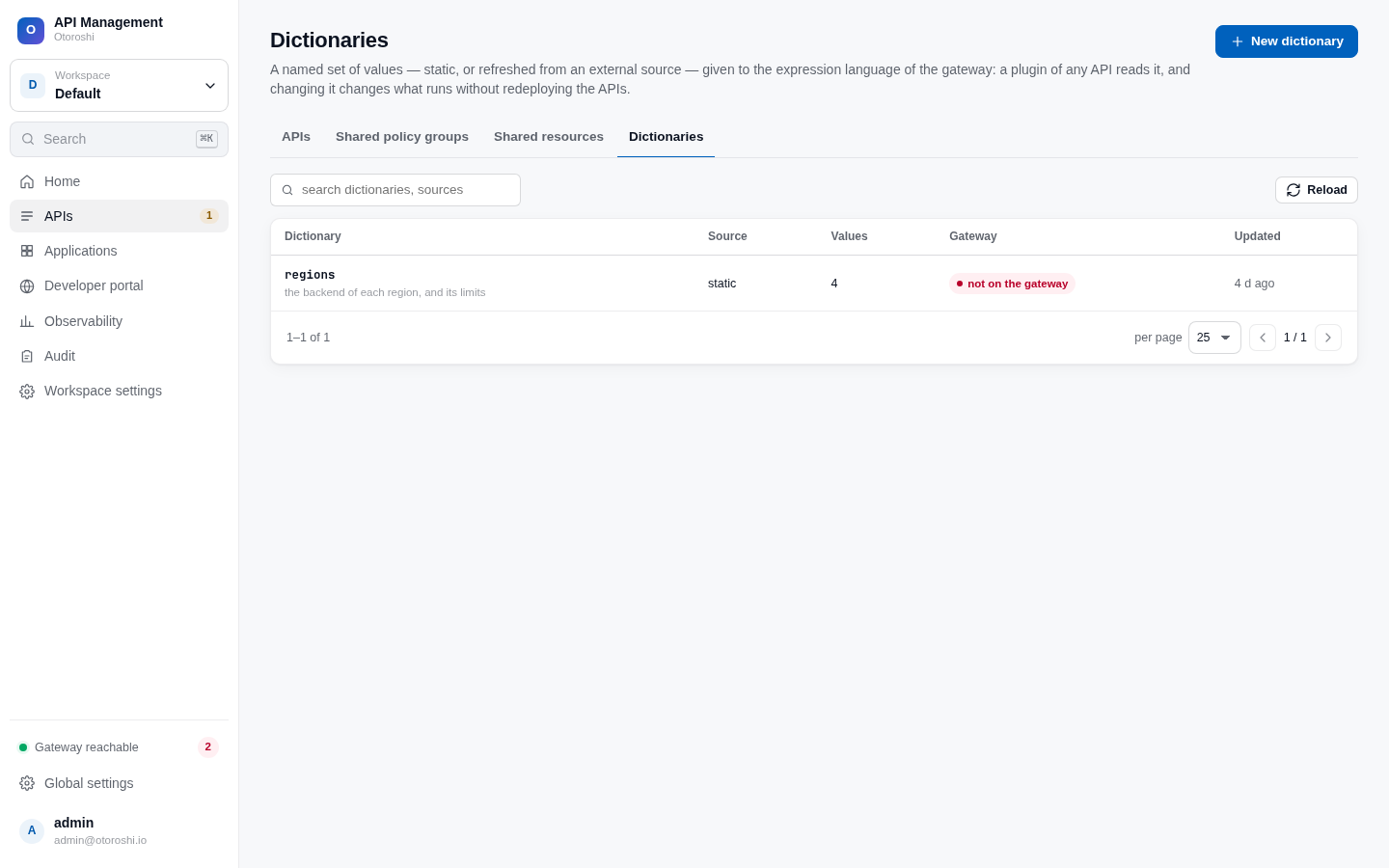
Dictionaries — named values given to the expression language of the gateway
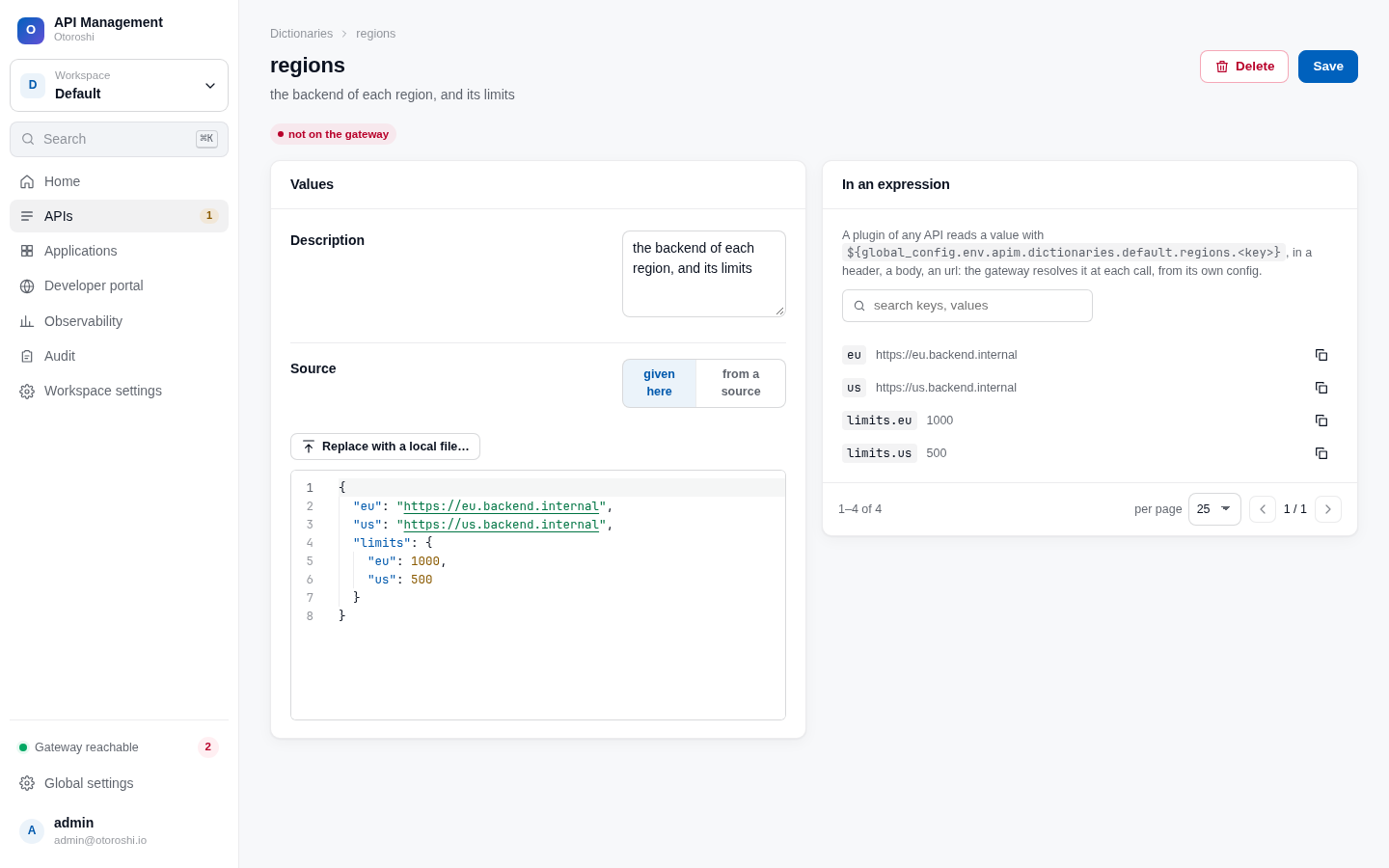
A dictionary — its values, and the expression that reads each of them
Applications
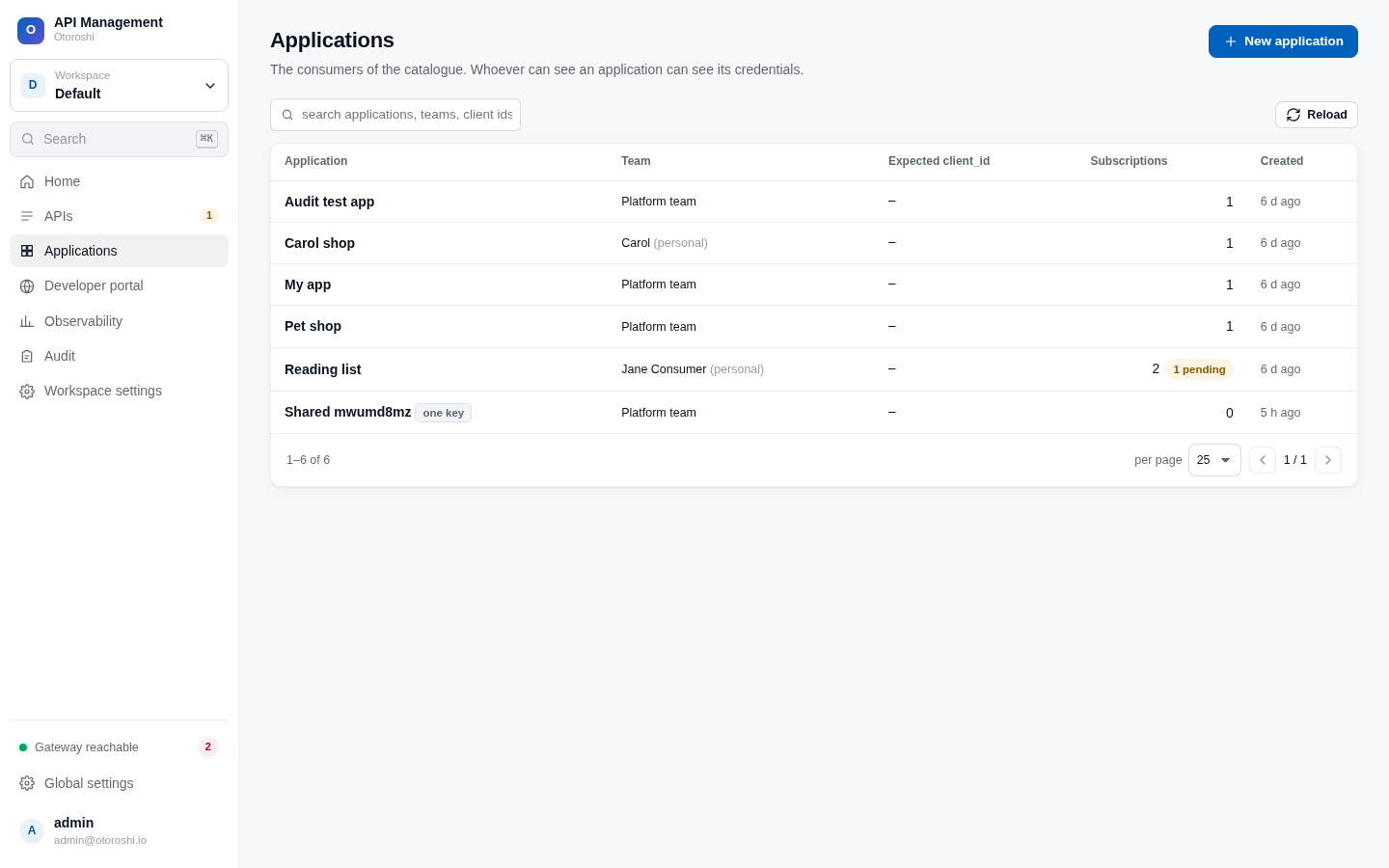
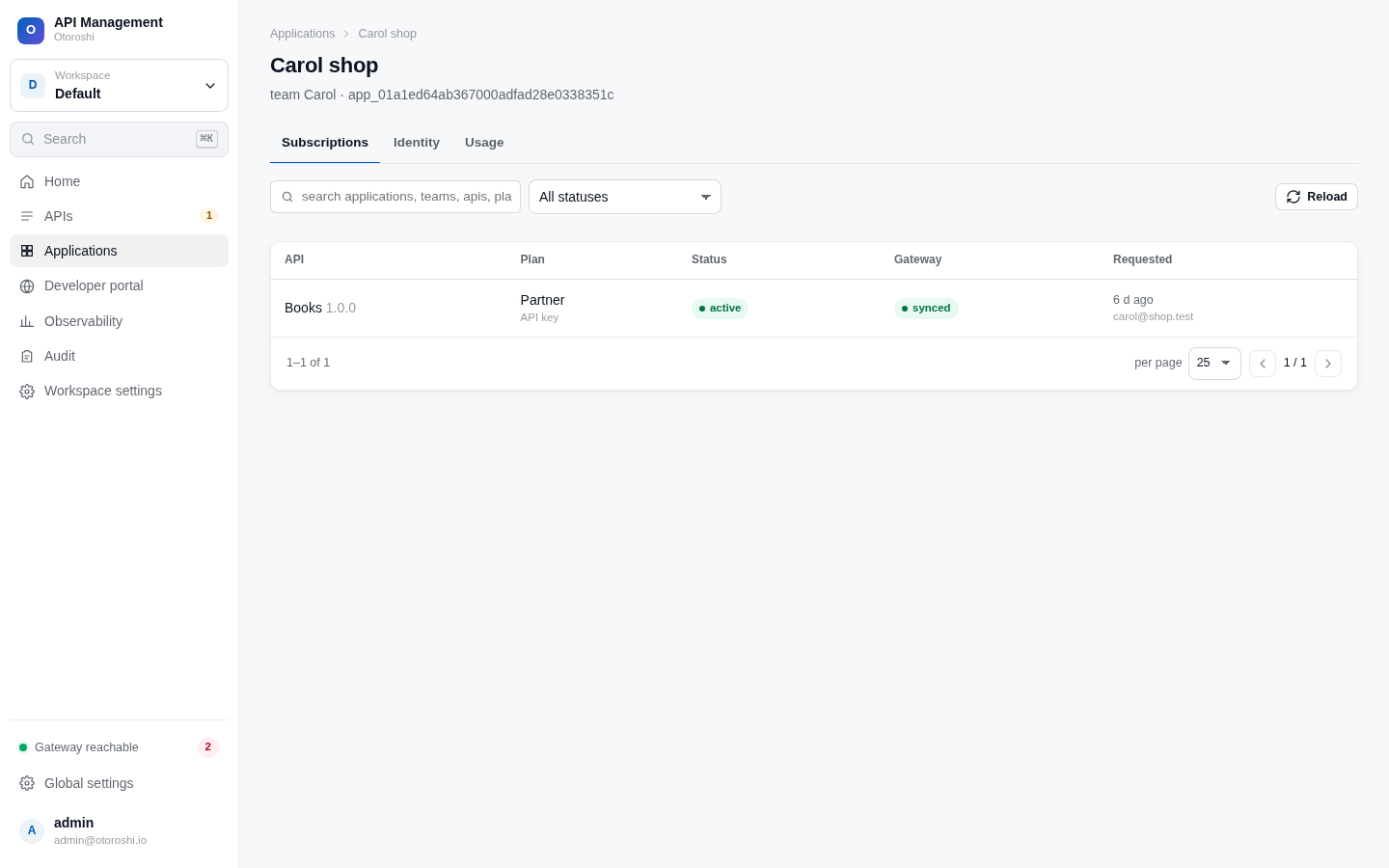
An application and its subscriptions
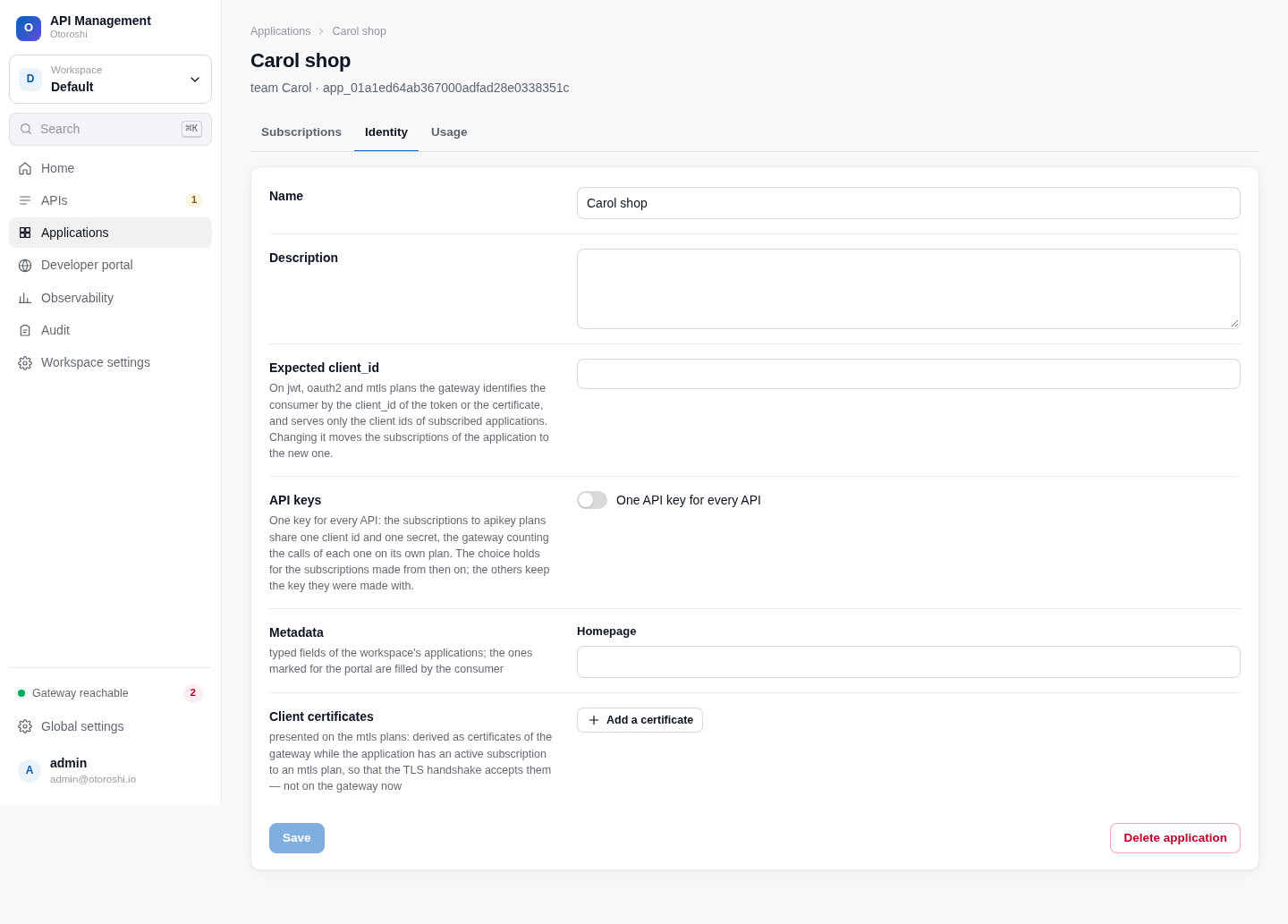
An application — expected client_id, one API key for every API, certificates, metadata
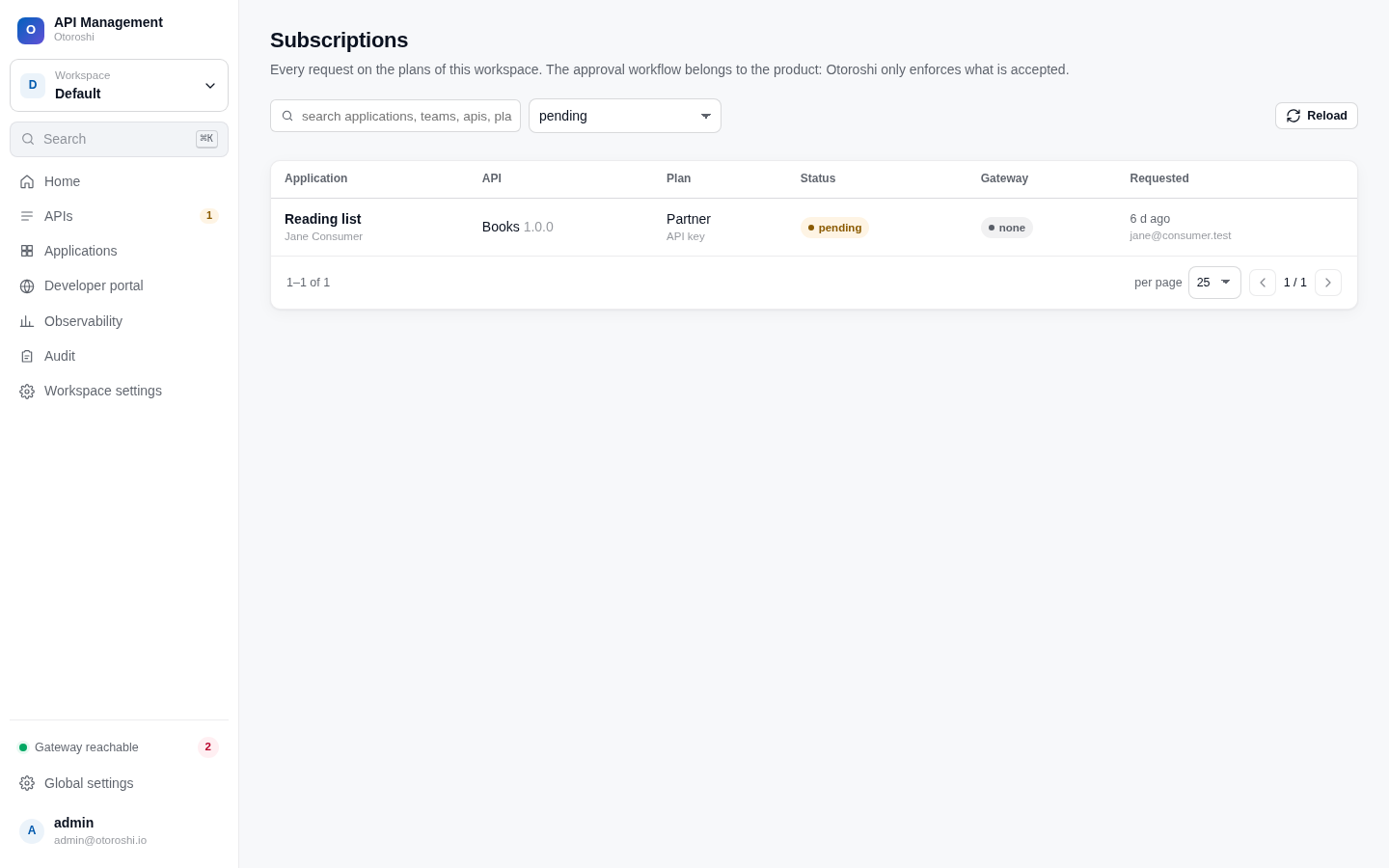
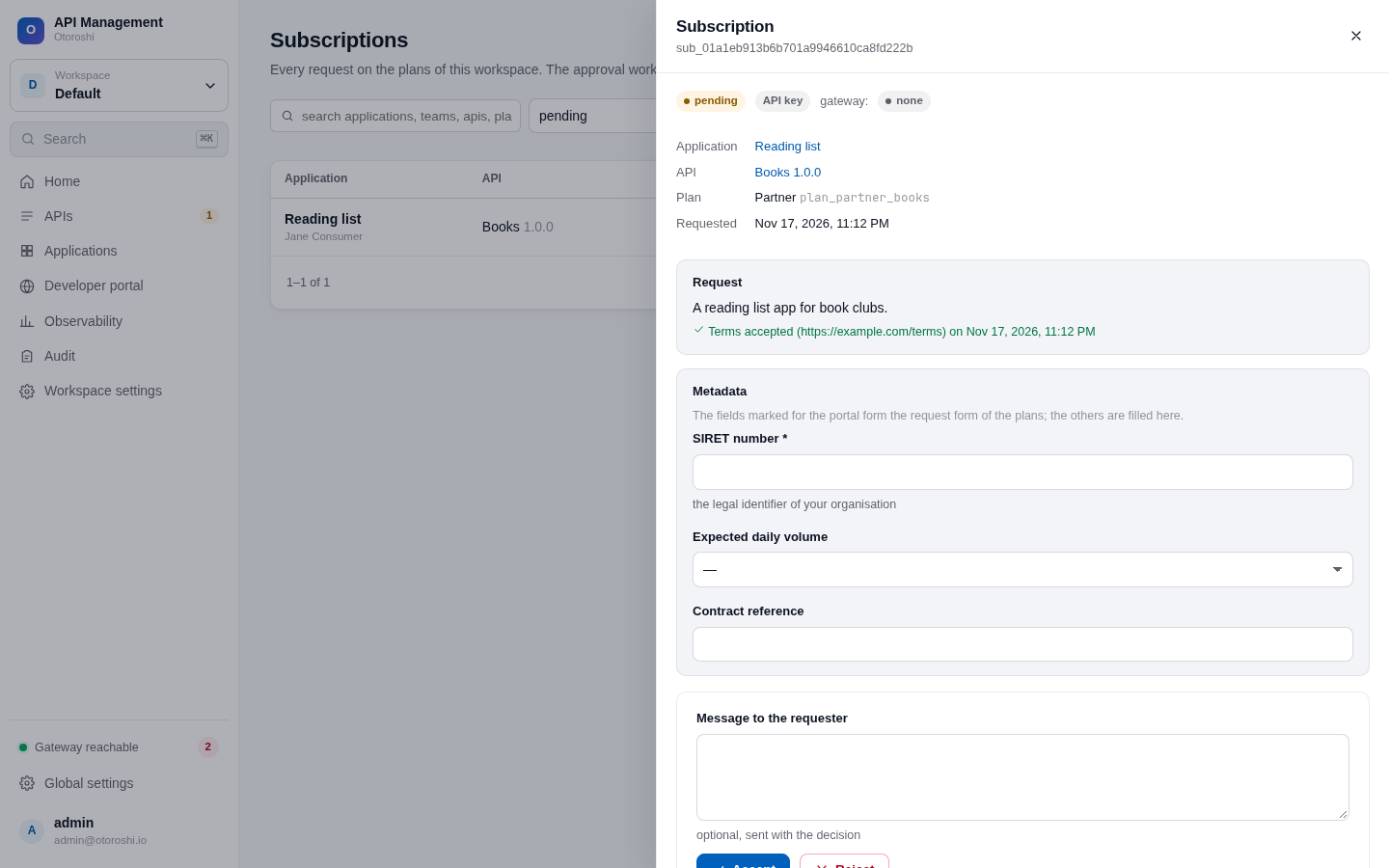
Subscriptions waiting for review
Reviewing a request: usage statement, request form, terms
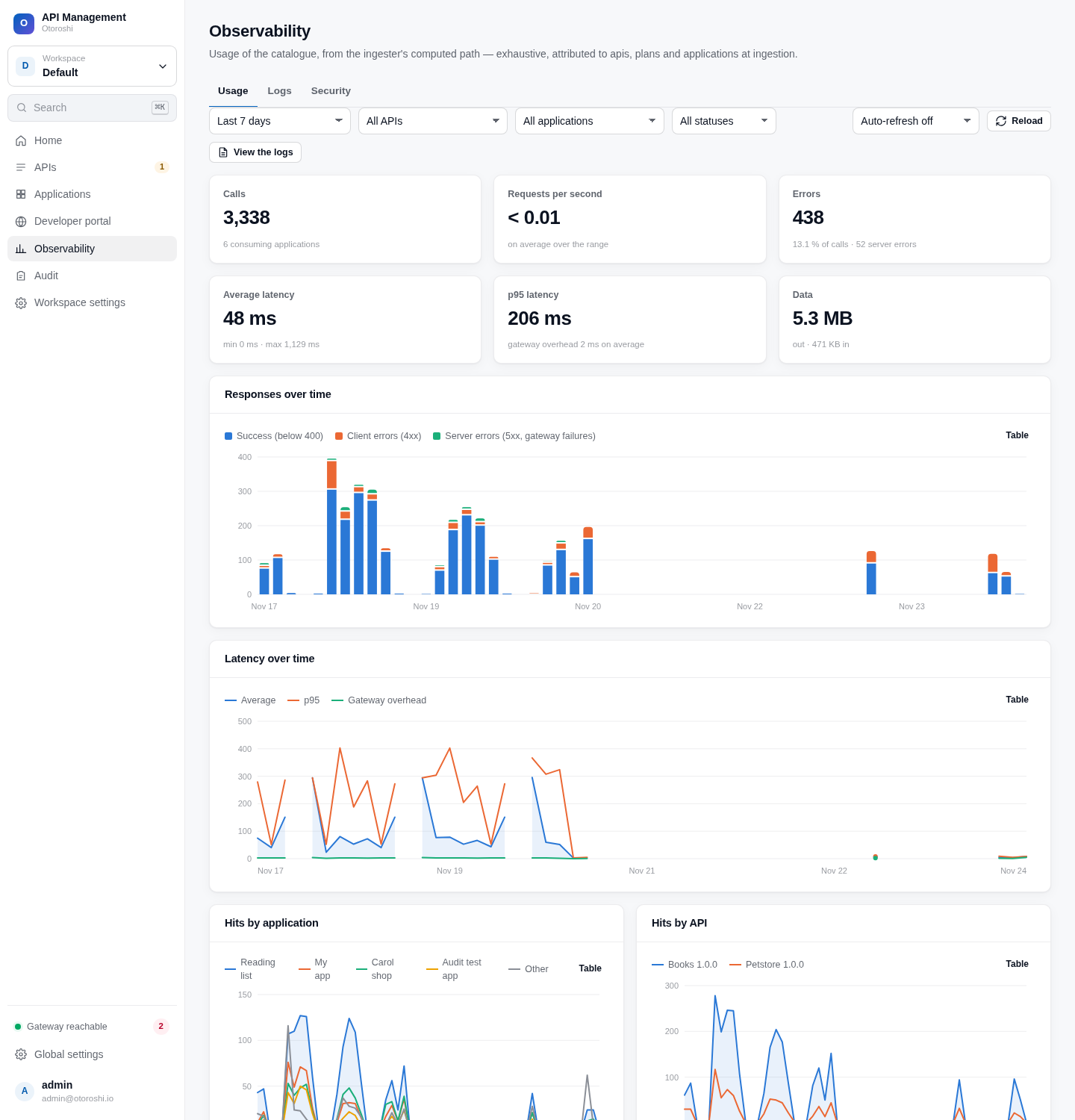
Observability — the figures, responses and latency over time, hits by application and api
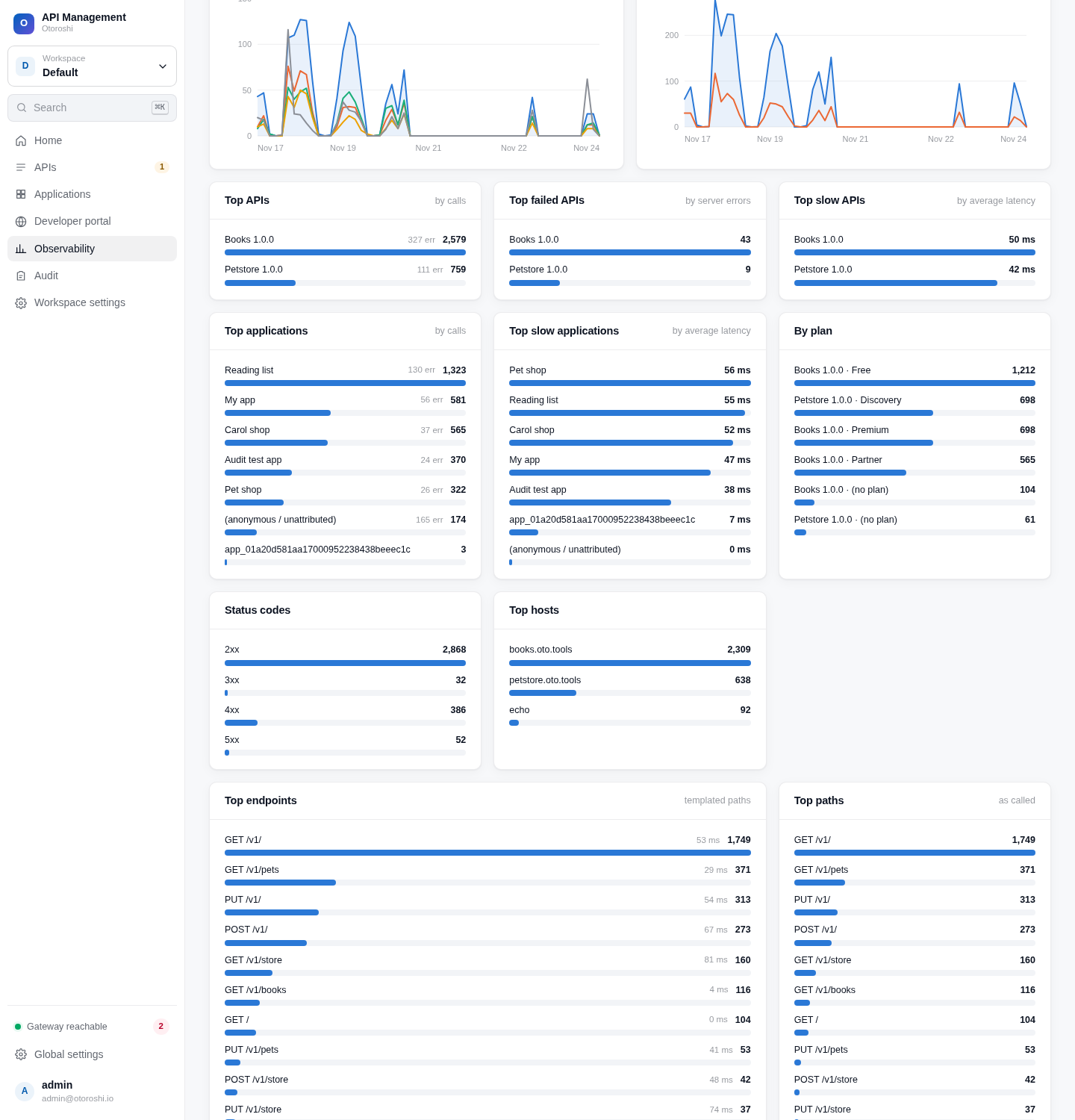
Observability — the tops: failed and slow apis, applications, plans, hosts, paths
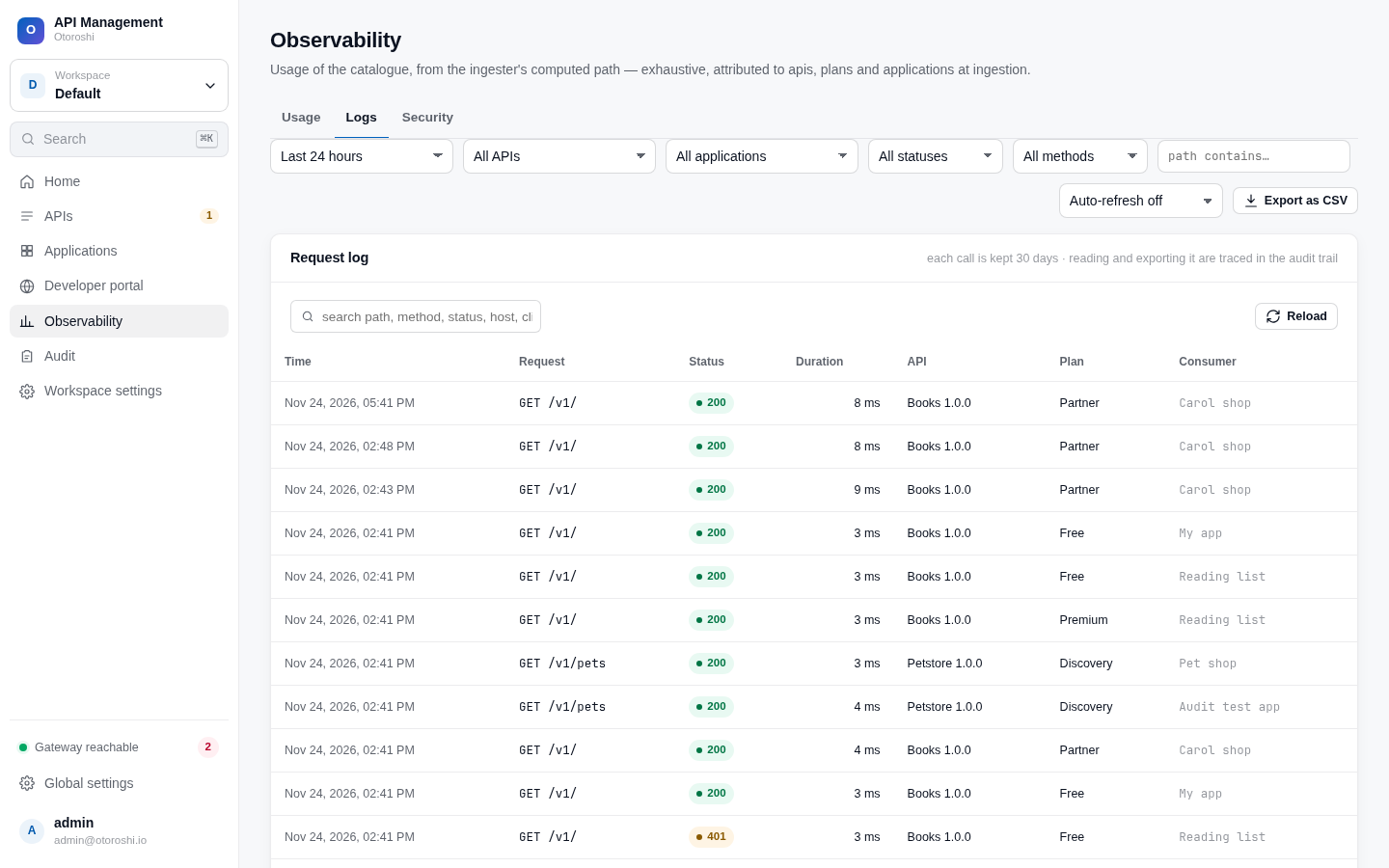
Observability — the request log, filtered like the dashboards, exported as CSV
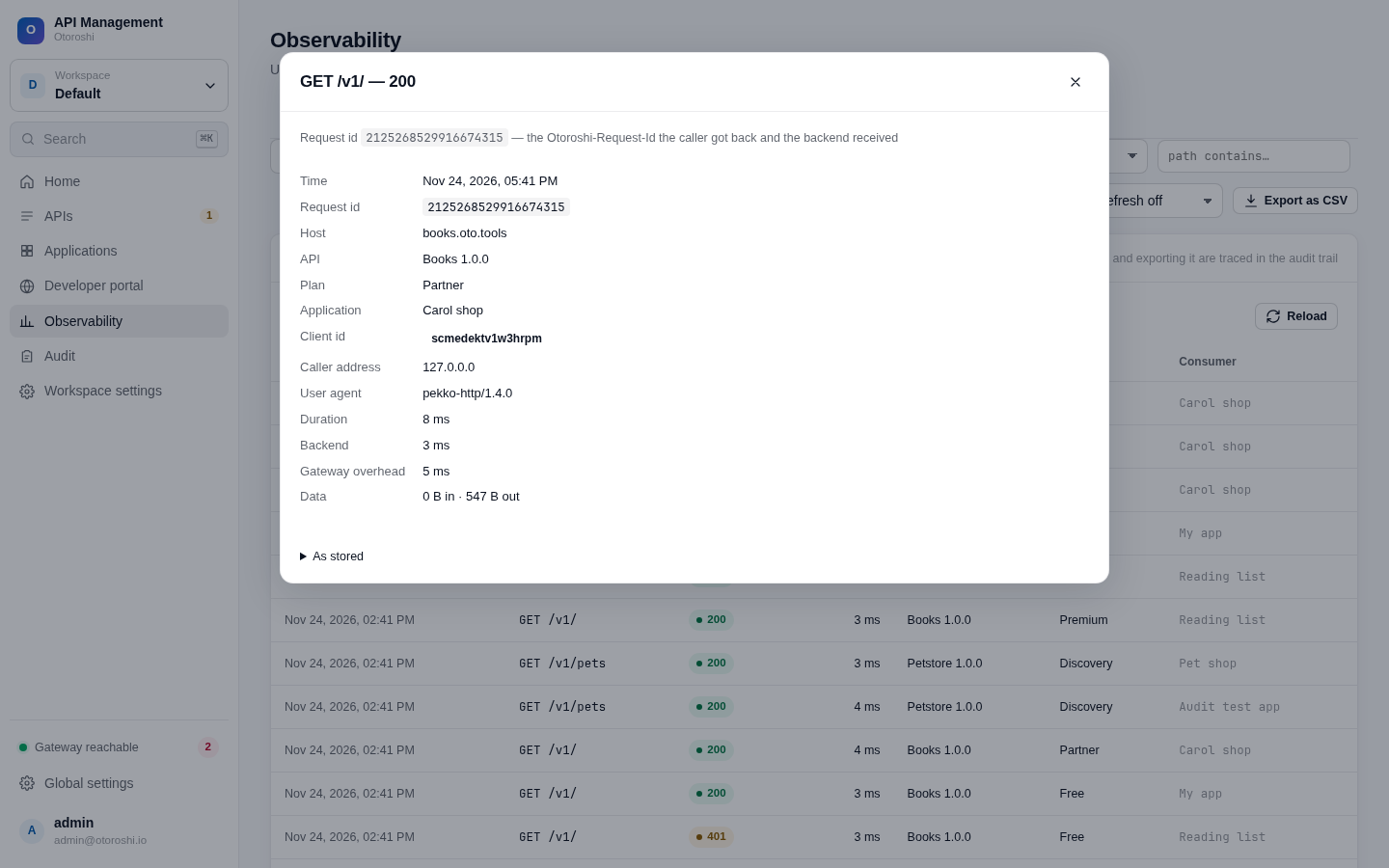
A call of the request log — where its time went
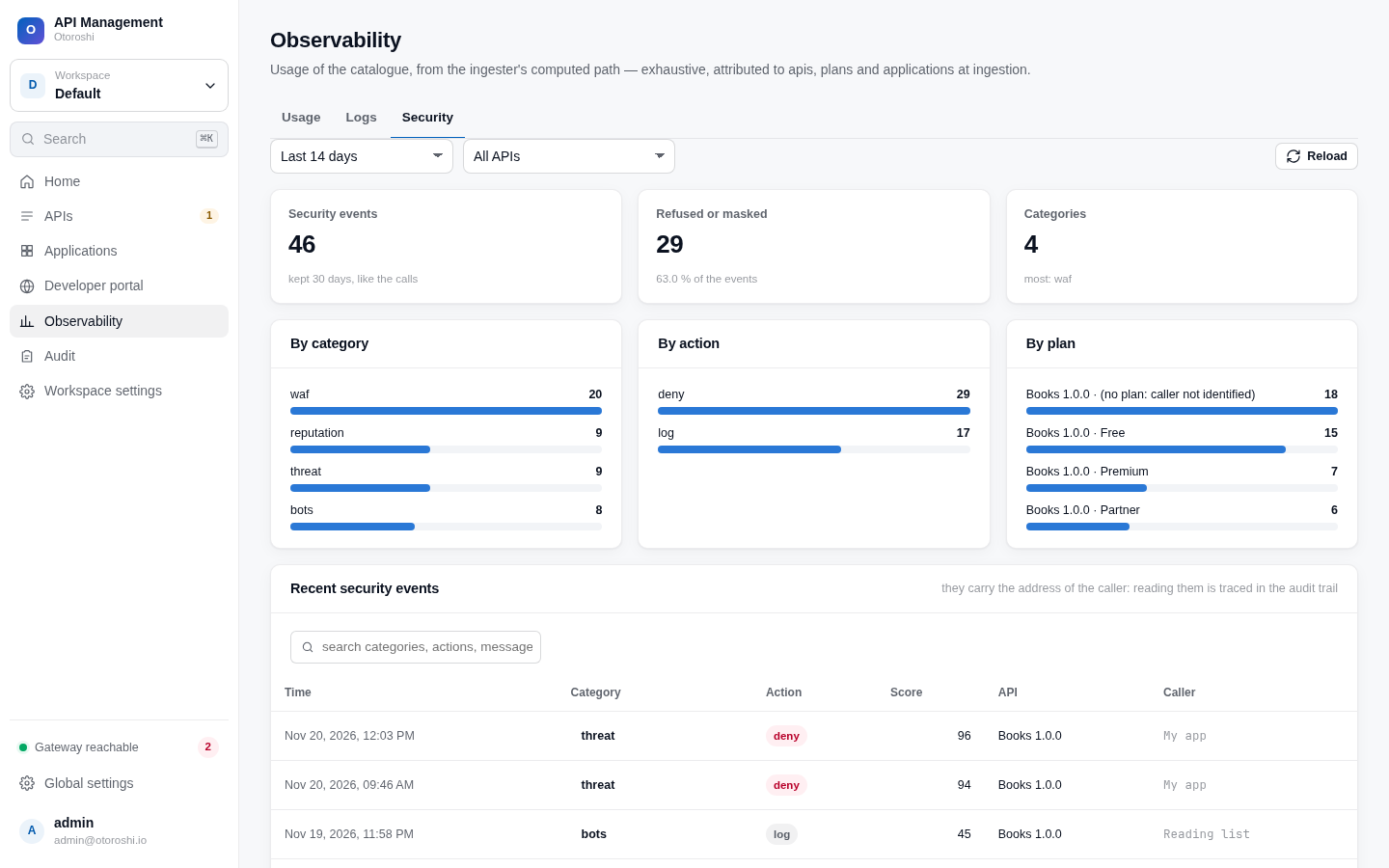
Observability — the security events of the Threat Protection Suite, by category, action and plan
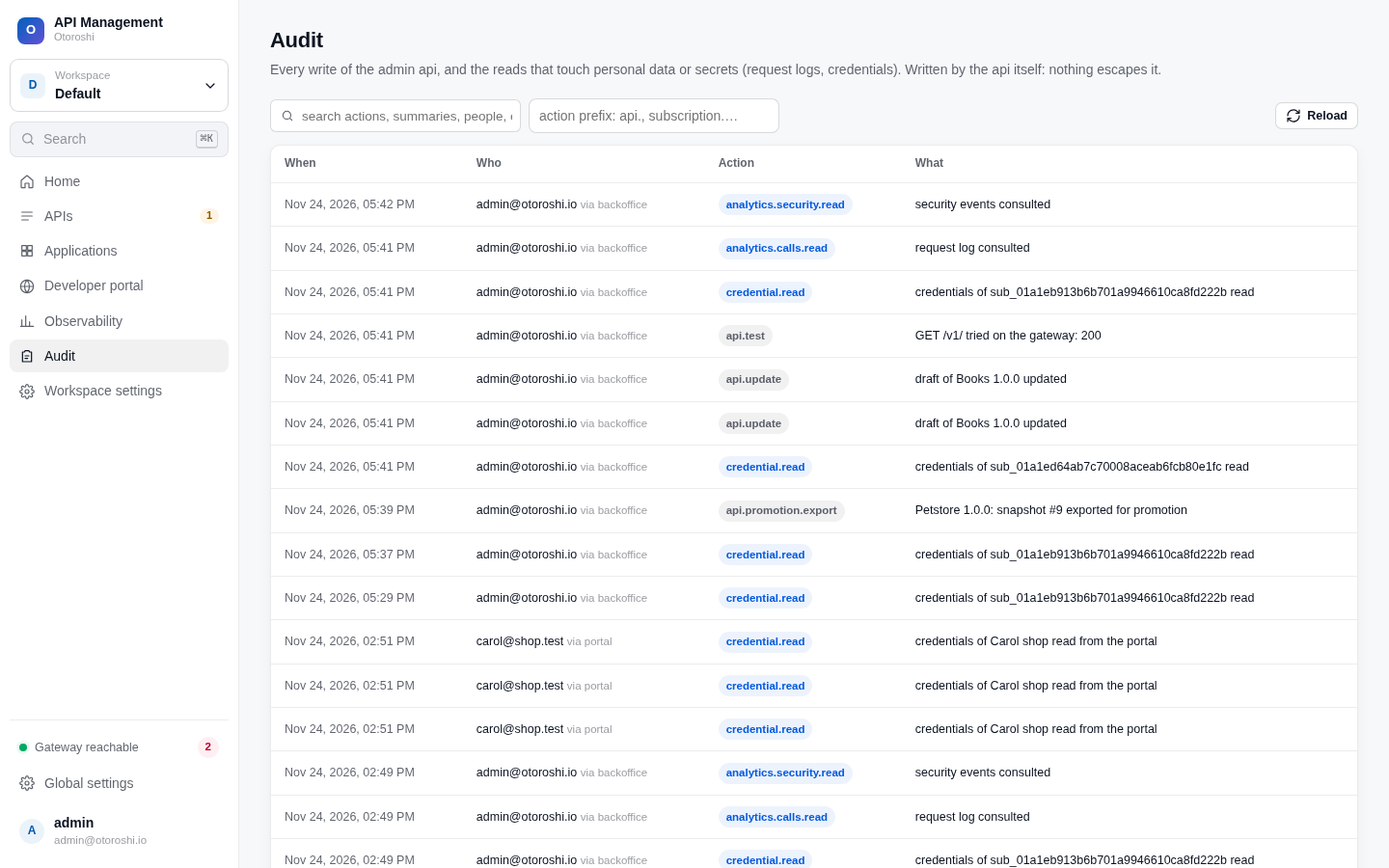
Audit — writes, and reads of credentials and request logs
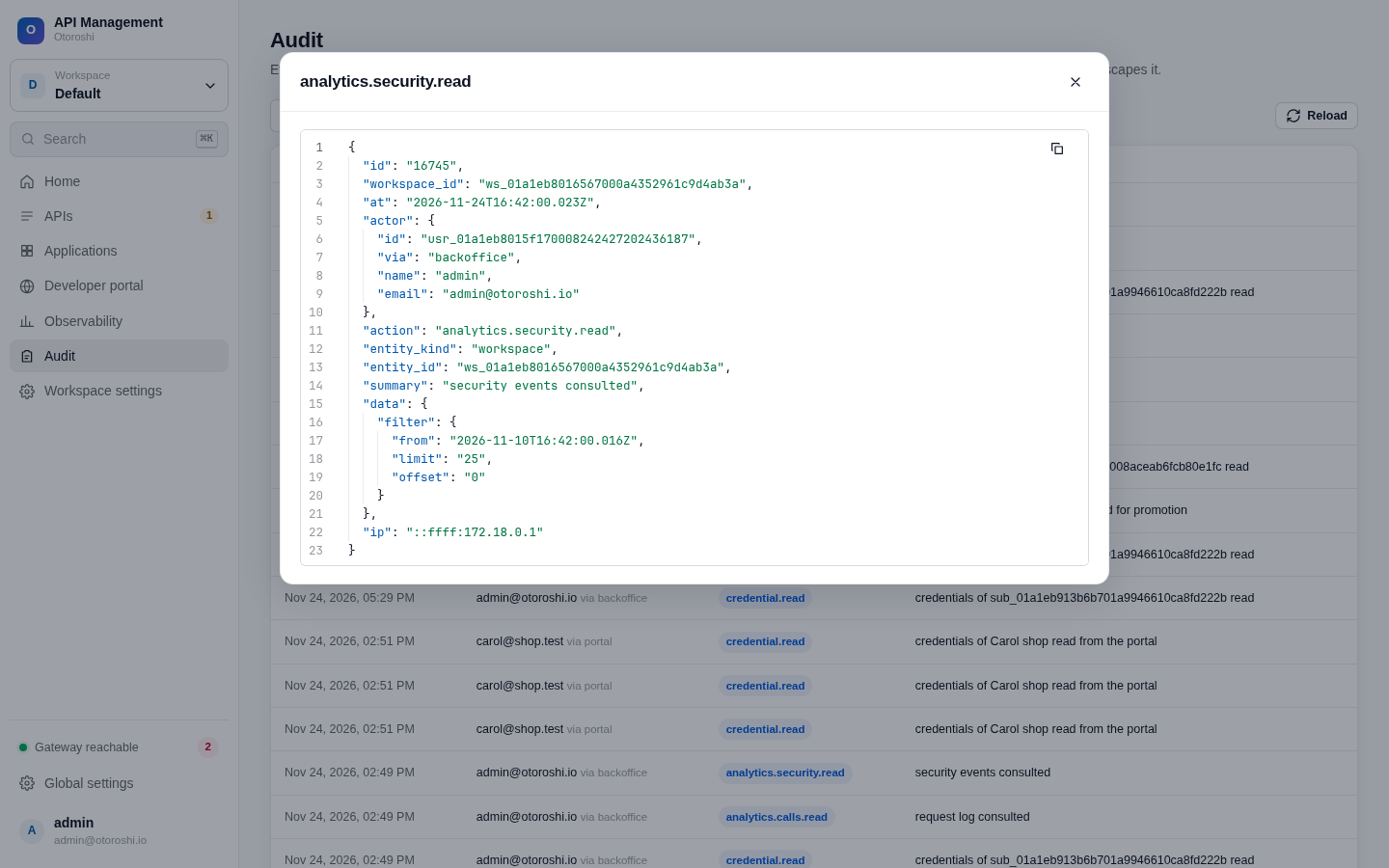
An audit event, read-only
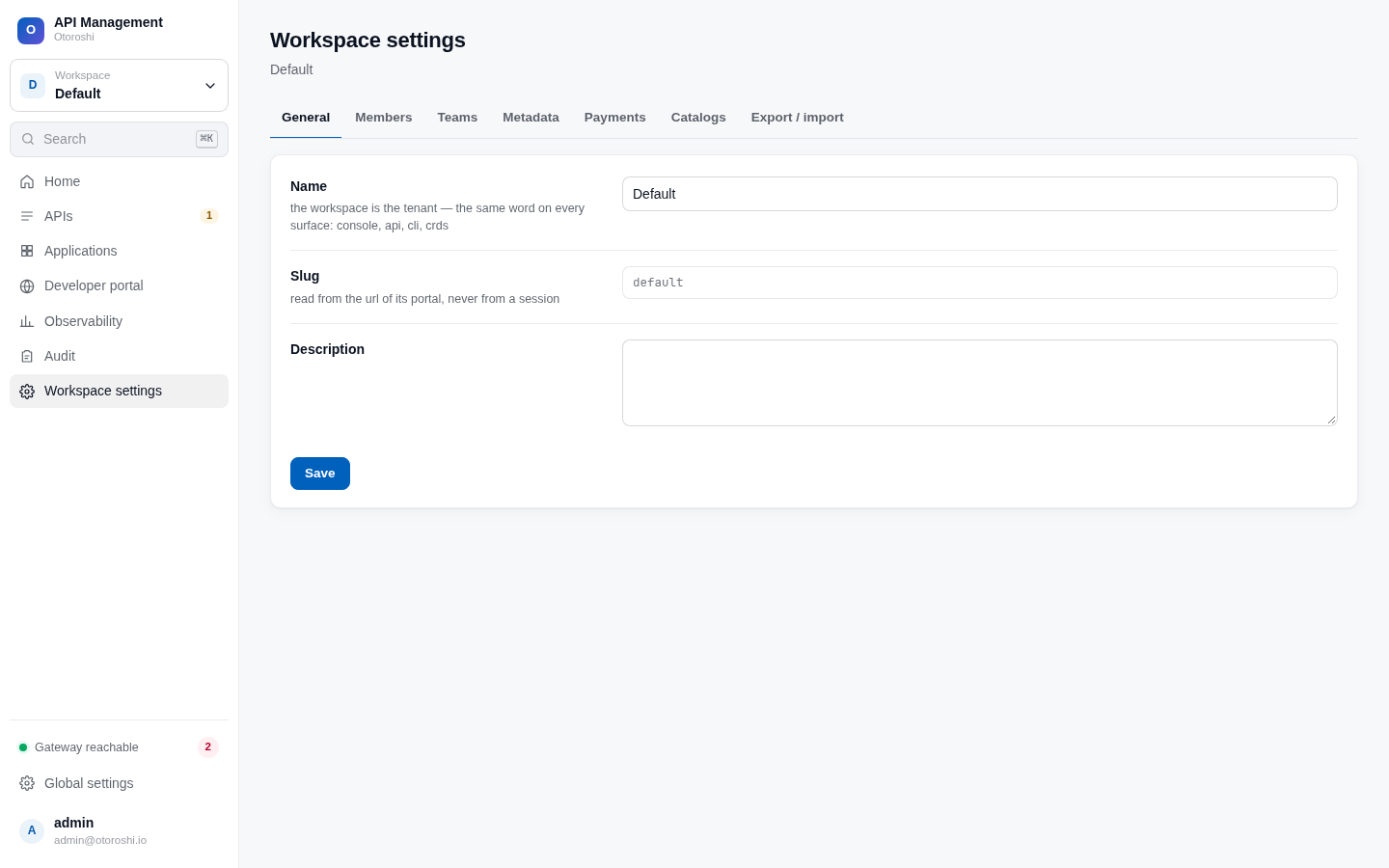
Workspace settings — general
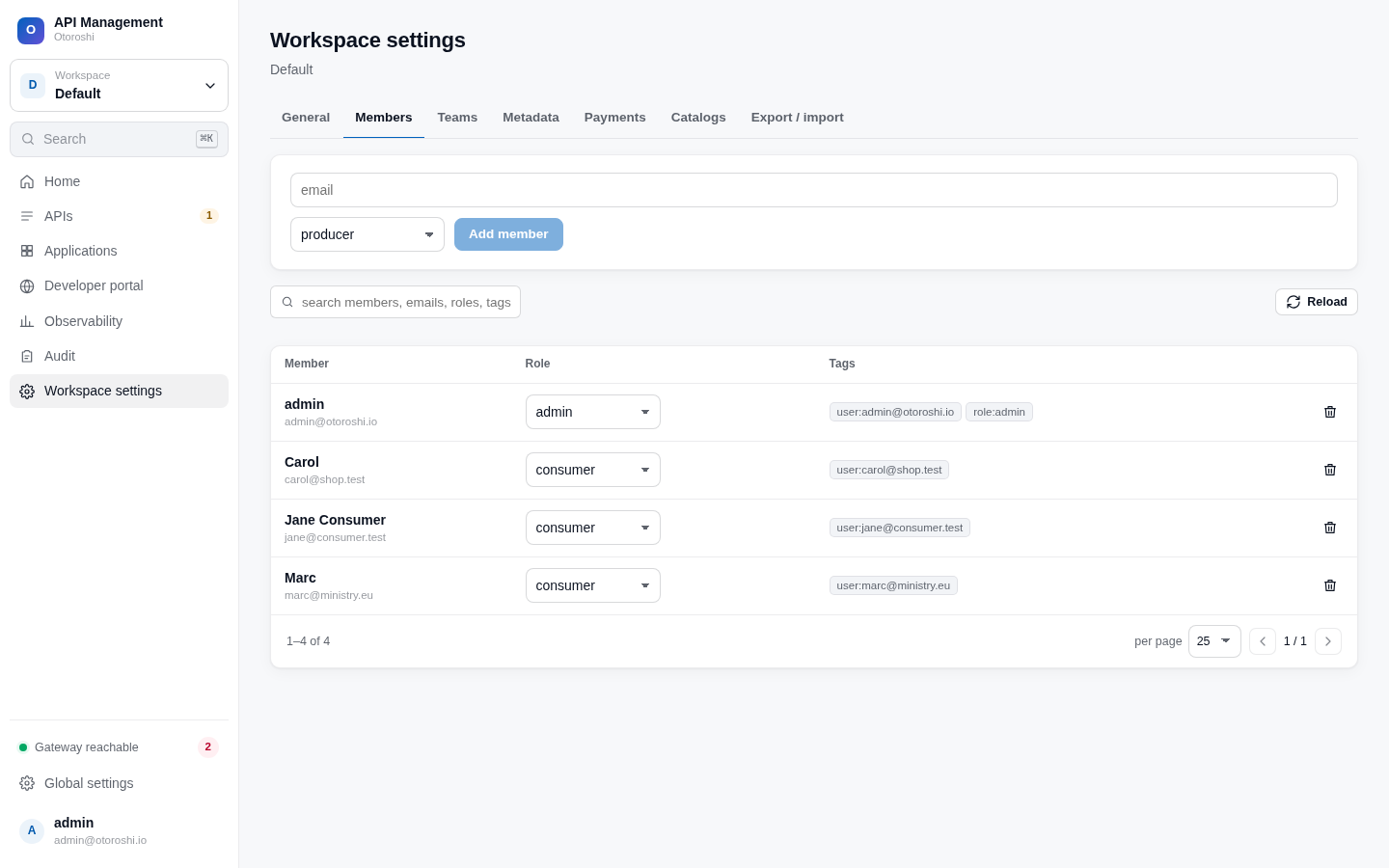
Workspace settings — members and roles
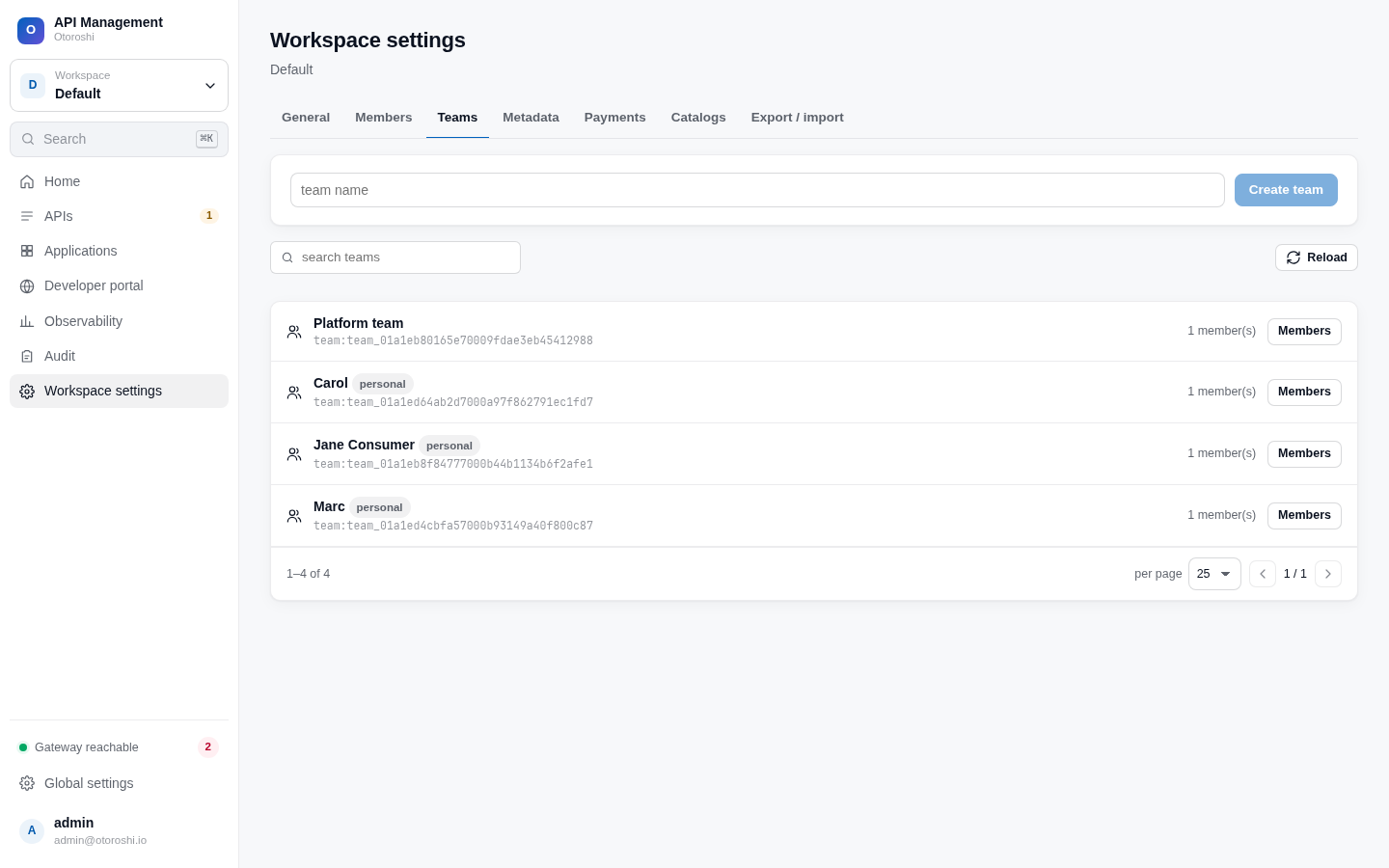
Workspace settings — teams
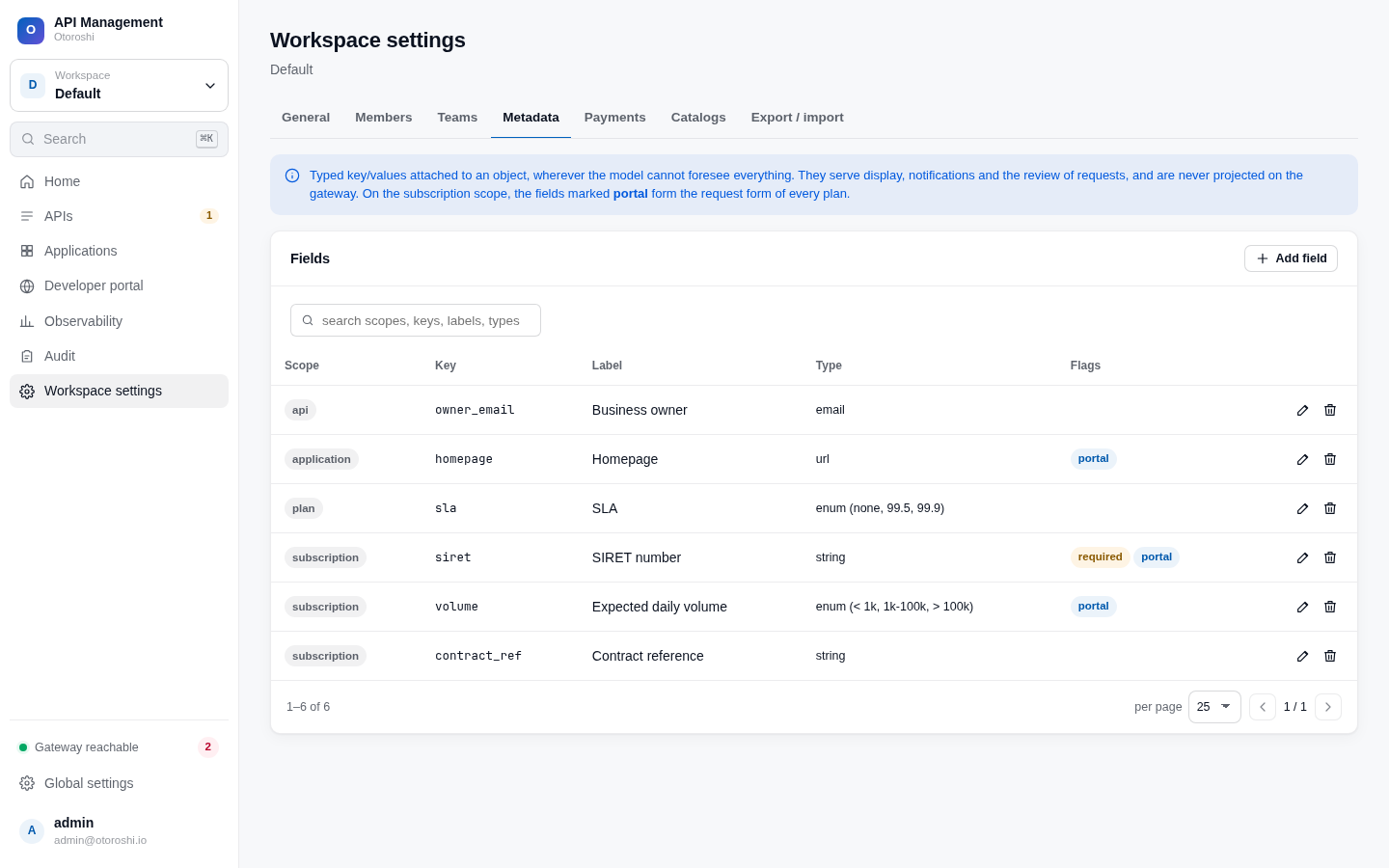
Workspace settings — typed metadata fields
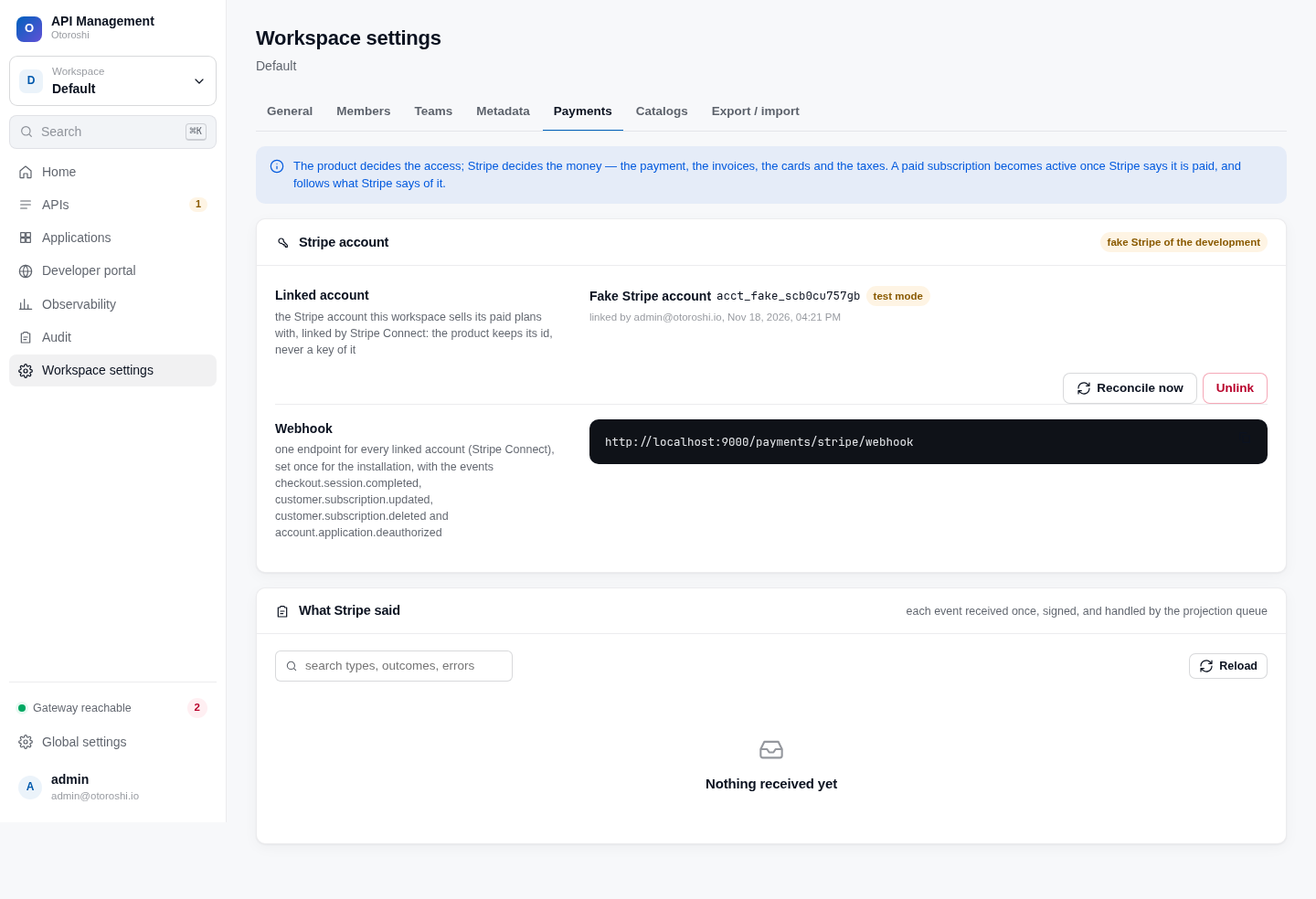
Workspace settings — payments: the Stripe account the paid plans are sold with, and what Stripe said
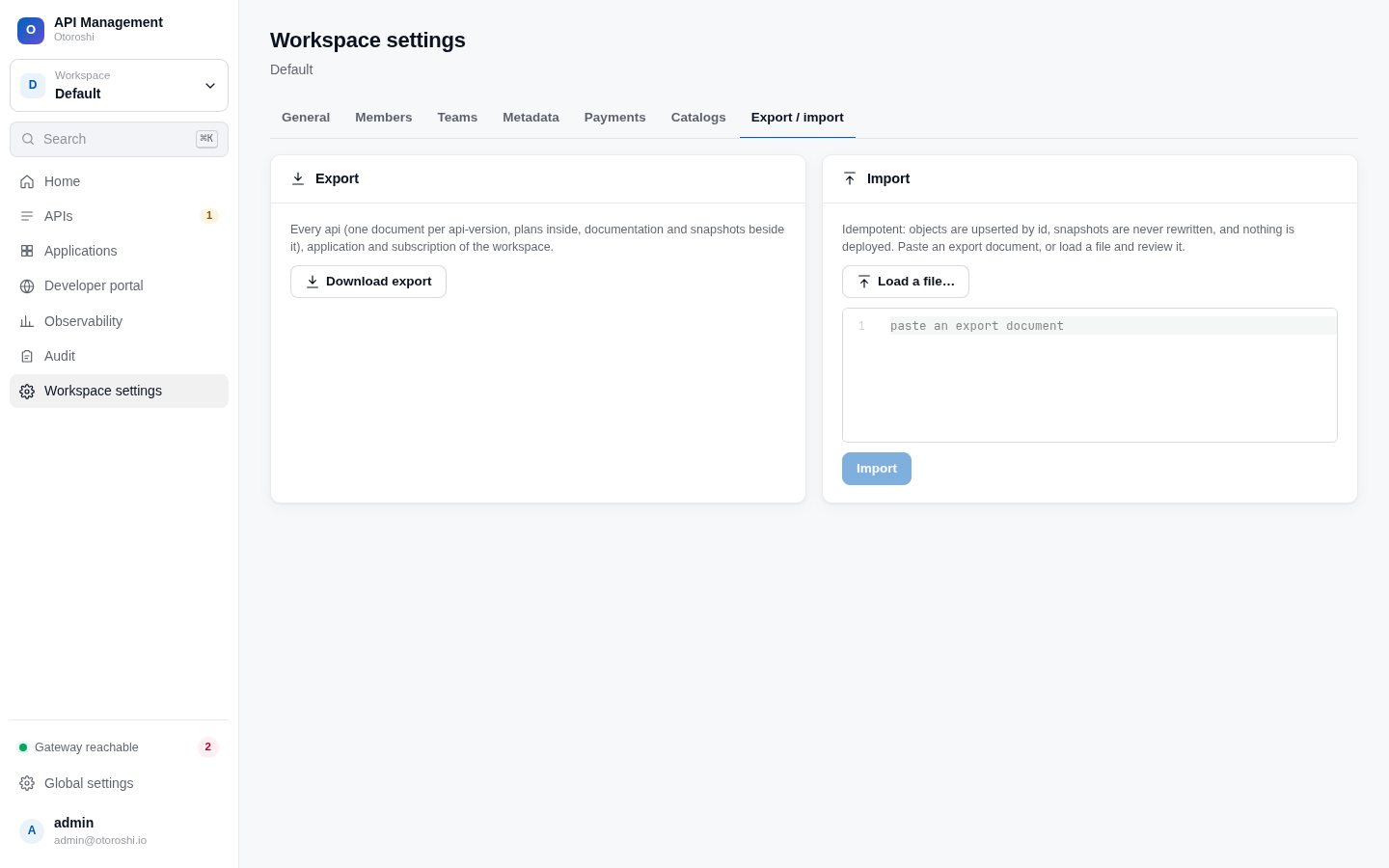
Workspace settings — export and import
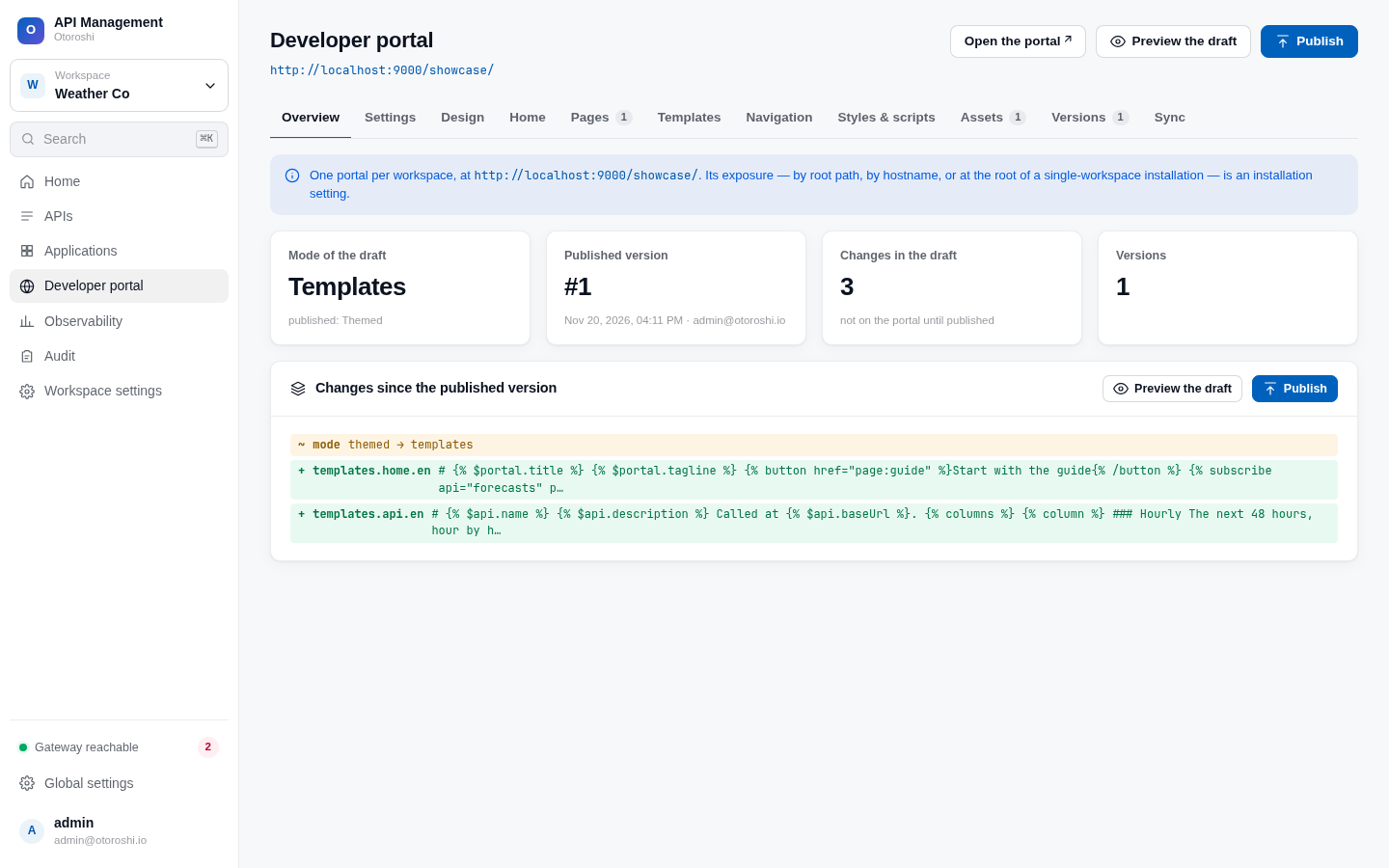
Developer portal — the published design, the changes of the draft, publish and preview
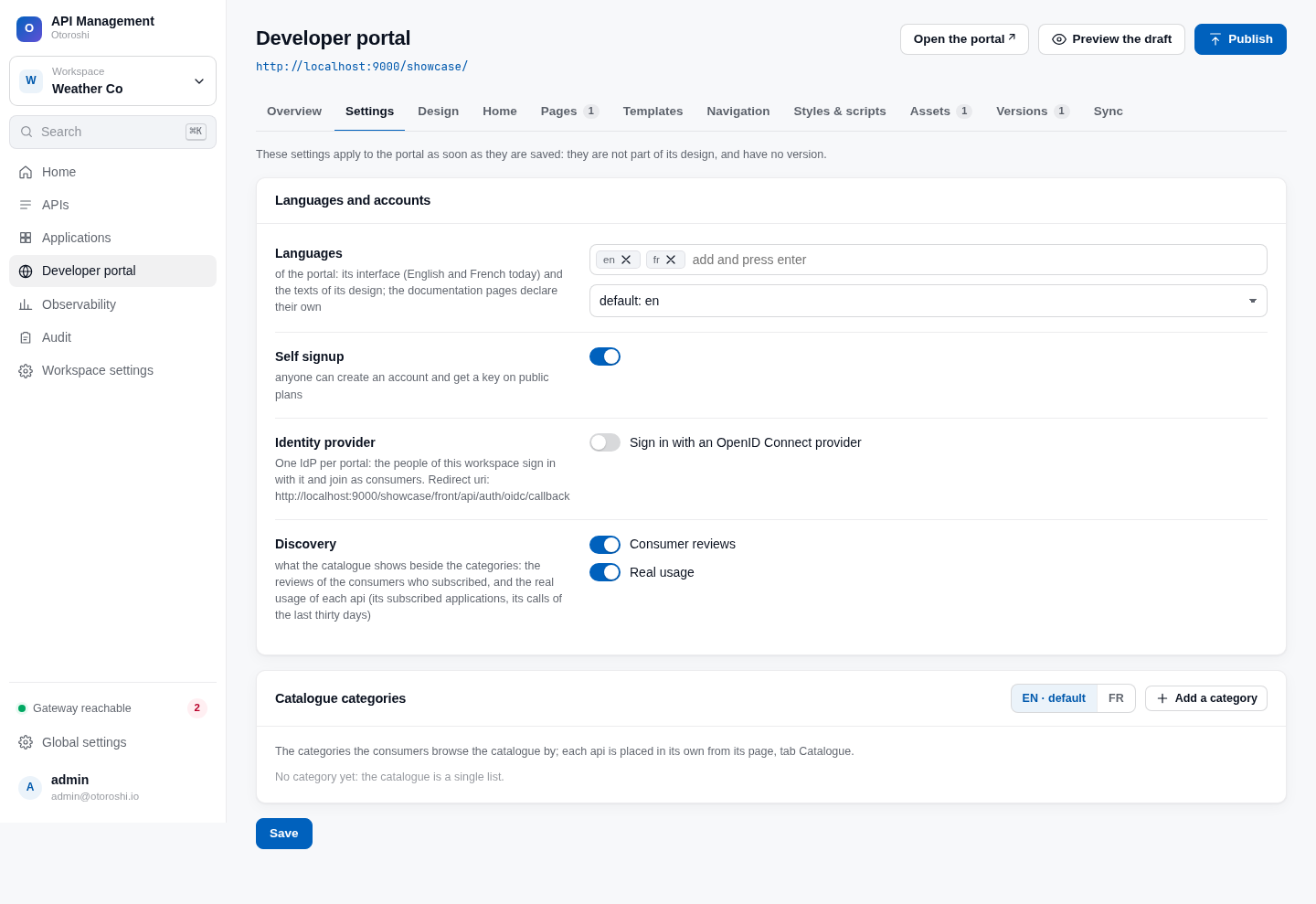
Developer portal — its settings: languages, signup, identity provider, categories
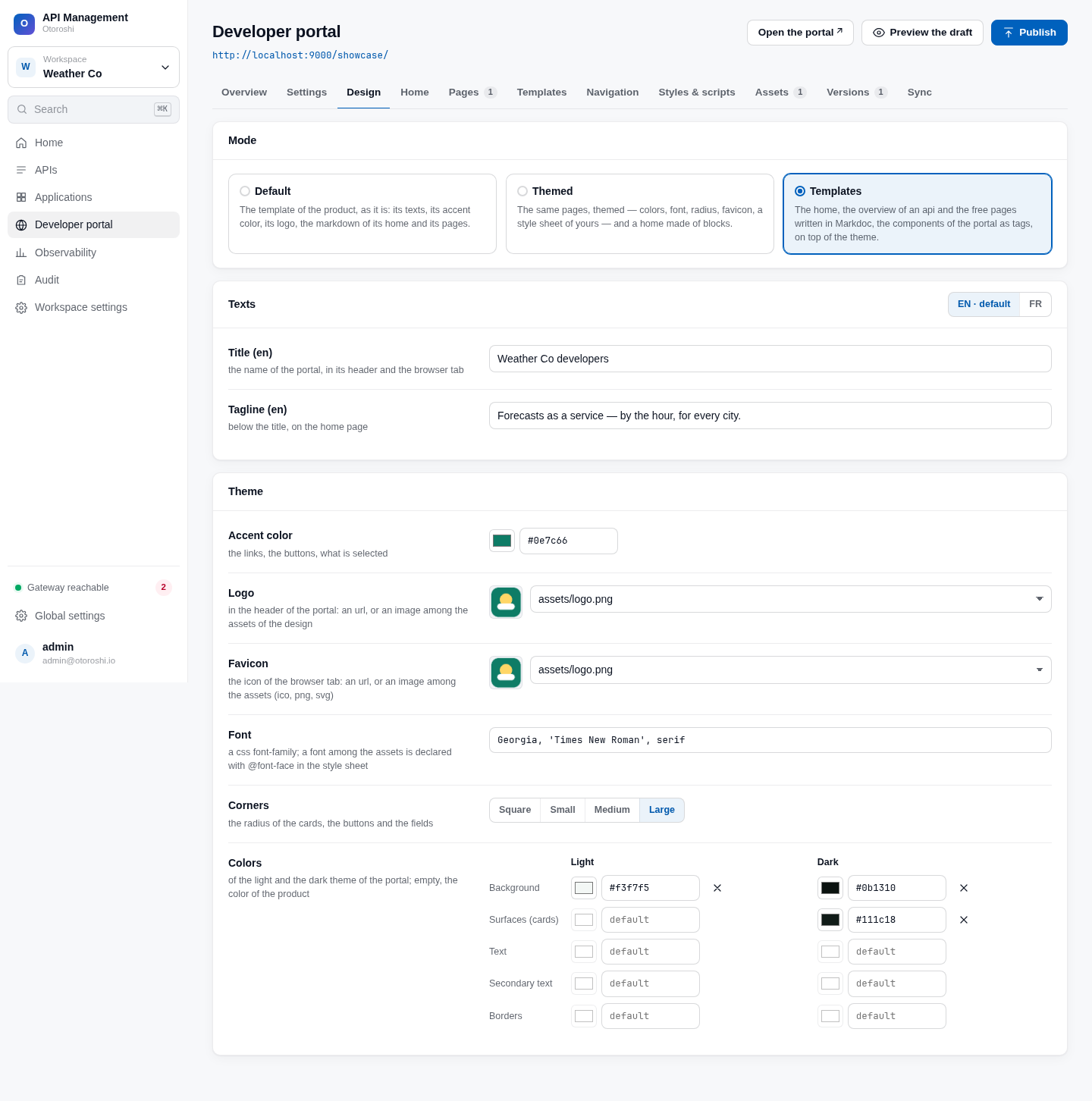
Developer portal — its design: the mode (default, themed, templates), the texts, the theme
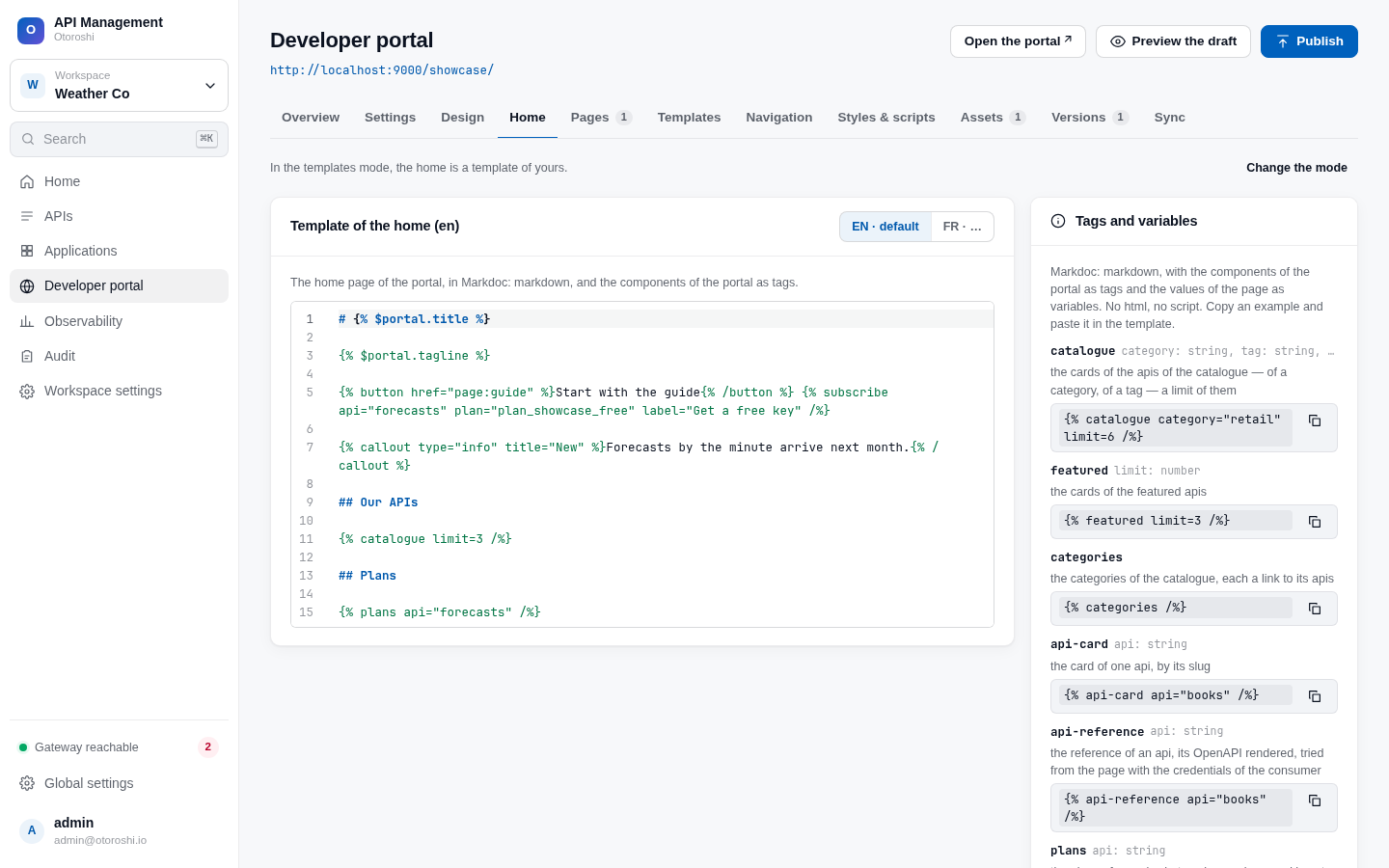
Developer portal — the home written as a template (Markdoc), the tags of the portal beside it
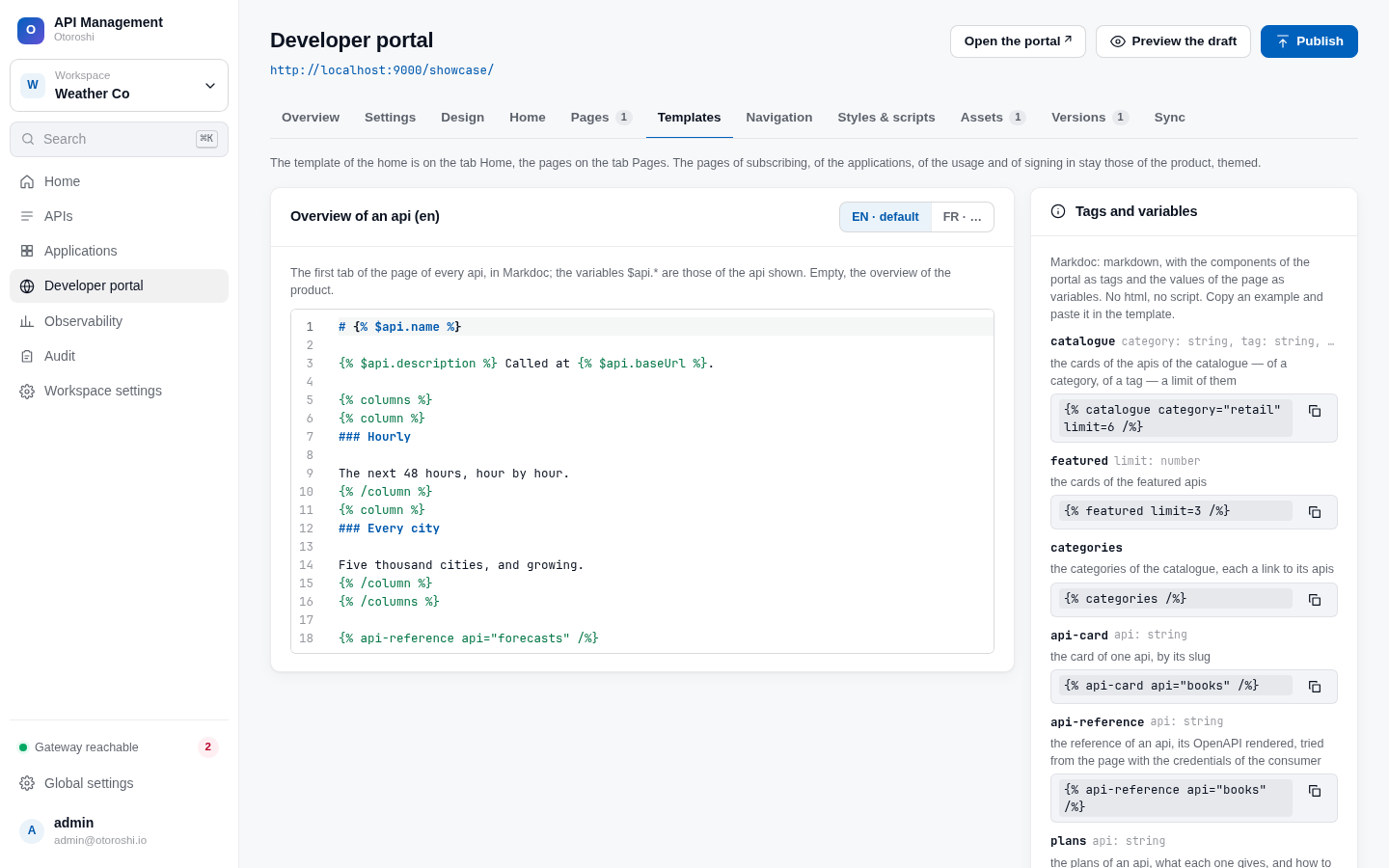
Developer portal — the template of an api, its variables
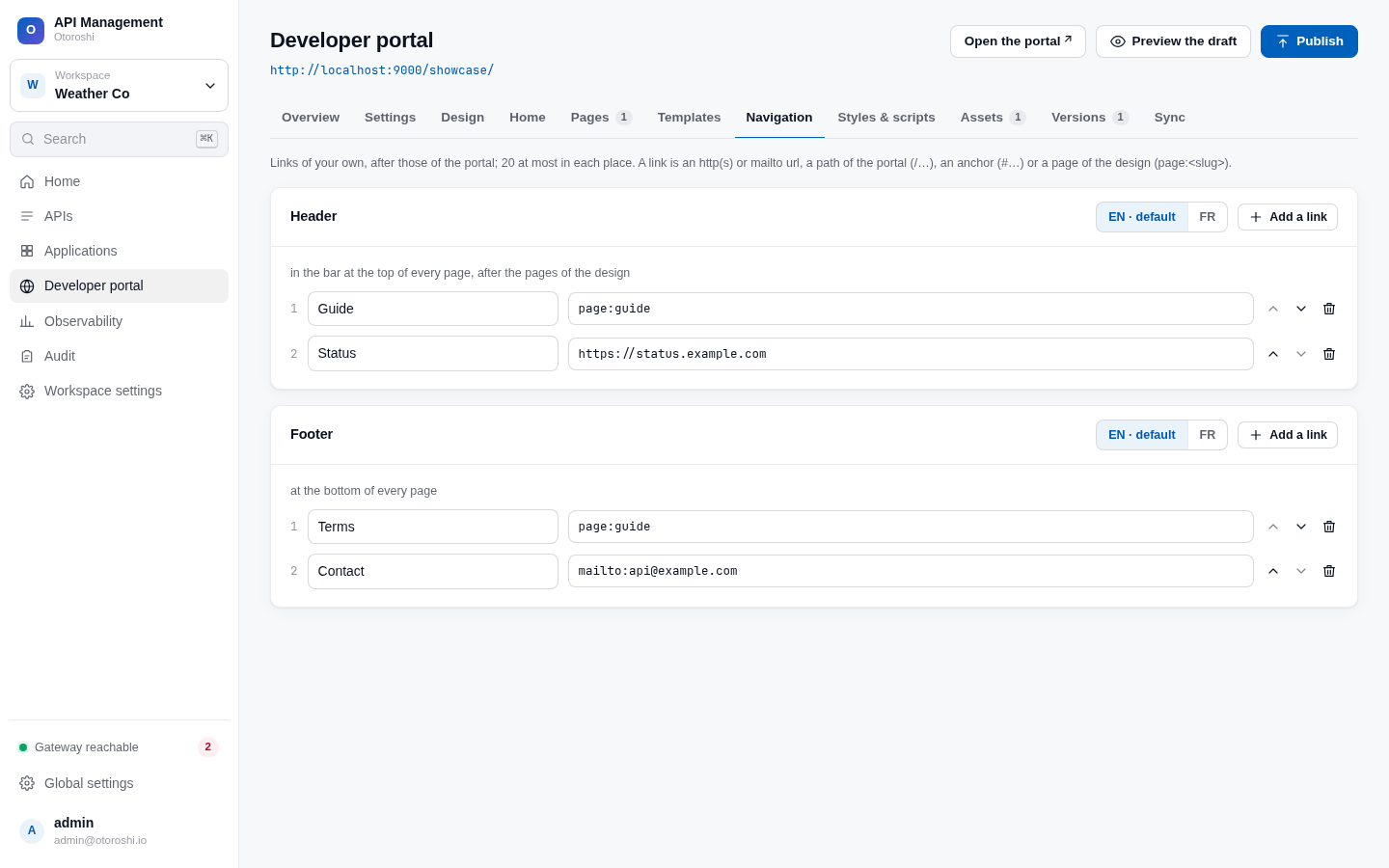
Developer portal — the links of its header and its footer
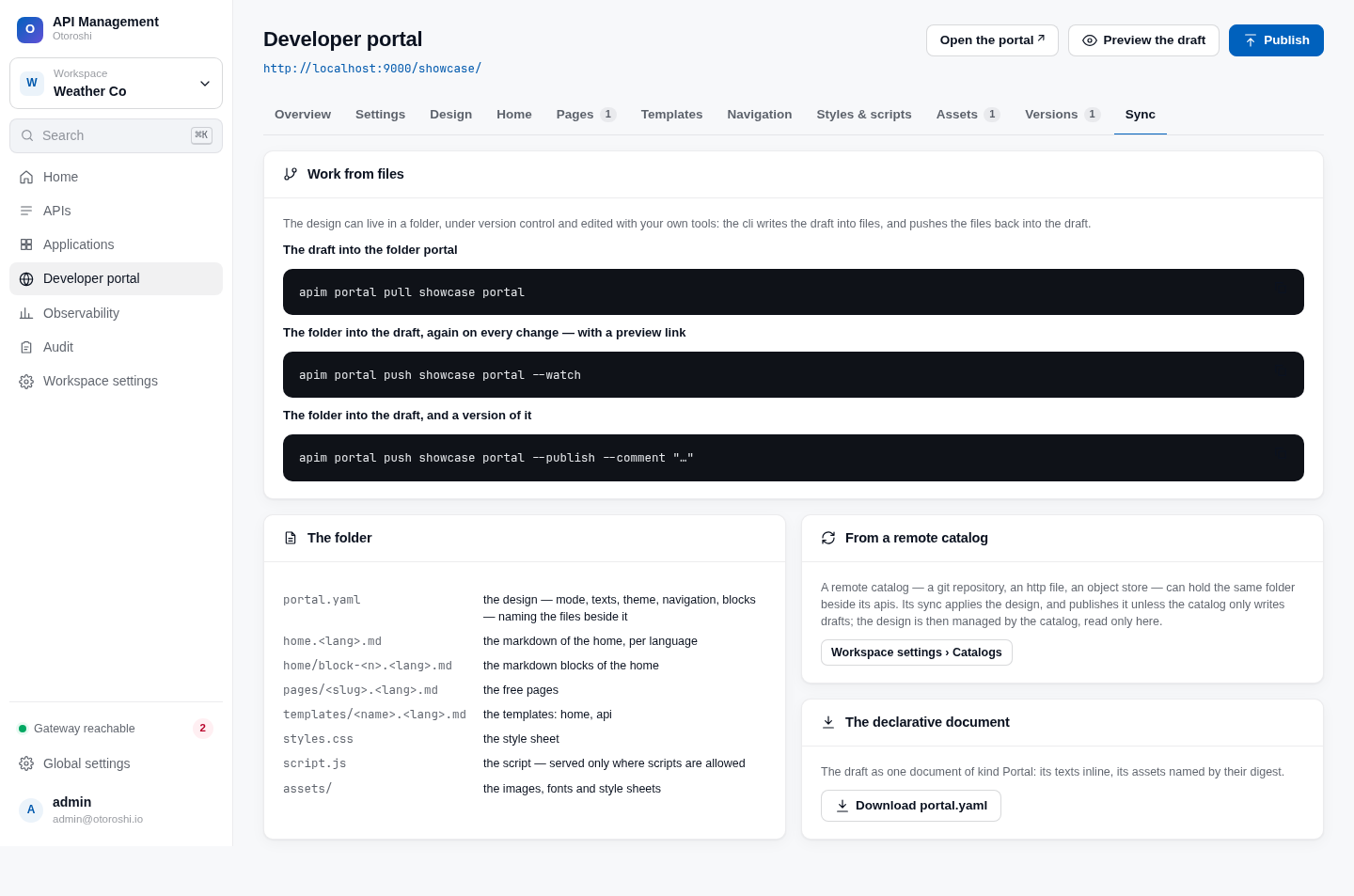
Developer portal — its style sheet and its script, scripts off by default
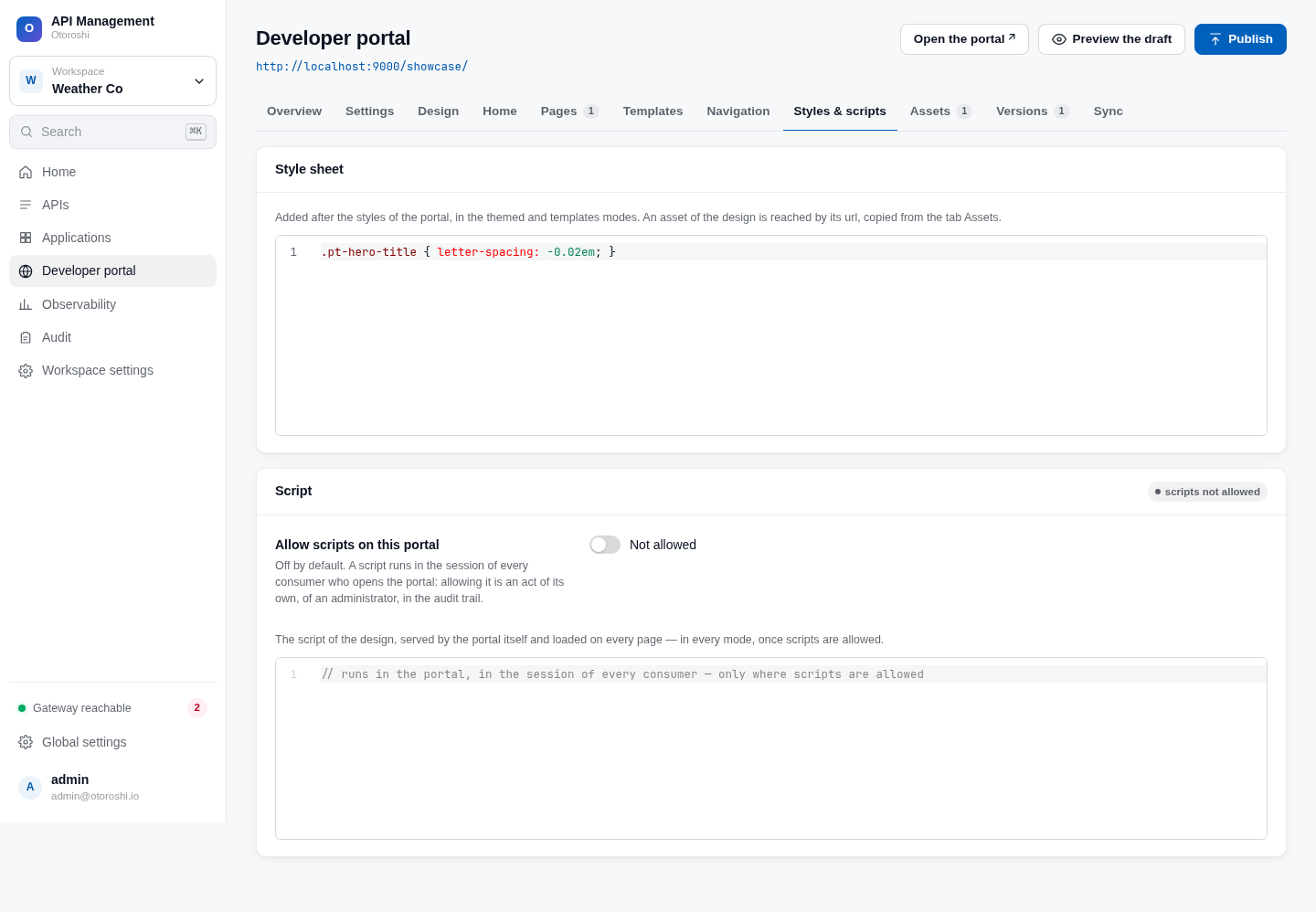
Developer portal — its assets: images, fonts, style sheets
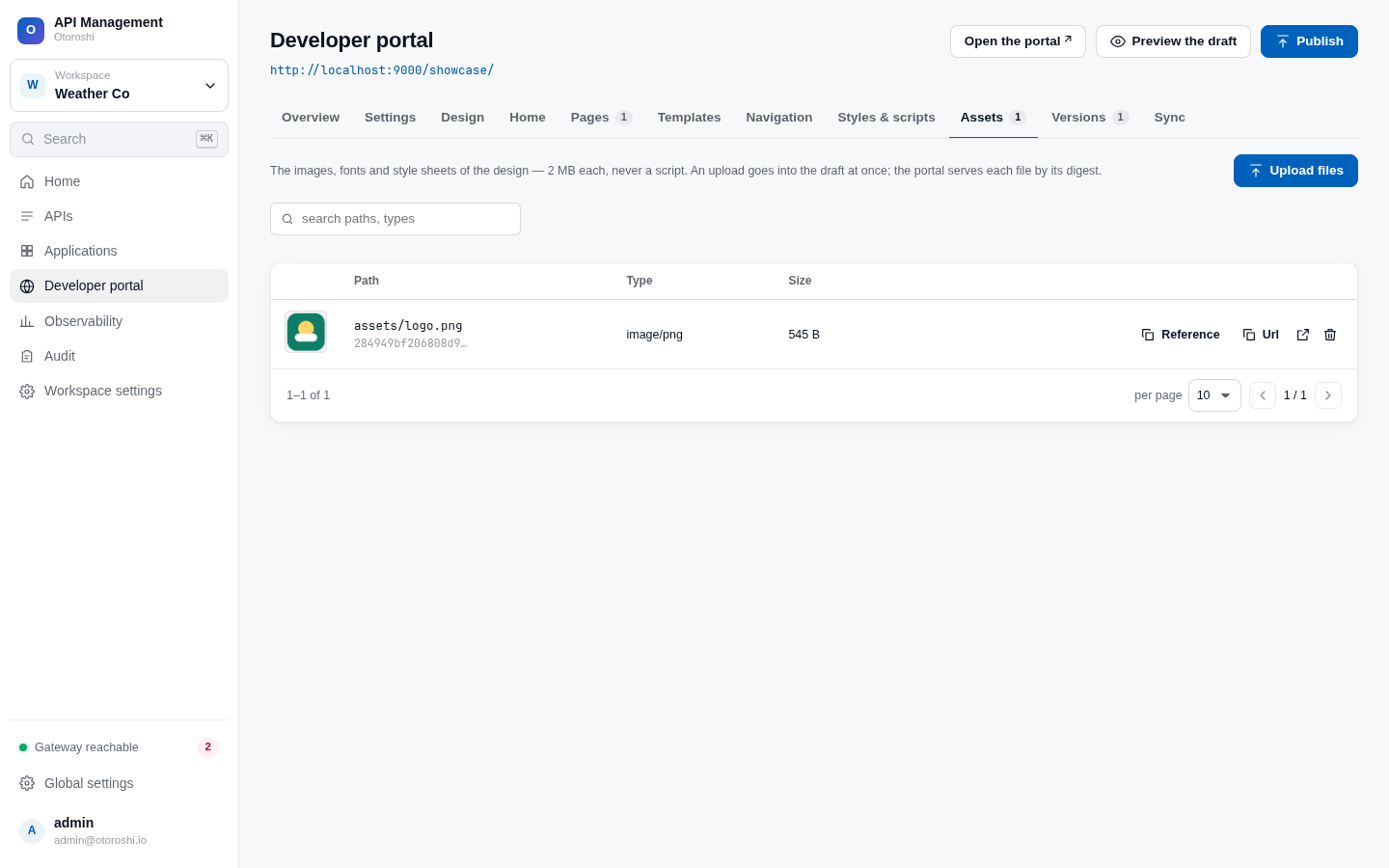
Developer portal — the versions of its design, restored into the draft
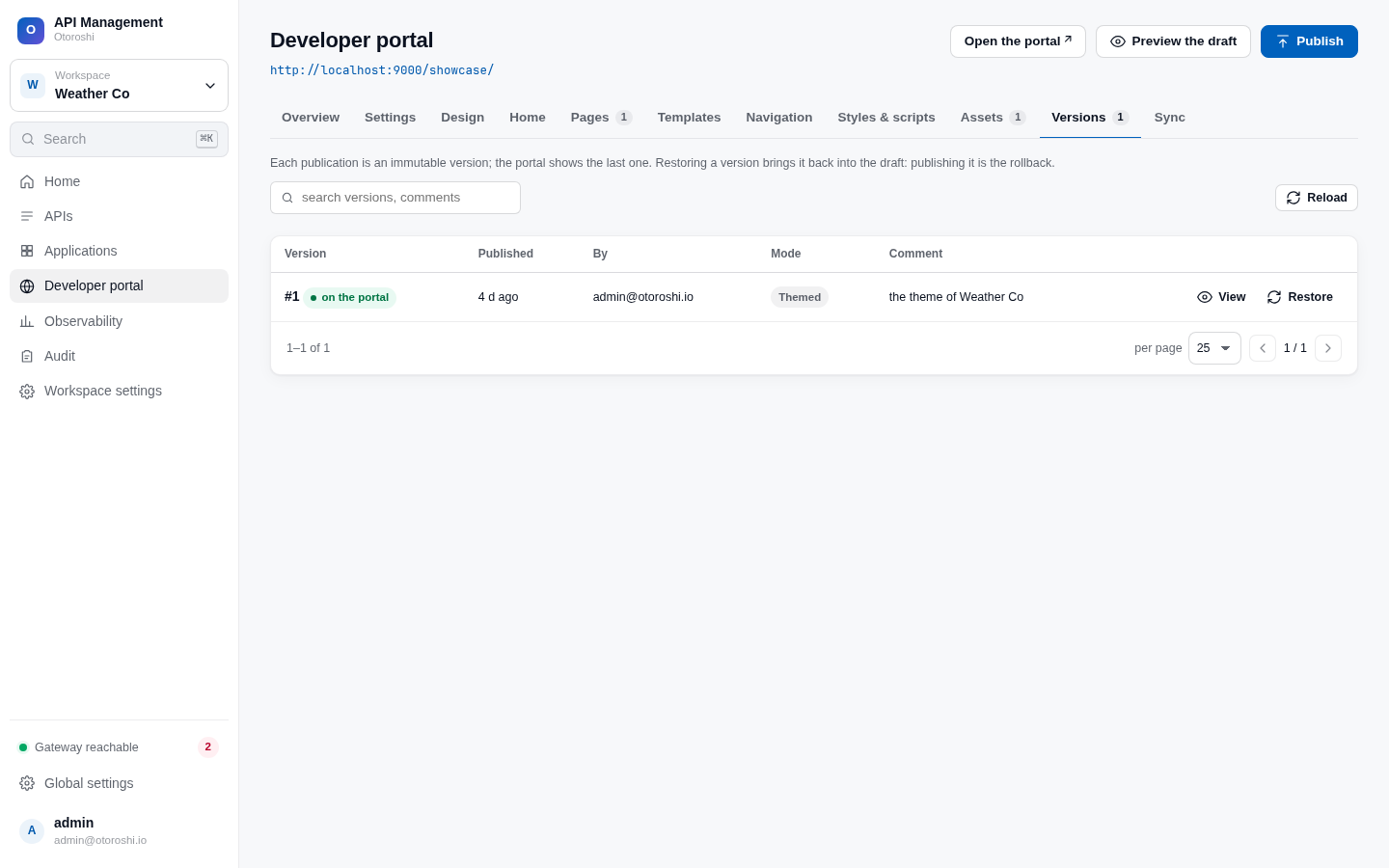
Developer portal — a folder synchronised with the cli, or a remote catalog
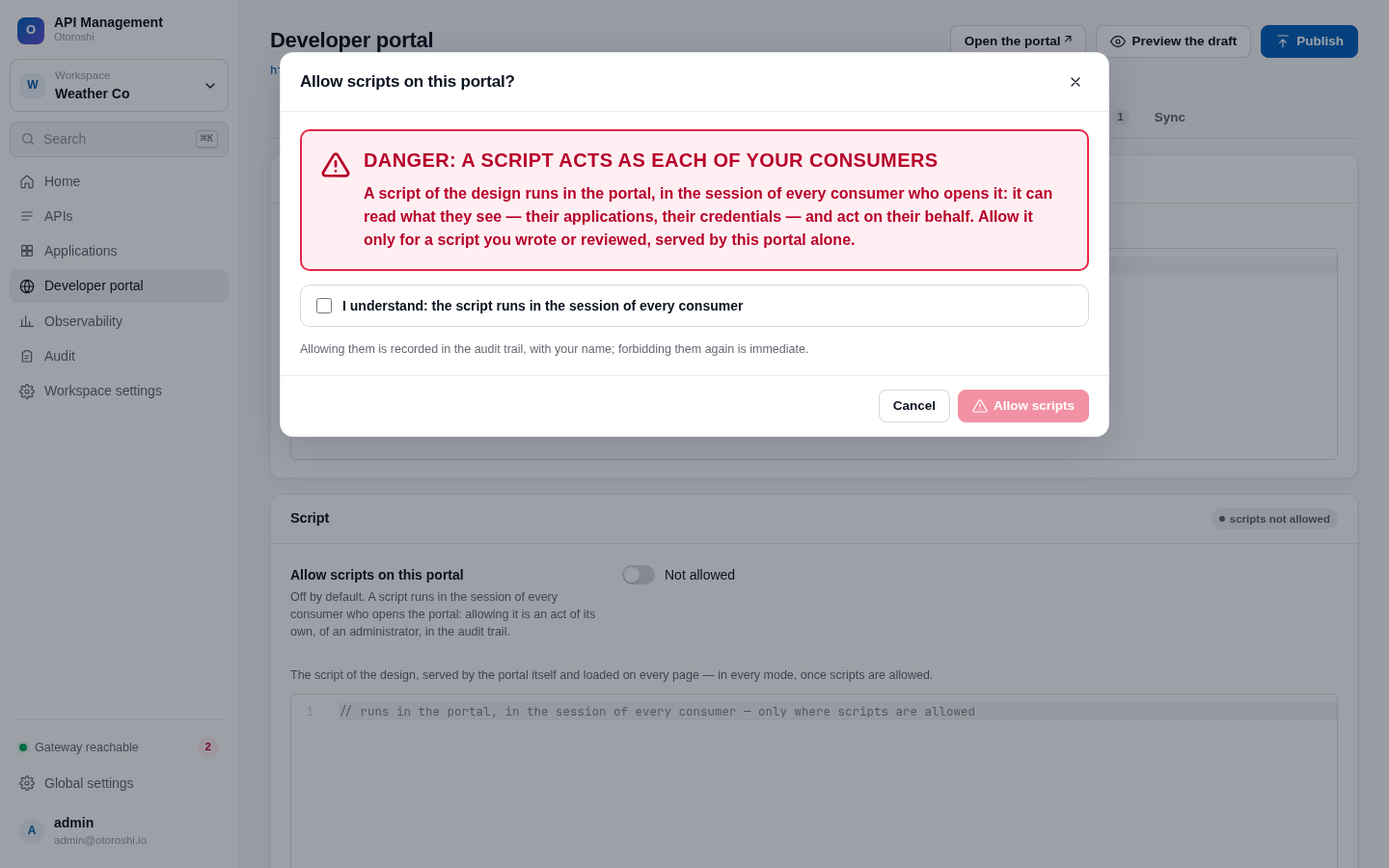
Allowing scripts on a portal — the warning, to acknowledge
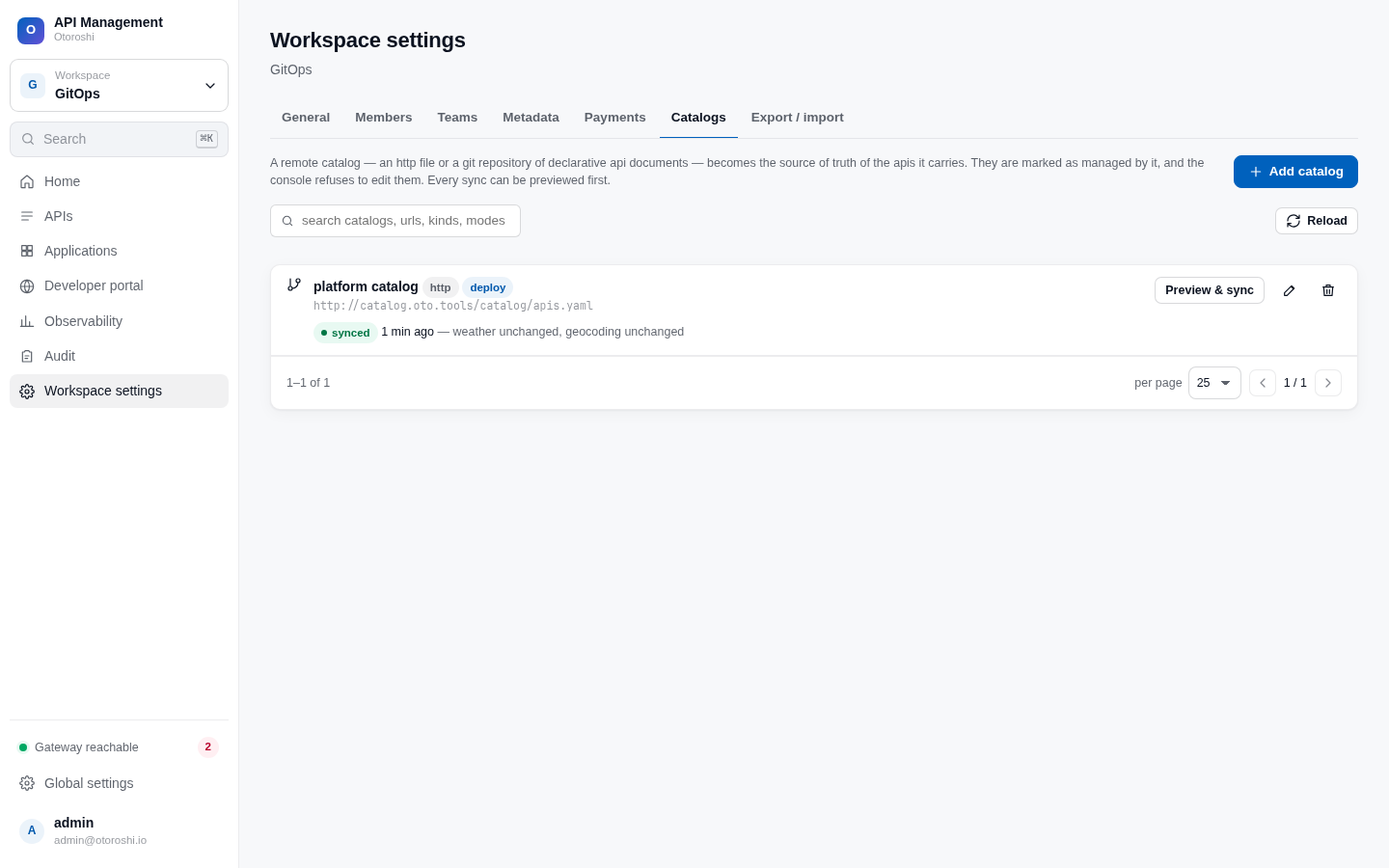
Workspace settings — remote catalogs
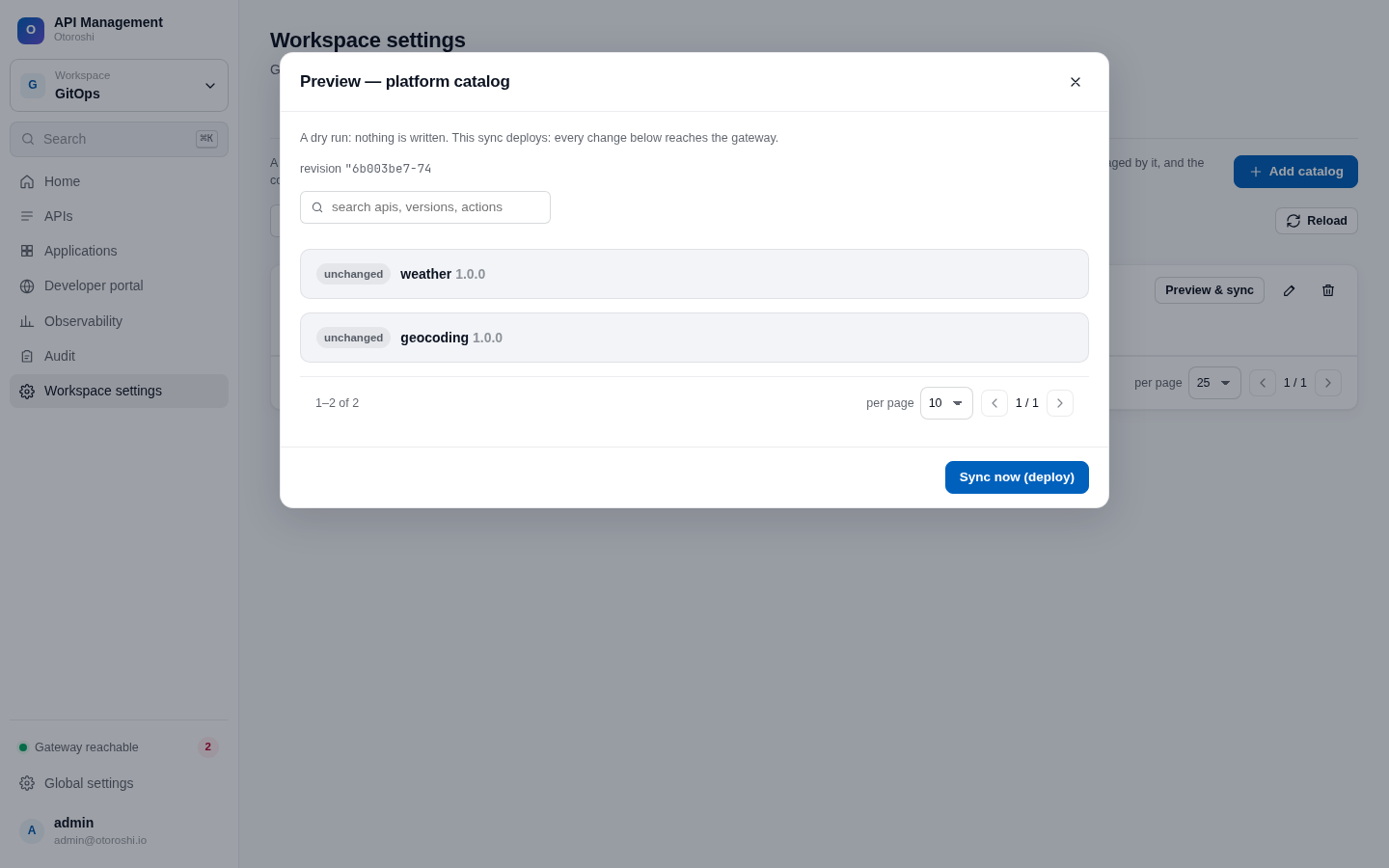
A catalog sync, previewed as a dry run
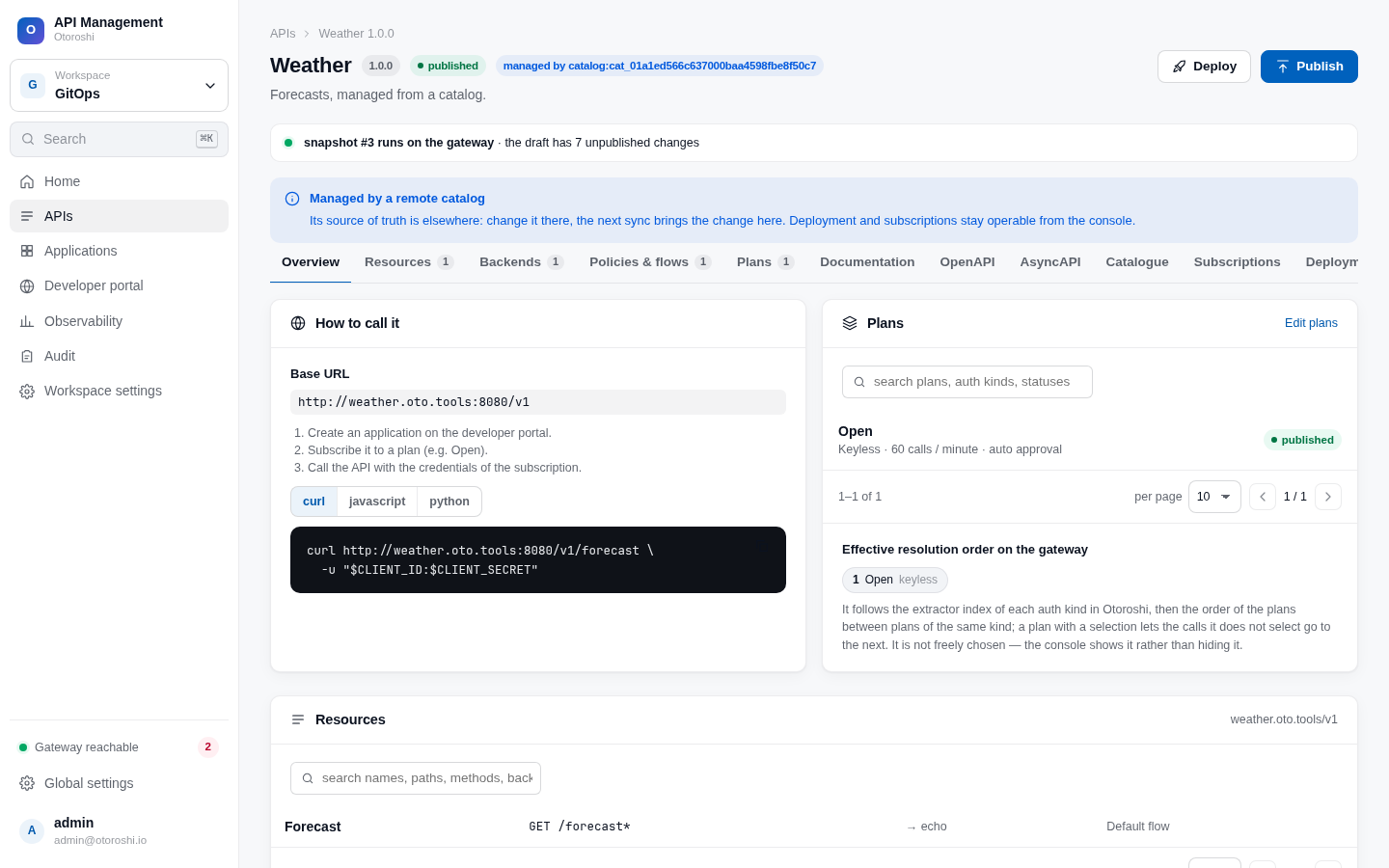
An api managed by a catalog: edited at its source, operable here
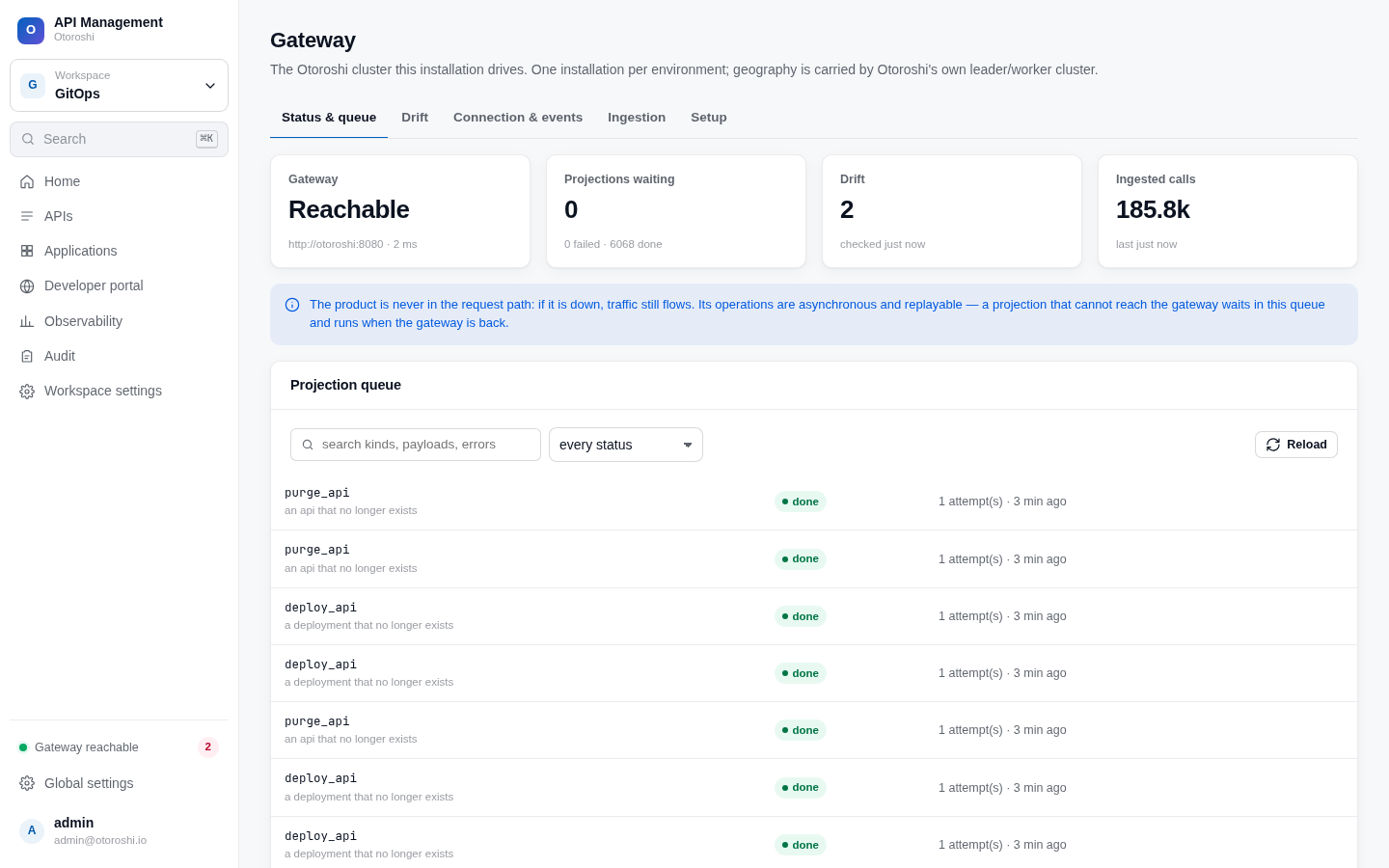
Gateway — health, projection queue, ingestion
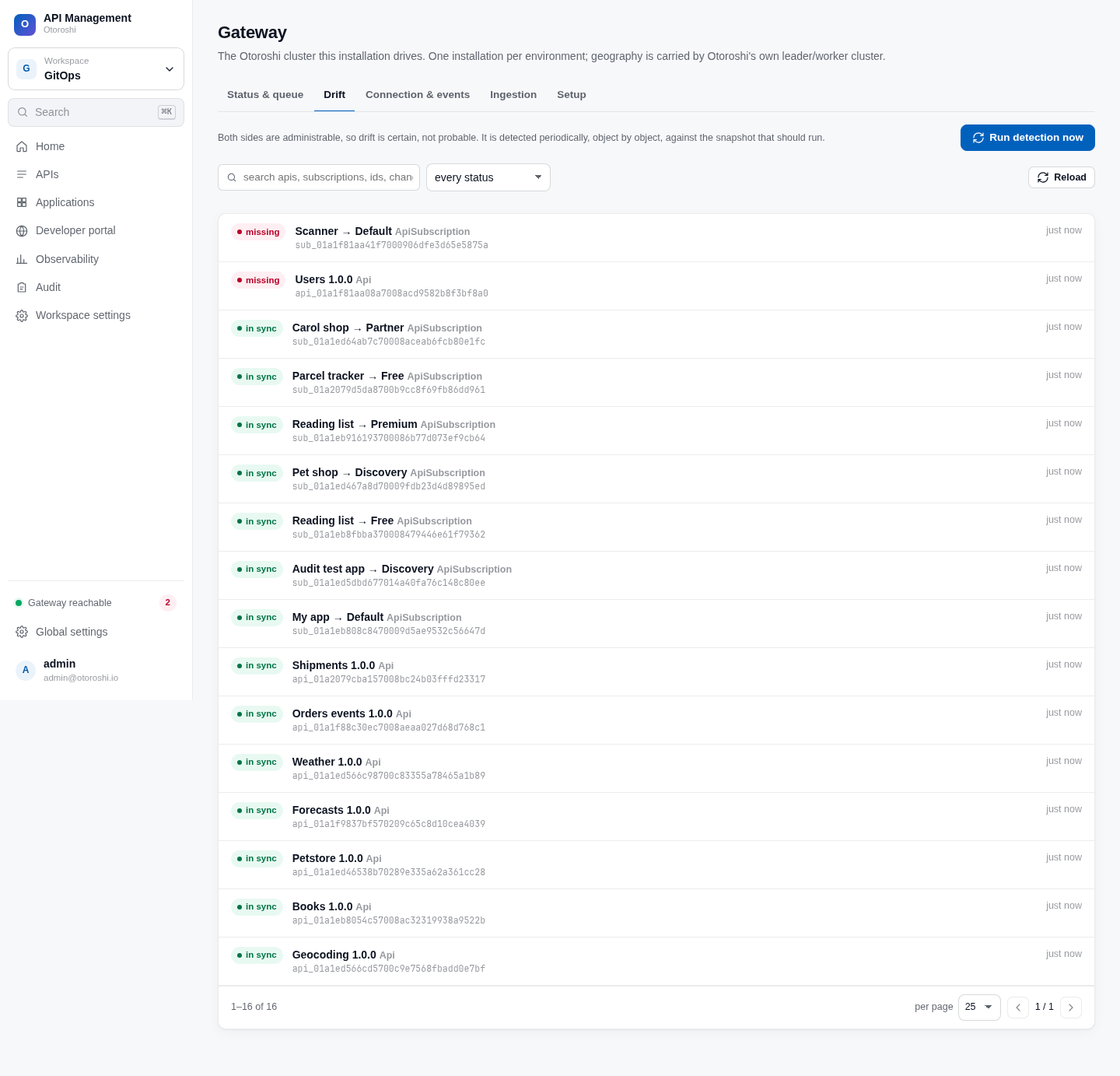
Gateway — drift reports
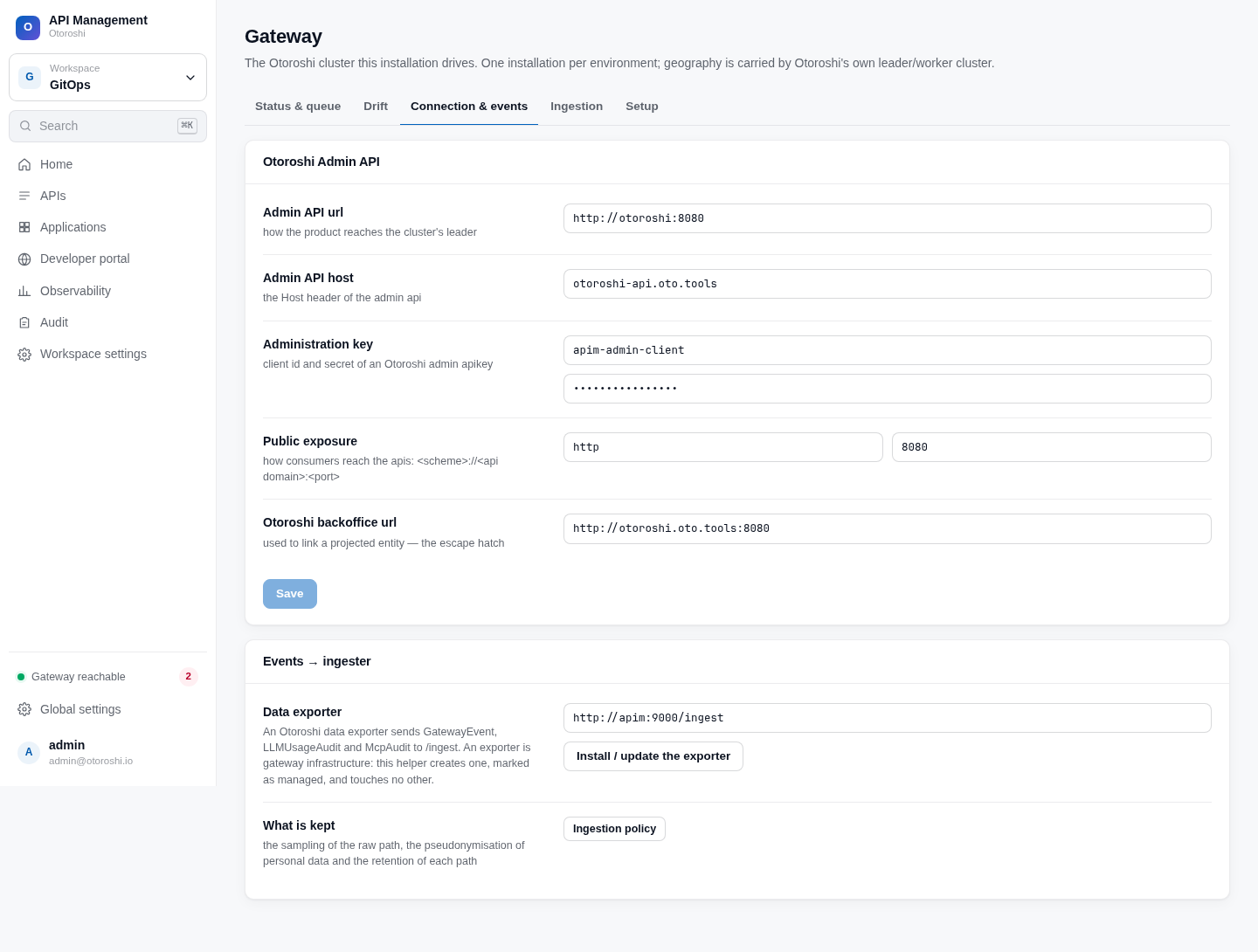
Gateway — connection and data exporter
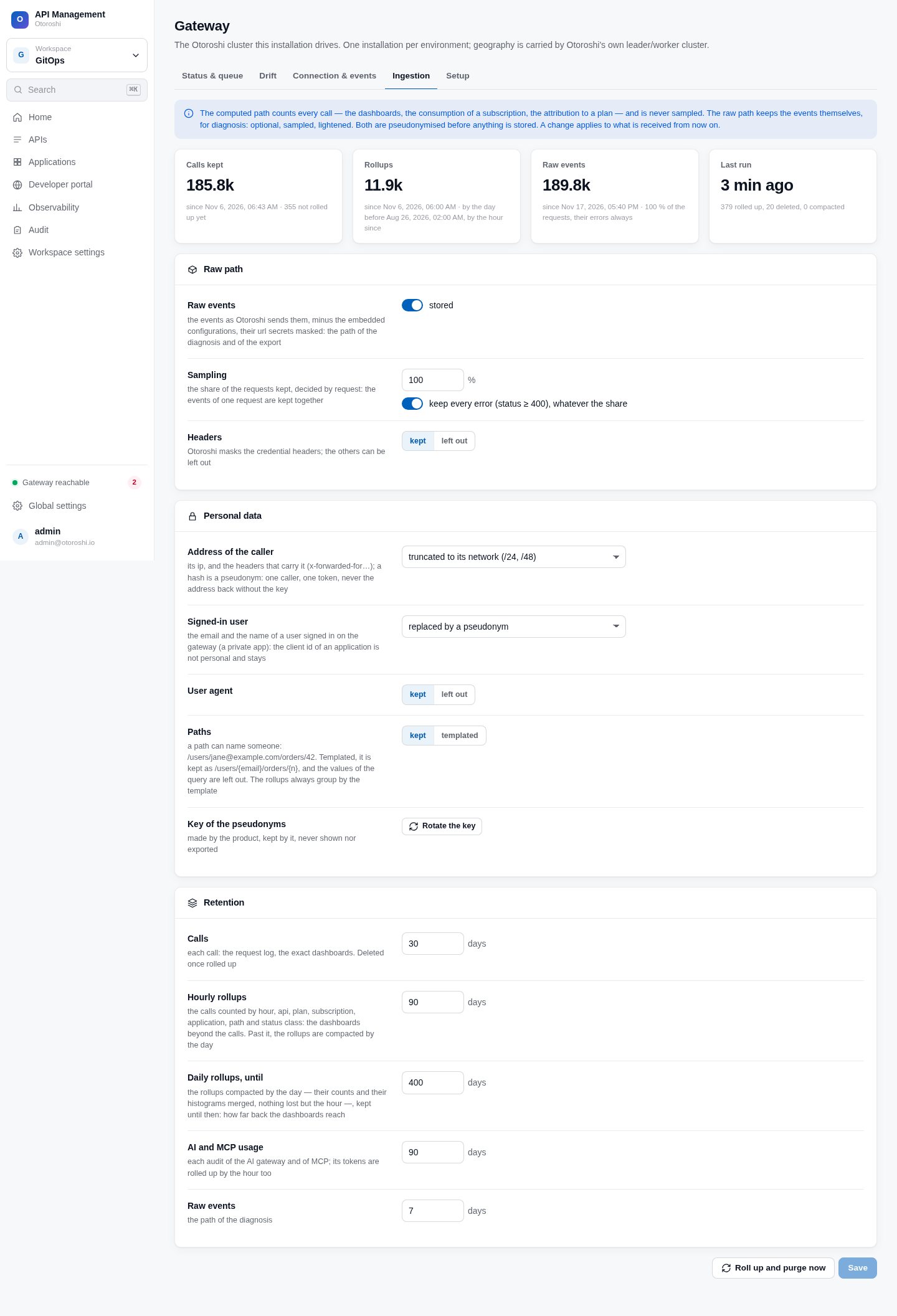
Gateway — ingestion: the sampling of the raw path, the pseudonymisation of personal data, the retention of each path
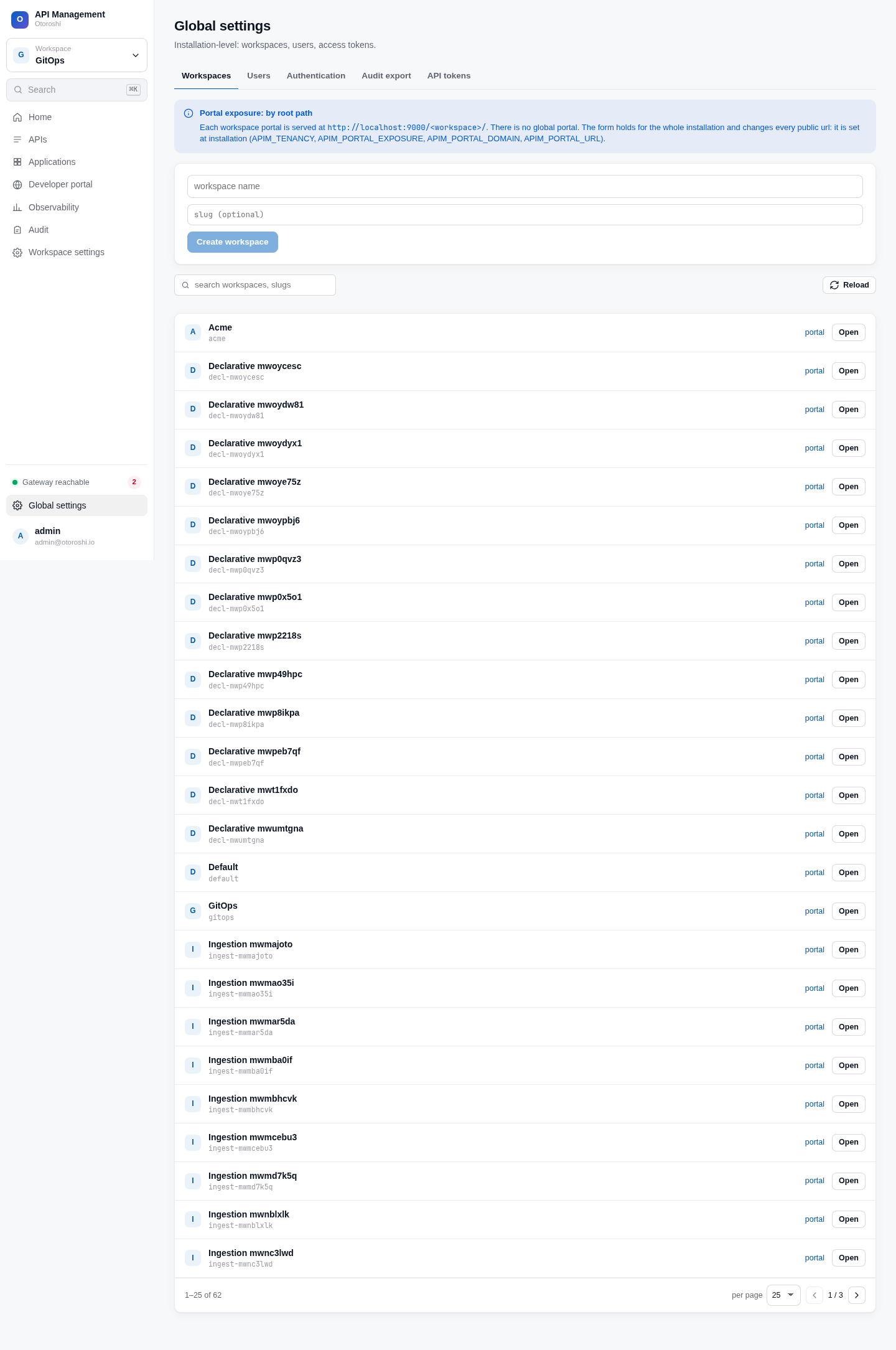
Global settings — workspaces, portal exposure
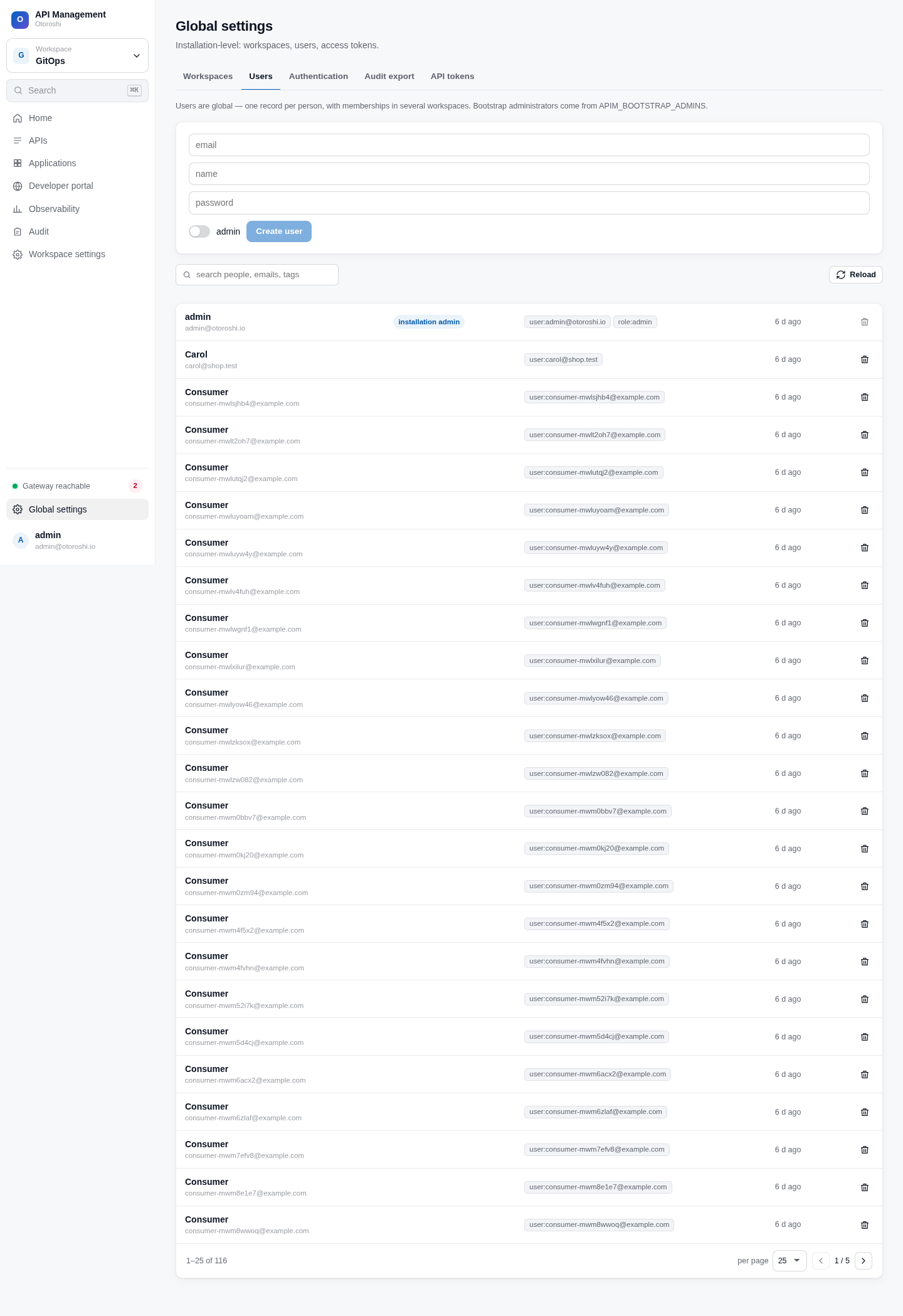
Global settings — users
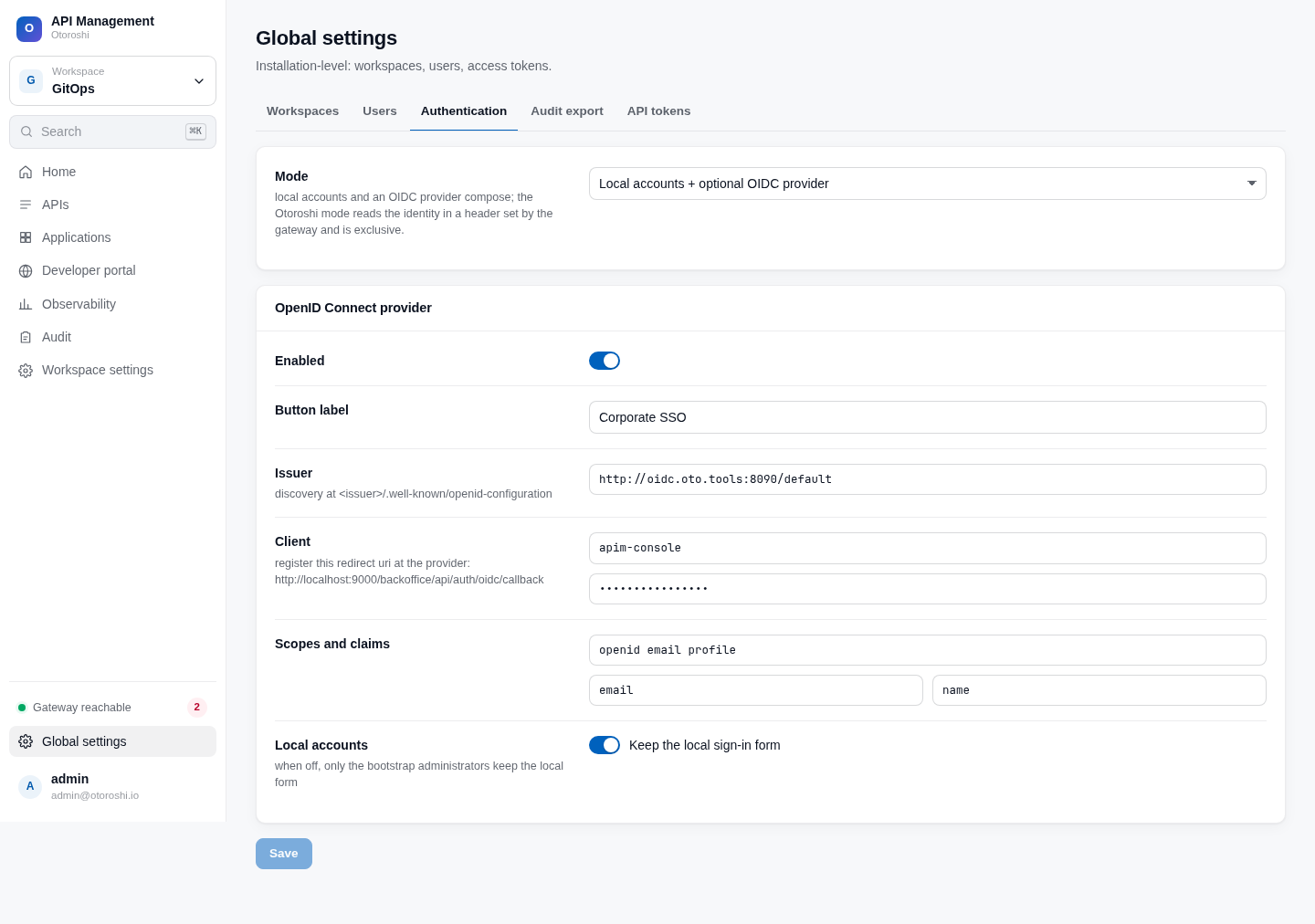
Global settings — authentication
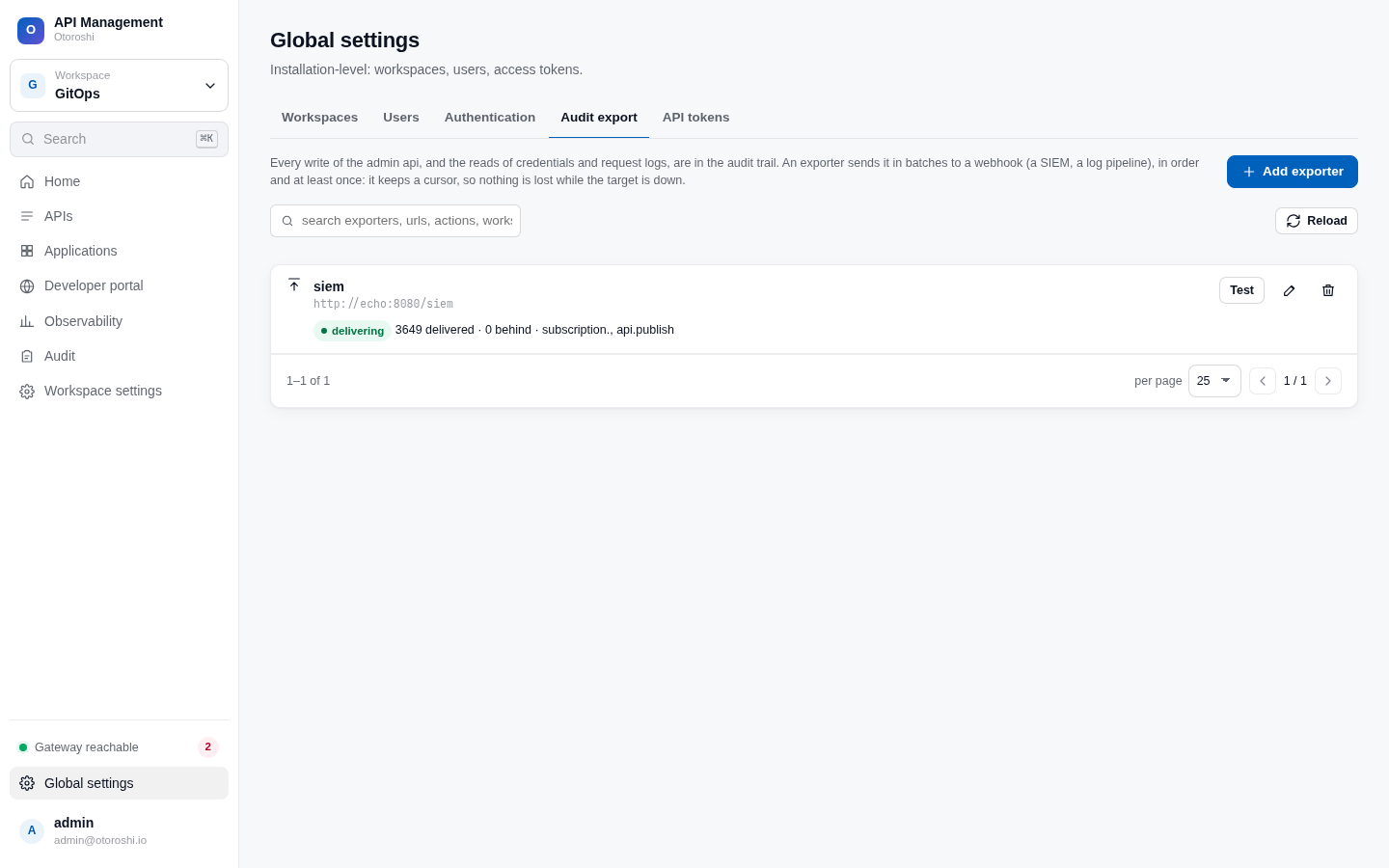
Global settings — audit trail exporters
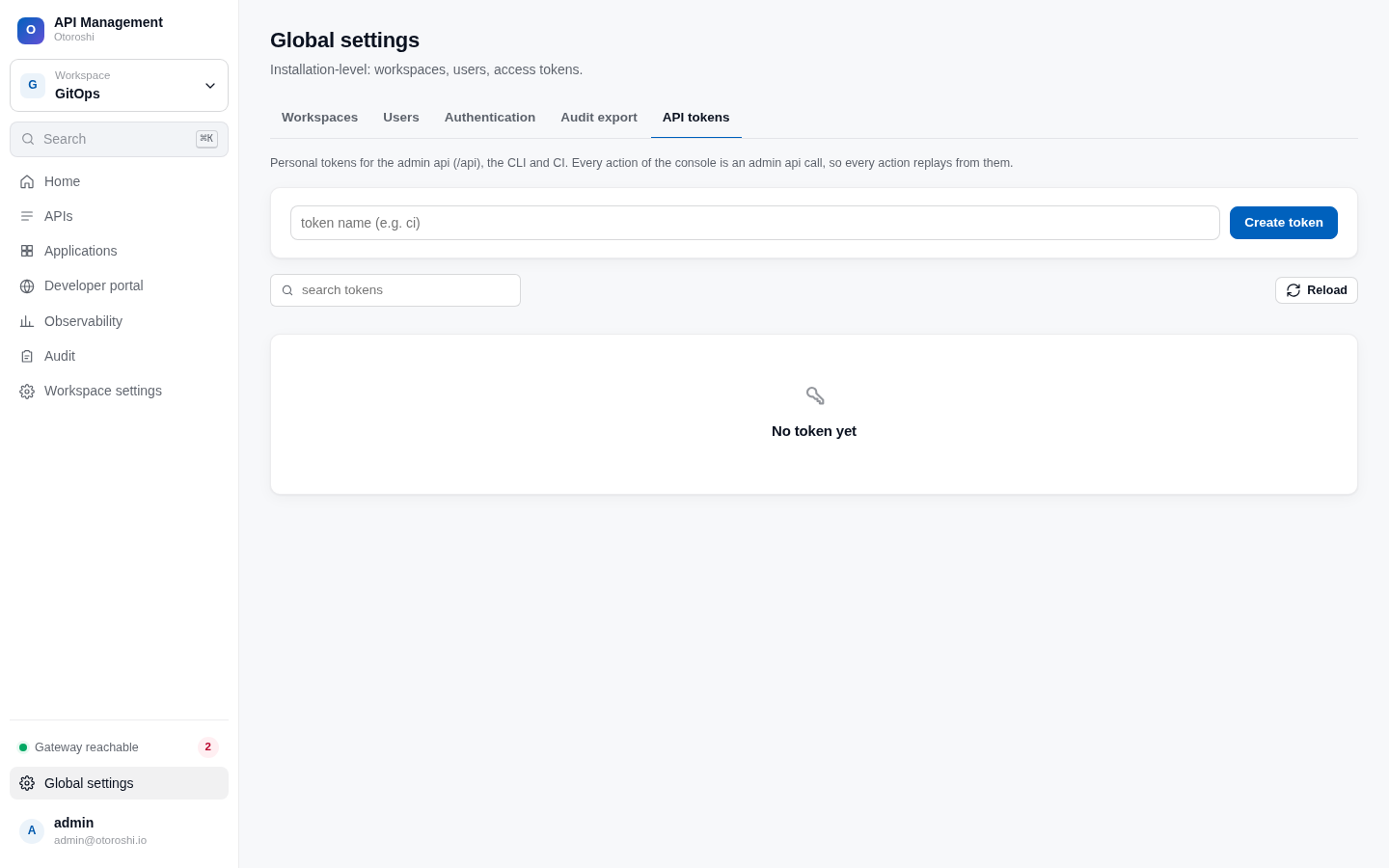
Global settings — api tokens for the cli and ci
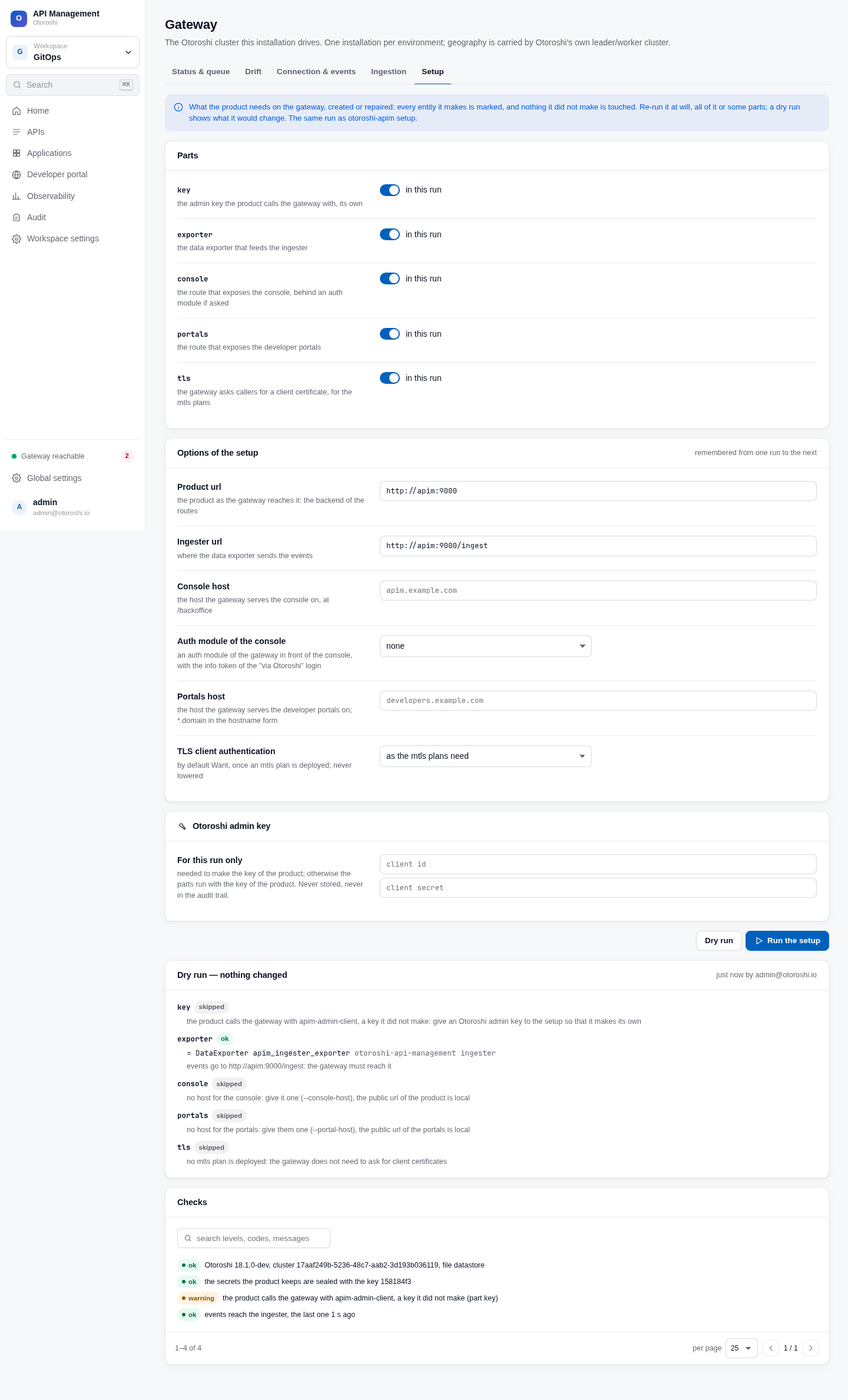
Gateway — setup: what the product needs on the gateway, a dry run first
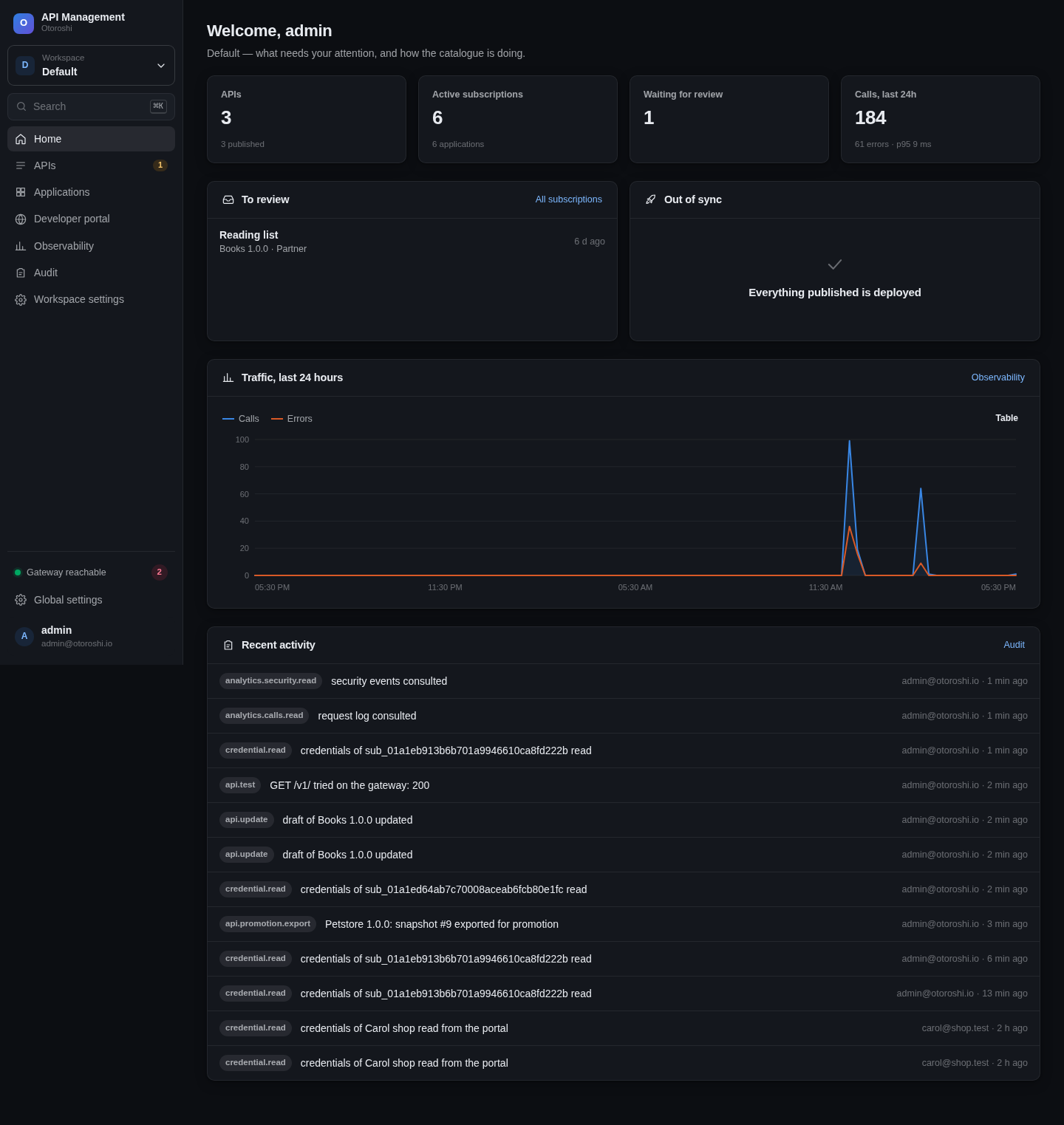
Dark theme — home
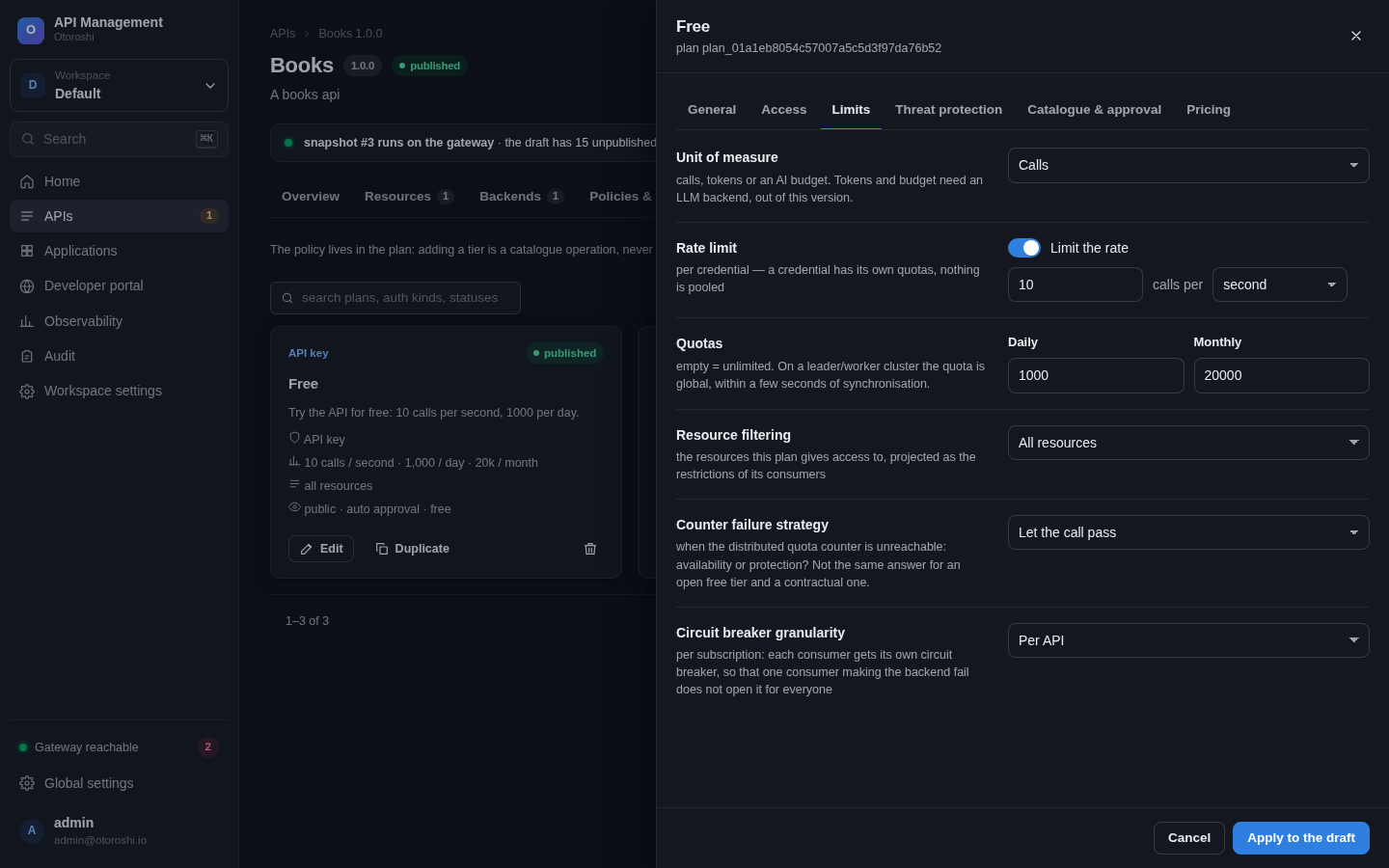
Dark theme — plan editor
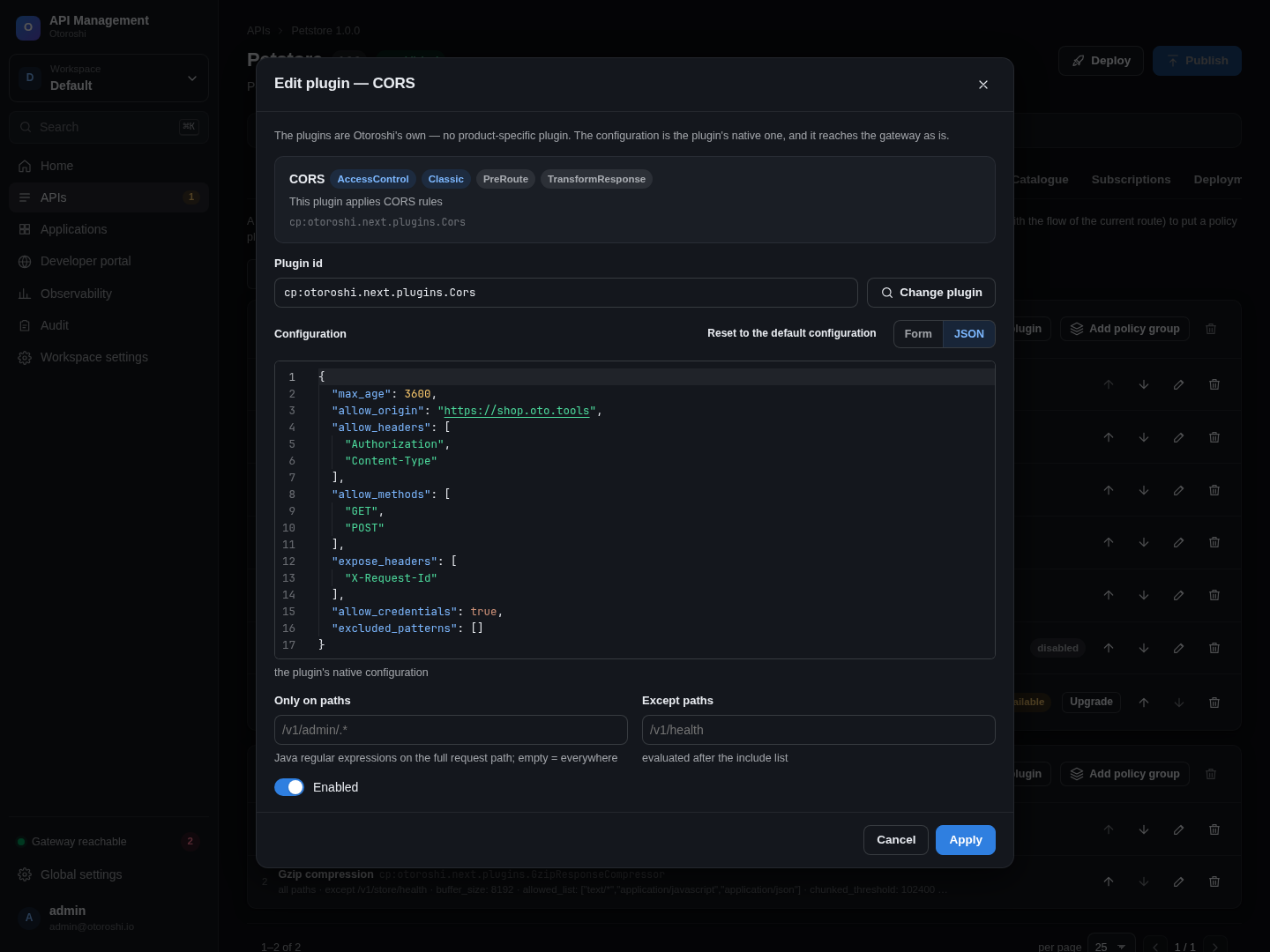
Dark theme — the plugin editor, its code editor following the theme
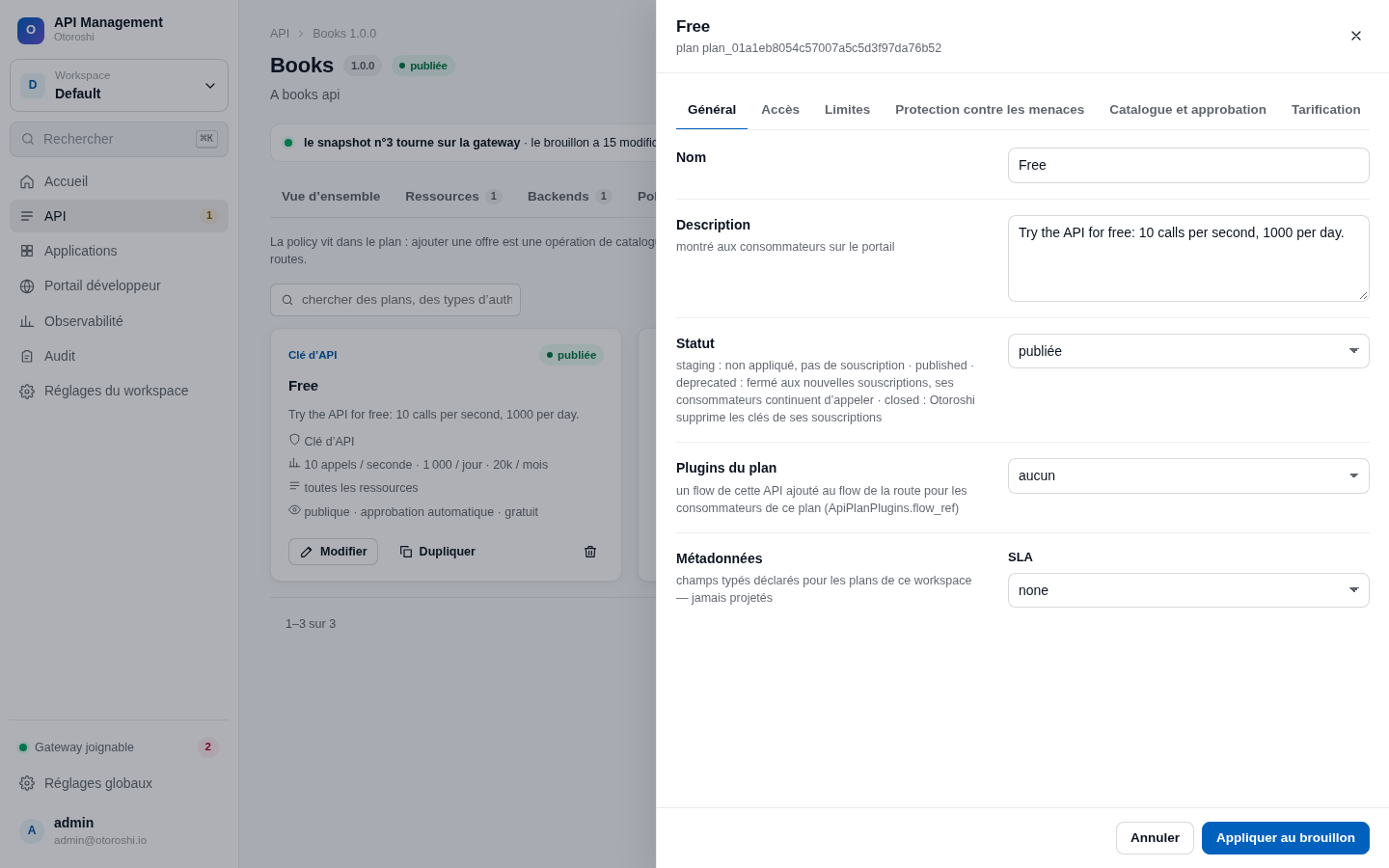
The console in French — the language of the browser, or the one chosen in the user menu
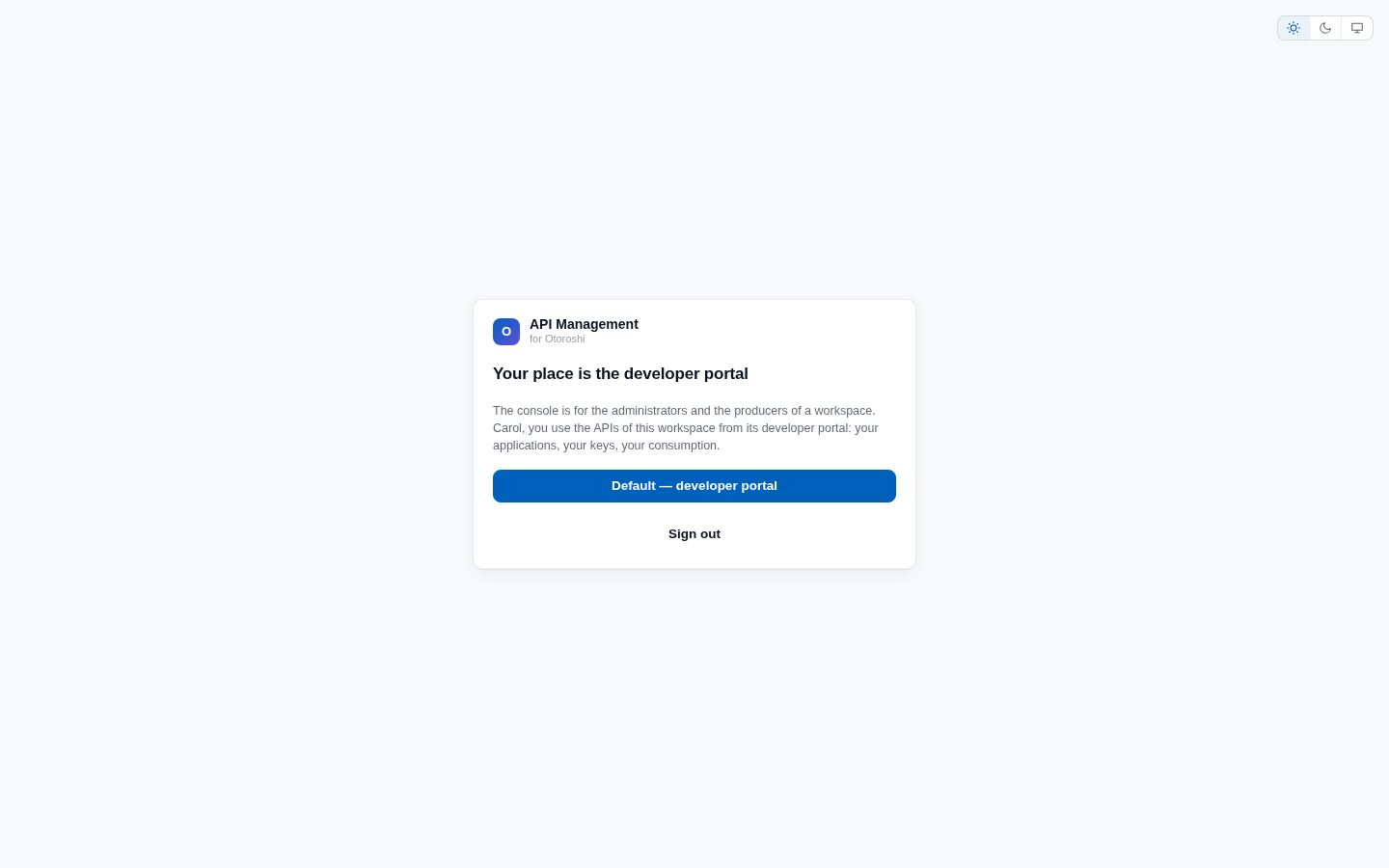
A consumer signed in to the console: its place is the developer portal
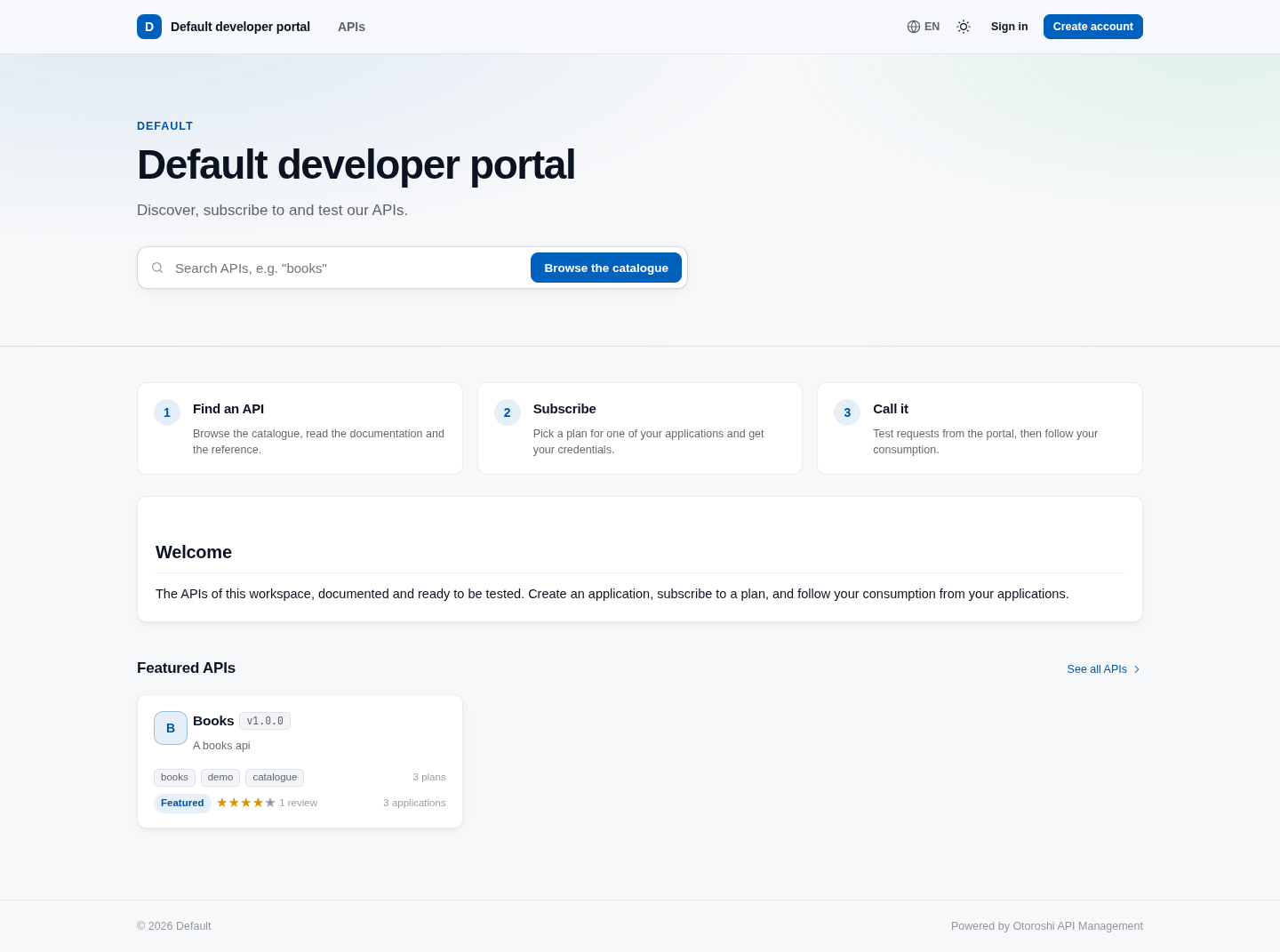
Developer portal
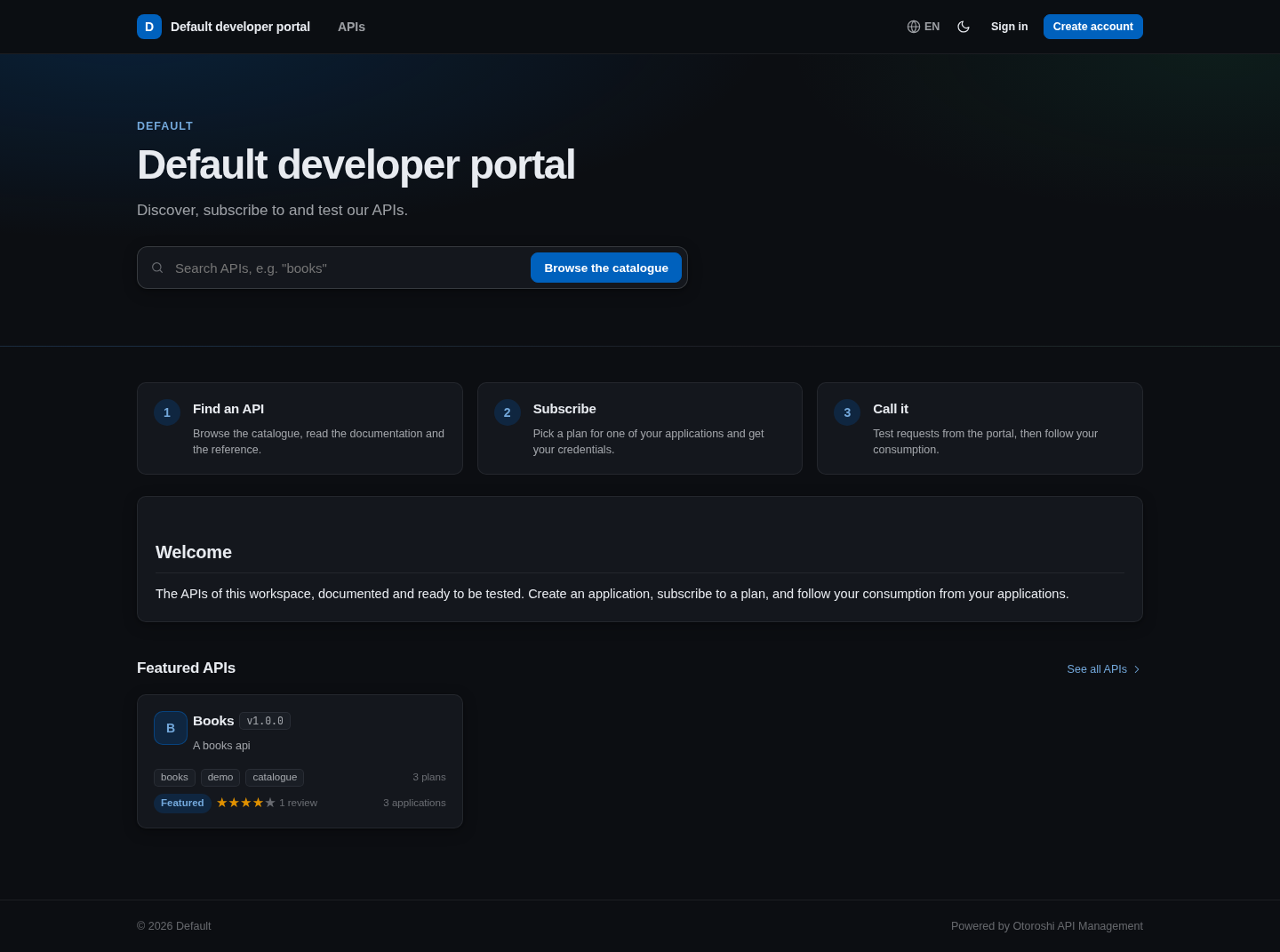
home of a workspace portal (anonymous visitor)
catalogue: categories, featured apis, ratings, usage
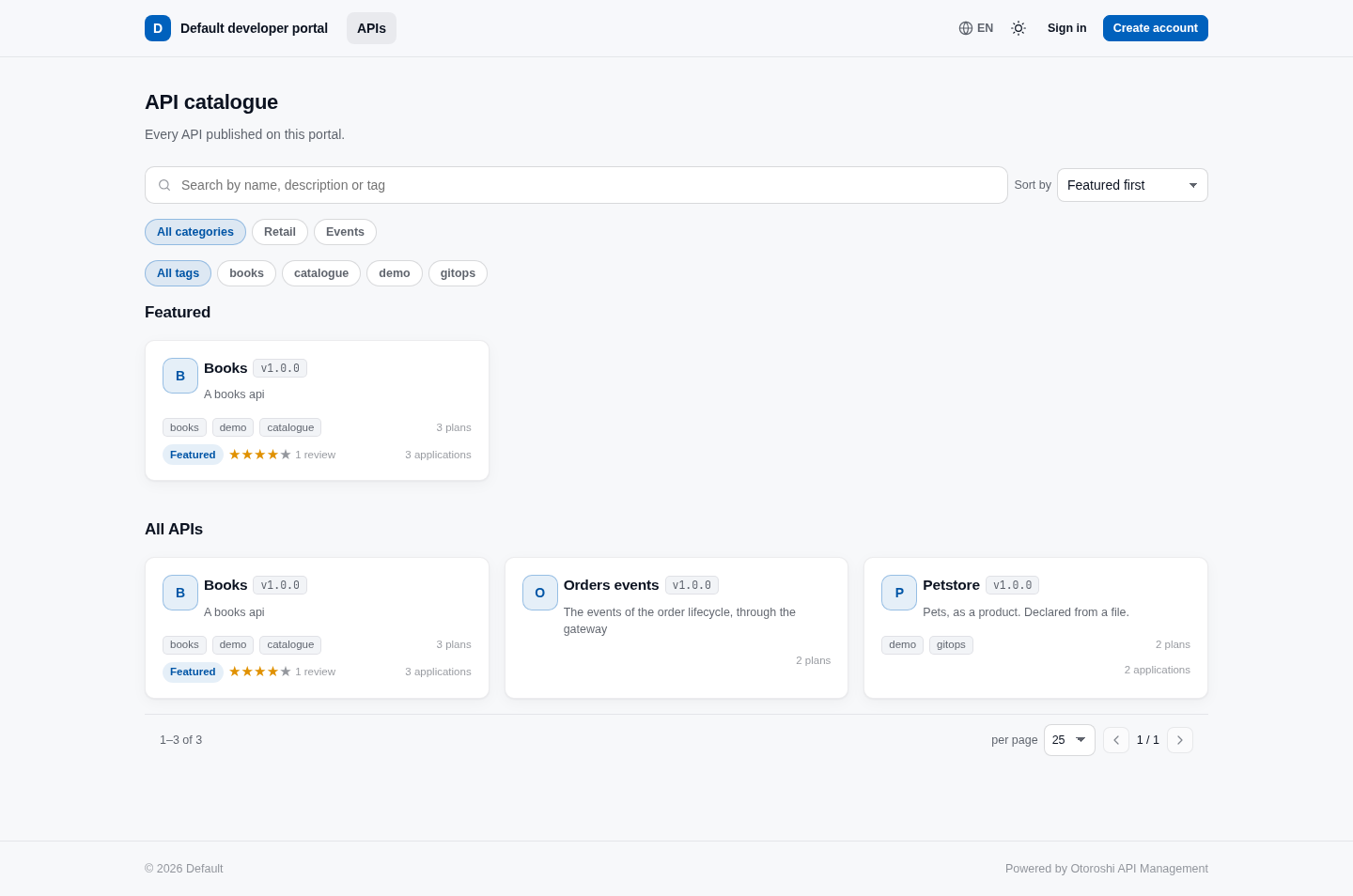
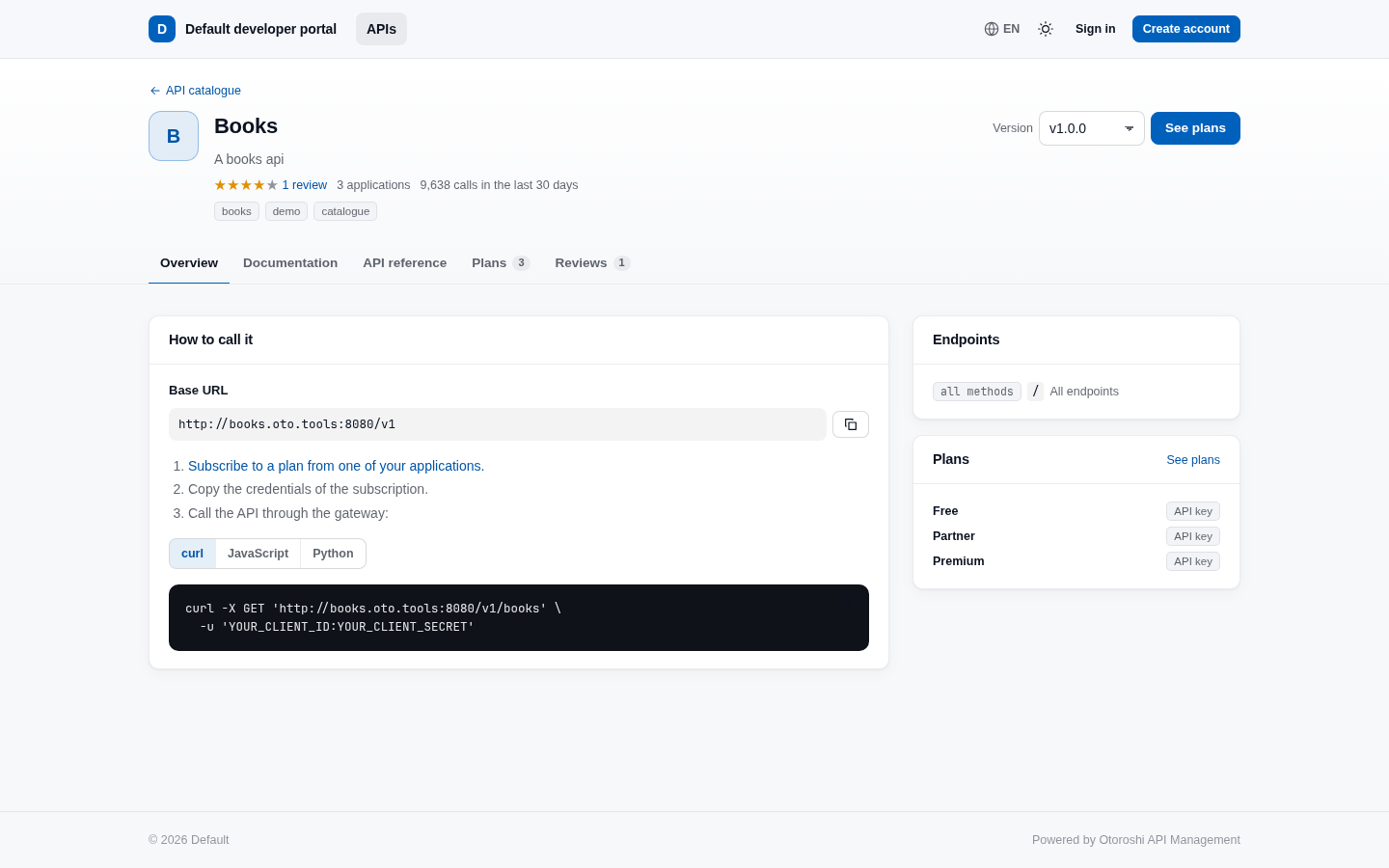
an api: base url, quickstart, resources
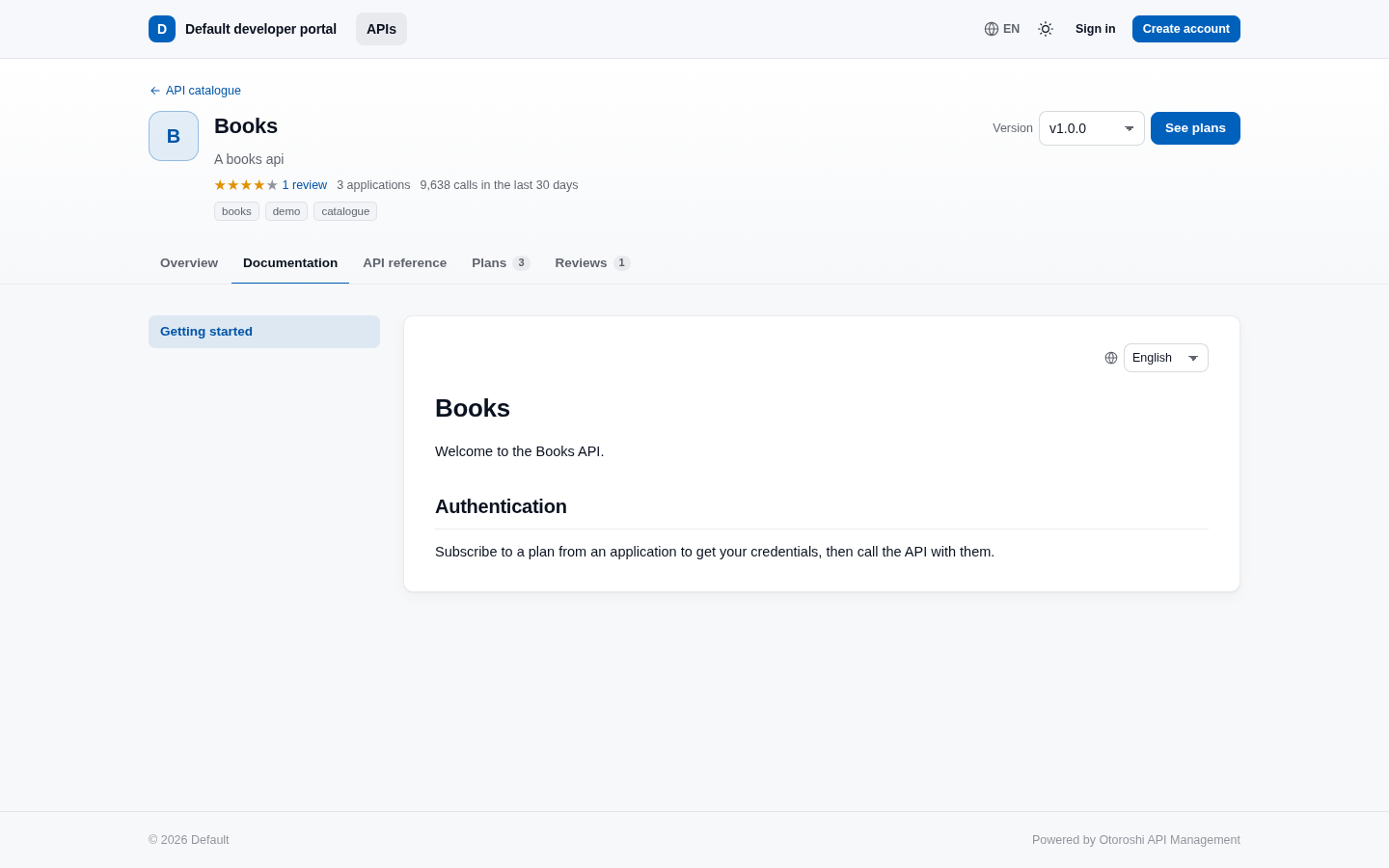
documentation, in the languages of the api
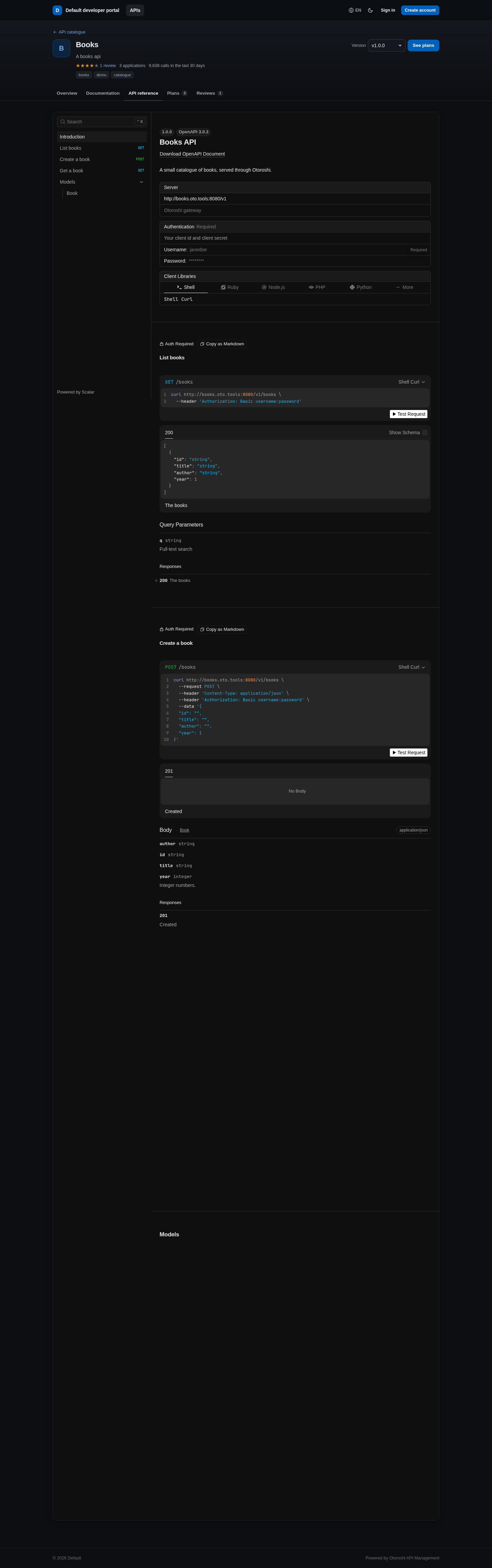
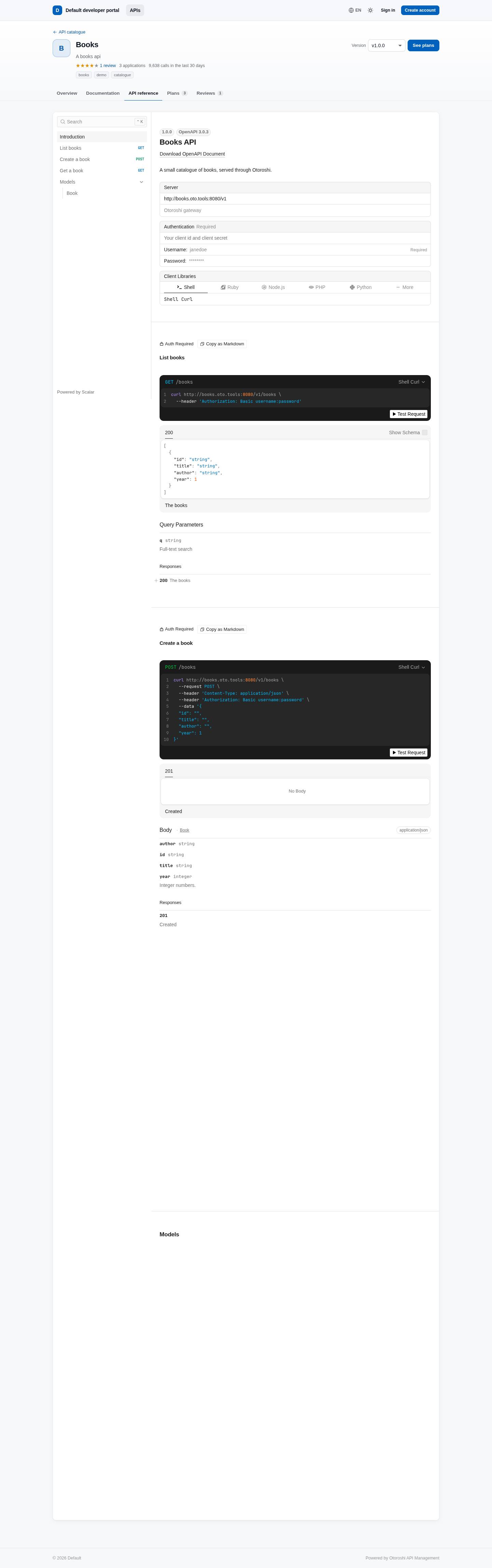
API reference, and testing from it (Scalar)
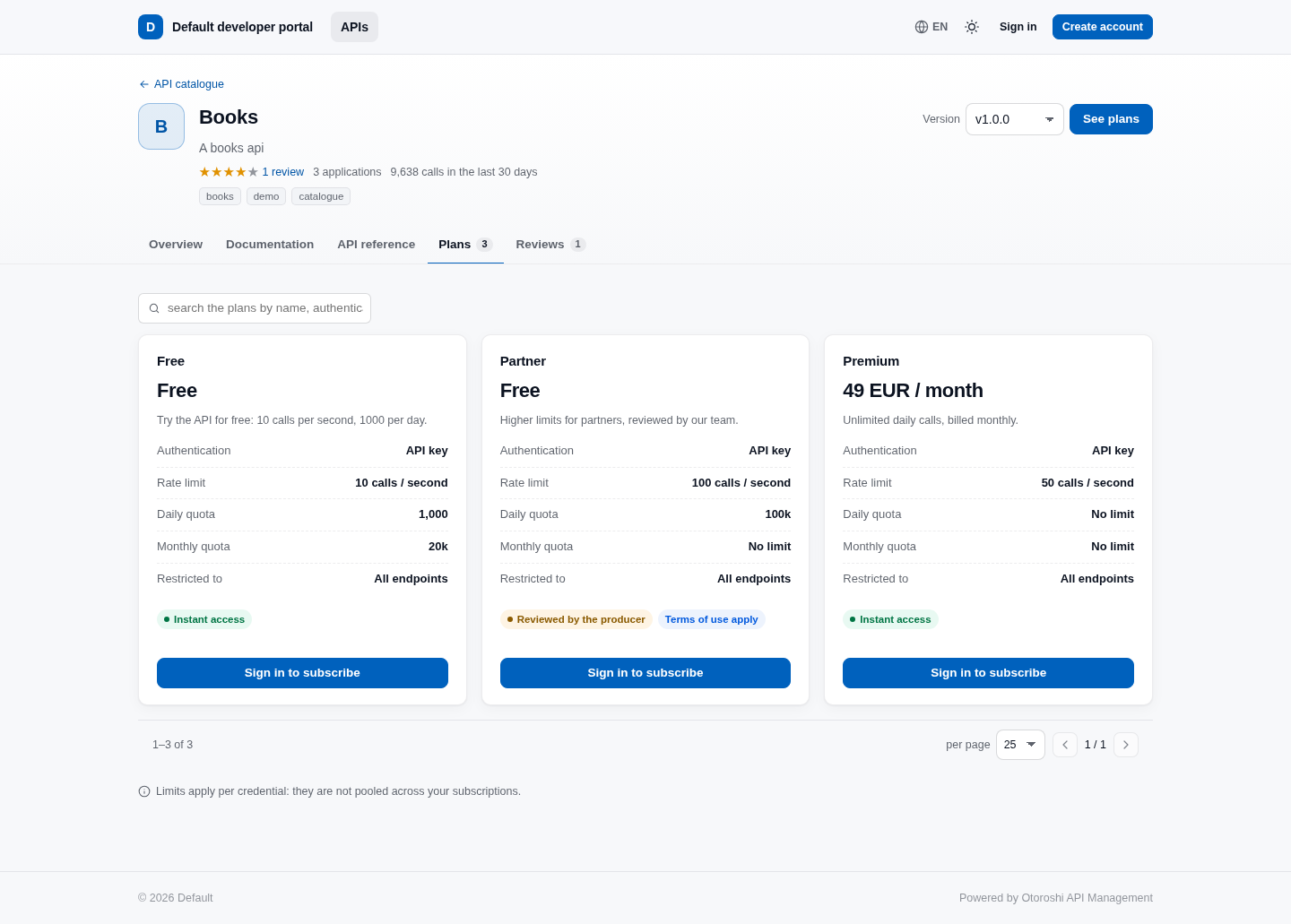
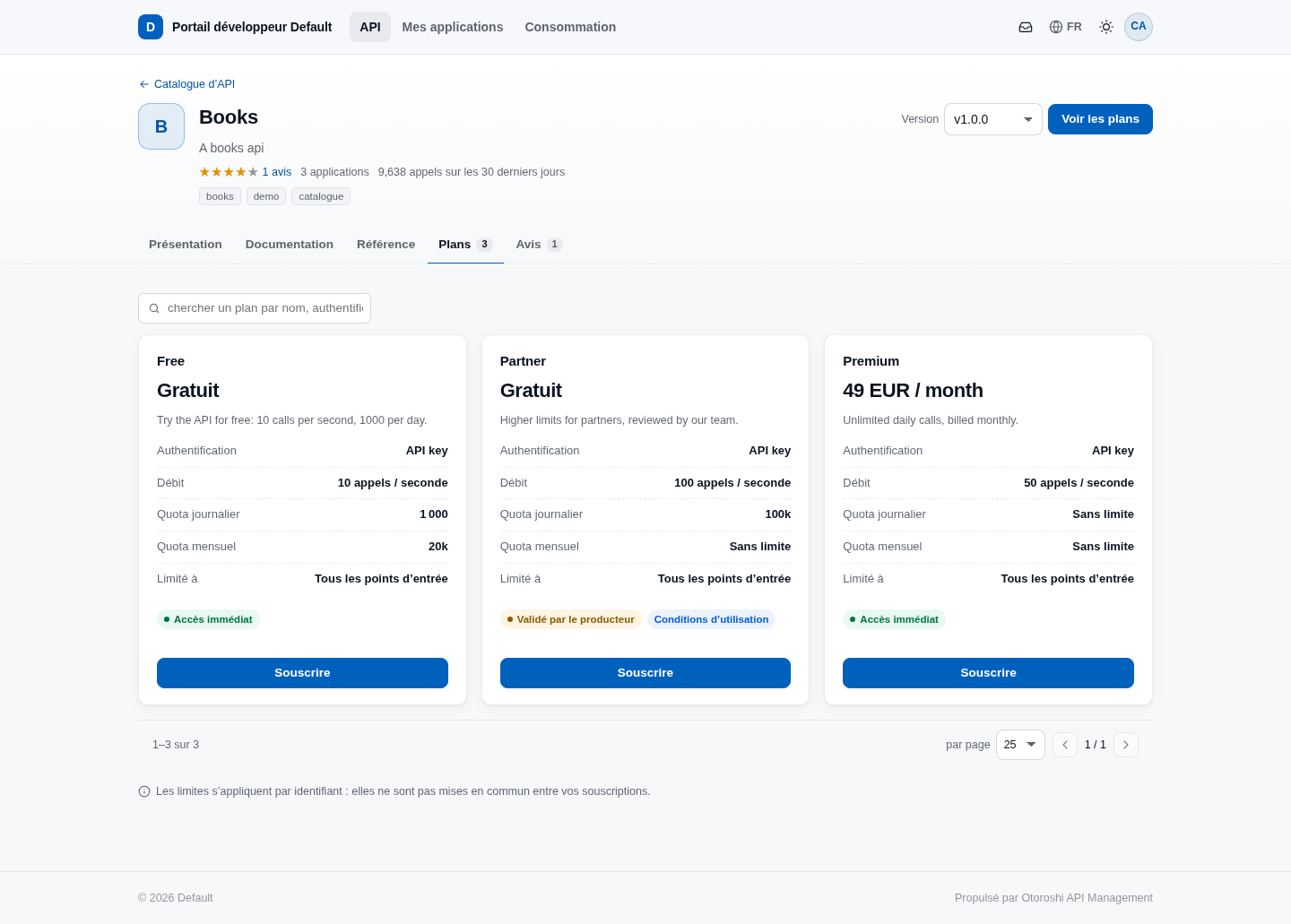
plans: what really applies, per credential
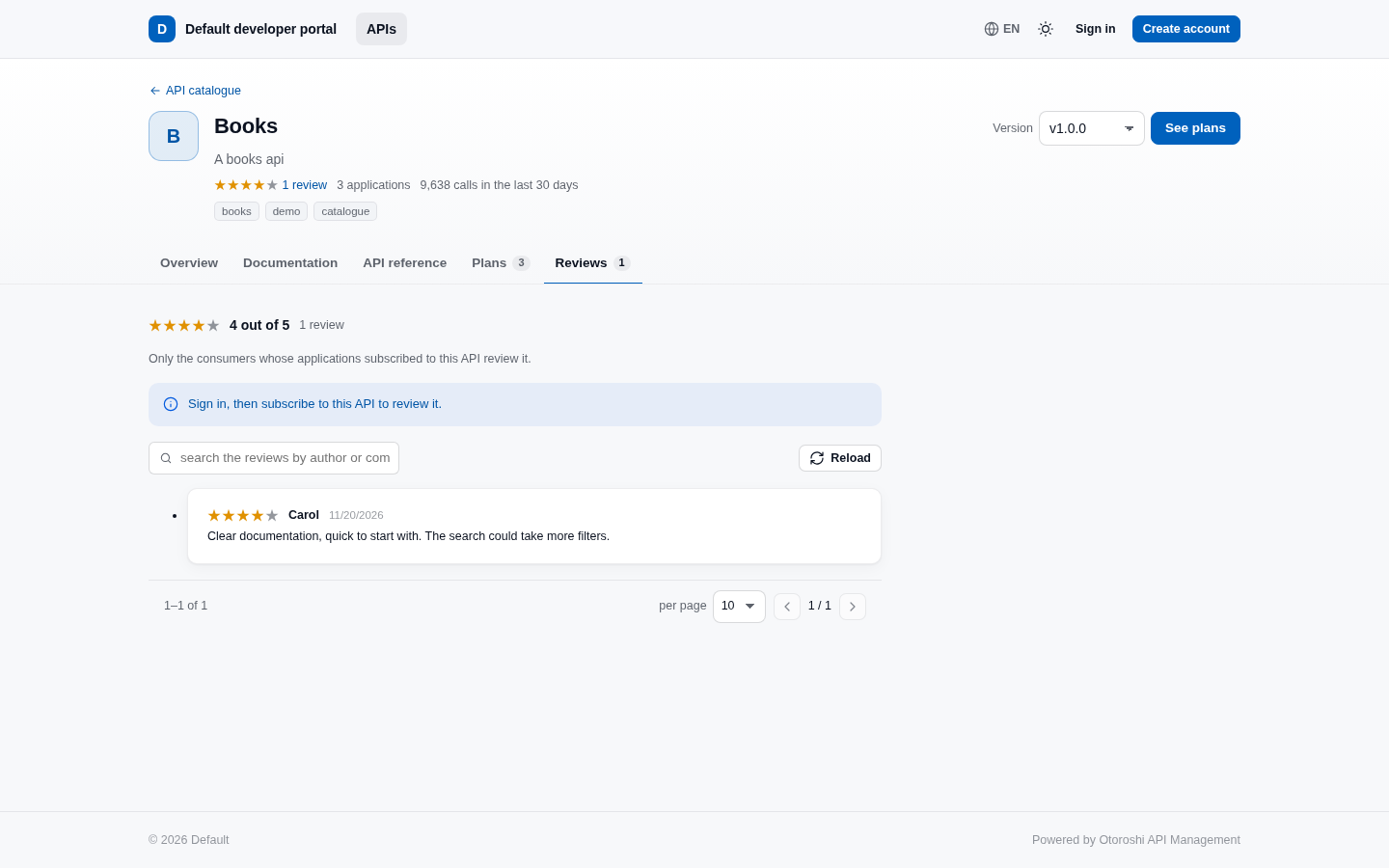
the reviews of the consumers who subscribed
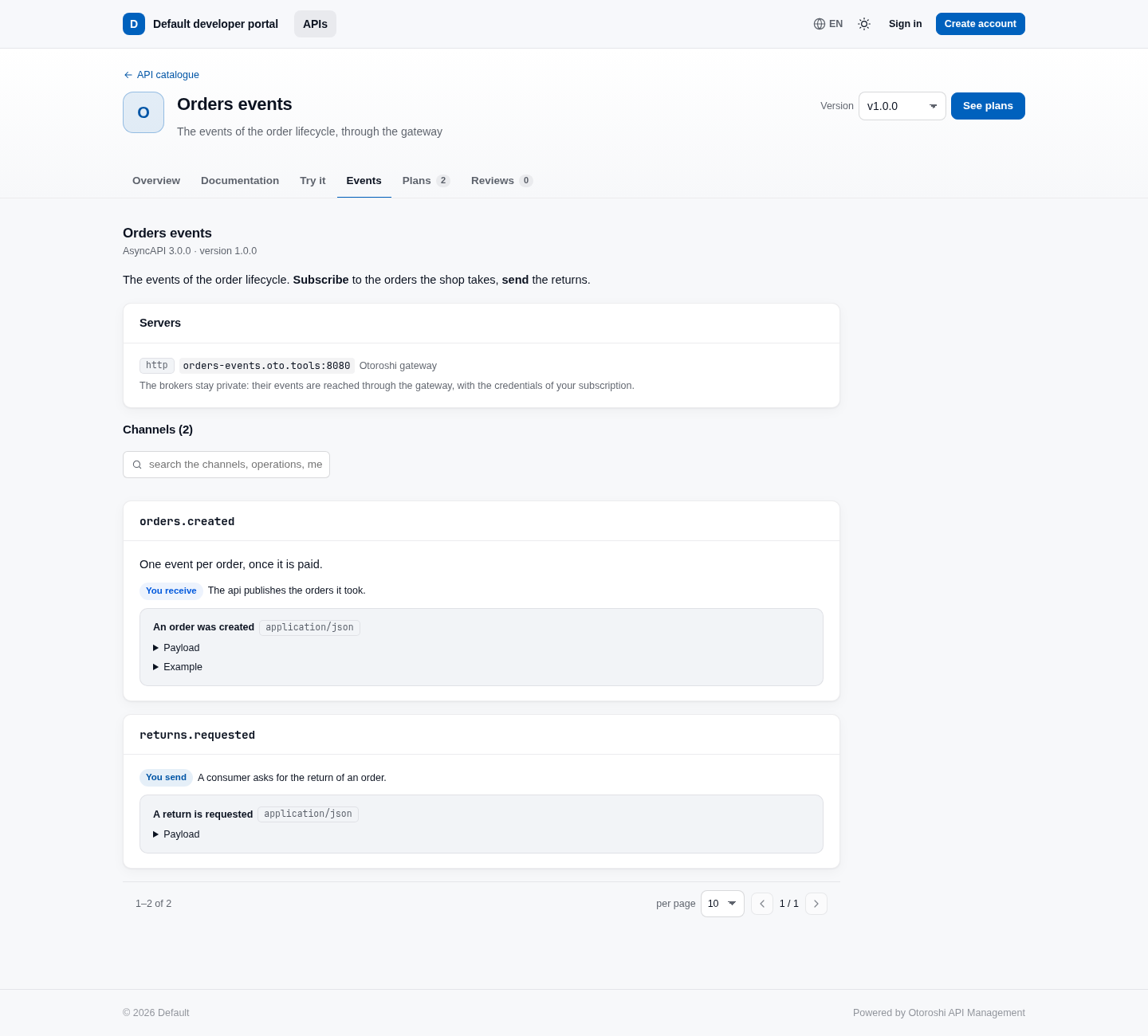
the events of an event-driven api, from its AsyncAPI specification
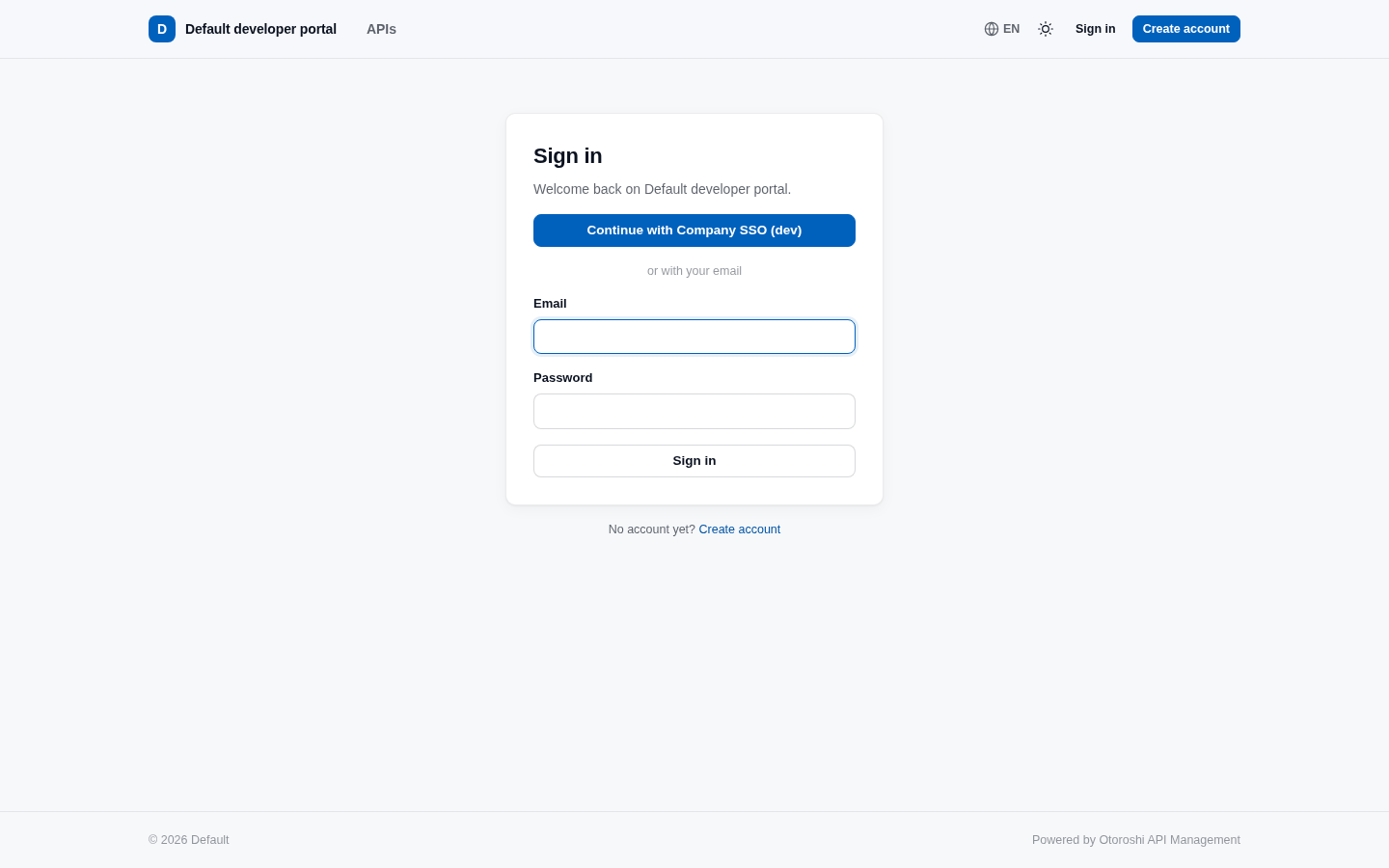
sign in, with the IdP of the workspace
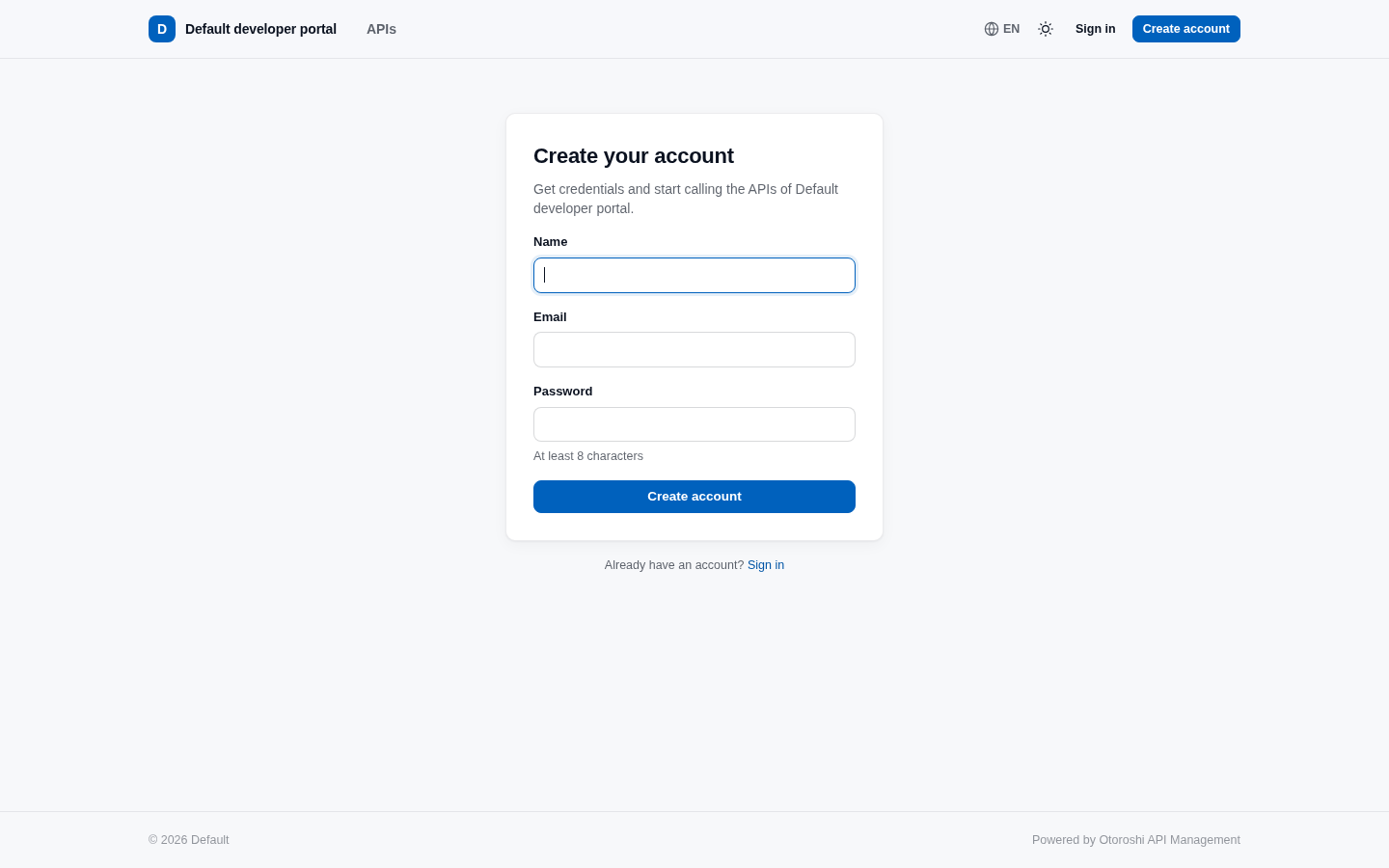
self signup
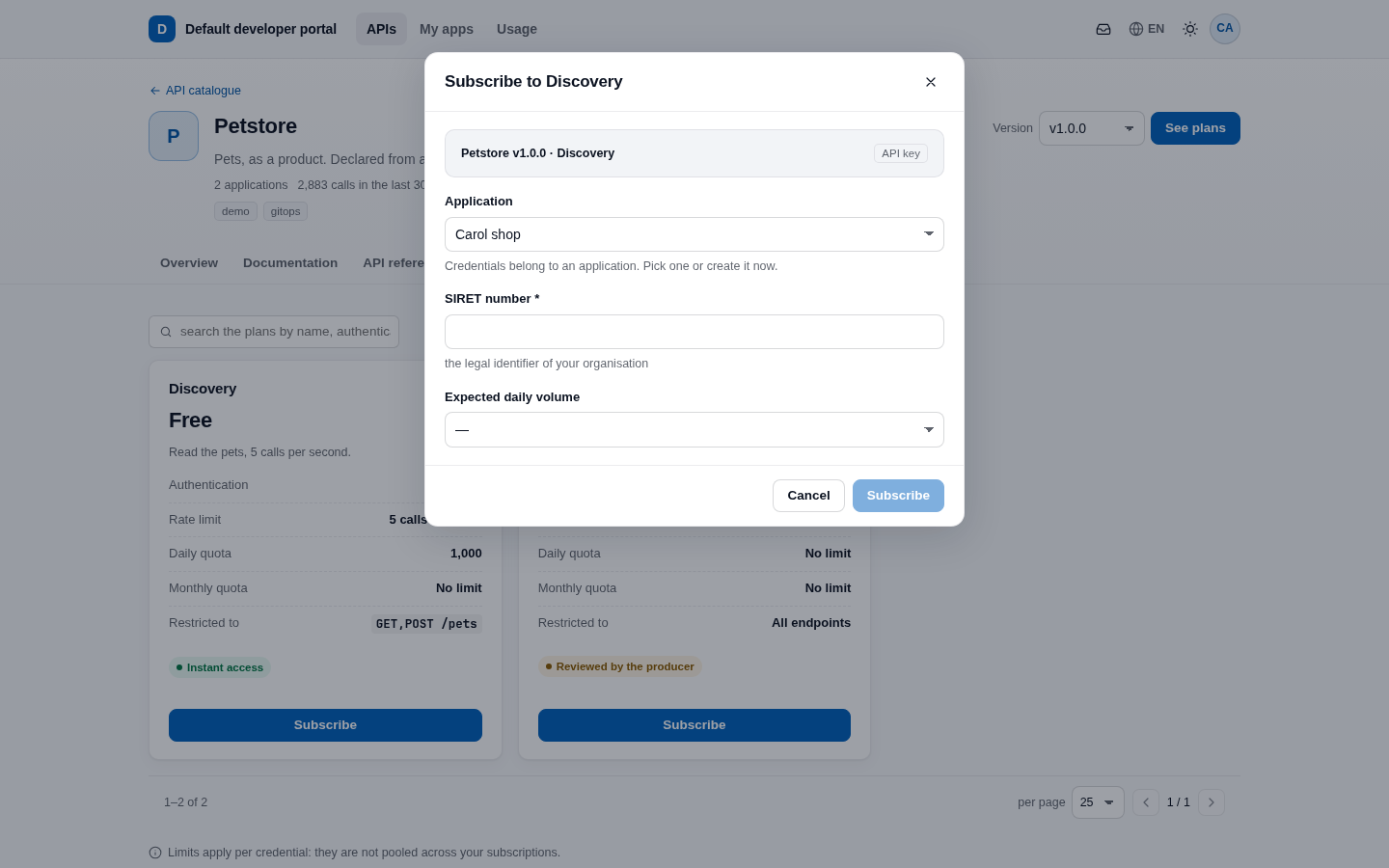
subscribing: application, usage statement, request form, terms
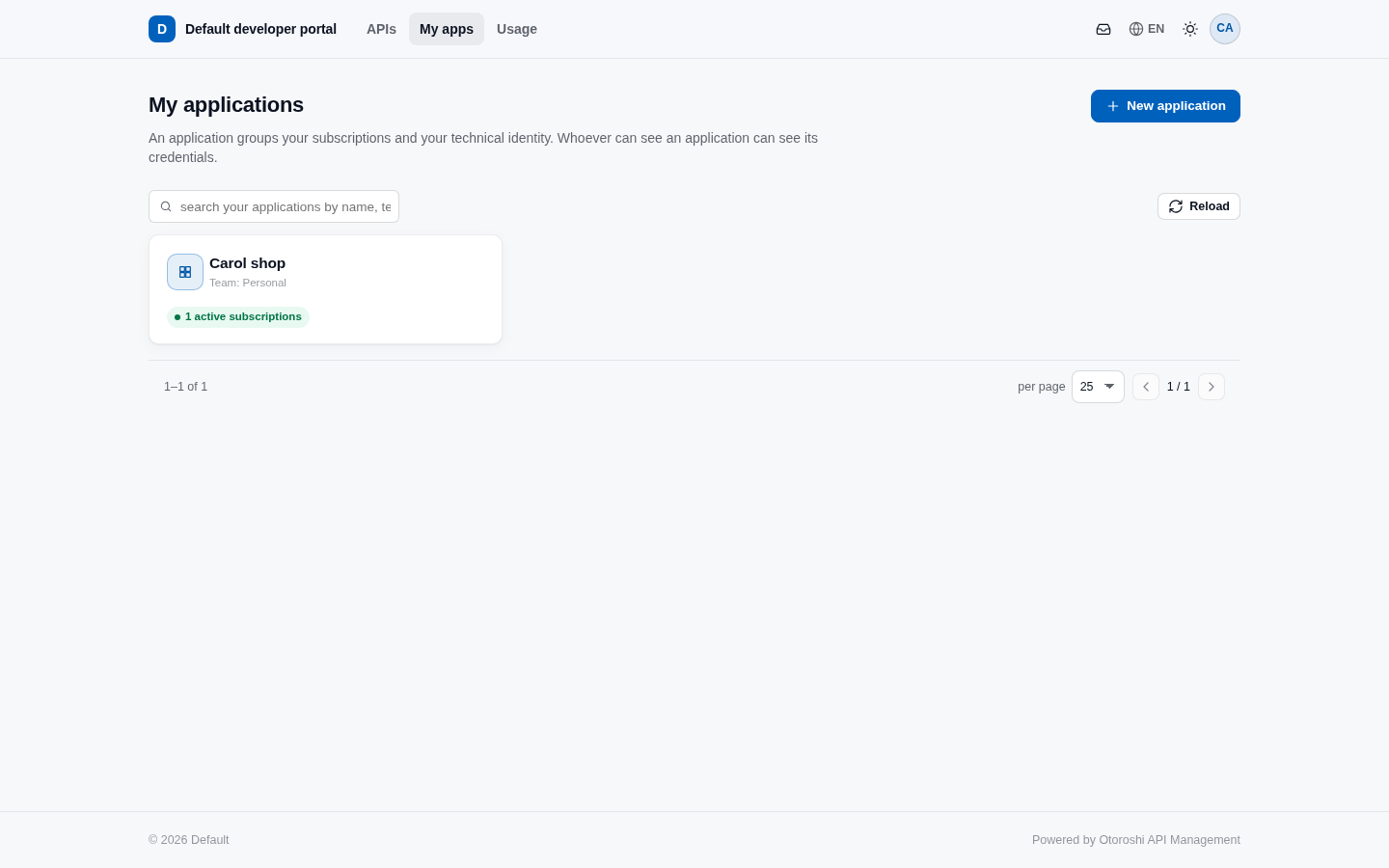
my applications
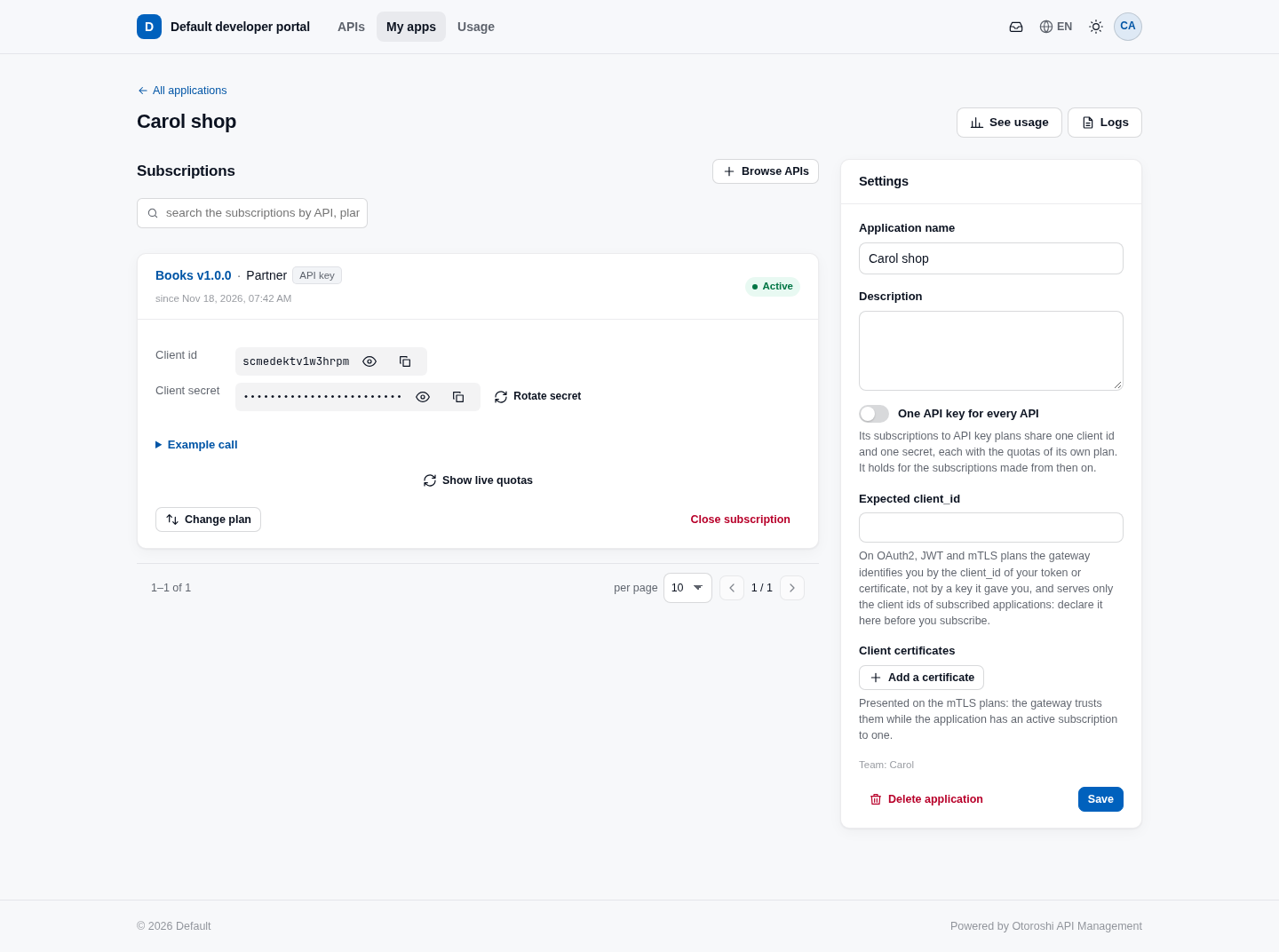
an application: credentials, live quotas, transfer consent, one API key for every API
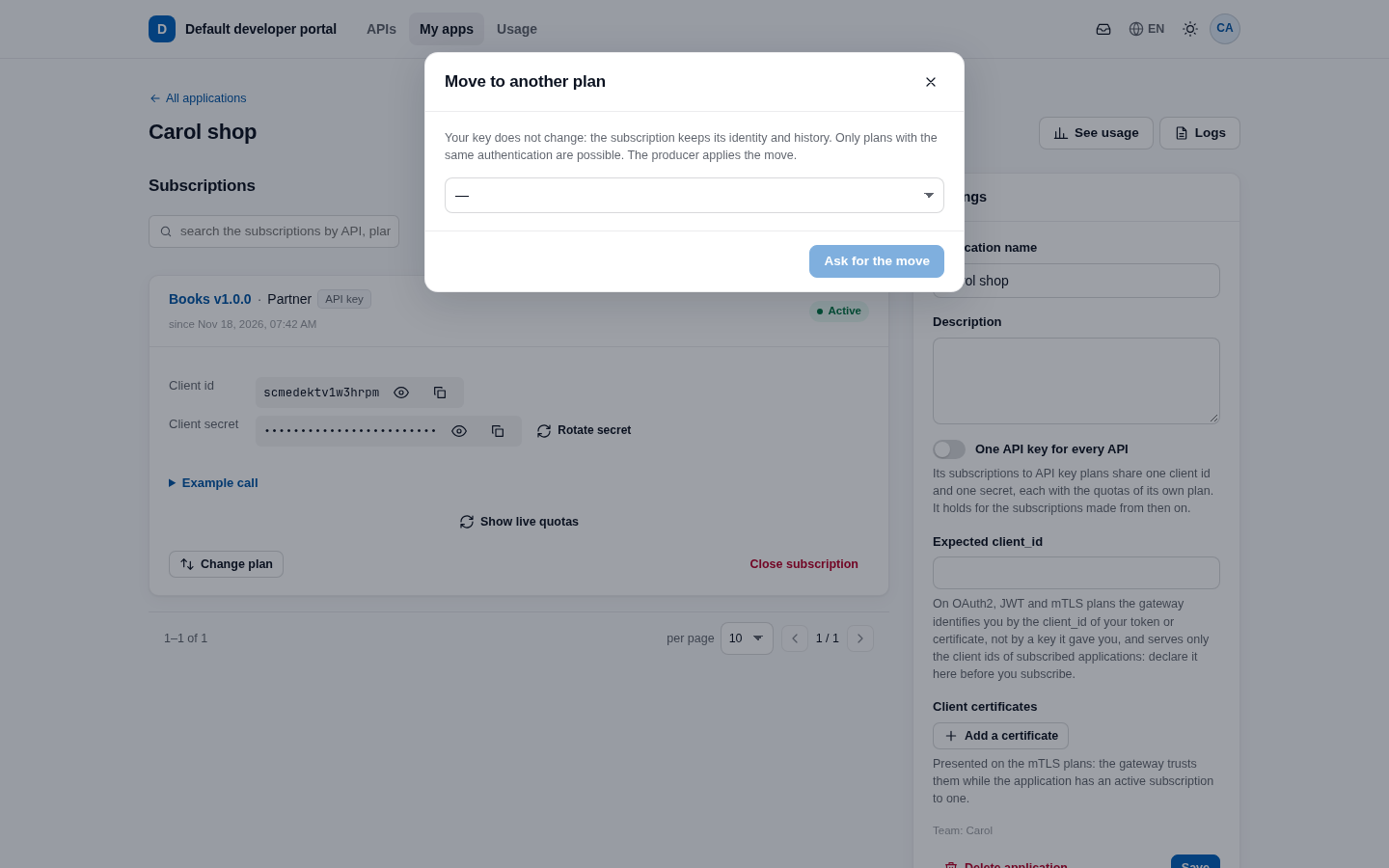
asking to move to an equivalent plan
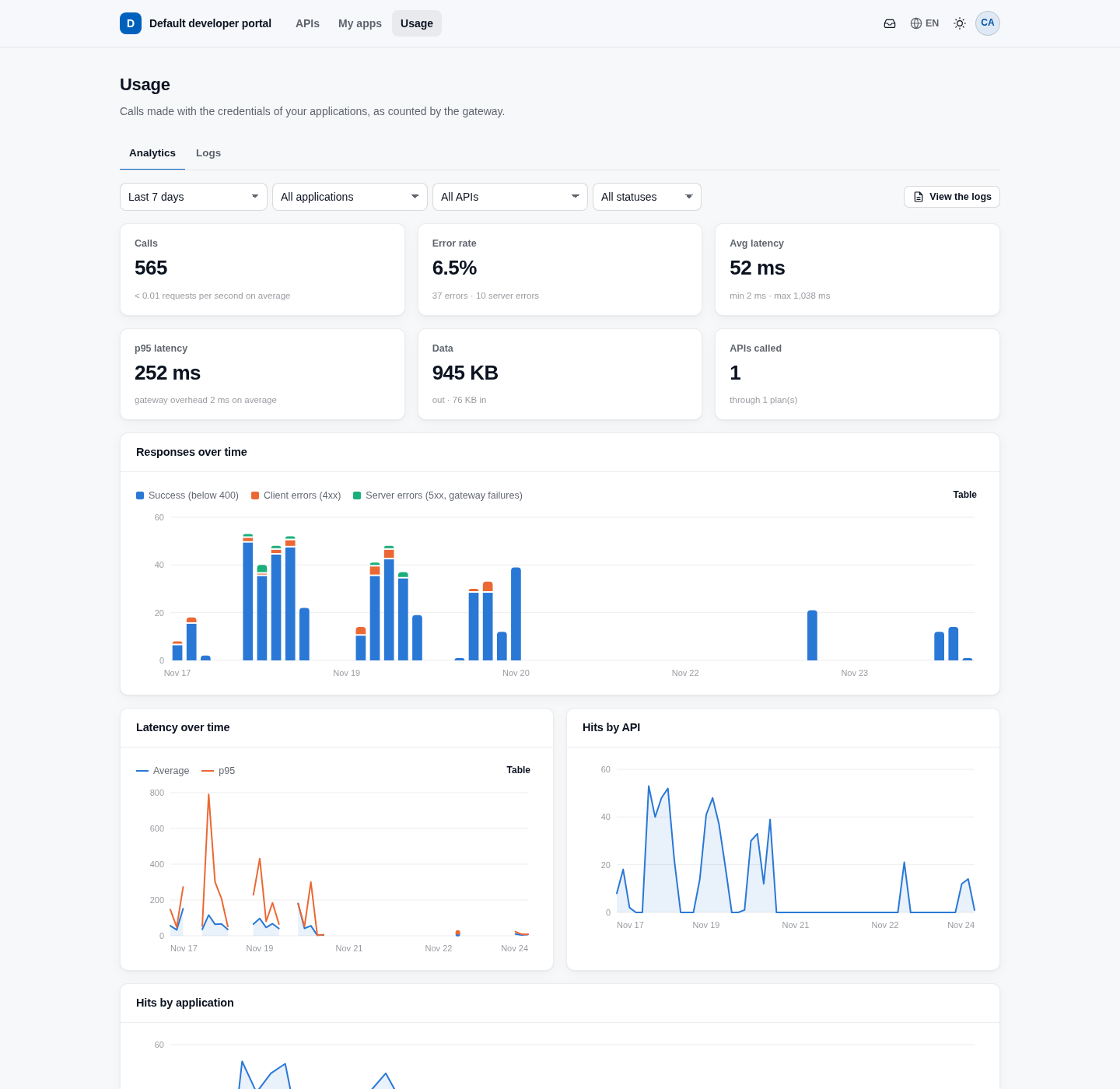
the analytics of my applications
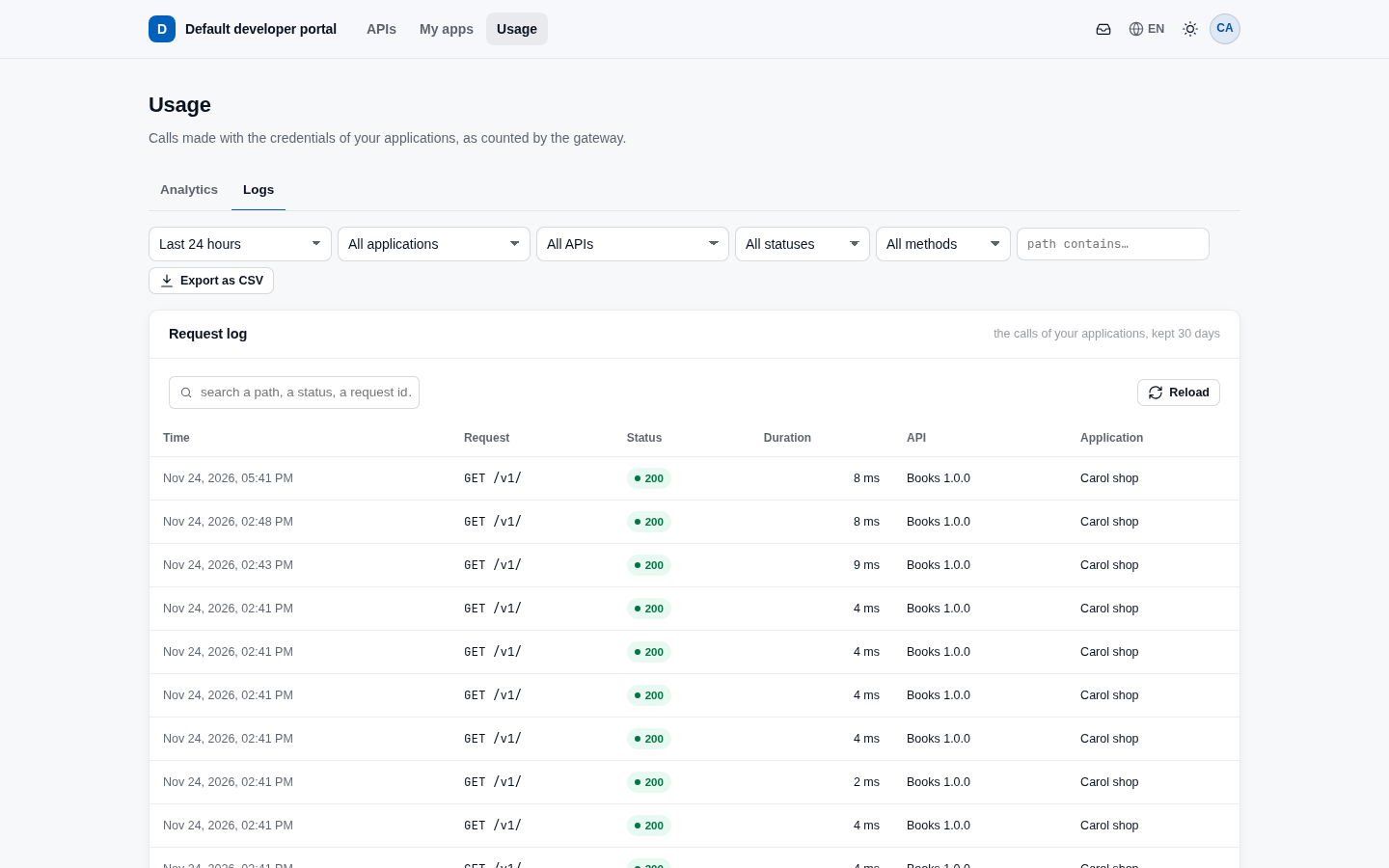
the request log of my applications, exported as CSV
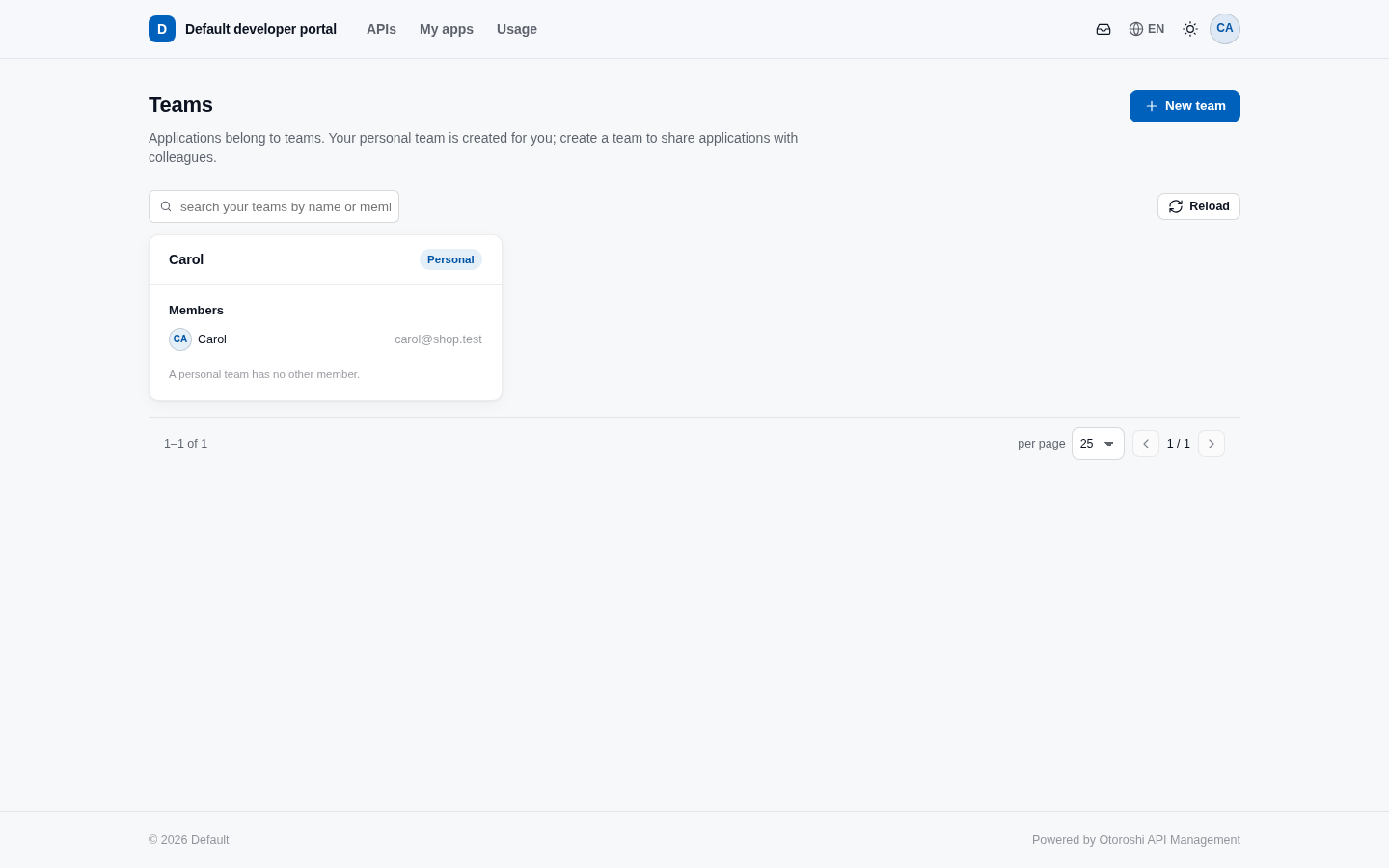
my teams
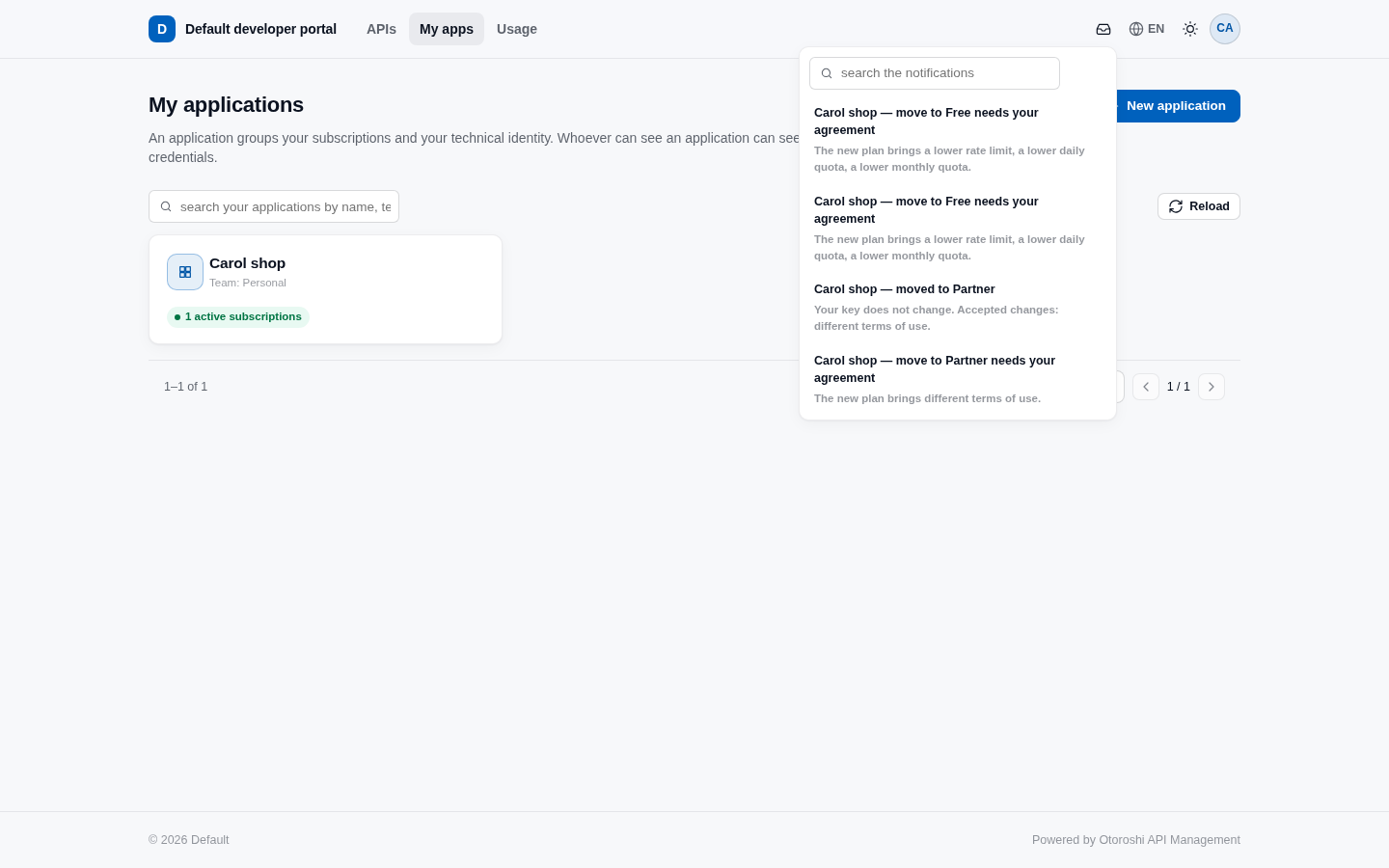
notifications
in French
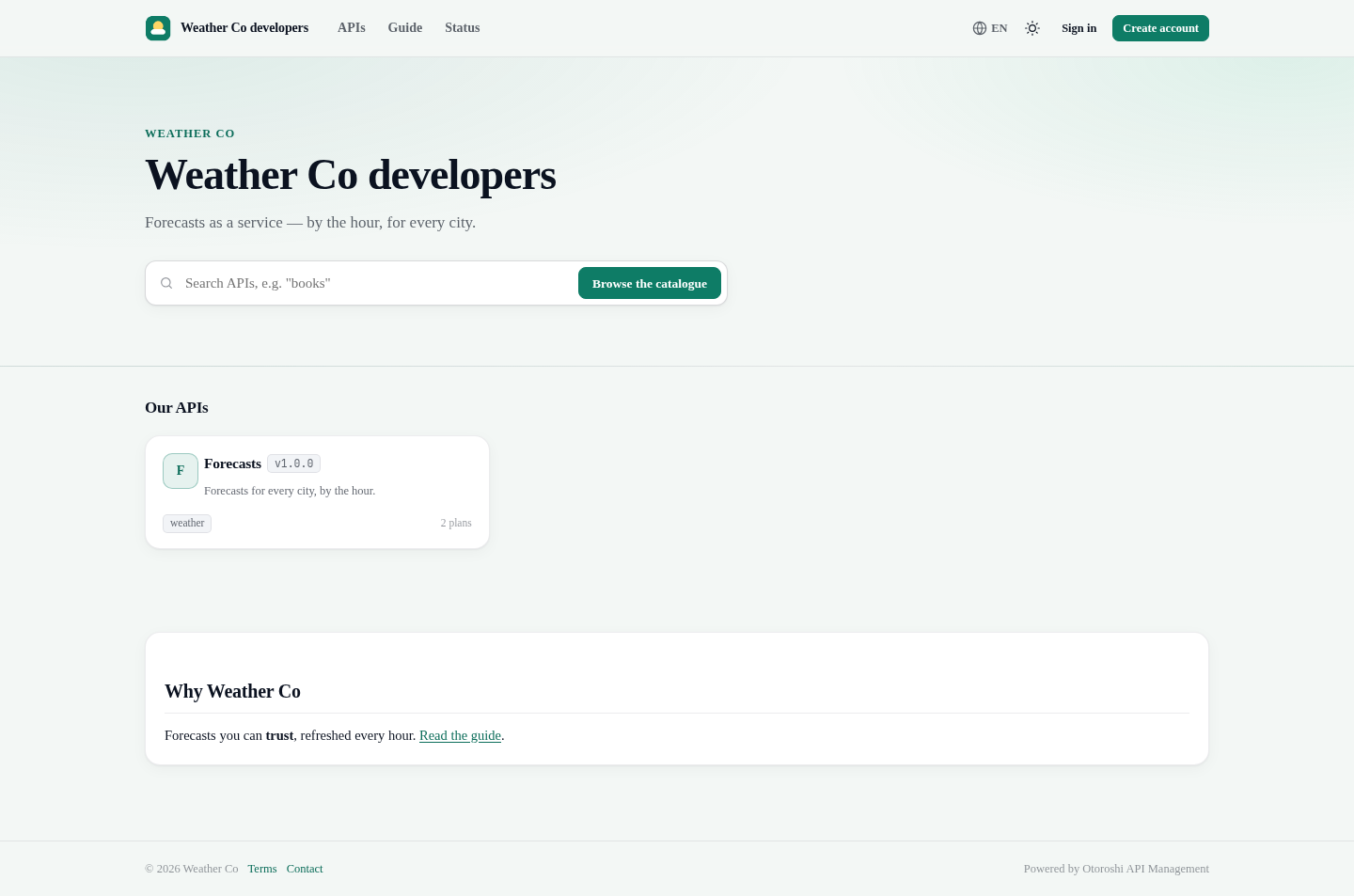
A themed portal — its colors, font, radius and logo, its links, a home made of blocks
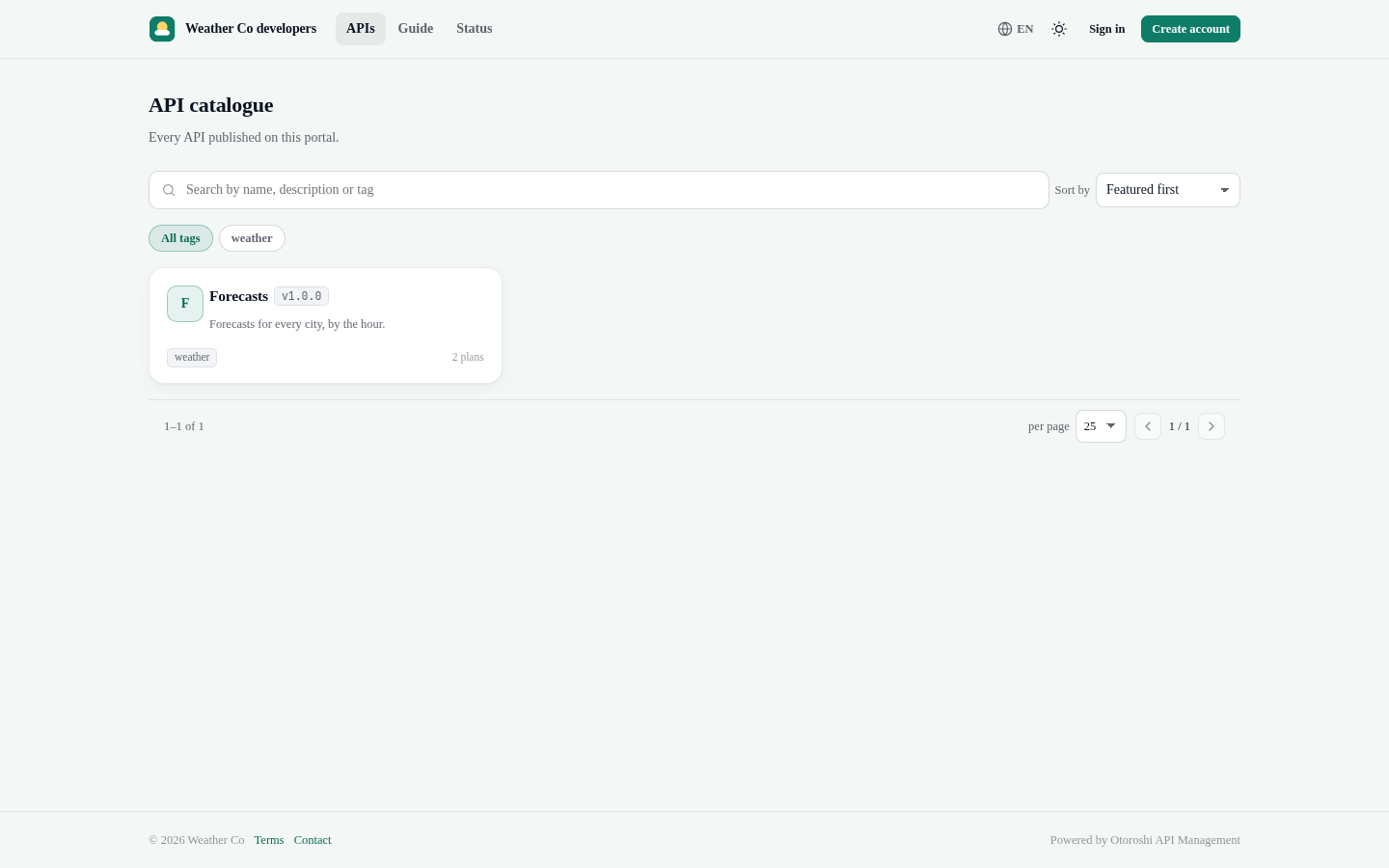
A themed portal — its catalogue, themed
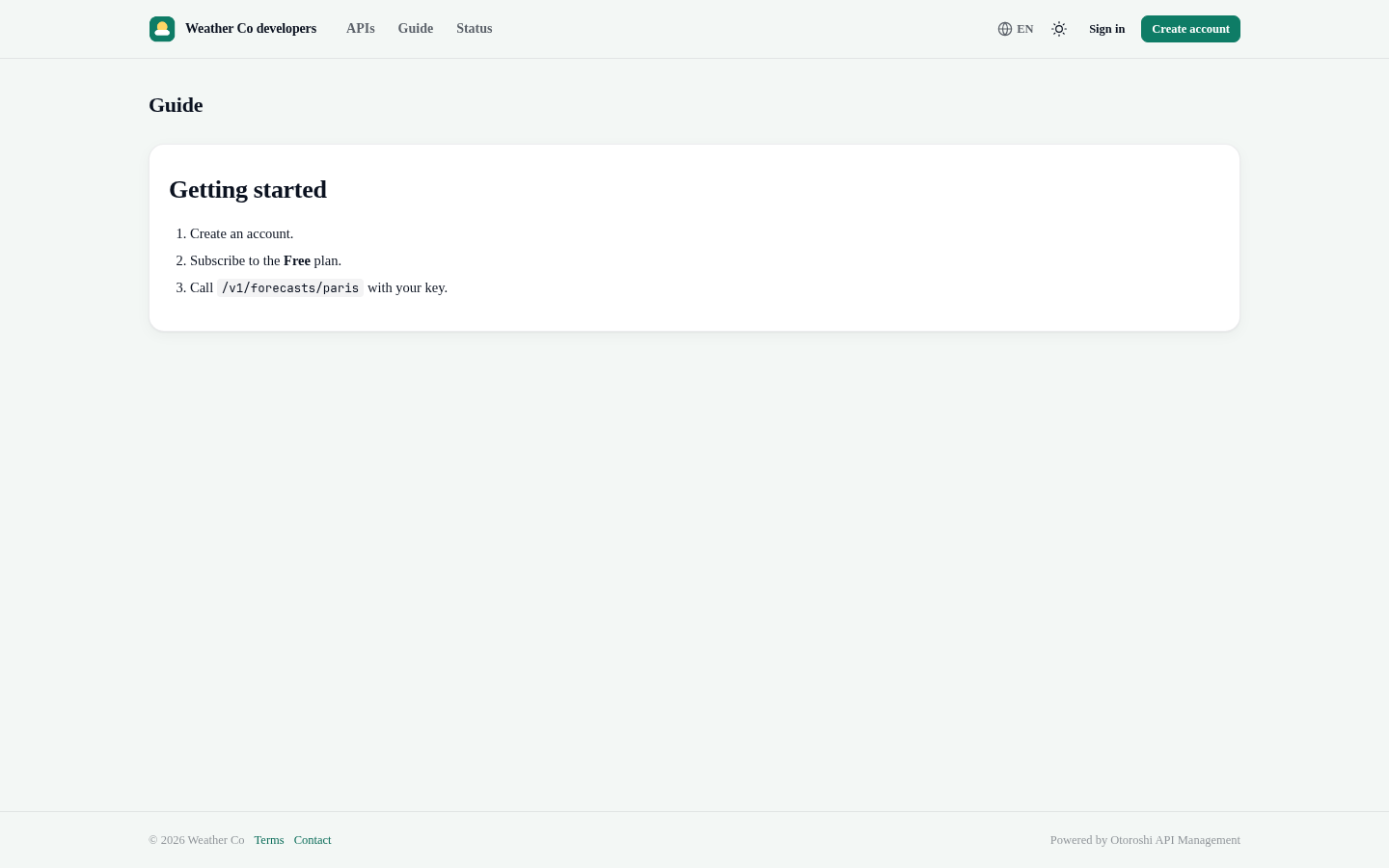
A themed portal — a page of its own, linked from its header
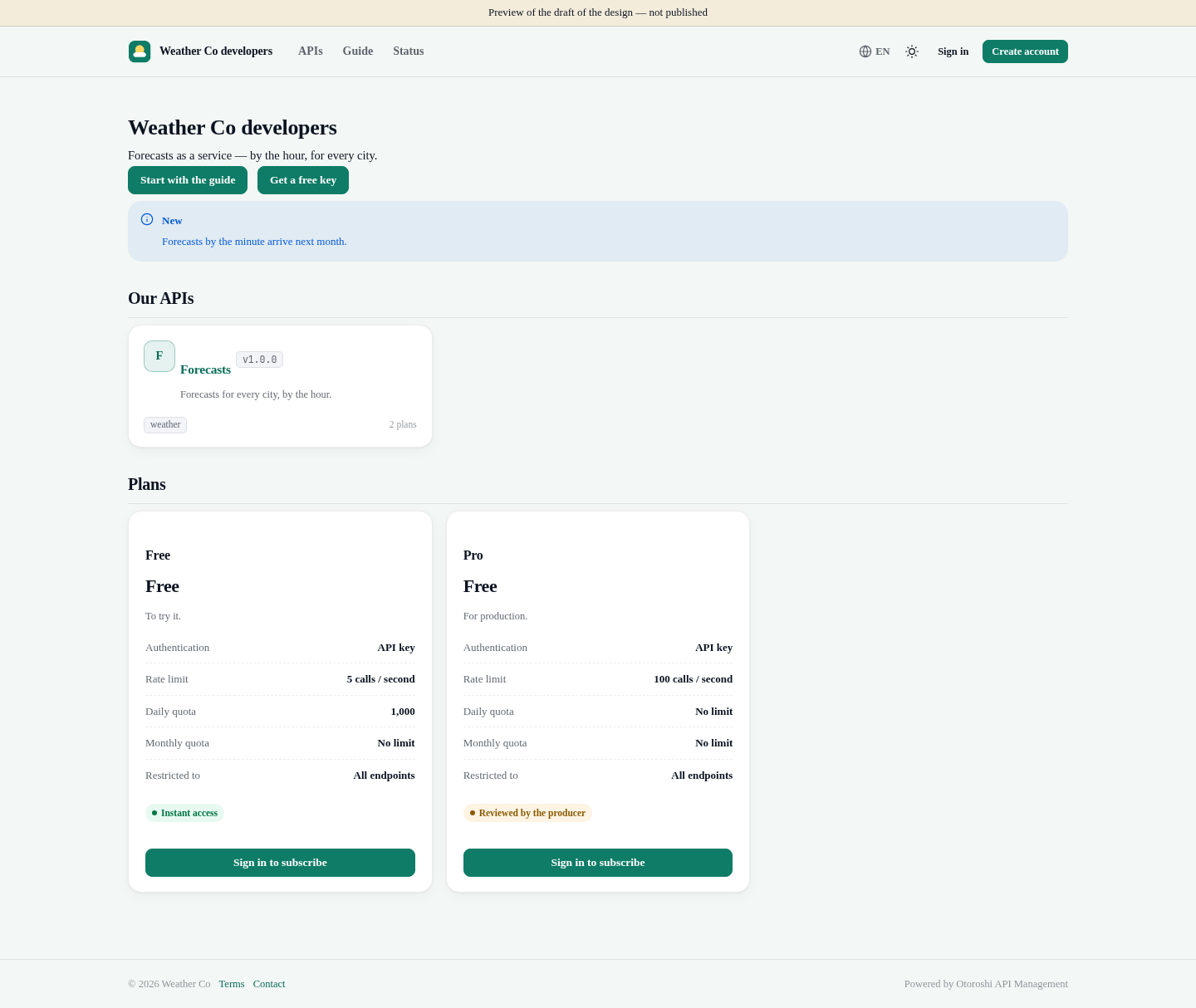
A portal written as templates (Markdoc) — its home, previewed before it is published
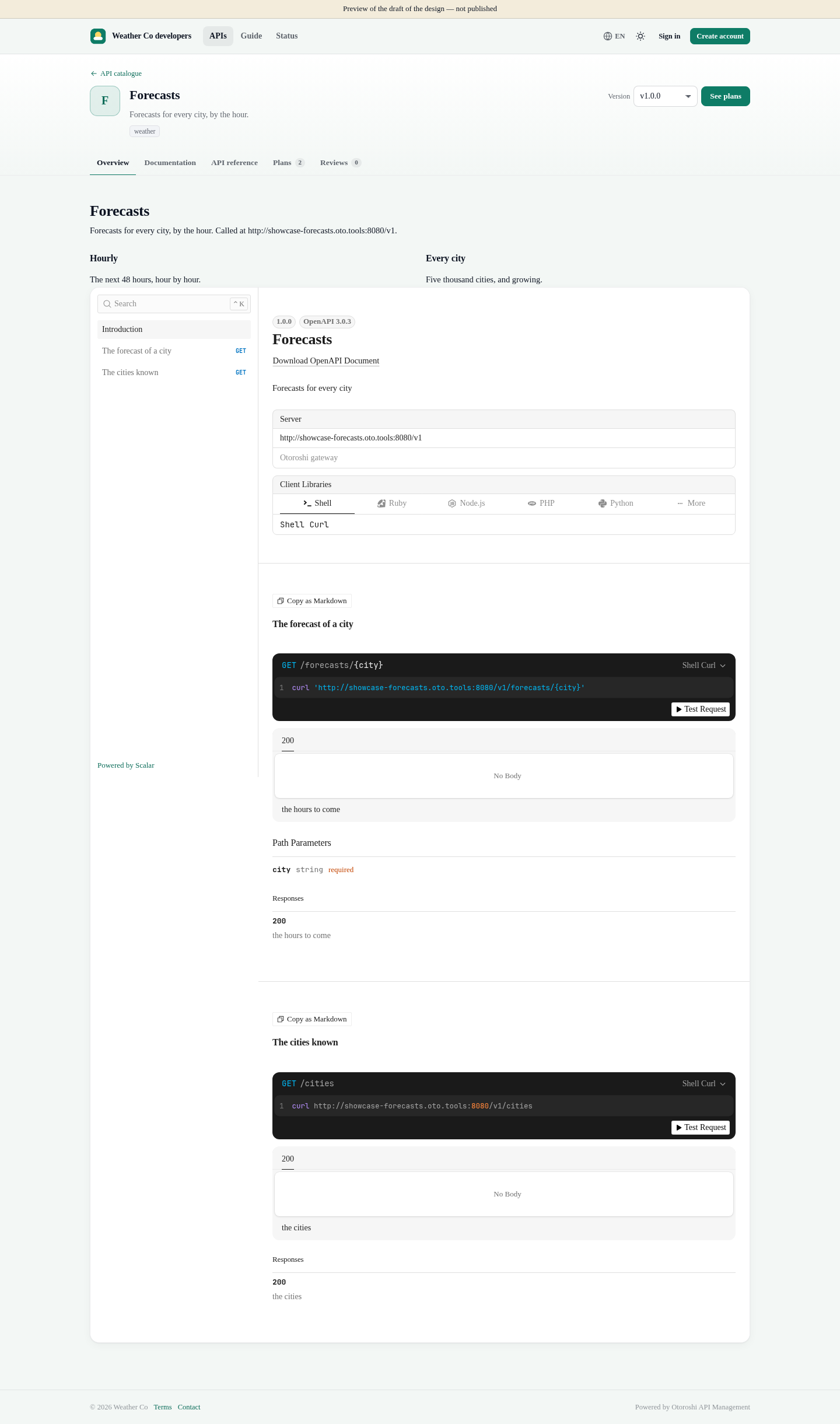
A portal written as templates — the overview of an api, its variables and its reference as tags
A themed portal — its colors for the dark theme
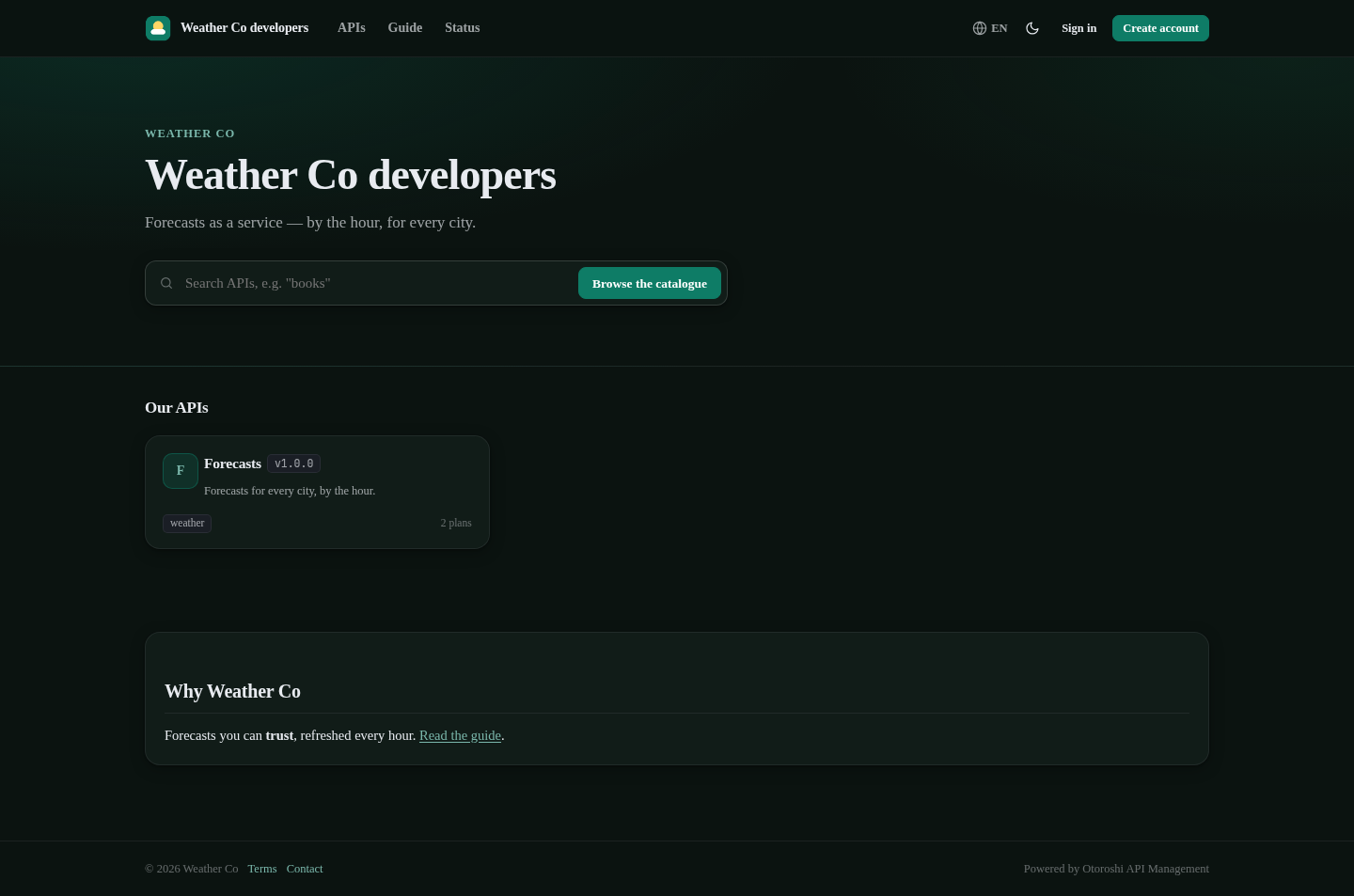
dark theme
dark theme, API reference