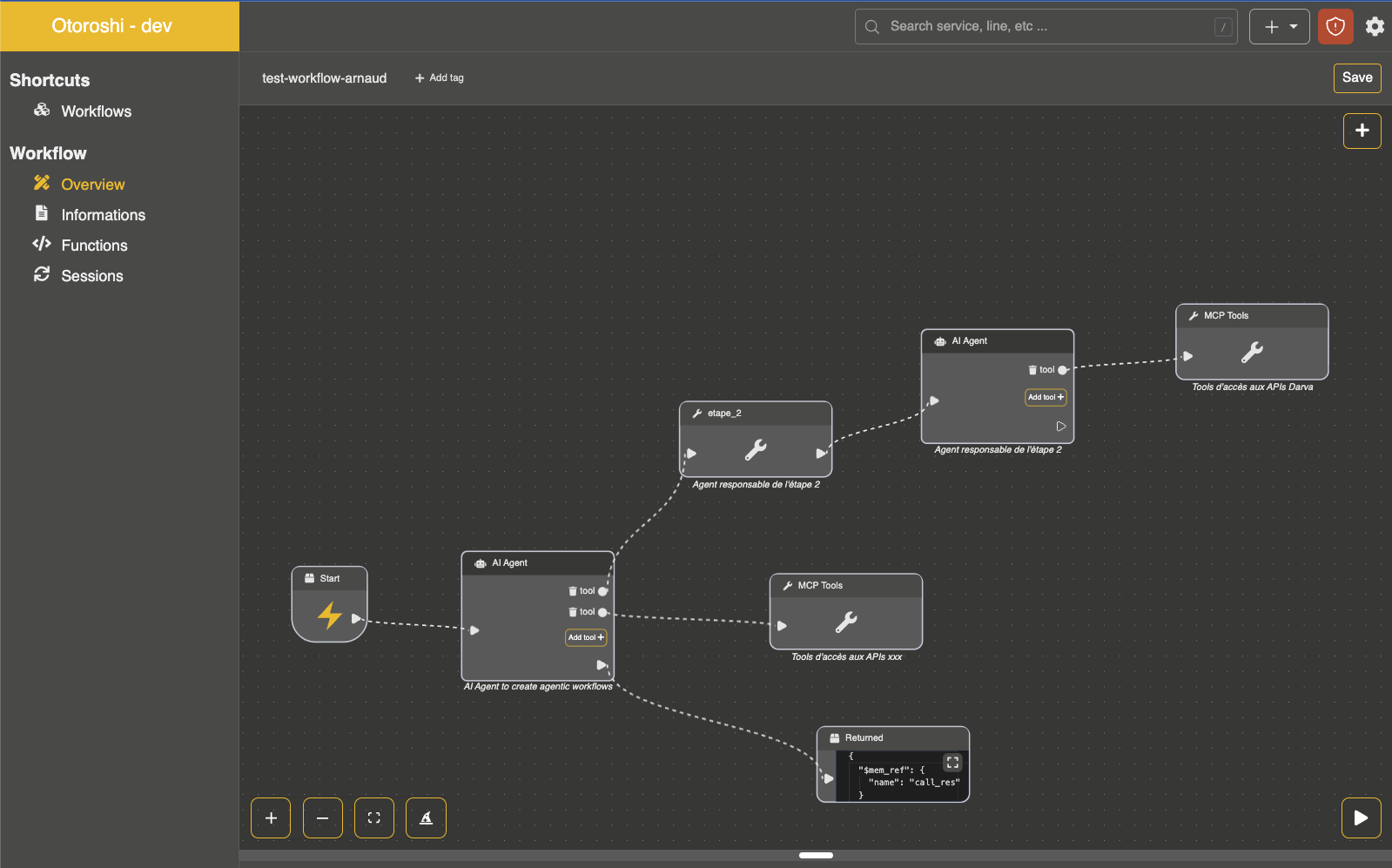
MCP Tools Node
The MCP Tools node is a helper node that allows you to visually attach an MCP connector to an AI Agent in the workflow editor. It is primarily used within the inline_tools section of an AI Agent node.
- Node kind:
extensions.com.cloud-apim.llm-extension.ai_agent_mcp_tools
Configuration
| Parameter | Type | Required | Description |
|---|---|---|---|
mcp_ref | string | yes | Reference to an MCP connector id |
Example
{
  "kind": "extensions.com.cloud-apim.llm-extension.ai_agent_mcp_tools",
  "mcp_ref": "mcp-connector_xxxxx"
}
Usage within an AI Agent
This node is typically used in the inline tools of an AI Agent to visually represent MCP connector attachments in the workflow editor:
{
  "kind": "extensions.com.cloud-apim.llm-extension.ai_agent",
  "name": "assistant",
  "provider": "provider_xxxxx",
  "description": "An assistant with MCP tools",
  "instructions": ["You help users with their tasks."],
  "input": "${input.question}",
  "inline_tools": [
    {
      "mcp_ref": "mcp-connector_xxxxx"
    }
  ],
  "result": "agent_response"
}
Note that you can also use the mcp_connectors field directly on the AI Agent node to attach MCP connectors without using this node:
{
  "kind": "extensions.com.cloud-apim.llm-extension.ai_agent",
  "name": "assistant",
  "provider": "provider_xxxxx",
  "description": "An assistant with MCP tools",
  "instructions": ["You help users with their tasks."],
  "input": "${input.question}",
  "mcp_connectors": ["mcp-connector_xxxxx"],
  "result": "agent_response"
}
Agent workflow with an MCP connector tool