Setting up an embedding model
An embedding model entity configures a provider, its connection settings, and model options. You can create embedding models from the admin UI or via the admin API.
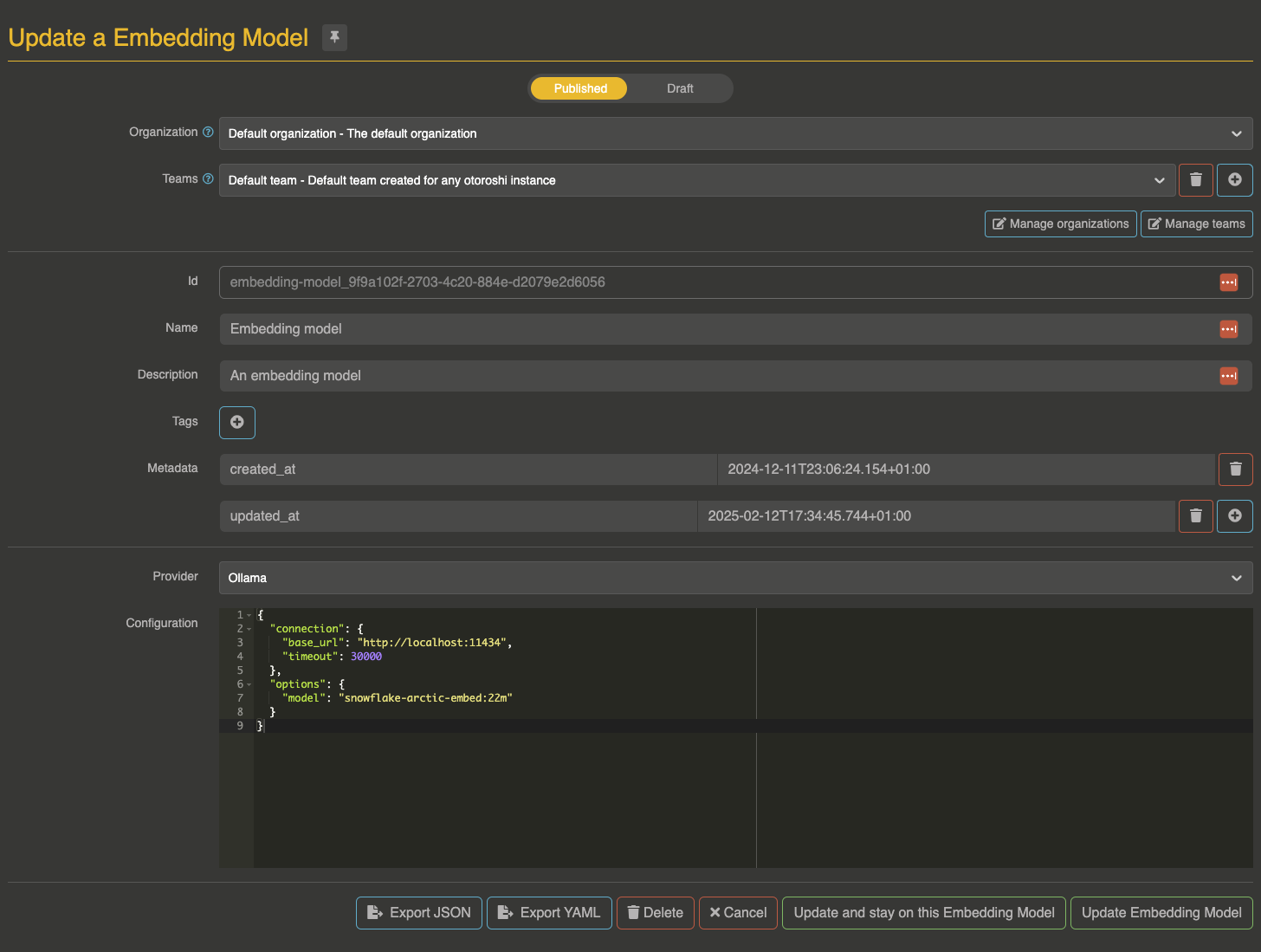
Entity configuration
{
  "id": "embedding-model-entity-id",
  "name": "My Embedding Model",
  "description": "An OpenAI embedding model",
  "provider": "openai",
  "config": {
    "connection": {
      "base_url": "https://api.openai.com/v1",
      "token": "sk-xxx",
      "timeout": 180000
    },
    "options": {
      "model": "text-embedding-3-small"
    }
  },
  "models": {
    "include": [],
    "exclude": []
  }
}
Connection settings
| Parameter | Type | Default | Description |
|---|---|---|---|
base_url | string | Provider-specific | API base URL |
token | string | — | API token. Supports comma-separated values for round-robin rotation |
timeout | number | 180000 | Request timeout in milliseconds |
For Azure OpenAI (legacy mode), additional fields are available:
| Parameter | Type | Description |
|---|---|---|
resource_name | string | Azure resource name |
deployment_id | string | Deployment/model ID |
api_version | string | API version |
api_key | string | API key (alternative to bearer token) |
Model options
The options object contains provider-specific settings. The model field is common to all providers:
| Parameter | Type | Description |
|---|---|---|
model | string | The embedding model name (provider-specific default if not set) |
Any additional fields in options are forwarded to the provider API as-is. This allows passing provider-specific parameters like dimensions for OpenAI models.
Model constraints
You can restrict which models consumers are allowed to use with regex patterns:
{
  "models": {
    "include": ["text-embedding-3-.*"],
    "exclude": [".*ada.*"]
  }
}
Model constraints are also checked against API key and user metadata (ai_models_include / ai_models_exclude). See per API key / per user restrictions for details.
Admin API
The embedding model entity is available at:
ai-gateway.extensions.cloud-apim.com/v1/embedding-models
Standard CRUD operations are supported (GET, POST, PUT, DELETE).