What your developers get
The look and the features of the developer portals of Cloud APIM Serverless, on any API you expose through Otoroshi.
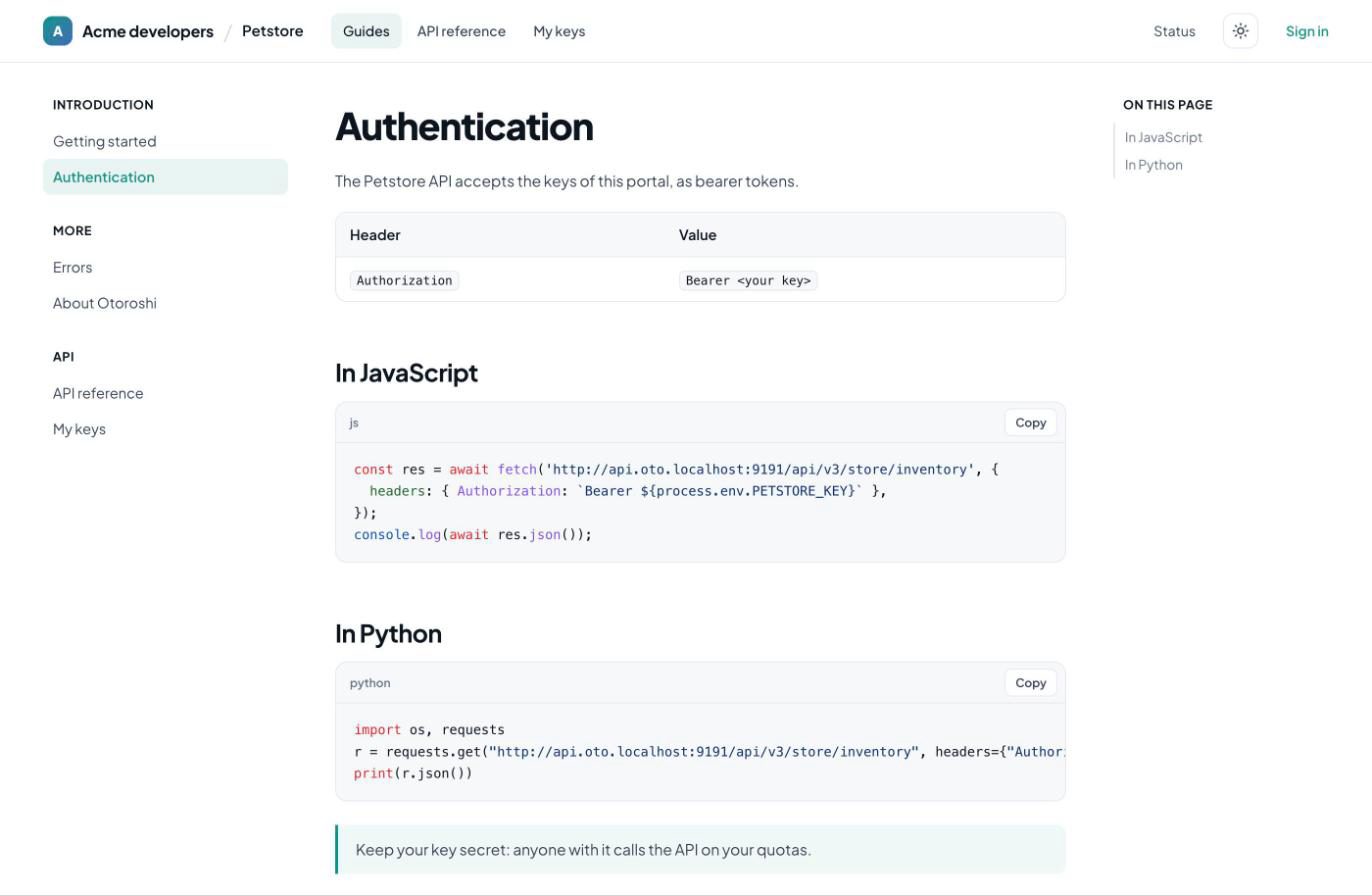
Markdown or HTML pages, inline or fetched from a git repository, with a sidebar, an "On this page" table of contents, highlighted code with a copy button, and previous / next links.
Your OpenAPI specifications rendered with Scalar, JSON or YAML. Requests go through the portal to the Otoroshi gateway: no CORS to open, and only to the hosts of the API.
The gateway of the API is put first in the servers of the specification, and the keys of the developers as its security scheme: a developer picks their key in the top bar and calls.
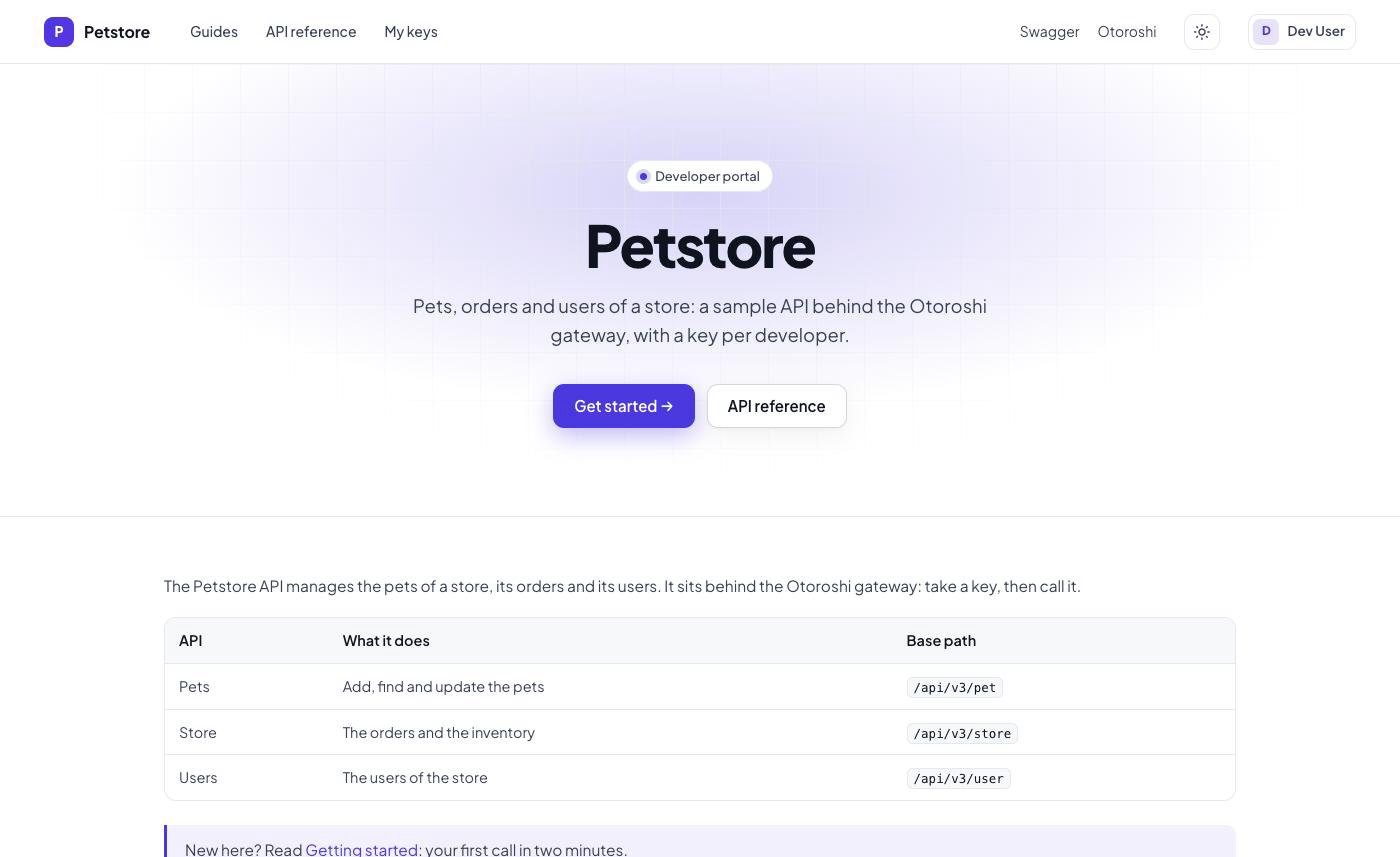
Developers sign in with your Otoroshi auth module, pick a plan among cards, and get a key at once — or wait for an approval you confirm in Otoroshi, with the reason they gave.
Its calls today and this month against its quotas, a secret to rotate, ready-to-paste requests in curl, JavaScript and Python, and the usual rename, disable and revoke.
Ask developers to accept your terms of use and to say why they need a key. Both are kept in the metadata of their subscription, where the admin who approves reads them.
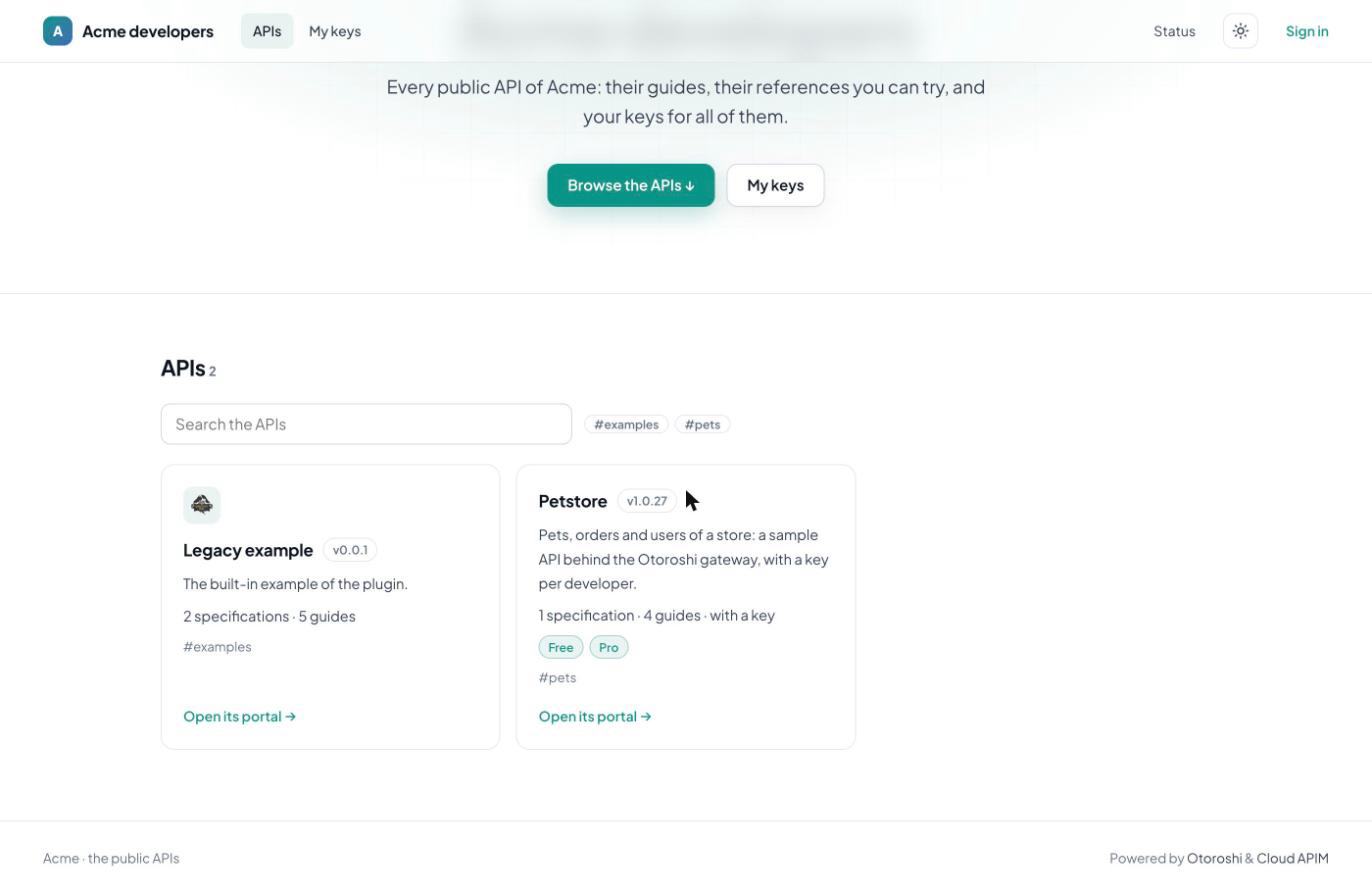
A second plugin lists the APIs you pick by id, tags or metadata, with a search, one sign in and one place for all the keys — and serves the portal of each API under it.
The portal is an Otoroshi plugin: no frontend to deploy, no database of its own. It reads the documentation of your APIs and writes Otoroshi subscriptions and API keys.
Everything is in the documentation section of the API, or in a JSON file loaded from a URL: version your portal next to your API, and the portal follows within seconds.
A jar next to Otoroshi
Download the jar from the releases page, start Otoroshi with it, then add a route with the portal plugin in front of an API that has a documentation.
# otoroshi, and the portal plugins next to it
curl -L -o otoroshi.jar \
  'https://github.com/MAIF/otoroshi/releases/download/v18.0.0/otoroshi.jar'
# the portal jar, from github.com/cloud-apim/otoroshi-api-portal/releases/latest
curl -L -o otoroshi-api-portal.jar \
  '.../releases/download/<version>/otoroshi-api-portal_3-<version>.jar'

java -cp "./otoroshi-api-portal.jar:./otoroshi.jar" play.core.server.ProdServerStart